


AI email assistant for food bank operations: what it does and why it matters
An AI email assistant can change how a food bank handles routine communication. First, it answers common questions with automated replies to enquiries and then routes complex threads to staff. Second, it manages order workflows by email, and third, it sends stock-update notifications and simple “find food” guidance to people who need food assistance. For example, a single tool can automatically confirm a pickup slot, check inventory, and send a short reply that lists the nearest distribution point by zip code. This reduces time spent on manual lookups and speeds up delivery.
Typical tech includes Natural Language Processing (NLP) for triage, rule-based templates for orders, and connectors to CRM/ERP systems. In practice, teams use APIs and webhooks to link an email platform to inventory and delivery calendars. A quick fact: similar digital tools can boost operational efficiency by up to about 30% and cut response times significantly; see the study on AI applications in food quality management for details showing efficiency gains near 30%. Also, a report on online food ordering links automated communication to improved satisfaction and faster replies and notes a 25% rise in satisfaction.
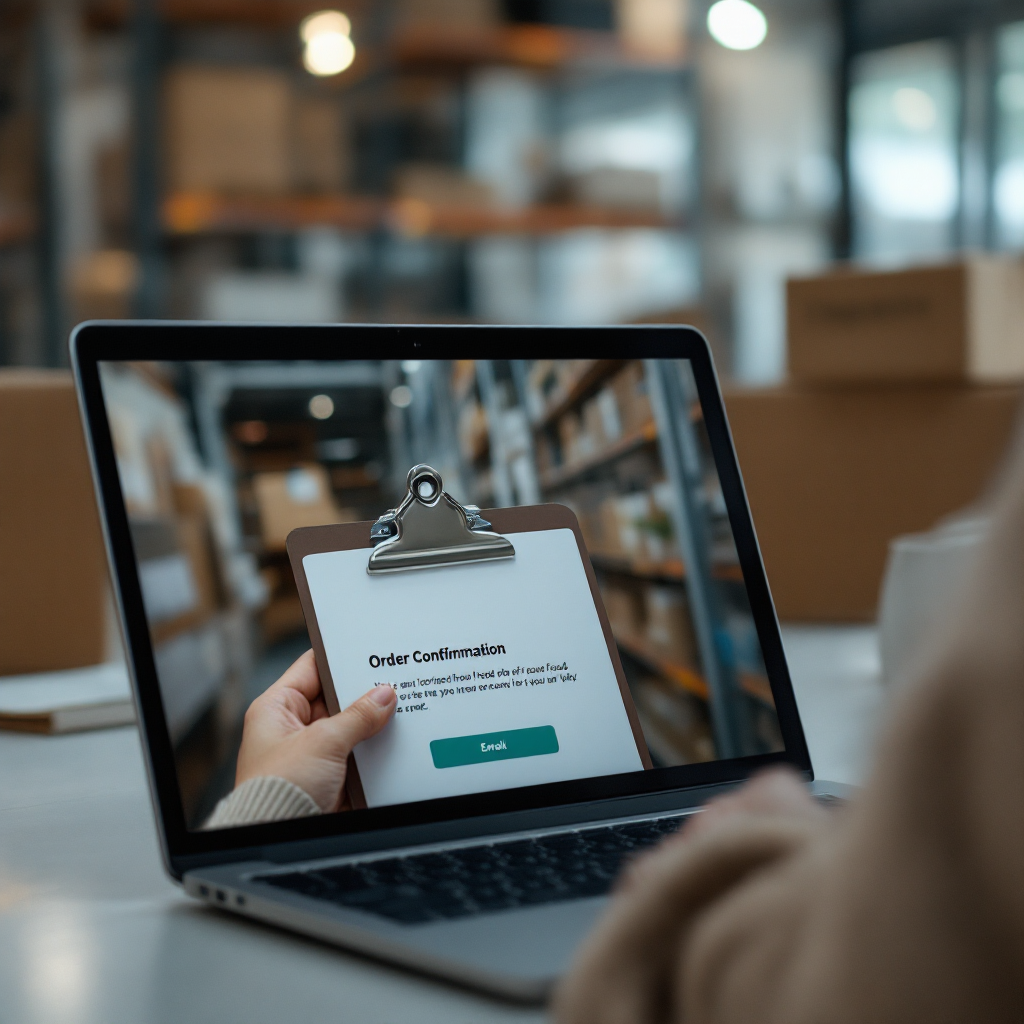
One clear example: a food bank receives a donation offer by email. The agent extracts key fields, checks available inventory, and drafts an order confirmation. Next, it updates the CRM and creates a calendar slot for pickup. For operations teams that use our platform, this type of automation cuts handling time dramatically. virtualworkforce.ai connects email memory with ERP/TMS and SharePoint so replies cite the correct context and data. If you want to explore logistics-focused email drafting, see our guide on a virtual assistant for logistics virtual assistant for logistics.

impact on volunteers, donors and recipients: measurable outcomes to track
Measure what matters. Start with clear KPIs: average response time, order accuracy, volunteer scheduling fill-rate, donor retention, and open/click rates for emails. Track at baseline. Then run an automated pilot. For volunteers, a tracked metric might be the scheduling fill-rate. For donors, monitor retention and the open rate of targeted messages. For recipients, measure time from request to confirmed pickup and the accuracy of orders. Reported effects in related studies include roughly a 20% improvement in volunteer coordination and 15–25% gains in distribution efficiency and customer satisfaction when automated communication is used; those findings come from qualitative and sector studies showing volunteer coordination improvements and the online ordering study noted earlier linking automation to higher satisfaction.
One KPI example: average response time. Set a baseline for manual email handling. Then deploy the ai assistant to triage and reply. Next, compare hours saved. You can translate saved staff hours into more volunteer outreach or food packing capacity. To prove ROI, document manual-email volume, then show how automation saved staff hours and how those freed hours were redeployed into direct services. Also, include soft metrics like fewer errors in order fulfilment and higher donor engagement from sending personalized updates.
Practical next step: run a 30-day pilot on automated order confirmations. During the pilot, collect data on order accuracy and open/click rates. Use feedback to refine templates. If your team needs implementation guidance on email drafting for logistics and operations, read our piece on ERP email automation for logistics ERP email automation for logistics. Finally, monitor programmatic impact. For evidence-based planning, consult the FAO guidance that highlights how data collection tools improve timeliness and accuracy on data collection and analysis.
Drowning in emails?
Here’s your way out
Save hours every day as AI Agents label and draft emails directly in Outlook or Gmail, giving your team more time to focus on high-value work.
integration with existing systems: CRM, ERP and order/process flows
Integration matters. First, identify key integration points: donor CRM, inventory ERP, delivery scheduling, and web forms. Second, plan for bi-directional sync for stock and orders. Third, map a common workflow. Example process: an enquiry email arrives. AI triage reads intent. Then a CRM ticket is created. Next, the ERP checks inventory. Finally, an automated order confirmation plus delivery slot is sent. This flow keeps inventory accurate and avoids double-booking.
Use APIs or middleware for reliable connections. For example, webhooks can push updates from your order platform into the email system. Also, ensure that your assistant integrates with your erp and management systems so every reply cites live stock. Whenever possible, prioritise reliable stock sync to prevent committed items from showing as available. For technical teams, common standards include REST APIs, OAuth for authentication, and JSON payloads for event data.
One KPI to track here is stock sync latency. Measure how long it takes for an inventory change to reflect in the email confirmation. Low latency reduces failed pickups. As a practical next step, install a middleware layer that reconciles inventory every minute, then log mismatches. If you want more operational playbooks, read about scaling logistics operations without hiring extra staff how to scale logistics operations without hiring. Also, remember to secure integrations with role-based access and audit logs so data privacy and compliance are preserved.
use cases: email order management, stock updates and helping people find food
Use cases are practical. First, email order management. An automated workflow can confirm orders, check inventory, and update order history in the ERP. Second, stock updates. The platform can send back-in-stock alerts and availability notices to partner agencies. Third, helping people find food. The system can reply to requests with nearby distribution points based on zip code, opening times, and eligibility rules. In short, it reduces manual call volume and speeds up matching supply to need.
One clear KPI is order accuracy. Run an A/B test: manual replies versus automated confirmations. Then measure incorrect items per 100 orders. Next, reduce errors by improving templates and data fusion. Also, implement a searchable directory link in each reply so customers can find the nearest pantry. That supports recipients with limited phone access and provides fast “find food” guidance.
Real-world benefit: partner distributors often handle recurring orders. An always-on digital assistant can process recurring order handling and send recurring reminders. Meanwhile, agriculture partners and farmers can share surplus via automated messages that include product details and timing. For product-led businesses, customers can place orders and track orders directly from email interactions. Practical next step: pilot automated back-in-stock alerts for one distribution route and measure pickup rates after alerts. For inspiration on automating logistics emails and drafting, see our guide on automated logistics correspondence automated logistics correspondence.
Drowning in emails?
Here’s your way out
Save hours every day as AI Agents label and draft emails directly in Outlook or Gmail, giving your team more time to focus on high-value work.
data privacy: GDPR, consent, DPIAs and safe data sharing
Data privacy is non-negotiable. First, establish a lawful basis: either consent or legitimate interest for processing personal data. Next, publish clear privacy notices and retention periods. Also, run a Data Protection Impact Assessment for any AI features that profile beneficiaries. For systems that handle low-income clients and donors, minimisation of beneficiary data is essential. Only store what you need for the process.
Processor rules must be explicit. Contracts with email and SaaS vendors should include encryption, access controls, and breach notification clauses. Also, apply redaction for sensitive fields and limit export permissions. Operationally, log automated decisions and provide human review for any action that materially affects a beneficiary. This step ensures accountability when the AI processing suggests changes to allocations or delivery slots.
One KPI here is audit log completeness. Track the percentage of messages with verifiable data citations. A practical next step: conduct a DPIA before you connect any external APIs. Also, set role-based access on the platform and require two-person approval for large inventory moves. For legal teams, review any sector-specific guidance from the usda and local authorities. See research that stresses accurate, timely data collection as central to food security efforts FAO guidance on data collection.
personalize communications to support mission, business partnerships and agriculture donors
Personalize to increase impact. First, segment lists for donors, volunteers, and recipients. Then use dynamic templates to adapt messaging to dietary needs, language, and pickup preferences. For example, send agriculture donors a message that highlights seasonal availability and suggests suitable collection windows for fresh produce. This tactic helps farms and farmers coordinate donations and improves freshness at point of distribution.
One KPI to monitor is donor engagement. Track click-through and donation rates after sending tailored messages. Also, track volunteer shift fill-rate after personalized scheduling emails. A practical next step: run a two-week test that sending personalized impact stories raises open rates. Use A/B testing, collect feedback, and iterate. This ties into mission: send donors concise updates that show how gifts translate to meals or reduced hunger in local communities.
For business partnerships, present opportunities to add a food business in your portfolio. Offer clear pricing and options for recurring supply. Also, show the benefit to local farmers: connect surplus produce to partner pantries and provide simple application assistance for new suppliers. If you want examples of logistics-focused email agents and ROI in operations, explore our work on how to improve logistics customer service with AI how to improve logistics customer service with AI. Finally, use metrics to prove value: increased donor retention, faster pickups, and reduced waste. These outcomes create measurable opportunity for both mission and business.
FAQ
What can an ai email assistant do for a food distribution program?
An ai email assistant can automate replies to routine enquiries, confirm orders, and send stock updates. It can also route complex conversations to staff and log interactions in CRM and ERP systems for auditability.
How quickly can a pilot show results?
Many pilots show measurable time savings within 30 days when focused on a single workflow like order confirmations. Track response time and staff hours before and after the pilot to prove ROI.
Are there privacy risks when using automation with beneficiary data?
Yes. You must follow data privacy rules, run a DPIA for AI features, and minimise stored beneficiary data. Also, use encryption, processor contracts, and role-based access to remain secure.
Which KPIs should I track first?
Start with average response time, order accuracy, and volunteer scheduling fill-rate. Then add donor open/click rates and inventory sync latency to get a full picture of performance.
Can the system help people find food near them?
Yes. Automated replies can include a searchable directory link and reply with nearby distribution points by zip code. This reduces call volume and speeds up access to services.
How does integration with ERP and CRM work?
Integration uses APIs and webhooks to sync orders and inventory. Bi-directional sync prevents double-booking and keeps order history current in both systems.
Will automation affect volunteer coordination?
Automation often improves coordination by sending reminders and filling shifts more efficiently. A tracked 20% improvement in volunteer coordination has been reported in similar digital tool deployments.
What about agricultural donors and fresh produce?
Personalized messages that reflect seasonal availability can increase farm donations. Farmers benefit from clear pickup windows and simple product questions routing to staff or automated replies.
How does this help with hunger relief outcomes?
Faster, more accurate communication reduces waste and speeds distribution, which helps get food to low-income households sooner. Tracking that impact helps sustain funding and partnerships.
Who should I contact for an implementation pilot?
Start with your operations and IT leads to map key systems and a short pilot scope. For logistics-focused email automation and practical playbooks, explore our resources and implementation guides on the company site.
Drowning in emails?
Here’s your way out
Save hours every day as AI Agents label and draft emails directly in Outlook or Gmail, giving your team more time to focus on high-value work.