


ai assistant platform for engineering firms: overview and business needs
AI assistants are rapidly reshaping how engineering leaders justify pilots and investments. For example, by late 2025 roughly 91% of engineering organisations had adopted AI coding assistants. Also, many teams run between eight and ten distinct AI tools, and a sizeable fraction use even more per research. Therefore, leaders can show adoption data to stakeholders when they scope a pilot. Furthermore, sector differences matter: the AEC sector trailed at about 27% adoption in late 2025, so construction projects need tailored plans.
This chapter explains the core business needs that an ai assistant platform can meet. First, speed: AI helps produce initial drafts of code, CAD geometry, and vendor request responses much faster. Next, defect reduction: tools flag common errors and suggest fixes before review. Then, design iteration: AI can generate concept variants and surface tradeoffs for parametric studies. Finally, documentation: natural language generation creates first drafts of manuals and handover notes that engineers edit. These are the benefits of ai when applied to routine engineering tasks.
Where firms see the most ROI is also clear. Coding and CI tasks get faster for many teams. CAD tasks like routine modeling, patterning, and parts lookup save time. Simulation loops shorten when AI preconditions runs and suggests mesh or boundary improvements. Procurement and supplier search can also benefit from automated matching. However, expect realistic results. One study found AI use sometimes lengthened some tasks by about 19%, so oversight and review are essential per METR. Also, remember that ai tools don’t replace domain expertise. Instead, they support it. As a result, set clear KPIs before pilots so productivity gains and quality measures are visible.
How to choose the best ai tools and ai assistant platform for engineering workflows
Choosing the best ai tools starts with a simple filter. First, map your business needs. Then shortlist four categories: CAD assistants, code copilots, simulation accelerators, and knowledge copilots. Next, evaluate fit to business needs and integration ability. For example, GitHub Copilot and Google Gemini Code Assist lead for code; Autodesk offers CAD assistants in AutoCAD and Inventor; SimScale accelerates CFD/FEA workflows; and Leo AI focuses on verified engineering answers. These examples help when choosing the right mix.
Selection criteria matter. Prioritise data security and residency. Also require explainability and traceability so engineers can audit suggestions. Ensure connectors for PLM and PDM, plus version control integrations for reproducible work. Ask about API access and vendor lock‑in risk. Check licensing and total cost of ownership, and confirm audit trails for compliance. For many buyers, a clear API and single sign‑on reduce friction and enable faster automation of routine tasks.
Use quantitative filters too. Rate candidates on integration effort, expected time savings, and maintenance cost. Then score them for explainability and vendor responsiveness. Also include user trials with representative datasets so you test real-world performance. If you need more context on operational automation in messaging and document grounding, read how our platform automates large-scale email workflows for operations and logistics via deep data grounding virtualworkforce.ai/virtual-assistant-logistics/. Finally, remember that the best ai tools for your firm will balance speed, reliability, and governance. Keep the selection process iterative and evidence-driven.

Drowning in emails?
Here’s your way out
Save hours every day as AI Agents label and draft emails directly in Outlook or Gmail, giving your team more time to focus on high-value work.
Integrating ai tools into engineering workflow and optimisation of processes
Integration succeeds when you treat AI as a service that plugs into existing systems. Start with small, high-value micro‑tasks. For instance, automate parts search, generate test cases, or draft release notes. Next, connect tools via API to CI/CD, PLM, and issue systems. Use webhooks to trigger jobs, and make automation repeatable. Also choose solutions that support no-code setup where stakeholders can configure business rules without deep engineering.
Concrete integration points include design authoring with CAD, simulation loops, code review and CI, documentation and handover, and procurement lookups. In design authoring, AI can suggest geometry, templates, or parametric updates. Meanwhile, in CI/CD it can create pre-merge checks and test scaffolding. Therefore instrument measurements like cycle time, defect rate, and time-to-first-draft. Then, expand successful pilots.
Optimisation tactics help manage tool sprawl. Teams commonly use eight to ten AI tools, so create an internal catalogue and standard onboarding. Also enforce single sign‑on and centralised billing. Next, measure ROI and time savings per feature. For operational email automation and documented workflows in logistics, we have detailed playbooks that show how to integrate these tools with ERP and shared inboxes ERP email automation. Finally, ensure governance: tag model outputs, require human sign-off on engineering changes, and log provenance. That approach will streamline adoption while protecting quality.
Generative design, generative and ai-enhanced CAD: where AI changes product design
Generative design reshapes how teams explore form, function, and manufacturability. First, generative tools run topology optimisation to reduce weight and meet strength targets. Second, they convert 2D sketches into manufacturable 3D models and provide multiple variant options. Third, they accelerate concept generation from text prompts or rough sketches. To get value, couple generative outputs with simulation validation like CFD or FEA before final selection.
Practical capabilities include automated topology optimisation, 2D→3D conversions, and rapid prototyping for many variant studies. For mechanical engineering, always run material selection checks, tolerance reviews, and manufacturability inspections. Use simulation engines to validate stresses and flow. For example, combine Autodesk design tools with specialised engines and SimScale for validation and iteration. Also consider parametric constraints early so the generative output respects production limits.
Tools and checks matter. Use Autodesk features in AutoCAD and Inventor for CAD modeling. Then validate with SimScale or ANSYS before sign-off. Also integrate with PLM for version control and part numbering. Keep one rule: human review must gate any design that moves to production. Remember that ai won’t replace domain judgment. Instead, it augments it by producing more options faster. If you want to explore how AI affects email and document handover in production and logistics, see our guide to automating logistics correspondence automated logistics correspondence.
Drowning in emails?
Here’s your way out
Save hours every day as AI Agents label and draft emails directly in Outlook or Gmail, giving your team more time to focus on high-value work.
agentic ai, ai agent and governance: risk, trust and verification for engineering use
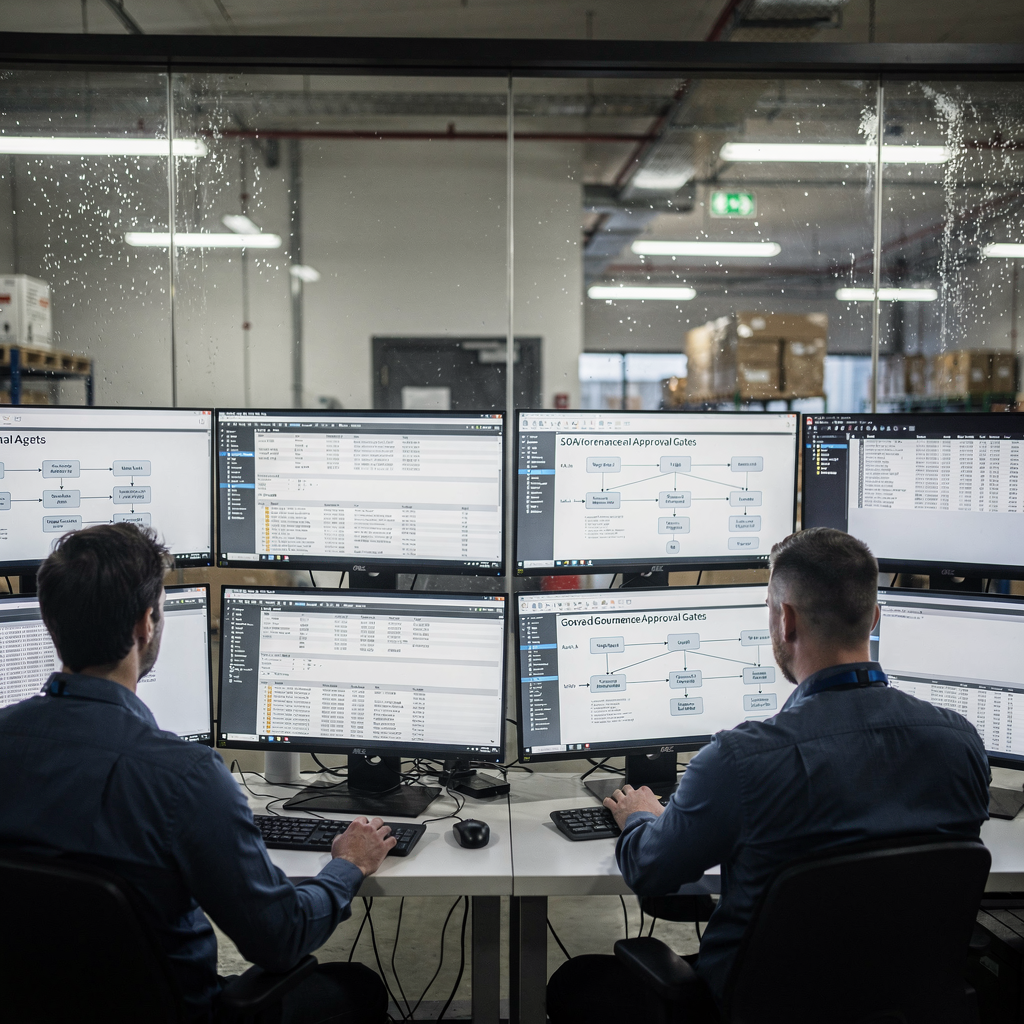
Clarifying terminology helps reduce risk. An ai agent acts autonomously across steps, while an AI assistant offers copilot-style suggestions. Agentic AI carries higher operational risk because it can take actions without immediate human approval. Therefore adopt governance that scales with autonomy. For autonomous flows, add approval gates and provenance tracking. For non-autonomous assistants, require confirmation before any change lands in PLM.
Use this governance checklist as a minimum: approval gates for autonomous actions; provenance and source controls for model outputs; verification pipelines that re-run critical checks; human-in-the-loop for safety-critical decisions; logging for audits; a model update policy; and vendor SLA and security due diligence. Also require clear rules about when an ai agent may send external messages or modify procurement records. For email-heavy operations, our no-code control plane demonstrates how agents can route or resolve messages while preserving traceability how to scale logistics operations with AI agents.
Finally, verify model behavior before production. Test edge cases, measure false positive and false negative rates, and require fallback plans. Use reserved test datasets drawn from organizational knowledge and historic runs, and keep change logs for audits. In regulated contexts or construction projects, these controls protect both safety and reputation. Also remember that choosing an ai platform involves assessing the ai model lifecycle, from training data provenance to deployment monitoring. This is best practice when introducing sophisticated AI into engineering workflows.
Pilot and scale plan to unlock engineering productivity with ai-powered tooling
Start pilots with a tight scope. Pick one or two high-value use cases. For example, choose CAD repetitive tasks or simulation acceleration. Also consider code review automation to reduce rework. Next, select one or two best ai tools that provide APIs and clear SLAs. Good candidates include Autodesk Assistant for CAD, GitHub Copilot or Google Gemini for code, SimScale for simulation, and Leo AI for technical knowledge. This quick shortlist helps you unlock engineering value fast.
Define measurable KPIs up front. Track cycle time, rework, defects, and time-to-first-draft. Run a 6–12 week trial with representative teams and datasets. Then collect both quantitative metrics and qualitative feedback. After the pilot, centralise integrations via APIs, enforce data governance, and train staff on new workflows. Also consolidate tools where possible to reduce the typical tool sprawl of eight to ten products.
Scale in phases. First, stabilise integrations and audit logs. Next, expand to adjacent teams and add additional automation like procurement and supplier follow-up. Then embed change management and update the playbook with best practices. Remember to account for organizational training and to preserve human review for critical decisions. For teams focused on logistics and document-driven processes, our ROI playbook outlines measurable time savings and consistency gains when automating email lifecycles virtualworkforce.ai ROI. Ultimately, the goal is to unlock engineering speed without reducing quality, and to create a repeatable path from pilot to enterprise deployment.
FAQ
What is an AI assistant platform and how does it help engineering firms?
An AI assistant platform provides tools that help engineers automate repetitive tasks, generate drafts, and validate designs. It speeds common activities like code suggestions, CAD templating, and documentation while preserving human oversight.
Which areas of engineering show the most ROI from AI?
Coding, CAD modeling, and simulation loops often deliver fast ROI, as do procurement search and documentation handover. Data shows high adoption in software engineering and measurable time savings when pilots target repetitive micro‑tasks 91% adoption.
How should firms choose between AI vendors?
Evaluate fit to business needs, data security, explainability, PLM integrations, and API access. Also score vendors on total cost and auditability. Run trials with representative datasets before committing.
Are generative design outputs ready for production?
Generative results accelerate concept exploration but require validation for manufacturability and material constraints. Always run simulation checks such as FEA or CFD and perform human review before production.
What is the difference between an AI assistant and an ai agent?
An AI assistant provides suggestions and supports human decisions, while an ai agent can take actions autonomously across multiple steps. Agentic AI needs stronger governance and approval gates.
How can firms avoid tool sprawl when adopting many AI tools?
Create an internal catalogue, enforce single sign‑on, and consolidate billing. Also prioritise APIs and standard connectors so you can integrate these tools into CI/CD and PLM pipelines.
What KPIs should a pilot measure?
Track cycle time, defect rate, time-to-first-draft, and rework. Also collect qualitative feedback from engineers on usefulness and trust in the outputs.
Can AI replace experienced engineers?
No. AI complements domain expertise by taking on tedious tasks and suggesting options. Human judgement remains essential for safety-critical design decisions and final approvals.
How do I ensure compliance and auditability with AI outputs?
Keep provenance logs, versioned datasets, and approval gates. Also implement a model update policy and test change impacts before deployment.
What are common first pilots for engineering teams?
Good first pilots include CAD repetitive tasks, code review automation, and simulation pre‑conditioning. These use cases deliver tangible time savings and are straightforward to measure.
Drowning in emails?
Here’s your way out
Save hours every day as AI Agents label and draft emails directly in Outlook or Gmail, giving your team more time to focus on high-value work.