


ai teaching: how ai assistant and ai-powered tools personalize course materials and cut busy work
AI teaching looks like a set of assistive systems that tailor instruction and remove repetitive tasks. First, an AI assistant can draft a lesson plan outline in minutes. Next, it can produce marking suggestions and draft feedback that a school teacher edits. For example, a 2025 survey found that 73.6% of students and researchers used AI in education, and 51% used it for literature reviews 73.6% of students and researchers used AI. These numbers show rapid adoption and practical use in study workflows.
Three short examples show typical classroom tasks. First, lesson drafts: teachers ask a generator to create a scaffolded sequence, then adjust scope and language for learners. Second, marking help: AI highlights alignment to a rubric and suggests comments for common errors. Third, differentiated resources: the system creates tiered reading passages and practice questions. These tasks remove busy work and let teachers focus on coaching. Estimates vary, but many teams report they can save time on planning and admin, with routine reductions of hours per week.
The Dartmouth NeuroBot TA offers a concrete example. Over two academic years, students held about 360 conversations and sent nearly 3,000 messages to a generative assistant, showing sustained interaction and reliance on automated help NeuroBot TA interactions. That case shows how AI can accept 24/7 questions and provide consistent answers. Yet, AI is not perfect. About 70% of teachers worried that AI may weaken students’ critical thinking and research skills 70% of teachers worried. Therefore, teacher oversight matters. Educators must review outputs and design tasks that require reflection and explanation.
Practical limits exist. AI might offer accurate factual summaries, but it can also produce confident errors. So always verify claims and keep assessment designs that ask students to explain their reasoning. Finally, tools like AI-powered writing assistants work well inside existing apps. For instance, drafting in google docs then importing to a school LMS creates a smooth workflow and keeps ownership with the teacher.
classroom integration: using ai teaching assistant and ai built systems to elevate learner engagement in real-time
Start with a low-risk pilot. First, define roles and scope. Then, set feedback loops so teachers can tune responses. Many studies focus on conversational AI used in teaching; roughly 65% of research attention addresses teaching applications and conversational systems 65% of studies focus on teaching applications. Use that evidence to prioritize pilots that support formative work and not high-stakes grading.
Real-time use cases include Q&A, formative checks, and nudges that remind students to reflect. A chatbot can ask quick comprehension questions after a short video. It can also offer real-time feedback on a short quiz. Teachers receive summaries of class misunderstandings and common errors. This lets the teacher intervene immediately. Practical tools include on-device chatbots and cloud services that integrate with classroom displays. Use AI-built features to highlight misconceptions as they appear, and then the teacher clarifies on the spot.

Design the pilot with clear measures. Track engagement, response time, and confusion rates. Also, embed teacher review cycles each week. Teachers should check a sample of AI replies for accuracy and bias. For example, when students ask for hints, the bot should nudge rather than reveal full solutions. That preserves critical thinking and supports differentiation.
School leaders must choose tools that respect privacy and are transparent about data use. Make agreements with vendors that clarify student data handling and retention. In practice, a small loop of teachers, IT, and parents will ensure adoption runs smoothly. To explore enterprise-grade integrations for non-education operational email flows and governance, see how teams automate correspondence and preserve context with email automation solutions available for logistics and operations automated logistics correspondence. This approach mirrors the governance many schools need.
Drowning in emails?
Here’s your way out
Save hours every day as AI Agents label and draft emails directly in Outlook or Gmail, giving your team more time to focus on high-value work.
educator productivity: get personalized lesson plans from an ai assistant using student data and browser tools
Teachers can get personalized materials fast. First, gather anonymized student data and summary goals. Second, use a browser-based generator to draft adaptive lesson content. Many teachers already use AI for lesson planning and administrative tasks; when they do, they often report increased productivity and faster turnaround on resources teachers use AI for professional needs. The system creates a first draft that the teacher edits to match tone, depth, and inclusion goals.
Here is a safe workflow. Step one: export assessment summaries and learning targets. Step two: feed a small set of anonymized descriptors into a prompt engine in your browser. Step three: ask for a three-part lesson plan with timings, formative checks, and a short quiz. Use google docs for collaborative edits and final storage, then publish to the LMS. This keeps human review at the center and avoids exposing raw student data. Teachers can also use checklist prompts to verify alignment with standards and a rubric.
Prompt templates help. For example, ask: “Create a 45-minute lesson plan for mixed-ability students, including a starter, core activity, formative check, and exit ticket.” Add student strengths and gaps as context. Then, request differentiated versions and an optional coding activity for students in computer science. Use the output as a draft. Verify facts and adapt vocabulary for your cohort.
Quick tips: treat outputs as drafts, verify accuracy, and check bias. Keep records of revisions and maintain a short audit trail for compliance. If you want to see how AI can simplify email and admin at district scale, review vendor case studies about automating email drafting across teams automate emails with Google Workspace. That example illustrates safe, documented workflows that reduce workload and help educators focus on teaching.
district: customize ai-powered platforms across schools, set best practices and plan integration
District leaders should treat AI decisions like any other procurement. First, create a policy checklist that includes privacy standards, data minimization, and vendor transparency. Ask vendors to explain how they handle student records and how long they retain data. Require documentation that shows compliance with local law. Also, include measures for interoperability so systems integrate with existing SIS and LMS platforms.
Next, build a training plan for staff. Provide hands-on sessions that cover prompts and error checking. Create role-based playbooks for school teacher, IT, and parents. For scale, run a phased integration roadmap. Start with a small set of pilot schools. Then, evaluate outcomes and expand in waves. Use metrics such as adoption rate, time saved on admin, and changes in student engagement. Also track whether AI-generated content needs more frequent review in certain subjects like history or computer science.
Procurement should demand vendor clarity on student data handling. Ask for technical controls, export capabilities, and audit logs. Districts can require the vendor to disable long-term retention by default and to provide an endpoint for data deletion. For operational parallels, virtualworkforce.ai shows how businesses automate entire email lifecycles while keeping data grounding and traceability. Schools can borrow governance patterns from operations teams to ensure transparency and reduce risk how to scale operations with AI agents.
Finally, set best practices for classroom use. Define when AI-generated material counts as teacher-created work. Require teacher sign-off on assessments. Plan metrics for adoption and impact. Use those metrics to adjust training and policy and to inform the next phase of integration.
Drowning in emails?
Here’s your way out
Save hours every day as AI Agents label and draft emails directly in Outlook or Gmail, giving your team more time to focus on high-value work.
teaching assistant: how ai teaching assistant and ai assistant tutors reduce busy work, personalize feedback and elevate learner support
Compare roles to see where human help still matters. Humans excel at mentoring, reading nonverbal cues, and resolving complex misconceptions. AI excels at repetitive tasks, quick feedback, and 24/7 availability. Create a role matrix that assigns grading of short quizzes and fact-checking to AI, while humans handle holistic assessment and socio-emotional support. This division helps both humans and machines operate at their strengths.
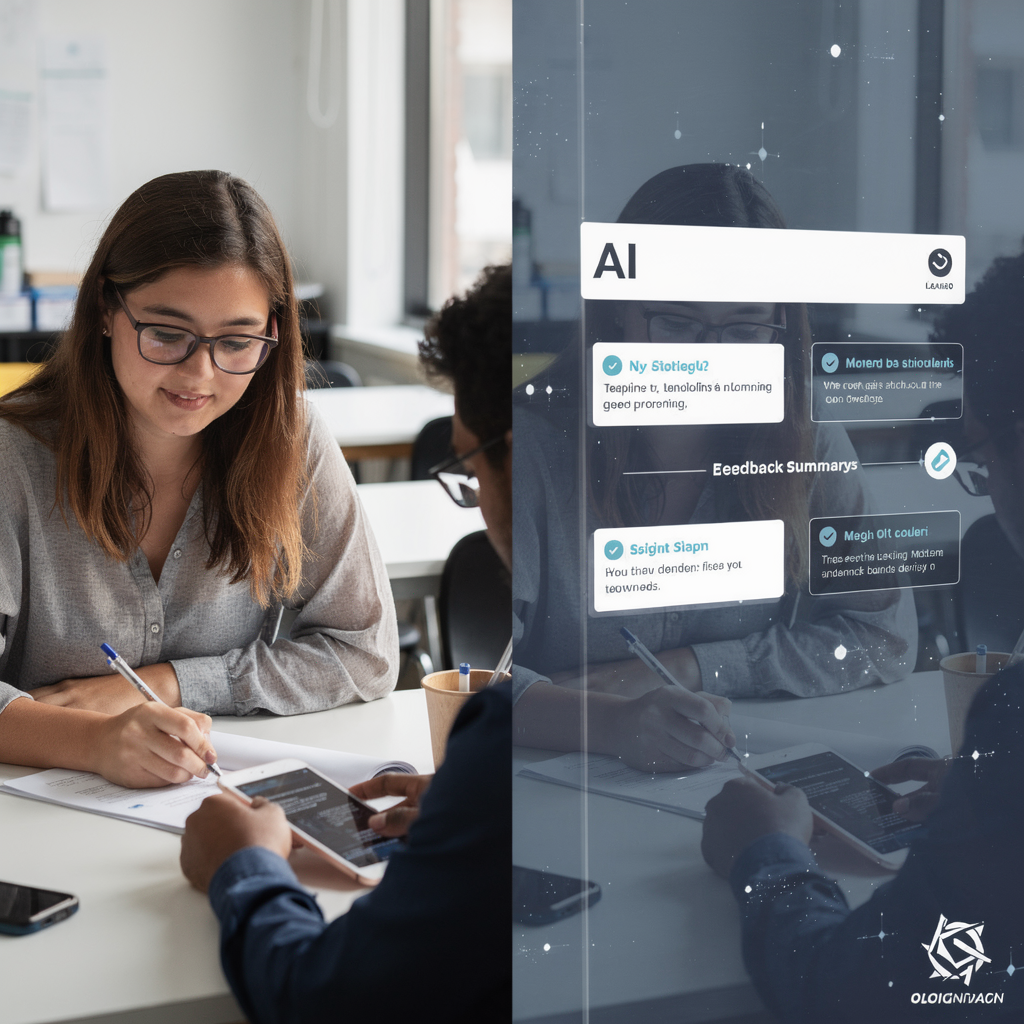
Example workflow: student completes a short quiz and the AI provides real-time feedback and a suggested grade. Then, the teaching assistant reviews edge cases and refines comments that require nuance. This model lets teams save time on routine grading and give students faster feedback. For example, teachers often use tools that reduce time on grading and administrative email, which increases time for coaching and curriculum improvement.
To protect critical thinking, design tasks that require reflection on AI outputs. Ask students to critique a suggested answer. Ask them to show steps and explain assumptions. That ensures students engage deeper and learn to evaluate AI advice. Also, run short A/B tests that compare a class using AI tutors and a control class. Measure student learning and teacher time saved. Data-driven pilots help identify where AI adds real value.
When tools assist with feedback, always include a review gate. Teachers or teaching assistants should confirm final grades and high-stakes decisions. This preserves academic integrity and supports continuous improvement. If you need examples of how operational teams implement end-to-end automation while preserving audit trails, virtualworkforce.ai outlines patterns for thread-aware memory and accuracy that school administrators can adapt for communication workflows virtual assistant logistics case.
measure and elevate: use student data to get personalized insights, boost educator productivity and refine course materials
Measurement starts with a clear set of KPIs. Track time saved on planning, student engagement, accuracy of AI replies, and changes in learning outcomes. Use short weekly surveys and platform logs to see if AI is improving comprehension. Also measure teacher productivity and perceived workload. These metrics guide incremental improvements to prompts, rubrics, and teacher training.
Create a data governance checklist. Ensure student data is anonymized before it feeds model prompts. Define retention periods and access roles. Check for bias regularly and document remediation steps. A routine refinement cycle helps. Pilot, evaluate, iterate, and then scale. Keep staff trained on best practices and on how to question and verify AI output. That protects critical thinking and learning integrity.
Practical KPIs include: percent reduction in time spent drafting course materials, frequency of student interactions with in-class chatbots, accuracy rate of AI-generated feedback, and measurable gains in assessment scores. Pair analytics with classroom observations. Use results to refine course materials and to build new templates. Also, create teacher communities that share prompt templates and lesson frameworks. This reduces the learning curve and helps adoption.
Finally, maintain clear policies for continuous improvement. Regularly review privacy standards, vendor updates, and model changes. Train staff to use AI responsibly and confidently. With measured pilots and clear governance, AI can help transform teaching and learning while protecting student needs and educational quality.
FAQ
What is an AI teaching assistant and how does it differ from a human TA?
An AI teaching assistant is a software agent that answers student questions, offers feedback, and automates routine tasks. It differs from a human TA by operating 24/7 and handling high-volume, repetitive tasks while humans focus on mentorship and complex judgment.
How can I safely use student data with AI systems?
Use anonymization and minimal datasets, and restrict access to the fewest people necessary. Also require vendor transparency on data retention and deletion and ensure compliance with local privacy standards.
Will AI weaken students’ critical thinking?
AI could weaken critical thinking if students rely on it without reflection. To prevent that, design tasks that require students to critique AI outputs and explain their reasoning.
How much time can teachers expect to save?
Time saved varies by task and adoption. Many teams report hours per week saved on planning and grading, which allows teachers to focus on small-group instruction and feedback.
What metrics should districts track during pilots?
Track adoption, time saved, student engagement, AI accuracy, and changes in learning outcomes. Also monitor privacy compliance and teacher satisfaction with workflows.
Can AI generate lesson plans that match standards?
Yes, AI can draft lesson plans aligned to standards when given clear prompts and student descriptors. Always review and adapt drafts to ensure alignment and cultural relevance.
How do I introduce AI in a single classroom?
Start with a focused pilot, define teacher roles, and set transparent expectations for students. Collect weekly feedback and adjust prompts and rules based on teacher review cycles.
Are there recommended tools for graded assessments?
Use AI only for low-stakes and formative assessments at first, and keep humans in the loop for high-stakes grading. Include a rubric and a verification step before releasing grades.
What governance should school leaders require from vendors?
Require clear documentation on student data handling, export options, audit logs, and the ability to delete data on demand. Insist on contractual privacy standards and technical safeguards.
How can I make sure every learner benefits from AI?
Use AI to differentiate resources and then verify effectiveness with short assessments and teacher observations. Provide access and training, and iterate based on evidence so that tools improve learning for diverse students.
Drowning in emails?
Here’s your way out
Save hours every day as AI Agents label and draft emails directly in Outlook or Gmail, giving your team more time to focus on high-value work.