


ai email assistant: how microsoft 365 integration can boost educator productivity
An ai email assistant helps teachers and administrators manage high volumes of messages. It sorts, prioritises and can draft replies. It also suggests follow-ups and turns action items into calendar events. Schools that integrate an assistant into Microsoft 365 keep Outlook, Teams and Calendar in one place. This single-pane approach reduces context switching. As a result, staff save time and focus on teaching and learning.
Microsoft Copilot in Outlook can draft, summarise and suggest follow-ups directly in a teacher’s inbox. For example, Copilot can turn a long parent thread into a concise summary and propose a short reply that the teacher edits before sending. Early adopters report substantial gains. Some institutions recorded reductions in response time by up to 40% in administrative tasks and email handling (2024 global study). Similarly, a 2025 sector report found that 69% of teachers reported improved teaching and admin efficiency when using ai tools (EdWeek, 2025). These figures show clear potential for microsoft 365 integration to boost daily output.
To track success, set clear KPIs. Measure minutes saved per teacher per week. Track response-time drop and count fewer missed actions. Also monitor teachers’ satisfaction and workload. For procurement, include metrics such as inbox time saved and number of automated follow-ups handled. Virtualworkforce.ai offers agents that automate the full email lifecycle for operations teams. In schools, similar rules can route queries, draft replies and attach records. See a practical operations case study for routing and drafting that maps to shared inbox issues virtual assistant logistics.
In practice, integrate the assistant with Outlook and Calendar, then pilot with a small cohort. Train staff to accept suggested text, then refine tone. Use follow-up reminders and calendar conversion to keep actions visible. Finally, report results to leadership with clear time-saving figures and teacher feedback. This approach lets schools improve daily workflows while keeping control of messages and data.
ai-powered app and browser integration: personalize, simplify and speed up the perfect email
An ai-powered app plus browser integration creates a smooth path from draft to send. First, an app that connects to microsoft 365 captures context from Outlook and Calendar. Then, a browser extension provides on-the-fly help inside web mail, learning management systems or web portals. Together, they streamline composition, tone and attachments. Schools use these combinations to personalize messages to parents and students while keeping replies consistent.

Common complements include Grammarly for grammar and tone checks, design tools for parent newsletters and Google Docs for collaborative drafts. For example, a teacher may start a message in Google Docs, refine tone with Grammarly, then paste and send from Outlook with a Copilot suggestion. This workflow can polish templates and ensure high-quality communication. Schools often pair microsoft 365 with other services such as Google tools and design platforms to cover both one-to-one emails and whole-school communications.
Practical integrations include calendar links that auto-populate meeting slots and templates that adapt to recipient type. Extensions suggest phrasing based on whether the recipient is a parent, pupil or colleague. They also reduce the need to message from scratch by offering templates and context-aware suggestions. For accessibility and consistency, an app can apply school policy on tone and privacy. Virtualworkforce.ai’s approach for operations shows how data grounding powers accurate replies; schools can apply the same logic to education workflows automated logistics correspondence.
Use a recommended stack for schools: core microsoft 365 with integrated assistant, plus Grammarly, a simple design tool for newsletters and a browser extension for quick edits. This stack helps staff craft emails faster, personalise content to student needs and keep your inbox clean. Train staff on templates and on when to edit AI output. This keeps messages authentic while using automation to simplify routine work.
Drowning in emails?
Here’s your way out
Save hours every day as AI Agents label and draft emails directly in Outlook or Gmail, giving your team more time to focus on high-value work.
email assistant features: real-time drafting, grammar checks and calendar syncing
When evaluating an email assistant, focus on core features that make everyday work easier. Essential functions include real-time drafting, grammar and style checks, priority sorting and calendar syncing. A good assistant also offers follow-up reminders, action-item detection and simple escalation paths. Those features reduce cognitive load and help teachers manage competing demands.
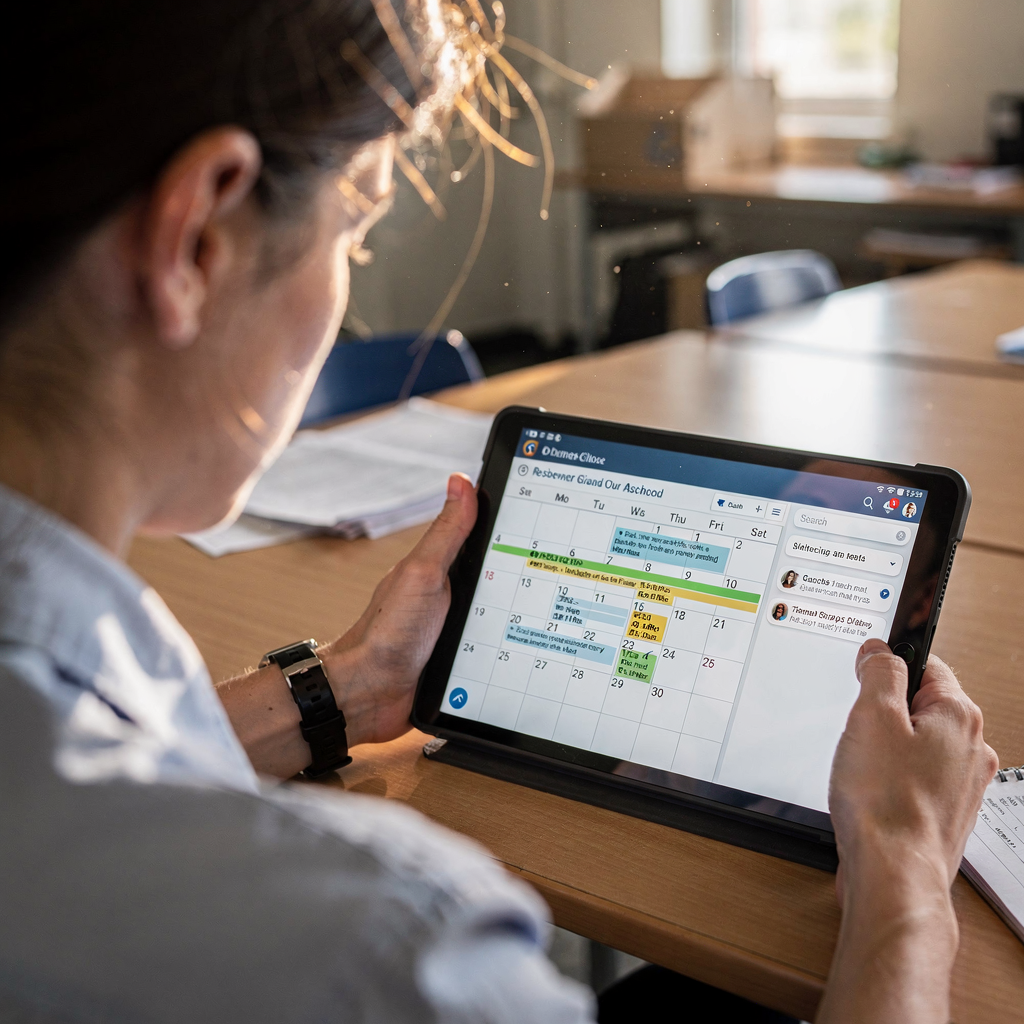
Real-time drafting reduces reply time by offering suggested replies while you read a message. Grammar checks and tone matching polish text for parents or colleagues. Priority sorting flags urgent messages from parents or SLT. Calendar syncing pulls availability and proposes meeting times automatically. For example, Copilot can suggest meeting slots based on a teacher’s Calendar and include Teams links. An automated generator for follow-ups ensures no action slips through the cracks.
Other helpful capabilities include converting action items into tasks, threading context across replies and keeping shared inboxes organised. These functions support keeping track of ongoing conversations and student needs. In operations, virtualworkforce.ai demonstrates how automated routing and data grounding lower handling time; schools can mirror this to manage parent queries and colleague coordination ai for freight forwarder communication. That example highlights thread-aware memory and routing logic that schools can adapt for team inboxes.
For procurement, use this checklist of must-have features: real-time reply suggestions, grammar and tone checking, priority sorting, calendar integration, follow-up reminders, convert-to-task, shared inbox thread memory and clear privacy controls. Also require enterprise-level security and audit logs. These items form the minimum viable feature set for a successful pilot and eventual scale.
best ai tools and microsoft insight: measurable productivity gains and privacy trade-offs
Compare available best ai options with attention to security and compliance. Top choices for schools include microsoft Copilot for integrated workflows, Google Gemini within Workspace and tools such as Grammarly for clarity. Other models like Claude or ChatGPT power third-party tools and can help generate emails or support complex drafting tasks. Each option balances convenience against data privacy and control.
Research gives useful context. A 2025 survey found that 69% of teachers reported ai tools improved teaching and admin efficiency (EdWeek, 2025). Another study noted that ai tools reduced response times by up to 40% in some institutions (PMC, 2024). Additionally, a 2024 review on ChatGPT’s academic effects discusses administrative benefits and caveats (2025 systematic review). Yet, 12.4% of respondents in a 2026 data set saw no drawbacks, which suggests acceptance is growing (National University, 2026).
Balance productivity gains with data privacy. Ask vendors about privacy standards, data retention and whether models see student data. Check for compliance with local regulations like FERPA or equivalent privacy standards. Choose enterprise licences or on-prem options when possible. For decision-makers, use a simple guide: prioritise security, ask about governance, require evidence of data privacy and prefer vendors with clear audit trails. Virtualworkforce.ai’s documentation shows how to connect operational data safely and keep traceability when automating replies virtualworkforce.ai ROI for logistics.
Finally, pick an option that matches your risk appetite and IT capacity. If you need a fully integrated microsoft 365 experience, favour Copilot and enterprise support. If you want cross-platform drafting and powerful language features, consider solutions that use Gemini or Claude, but ensure they meet your privacy and policy checks. This balanced approach helps schools optimise benefits while managing risk.
Drowning in emails?
Here’s your way out
Save hours every day as AI Agents label and draft emails directly in Outlook or Gmail, giving your team more time to focus on high-value work.
using ai to personalize communication: templates, tone and the educator voice
Using ai to personalize messages at scale requires guardrails. Start with templates for common scenarios. Create templates for a parent update, an absence note and a progress summary. Then apply rules for when staff should edit an ai draft. That keeps the educator voice and reduces errors.
Templates must include editable fields for student names, dates and sensitive notes. Use ai to suggest phrasing that matches the recipient. For instance, a template can switch tone from formal for external agencies to warm and concise for parents. However, require human review for sensitive or disciplinary messages. That ensures dignity and accuracy. Train staff to treat ai outputs as a first draft to be refined. Teach them to polish wording and check facts before sending.
Use simple governance rules. First, flag messages involving health, safeguarding or discipline for mandatory human sign-off. Second, store templates centrally and version them. Third, audit a sample of outgoing messages monthly for tone and privacy. These steps protect student data and preserve authenticity.
Practical examples include a short progress summary generated by an assistant and then edited by the teacher. Another case is an absence note generated from calendar and attendance data, then reviewed for context. To coordinate these steps across teams, integrate the assistant with your LMS or information systems and use a single template repository. For more automation examples that connect email drafting with structured data, see how operational teams automate replies and pull ERP data to ground answers ERP email automation.
implementation plan for schools: integrate ai email assistant, training, and simplify workflows
Roll out an ai email assistant in defined stages. Start with a pilot cohort, measure results, then scale. A recommended pilot runs 6–8 weeks and includes classroom teachers and office staff. During this time, track response-time, inbox time saved and staff satisfaction. Use clear metrics and short feedback loops.
Step one: procurement. Choose a vendor that meets security and policy needs. Ask targeted questions about data privacy and integration. Step two: configuration. Integrate the assistant with microsoft 365 and Calendar. Configure templates, tone and routing rules. Step three: training. Run short, practical sessions that show staff how to accept, edit or reject suggestions and how to convert items into calendar events or tasks.
Measure pilot success with specific deliverables: minutes saved per teacher per week, percentage drop in missed actions and staff satisfaction scores. Also monitor time-saving tasks such as automated follow-ups and scheduled meetings. Provide ongoing support and iterate templates. Finally, scale with staged onboarding and policy updates. Ensure policies cover data privacy, opt-in consent and guidance on handling sensitive information.
For schools that want deeper automation, consider partners who automate the full lifecycle of emails, not just drafting. Virtualworkforce.ai automates routing, drafts replies grounded in operational data and escalates only when needed. That model reduces handling time and increases consistency. See automated integrations for Google Workspace and enterprise deployments for inspiration automate emails with Google Workspace. Use these examples to design a phased plan that yields measurable gains while protecting privacy.
FAQ
What is an ai email assistant and how does it help schools?
An ai email assistant automates parts of the email lifecycle. It sorts messages, drafts replies and suggests follow-ups. In schools it reduces routine work, helps keep your inboxes organised and frees up time for teaching and learning.
How does microsoft 365 integration improve performance?
Integration keeps Outlook, Teams and Calendar in one workflow. That reduces context switching and speeds up scheduling. Copilot-like features can draft replies and propose meeting times based on Calendar availability.
Which tools should schools combine with microsoft 365?
Common complements include Grammarly for clarity, a simple design tool for newsletters and Google Docs for collaborative drafts. These tools polish messages and help personalise communications while keeping the core workflow in microsoft 365.
What features should we require when procuring an email assistant?
Must-have features include real-time drafting, grammar checks, priority sorting, follow-up reminders, calendar sync and convert-to-task options. Also insist on enterprise security and clear data privacy policies.
How do we balance productivity gains with privacy risks?
Check vendor privacy standards and data retention policies. Prefer enterprise licences or on‑premise options and ask about audit logs. Require human review for sensitive student information.
Can ai tools personalize messages without losing the educator voice?
Yes. Use templates and tone settings, then require staff to edit drafts. Apply governance rules so sensitive communications always get human sign-off. This keeps messages authentic and safe.
How long should a pilot run and what should we measure?
A 6–8 week pilot gives reliable data. Measure response-time drops, minutes saved per teacher per week and staff satisfaction. Also monitor the number of automated follow-ups handled.
Which ai models are commonly used in school tools?
Many tools use models such as ChatGPT, Claude or Google Gemini. Each has different strengths. Choose based on security, integration needs and how the model handles sensitive data.
How can we train staff to use ai suggestions responsibly?
Run short, practical sessions showing how to accept and edit suggestions. Teach staff to verify facts and to polish tone. Emphasise human review for safeguarding and disciplinary messages.
Where can I learn more about automated email workflows beyond drafting?
Explore case studies where teams automate routing and data-grounded replies to see the broader benefits. For technical examples of end-to-end automation, review virtualworkforce.ai resources on automated logistics correspondence and enterprise deployments.
Drowning in emails?
Here’s your way out
Save hours every day as AI Agents label and draft emails directly in Outlook or Gmail, giving your team more time to focus on high-value work.