


Why ai and ai email assistant matter for elearning communication
AI is changing how eLearning teams handle email communication. First, it automates routine replies, reminders and FAQ handling so staff can focus on teaching. For example, an AI email assistant can answer enrollment questions at scale, then tag the conversation for follow up when needed. Also, AI helps set the tone and keep replies consistent across instructors and support teams. This reduces miscommunication and ensures students receive clear guidance, which matters because online learning often lacks face-to-face contact.
Research shows rapid adoption of AI-driven virtual assistants across industries. In fact, 77% of companies are increasing virtual assistant use in business functions, a trend that includes eLearning providers 77% adoption of virtual assistants. As a result, institutions that use AI personalize messages to keep learners engaged. For instance, platforms that integrate AI can send nudges to learners who miss deadlines and recommend next steps based on progress. This contributes to better completion rates and better learning experiences.
AI also improves security awareness through automated interactions. One study found that e-learning programs that incorporated AI-enabled assistants reported improved phishing detection, with a mean increase of about 13% 13% increase in phishing detection. Therefore, AI can help protect learners and institutions while managing email overload. In practice, AI reduces missed enquiries, shortens response times, and maintains a consistent tone across messages. These gains matter especially when many conversations occur asynchronously.
Finally, AI supports operational scale. For example, virtualworkforce.ai automates the full email lifecycle for ops teams, which reduces handling time and increases consistency. This helps elearning teams who face a high volume of incoming emails and shared inboxes with unclear ownership. In short, AI offers a clear path to streamline email communication, improve response quality, and free staff to focus on course design and learner support.
Choosing the best ai email assistant: how an ai assistant and ai-powered features compare
Choosing the best AI email assistant starts with feature comparison. First, look for contextual reply generation so responses reflect course context and learner progress. Next, prefer systems with a template library and editable email templates for enrolment, reminders and support. Also, check inbox triage and inbox management that tag and route incoming emails automatically. Team collaboration and analytics help managers monitor response quality and track time saved. These features work together to streamline operations and reduce email overload.
Vendors vary in how they integrate with education systems. Therefore, check for LMS and CRM integrations and compliance with GDPR or FERPA. Many vendors target education, and a few focus on operations. For example, virtualworkforce.ai offers end-to-end handling that grounds replies in ERP and operational data, which helps when emails require business data or multi-step routing. You can compare vendors based on whether they draft replies only or automate the full lifecycle of a message.
Market signals suggest measurable gains. For instance, adopters report improved security awareness and faster handling of enquiries when AI features are present. Also, look for advanced features like AI search across data sources, thread-aware memory, and routing rules that assign tasks to the right owner. If you need a great alternative if you’re looking to reduce manual lookup, consider solutions that draft replies inside Outlook or like Gmail integration. Finally, test with a free trial to measure results in your environment and verify the fit for your team.

Drowning in emails?
Here’s your way out
Save hours every day as AI Agents label and draft emails directly in Outlook or Gmail, giving your team more time to focus on high-value work.
Use template, workflow and authoring tool to scale course emails
Templates and workflow rules let elearning teams scale communication without losing quality. First, build a library of editable email templates for enrolment confirmations, deadline reminders, course announcements, and technical support. Then, add automatic tagging and rules so incoming emails move through a defined workflow. For example, set rules that tag an email as “support”, “payment”, or “course progress”, then route it for action. This reduces manual triage and improves speed.
An authoring tool can assist content creation and ensure a consistent voice. Use an authoring tool that leverages generative AI to draft messages, then let instructors adjust tone and details. This approach helps teams quickly create personalized variants from one base template based on learner data. Also, AI can insert context from LMS records so messages reference the student’s course and progress, which makes outreach feel timely and relevant.
Workflows also let you escalate only when needed. Simple queries resolve automatically, while complex cases forward to staff with full context, including the email thread and recent course activity. This preserves auditability and saves time. Additionally, automation reduces repetitive editing, so teams save time and can focus on high-value tasks like improving learning experiences. If you want to see operational examples, our guide on how to scale logistics operations with AI agents shows similar workflow patterns for high-volume mailboxes how to scale with AI agents.
Finally, offer a free plan or free trial for initial pilots so you can measure impact. Track response times, resolution rates, and learner satisfaction. Then, refine templates and rules. Over time, this approach turns email from a bottleneck into a structured channel that supports elearning development and consistent student support.
How to integrate, boost productivity and use an ai for admin tasks
Integration is key. Connect your AI assistant to the LMS, support ticketing systems, and content management so emails carry learner context. For example, when an email arrives, the system should pull course status and recent grades, then draft a reply grounded in those data sources. That way, replies remain accurate and meaningful. Also, integrate with your email client and allow staff to approve or edit drafts directly.
Productivity gains follow. Automation frees time, so teams can focus on curriculum and learner support. In operations where AI is used, teams often report reduced handling time and fewer routing errors. Virtual assistants that understand intent can route or resolve messages automatically, and that reduces manual lookup. If you want a practical integration with Google tools, see this resource on automating emails with Google Workspace and virtualworkforce.ai automating with Google Workspace.
Start small. First, test a single use case such as enrolment processing or support triage. Measure time saved and learner satisfaction. Then, expand into other areas. Also, document best practices for tone and escalation so the AI follows governance. Use a management tool that logs decisions, so you can review and improve rules. For teams that need inbox management, tools that support thread-aware memory help maintain context across long conversations.
Finally, consider pricing models and limits. Some offerings provide a free trial or a free plan to test features. Others charge per user or volume; for example, small pilots sometimes limit messages to 25 per user per month. Choose the right AI partner for your needs, and plan for a bit of a learning curve during rollout. With correct setup, AI will streamline admin tasks and increase overall productivity.
Drowning in emails?
Here’s your way out
Save hours every day as AI Agents label and draft emails directly in Outlook or Gmail, giving your team more time to focus on high-value work.
Send email with ai to promote elearning content and quickly create personalised messages
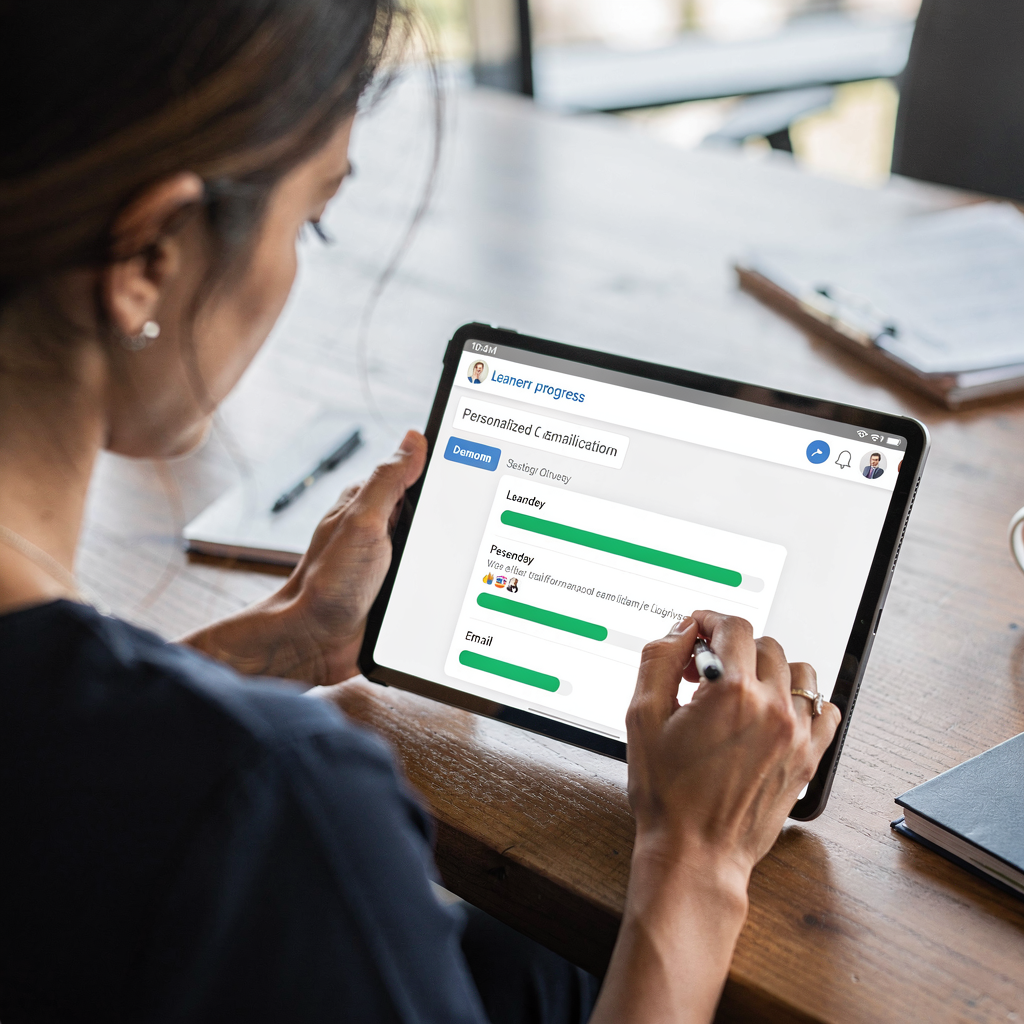
AI helps you promote elearning content with speed and personalization. First, use one master email template and then generate personalized variants based on learner progress, interests and past engagement. For example, create segmented messages for incomplete modules, feedback requests, or course launches. Also, AI can suggest subject lines and preview text that improve open rates. This supports email marketing and targeted course promotion.
Quickly create campaigns that feel personal. The AI email writer can fill in learner-specific details using data from the LMS, so each message references recent activity. That approach increases relevancy and nudges learners to return. Also, use automation to schedule follow ups and to manage A/B tests for subject lines and content. Track open, click and completion rates to refine timing and copy. Over time, these iterations produce higher engagement and better learning outcomes.
For teams that prefer alternatives, Sanebox is a popular email triage tool and can sometimes serve as a simple inbox filter. However, for a full-fledged email program that personalizes at scale, choose an integrated solution that supports content creation, segmentation, and analytics. If you need a specific example of operational ROI and time saved, see our study on how email automation reduces handling time and increases consistency in complex workflows operational email automation examples.
When to combine ai chatbots and ai-powered email assistants for learner support
Combine AI chatbots and AI-powered email assistants to cover instant and documented support needs. Chatbots handle quick, on-site queries like password resets or course navigation. Then, email assistants manage follow-ups, long-form replies and cases that need a documented trail. This hybrid model reduces response times and preserves an audit trail for complex support cases. Also, it helps teams balance load across channels while keeping records accessible.
Use chatbots for front-line triage and hand off more complex queries to the email system. For example, when a chatbot cannot resolve a ticket, it can create a support email with the full context attached. The AI email assistant then drafts a detailed reply grounded in relevant documents and language models. This keeps replies accurate and reduces back-and-forth. Such an approach mirrors practices in operations where virtual assistants automate the full email lifecycle and escalate only when needed.
Start testing with a single workflow. First, deploy a chatbot for FAQs, then integrate escalation so the email assistant receives well-labelled tickets. Next, measure response time, resolution rate and learner satisfaction. Use a free trial to validate the approach before scaling. Finally, iterate on prompts and templates so both chatbot and email assistant set the tone consistently. With careful setup, the hybrid model supports personalized support and scalable learner engagement.
FAQ
What is an AI email assistant for elearning?
An AI email assistant is a virtual assistant that automates email tasks for elearning teams. It drafts replies, sorts incoming emails, and routes messages based on intent and context.
How does AI improve response times for students?
AI automates routine replies and triage, which reduces manual lookup and forwarding. As a result, teams respond faster and students receive timely guidance.
Can an AI email assistant integrate with my LMS?
Yes, many AI solutions integrate with LMS platforms to pull learner progress and context. Integration ensures replies reference the correct course and student status.
Are there compliance risks using AI for student emails?
Compliance depends on vendor features and governance. Choose solutions that support GDPR and FERPA, and configure access to sensitive data accordingly.
How do I measure the impact of an AI email assistant?
Track metrics like response time, resolution rate, open and click rates, and learner satisfaction. Run a free trial to gather baseline data before a full rollout.
Should I use chatbots or email assistants first?
Start with a single use case. Many teams deploy a chatbot for FAQs, then add an email assistant for escalations and complex replies. This hybrid approach scales support effectively.
What templates should I create first?
Begin with enrolment confirmations, deadline reminders, and technical support replies. Use editable templates and a workflow to automate tagging and follow ups.
Can AI help with email marketing for courses?
Yes, AI can personalize course launch emails, segment audiences, and suggest subject lines. Use automation to schedule follow ups and A/B tests for better engagement.
Is there a learning curve for staff?
Yes, expect a bit of a learning curve during setup and governance. However, most teams see time saved and improved productivity once rules and templates are tuned.
How do I choose the right AI solution?
Evaluate integrations, compliance, routing and analytics. Test with a free trial and measure real-world results. Also, look for vendors that offer thread-aware memory and deep data grounding for accurate replies.
Drowning in emails?
Here’s your way out
Save hours every day as AI Agents label and draft emails directly in Outlook or Gmail, giving your team more time to focus on high-value work.