


ai: why the modern catering business must act now to recover lost revenue from missed call
Phone bookings still drive a large share of orders for many small and mid-size caterers. And yet missed calls are common outside business hours, during peak seasons, and when staff are on site at events. Studies for restaurant settings show that 58% of searches and interactions now use voice and AI tools, which changes how customers place orders and claim services (source). For a local catering business a single missed call can mean missed revenue and a lost repeat customer. In practice, missed-call losses can scale into significant sums. Vendors report typical recovery figures that turn missed-call gaps into tens of thousands recovered annually when they adopt automation and better processes (source).
Consider peak season patterns. Calls spike on weekends and evenings, and again before major holidays. During those times, staff focus on the kitchen and on event coordination, so administrative calls pile up. When calls are missed, quote requests go unanswered, and customers move to a competitor. Therefore, the business case for an AI investment becomes clear. An AI receptionist can answer outside business hours, screen customer inquiries, and capture essential details for a follow-up. This reduces lost revenue and improves converting leads into bookings.
From an operational viewpoint, the cost of missed calls is not only immediate revenue. It also harms repeat business and brand trust. If operators want to simplify back-office work and reduce manual triage, they should consider systems that integrate with CRM and POS. For example, virtualworkforce.ai builds AI agents that work across email and operational systems to simplify administrative tasks and reduce handling time read more on integration. And, when phone calls convert to a recorded booking, the cater team avoids back-and-forth emails that waste time.
To act now, start by measuring miss rates. Then estimate lost revenue from average ticket values and conversion rates. Next, pilot an AI solution during high-volume windows. This approach helps you capture missed revenue rapidly, reduce wait times for callers, and ensure customers can place an order no matter the hour.
ai receptionist and ai agent: automate bookings, confirmations and reduce order errors
An AI receptionist focuses on voice-first answers and triage. An AI agent handles multi-step workflows and data lookups. Together they free staff for food prep and delivery while handling complex multi-item orders. The AI receptionist answers calls and captures contact details, while the AI agent pulls pricing and availability from internal systems. This split of responsibilities reduces labour costs and error rates.
Typical automation scope includes taking bookings, supporting menu customization, noting dietary accommodations, and sending confirmations. The AI can also flag last-minute changes and route them to a human when needed. Design rules help here. For example, escalate complex requests when the system detects ambiguity or when the event exceeds defined thresholds. That keeps staff in control while reducing repetitive tasks.

Case studies show measurable results. Teams report improvements in order accuracy and a drop in administrative time when AI agents handle email and phone triage. One provider claims reduction in handling time from ~4.5 minutes to ~1.5 minutes per message when automating operational email workflows, and that same principle applies to call-to-order work (source). In food service trials, AI systems that automate intake and confirmation can reduce order errors because they confirm each item and timing explicitly with the caller. This reduces miscommunication and improves customer experience.
Practical design points include clear prompts for menu options and quantity checks. Capture dietary needs explicitly, and confirm deposits when required. Keep a short human-handover script that transfers full context to a team member. That way, the human sees prior messages, event details, and the reason for escalation. A well-configured AI assistant also updates CRM records and creates a draft order in the POS for fast approval, which saves time and reduces double entry.
Drowning in emails?
Here’s your way out
Save hours every day as AI Agents label and draft emails directly in Outlook or Gmail, giving your team more time to focus on high-value work.
ai phone and ai phone answering: 24/7 order taking that captures more revenue
AI phone answering provides round-the-clock availability so you never miss a call. In trials for food services, some solutions automated 60–70% of inbound calls, which increased captured bookings outside business hours (source). The system handles natural-language order taking, confirms quantities and timings, and can collect deposits or payment details. As a result, pickup and delivery orders are less likely to be lost when staff are busy or offline.
On each call, the system asks structured questions to speed processing. It asks for event date, guest count, menu selection, and any dietary accommodations. Then it repeats the summary and asks for confirmation. This reduces back-and-forth emails and prevents errors in order processing. Templates and smart prompts shorten calls and increase throughput. Use a template that captures the most common quote requests first, and then allow branching into customization.
When the AI cannot fulfil a complex request, it escalates to a human with full context. This handover includes call transcripts and related CRM entries, so the staff member can act right away. That handoff is critical for larger events like corporate meetings or weddings. It keeps customers satisfied and helps the caterer avoid missed revenue.
To implement quickly, choose a voice AI that integrates directly with your POS system and CRM. Then configure common flows and deposit rules. Monitor early performance and capture user feedback to refine prompts. Over time, the system learns common phrases and reduces clarification questions. Finally, ensure compliance with payment security and recording rules when the system collects card details or stores personal data.
integrate CRM and POS seamlessly: connect ai assistant to inventory, schedules and billing
Integration turns captured calls into action. When an ai assistant records a booking, it should write to CRM, create an order in the POS, and update inventory forecasts in real time. This approach reduces manual reconciliation and keeps kitchen planning aligned with bookings. For example, AI tools that connect to ERP or POS allow forecasting that flags over-ordering and reduces waste (source). That directly improves margins.
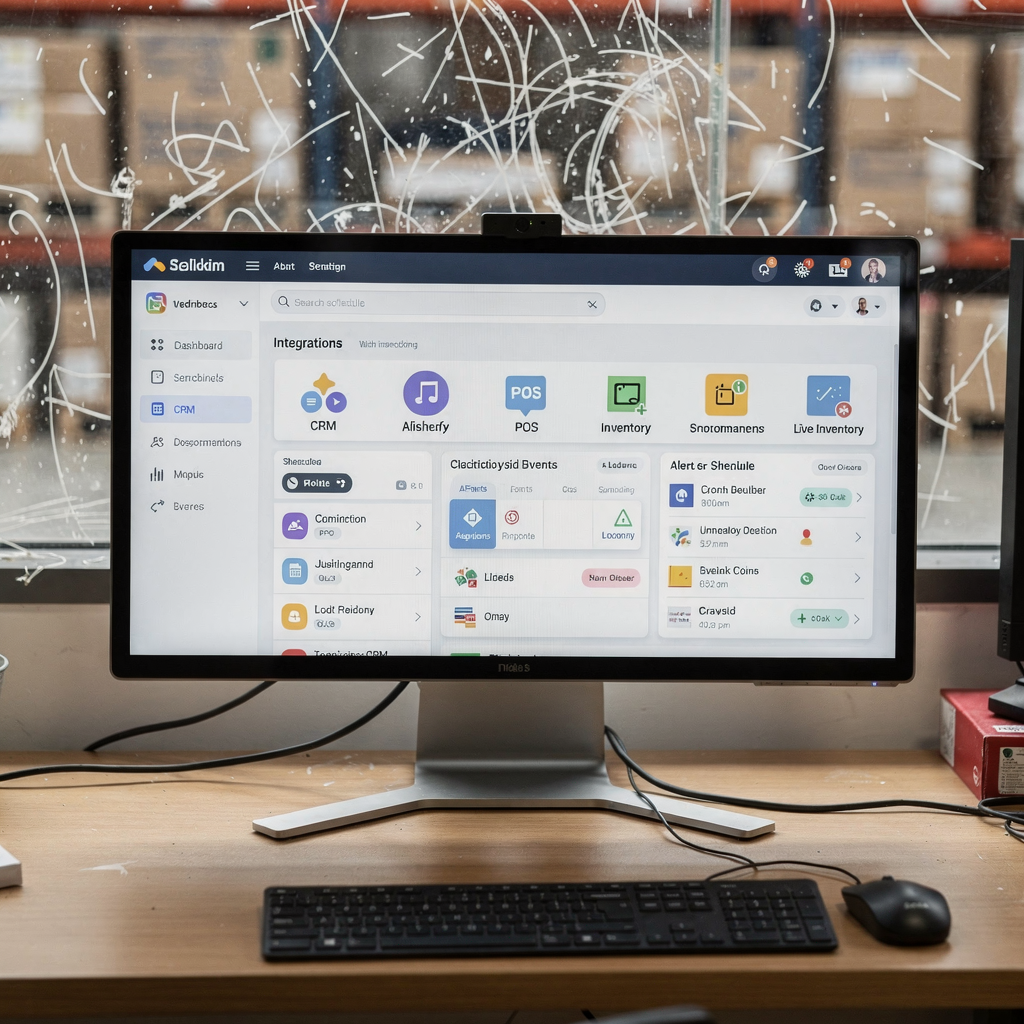
Essential integrations include CRM for customer history, POS for transactions, and scheduling for staff and deliveries. A proper connection also feeds delivery routing tools and updates expected pickup and delivery orders automatically. These flows simplify event coordination and reduce administrative tasks. They also let the AI provide real-time updates to customers about timing and menu availability.
Security and governance matter. Limit access to payment data and use tokenized connections to the POS. Configure audit logs so every change has traceability. Companies such as virtualworkforce.ai specialize in grounding AI responses in operational systems so that replies and actions are accurate and traceable (source). This reduces errors when the assistant provides price or availability details.
Integration benefits include faster order management, fewer manual steps, and improved inventory forecasting. When systems sync, planning improves and waste drops. Businesses see reductions in labour costs because staff no longer need to copy entries across systems. For a caterer aiming to streamline operations, this approach produces tangible ROI and simplifies growth.
Drowning in emails?
Here’s your way out
Save hours every day as AI Agents label and draft emails directly in Outlook or Gmail, giving your team more time to focus on high-value work.
customer experience and automate logistics: improve satisfaction and reduce no-shows
AI can manage confirmations, reminders, and routing so customers feel informed and staff stay on schedule. Automated confirmations and SMS/email reminders reduce no-shows and late changes. The assistant sends reminders a few days before an event and again the day prior. That simple cadence cuts no-show rates and increases repeat business.
Route optimisation for delivery ensures warm food and timely arrival. The AI planner assigns drivers, sets ETAs, and updates customers with real-time updates. For multi-stop runs, the assistant manages timing to avoid late arrivals. That improves customer experience and helps the team handle higher volumes.
Track KPIs such as booking-to-fulfilment accuracy, average response time, and repeat-booking rates. These metrics show the impact of automation on customer satisfaction and revenue. Use customer feedback loops to adjust prompts and scripts. The assistant who handles routine confirmations should also capture any last-minute questions and escalate when needed.
When combined with CRM integration, these automated logistics flows lower labour costs and reduce the risk of missed revenue. They also help catering services react fast to changes in customer preferences and dietary needs. By automating routine tasks, teams focus on food and event execution rather than chasing details.
frequently asked questions for a caterer buying an ai assistant or ai receptionist
Will automation match our specific needs? Yes, most systems allow customization so flows match the specific needs of a catering. And you can set business rules for deposits, cancellations, and escalation.
How quickly does it reduce missed call losses? Implementation timelines vary, but simple pilots can cut missed-call losses within weeks. Track metrics and refine prompts to speed impact. For more detail on operational email and AI agents that reduce handling time, see this guide (source).
What happens when the AI can’t handle a complex request? The system escalates instantly to staff with full context so the handover is fast and accurate. This keeps customers satisfied and avoids dropped quotes.
How is customer data protected? Use vendors that tokenise payment data and offer audit logs. Restrict system access and define governance so sensitive information stays secure. Also check data residency rules if you operate across multiple regions.
Which integrations should we require? Ask for CRM, POS, and scheduling integrations. Look for connectors that write back to your ERP or POS so orders are created automatically. This simplifies order processing and reduces manual entry.
Is this expensive for SMBs? Costs vary. However, the ROI often appears in reduced labour costs, fewer lost bookings, and lower administrative time. You can start small with peak-hour coverage to test value.
Can it handle menu customization? Yes. Configure scripts for menu customization to capture dietary accommodations and special requests. That reduces errors and improves fulfillment.
Will it reduce labour costs? It will free staff from repetitive tasks and let them focus on service and cooking. Over time you will see lower administrative loads and faster response times.
How do we measure success? Use KPIs like booking-to-fulfilment accuracy, repeat business, average response time, and reduced missed revenue. These numbers tell you if the solution meets your business needs.
Where do we start? Run a short pilot during busier days and measure impact. Then expand coverage, integrate with POS, and refine prompts based on user feedback. If you need help handling inbound emails and operational messaging, consider providers that specialise in automating the full lifecycle of operations communication.
FAQ
How fast can an AI receptionist reduce missed call losses?
Many teams see improvements within a few weeks after a focused pilot. Early wins come from covering after-hours and peak windows, which capture calls that would otherwise become lost revenue.
Will the AI integrate with our crm and pos system?
Yes, most modern solutions offer connectors to CRM and POS so bookings flow into your existing systems. Integration reduces double entry and speeds order processing.
What happens when the AI cannot handle a complex catering order?
The AI escalates to a human with full context, including transcripts and CRM notes. This ensures a fast handover and preserves customer satisfaction.
How is customer data secured when the assistant takes payment?
Vendors should use tokenisation and follow payment security standards to protect card data. Ask for audit logs and role-based access to restrict sensitive data.
Can the assistant handle last-minute changes and cancellations?
Yes, the assistant captures last-minute questions and routes them based on your rules. It can also update schedules and notify teams to adapt quickly.
Does the AI support menu customization and dietary accommodations?
The AI can prompt for dietary needs and confirm menu customization to reduce errors. That helps teams prepare accurate orders for events and corporate meetings.
How do we measure ROI from an AI deployment?
Track reduced missed revenue, fewer administrative tasks, lower labour costs, and higher repeat business. These KPIs show the real impact of automation.
Will the system reduce wait times for callers?
Yes, by automating intake and confirmations the system reduces wait times and speeds order processing. That improves customer experience and conversion.
Can we customise the assistant’s tone and scripts?
Most providers let you configure tone, prompts, and escalation rules so the assistant matches your brand. This keeps interactions consistent and professional.
What should we look for when choosing a vendor?
Require live escalation, reporting, CRM and POS integrations, and a clear SLA for uptime and updates. Also ask for case studies that show reduced errors and administrative tasks.
Drowning in emails?
Here’s your way out
Save hours every day as AI Agents label and draft emails directly in Outlook or Gmail, giving your team more time to focus on high-value work.