


ai agent and customer service: what they are and why enterprise ai is reshaping customer experience
An AI agent is a software program that acts like a virtual agent and performs tasks with autonomy. For technical teams, an AI agent can read logs, interpret user reports, suggest fixes, and route issues. This form of agentic AI combines natural language understanding with workflow logic. For IT leaders, the value shows when routine requests stop blocking human work. Enterprise AI shifts how teams deliver customer service and it reshapes the entire customer experience. For example, a virtual agent that handles password resets or status checks keeps queues short and frees human agent time for complex troubleshooting.
Quick facts help set scale. A 2025 study found that AI could affect 11.7% of U.S. jobs, a sizable signal for support roles and tech staff; see the MIT study here. Also, Gartner forecasts rising autonomy for agentic AI through 2029, which means more systems will take initiative on routine tasks. Additionally, many consumers now accept AI: 65% still trust companies that use AI technology, according to Forbes data. Therefore, leaders must balance scale and risk as they adopt AI.
Enterprise AI changes customer service in three clear ways. First, it enables 24/7 access to answers and reduces wait time for technical support. Second, it provides consistent responses that enforce policy and reduce avoidable errors. Third, it produces customer data and interaction trends that product teams can use to improve offerings quickly. For instance, a support team that uses automated triage can spot repeat failure modes and alert engineering. As a result, better customer experiences become measurable and repeatable.
For ops-heavy use like email, solutions such as virtualworkforce.ai automate the full lifecycle of operational messages. They read intent, pull data from ERP and WMS, and draft grounded replies inside Gmail and Outlook. If your business handles many operational emails, that targeted automation is a strong place to start. Next, teams can scale AI across other channels like chat support and voice support while keeping control and traceability.
ai customer and ai customer service agents: clear benefits for the support team and support agents
AI agents deliver tangible benefits for the support team and for individual support agents. First, they speed response times by handling routine requests instantly. Also, AI agent suggestion tools provide suggested replies that reduce drafting time. Additionally, agents can see contextual cues from the AI and take faster, more confident actions. As a result, mean time to resolution drops and agent productivity rises.

Measurable outcomes include reductions in handling time and cost. Case studies show double-digit FCR improvements and significant ticket deflection when teams reach automation rates above 40 percent. For enterprise operations, automated email flows can reduce handling time per message from roughly 4.5 minutes to about 1.5 minutes, as reported by virtualworkforce.ai. Vendor stories from Microsoft document more than 1,000 customer success cases where AI improved resolution speed and consistency read more.
Importantly, AI augments rather than fully replaces human support. Human agents remain responsible for judgment calls, escalation, and relationship work. For example, a human agent will still handle complex integration bugs or contract negotiations. Training shifts. Teams must teach agents how to supervise AI agents, verify suggestions, and manage exceptions. Also, company processes should define handoff rules and confidence thresholds so AI assists smoothly and does not cause confusion.
For regulated lines of business, fin AI and compliance controls are essential. When you deploy AI for customer work in finance, include data governance and audit trails. Meanwhile, service teams that adopt conversational AI tools should monitor quality, measure CSAT, and iterate. In short, AI agents help lift routine burdens so human support focuses on high-value tasks and on improving overall service.
Drowning in emails?
Here’s your way out
Save hours every day as AI Agents label and draft emails directly in Outlook or Gmail, giving your team more time to focus on high-value work.
ai agent in customer service use cases: ai agents for customer service and agent uses in technical support
Below are concrete use cases where an AI agent in customer service adds value. Automated triage and ticket routing save time by assigning the right queue immediately. Guided troubleshooting delivers step-by-step fixes to users, increasing first contact resolution. Auto-remediation tools integrate with DevOps to restart services or roll back releases when safe. Proactive alerts predict failure and notify affected customers before incidents worsen. Finally, knowledge-base search powered by AI finds precise articles fast.
Each use case ties to clear KPIs. Triage and routing directly affect deflection rate and mean time to resolution. Guided troubleshooting boosts FCR and improves CSAT. Auto-remediation impacts cost per contact and automation coverage. Proactive alerts measure reduction in incident volume and improved service quality. When tracking these KPIs, include baseline numbers so you can quantify gains quickly.
Mature setups often automate 50–70% of routine queries, freeing human support to work on hard problems. For example, a logistics operator that implements automated email drafts and routing sees large drops in repetitive tasks. See our guide on automating logistics emails for examples of threading memory and ERP grounding automated logistics correspondence. Also, tech teams can combine chat support with AI voice agents to cover both text and call channels.
Practical deployment notes: start with use cases that have clear success criteria and limited risk. Pilot on non-critical workflows, measure, and iterate. When AI models make suggestions, keep a human-in-the-loop for validation. Over time, models learn from corrections and agent feedback. This approach reduces support across channels while protecting customer trust and reducing avoidable errors.
ai customer support and customer service ai: measuring impact on every customer and operational ROI
Measuring impact depends on a concise metric set. Track deflection rate, first contact resolution, mean time to resolution, CSAT, and NPS. Also monitor cost per contact and automation coverage. These metrics show how AI affects both customer outcomes and business economics. For instance, a higher deflection rate lowers cost per contact and reduces queues for human staff.
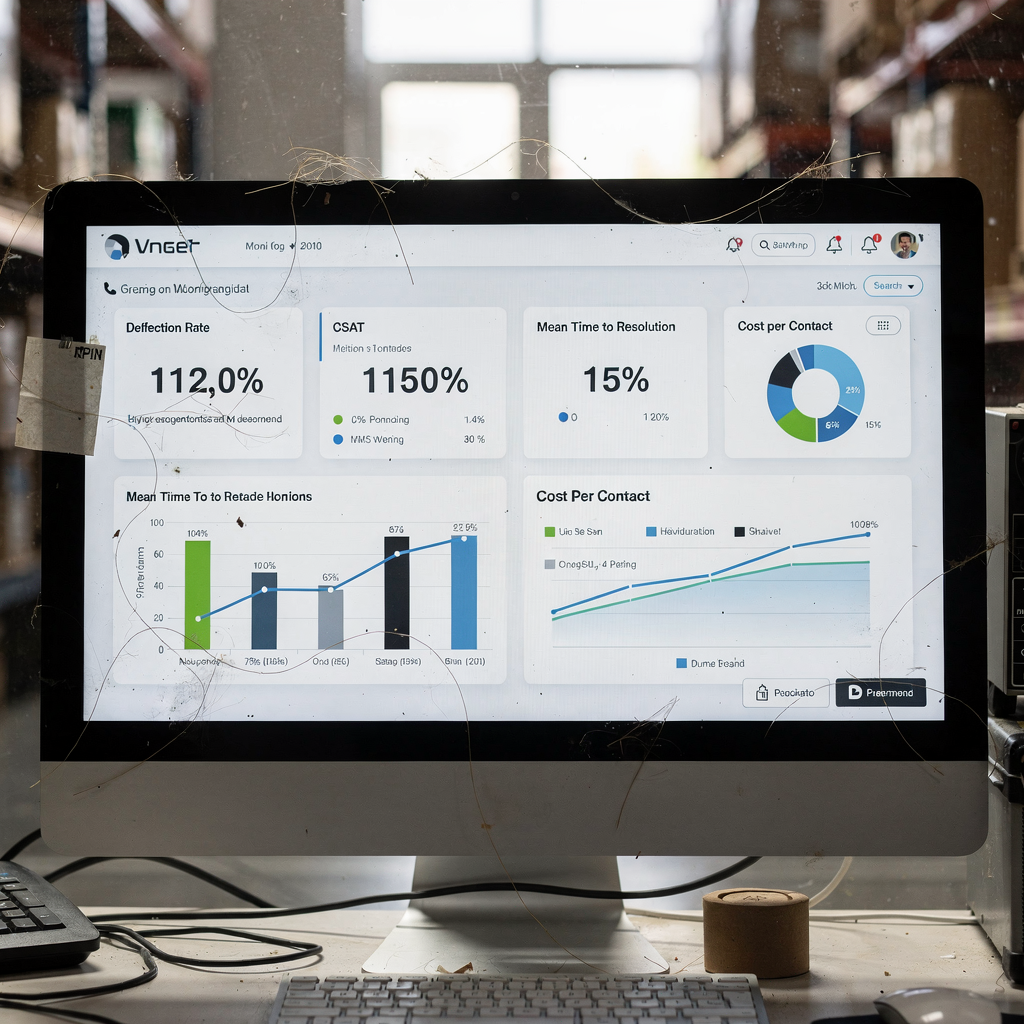
Use simple math to estimate ROI. Multiply ticket volume by the automation rate and by the cost per ticket. That gives a first-order savings estimate. Next, subtract implementation and governance costs to find payback time. Many teams see payback in months rather than years, especially when automation replaces repetitive email and chat work.
Consumer trust also supports investment. A majority of people express openness to AI in support roles; see the Forbes trust statistic here. Vendor evidence supports real outcomes too. Microsoft and other vendors publish success stories that show consistent pricing and faster resolution for technical support use cases source. Additionally, IBM cautions that expectations should remain realistic, and that teams need multidisciplinary oversight to deploy safely IBM.
Operational ROI also improves when AI creates structured data from unstructured inputs. For example, virtualworkforce.ai converts email threads into actionable records that update ERP systems automatically. That reduces lookup time and manual handoffs. Consequently, support operations become traceable and auditable. Over time, analysts can analyze customer feedback and product issues faster, which shortens the product improvement cycle.
Drowning in emails?
Here’s your way out
Save hours every day as AI Agents label and draft emails directly in Outlook or Gmail, giving your team more time to focus on high-value work.
top ai agents and customer service tools: selecting between fin ai, off‑the‑shelf platforms and custom enterprise ai
Choose tools by category. No-code platforms like Ada and Intercom let business teams launch quickly. Enterprise stacks such as IBM and Microsoft integrate deeply with existing systems and compliance controls. LLM/API approaches like ChatGPT speed prototyping, while open frameworks such as Rasa enable full customisation. For regulated lines, fin AI options provide extra auditability and governance.
When selecting, ask these questions: can the platform integrate with your ERP and CRM? Does it support data privacy rules relevant to your region? Can your team customise tone and escalation logic? Also consider rollout and monitoring. A full control plane is critical so you can observe model behaviour and tune it. For logistics teams wanting draft automation, see our page on ERP email automation ERP email automation for logistics. If you want to scale operations without hiring, review our recommendations how to scale logistics operations without hiring.
Decide between off-the-shelf and custom based on risk, integration needs, and volume. Off-the-shelf reduces time to value. Custom solutions fit unique rules and complex data sources. The right AI agent balances both: it connects to systems, follows policies, and supports threaded memory for long conversations. Top ai agents vary by channel; some excel at chat support while others focus on email or voice support. Also consider the availability of monitoring tools and A/B testing for AI workflows.
using ai agents for customer success and the future of customer: governance, hybrid models and an implementation roadmap for support teams
Ethics and governance must be baked into deployment. Start by defining what customer data the system uses, and who can access model decisions. Include bias checks and a multidisciplinary oversight team with legal, product, and ethics experts. IBM and academic sources highlight responsible design as essential for long-term adoption research. Also, Stanford notes that human agency remains crucial as AI scales Stanford.
A hybrid operating model combines AI with human support. Define handoff rules so agents seamlessly take over when AI confidence is low. Set escalation SLAs for when human agent intervention is mandatory. Use thresholds to automate simple replies and to route complex issues. This human and AI partnership preserves trust and ensures safety. Also, agents can use AI suggestions to improve response quality and speed.
Follow a practical six-step roadmap. First, prioritise use cases that have clear ROI and limited risk. Second, pilot with a small support team and real traffic. Third, measure KPIs and gather feedback. Fourth, iterate with human-in-the-loop improvements. Fifth, scale successful pilots and standardise governance. Sixth, maintain continuous monitoring and model audits. During implementation, ensure your team has access to the right ai systems, and plan for ongoing tuning.
Finally, remember that AI deployment affects customer relationships as much as cost. Use transparency to explain when AI assists and offer easy human fallback. As autonomous AI agents increase, businesses that balance control, ethics, and speed will deliver better customer experiences and lasting value.
FAQ
What is an AI agent in customer service?
An AI agent is a software program that automates tasks and simulates human responses. It can handle routine queries, triage tickets, and draft replies while escalating complex issues to human agents.
How do AI agents improve customer support efficiency?
AI agents automate repetitive work, reduce handling time, and provide suggested replies for support agents. They also route tickets correctly, which reduces manual forwarding and speeds resolution.
Can AI fully replace human agents in technical support?
No. AI handles routine and data-driven tasks well, but human agents remain essential for judgment, complex troubleshooting, and relationship work. Hybrid models deliver the best results.
What KPIs should I track when deploying AI for customer service?
Track deflection rate, first contact resolution, mean time to resolution, CSAT, NPS, and cost per contact. These measures help quantify the operational and customer impact of AI.
How quickly can I expect ROI from AI customer support?
Time to payback varies with ticket volume and automation coverage. Many teams see payback in months when they automate high-volume, low-risk workflows like operational emails.
Are customers comfortable with AI handling support tasks?
Many customers accept AI if it improves speed and accuracy. Studies show a majority express trust in companies that use AI, particularly when transparency and easy human handoffs exist.
What governance is needed for AI in customer service?
Governance should include data access rules, audit trails, bias checks, and multidisciplinary oversight. Clear policies ensure ethical and compliant use of AI in customer-facing roles.
Which channels should I automate first with AI?
Start with high-volume, low-risk channels such as email and chat support. For operations, automated email workflows that pull data from ERP and WMS deliver fast wins.
How do I choose between off-the-shelf and custom AI solutions?
Choose based on integration needs, compliance, and volume. Off-the-shelf platforms speed deployment, while custom builds fit complex rules and deep system integrations.
Where can I learn more about automated email handling for operations?
Explore resources on automating logistics correspondence and ERP email automation to see examples and implementation patterns. For logistics teams, specific guides show how to scale operations without hiring and how to draft emails automatically.
Drowning in emails?
Here’s your way out
Save hours every day as AI Agents label and draft emails directly in Outlook or Gmail, giving your team more time to focus on high-value work.