


ai in government: why 2025 needs ai-powered email assistant for government agencies
Government inboxes hold extraordinary volumes of correspondence, and they also carry legal and operational obligations. For example, U.S. government archives now contain billions of pages of preserved email records, which adds pressure on staff who must maintain records and respond to requests ahogy a kutatók beszámolnak. At the same time global email traffic surged. Industry estimates put business email volume at roughly 347 billion messages per day in 2023, which drives more administrative load in public sector mailrooms a Radicati szerint. Those two facts alone explain why agencies must adopt AI in government communications by 2025.
AI can reduce repetitive work and help staff respond faster. It can tag, prioritise and route messages. It can draft replies and create structured records. As a result, FOIA searching costs fall and backlog clears. The OECD highlights how digital transformation and AI accelerate public service performance and policy delivery áttekintésében. That adds authority to adopting AI for email.
Key benefits include faster response times, a more consistent service experience and reduced backlog. For example, programmes that deploy AI agents report steep drops in average reply time. In operations contexts, teams reduce handling time by up to two-thirds, which helps them save time and redeploy staff on higher-value tasks. An ai assistant can also improve email management and compliance by automatically labelling records and preserving metadata for archives.
Quick metric examples help illustrate impact. Average reply time can drop by 50–70%. FOIA search hours can fall by tens of percent when threads are auto-summarised. The ratio of automated summaries per inbox can rise sharply, so staff spend less time reading and more time deciding. These outcomes are reachable if government organisations plan for governance, data privacy and integration from day one.
Finally, public sector leaders should think in terms of capability and control. AI can act as a copilot for mailrooms and operation teams. It can handle routine cases and escalate only the business-critical ones. When teams design these systems to automate and to preserve records, the result becomes an email system that supports transparency, traceability and responsiveness well into 2025.
email management and workspace: secure integration with Google Workspace
Connecting an email assistant to Google Workspace requires planning and strict controls. Google Workspace offers built-in AI features such as Gemini and enterprise controls that help secure data. Government deployments must comply with federal rules, and they must respect data sovereignty and records retention. The Department of Veterans Affairs, for instance, is building AI strategies that emphasise operational access while meeting governance standards ahogy a VA leírja. That example matters for any agency planning integration.
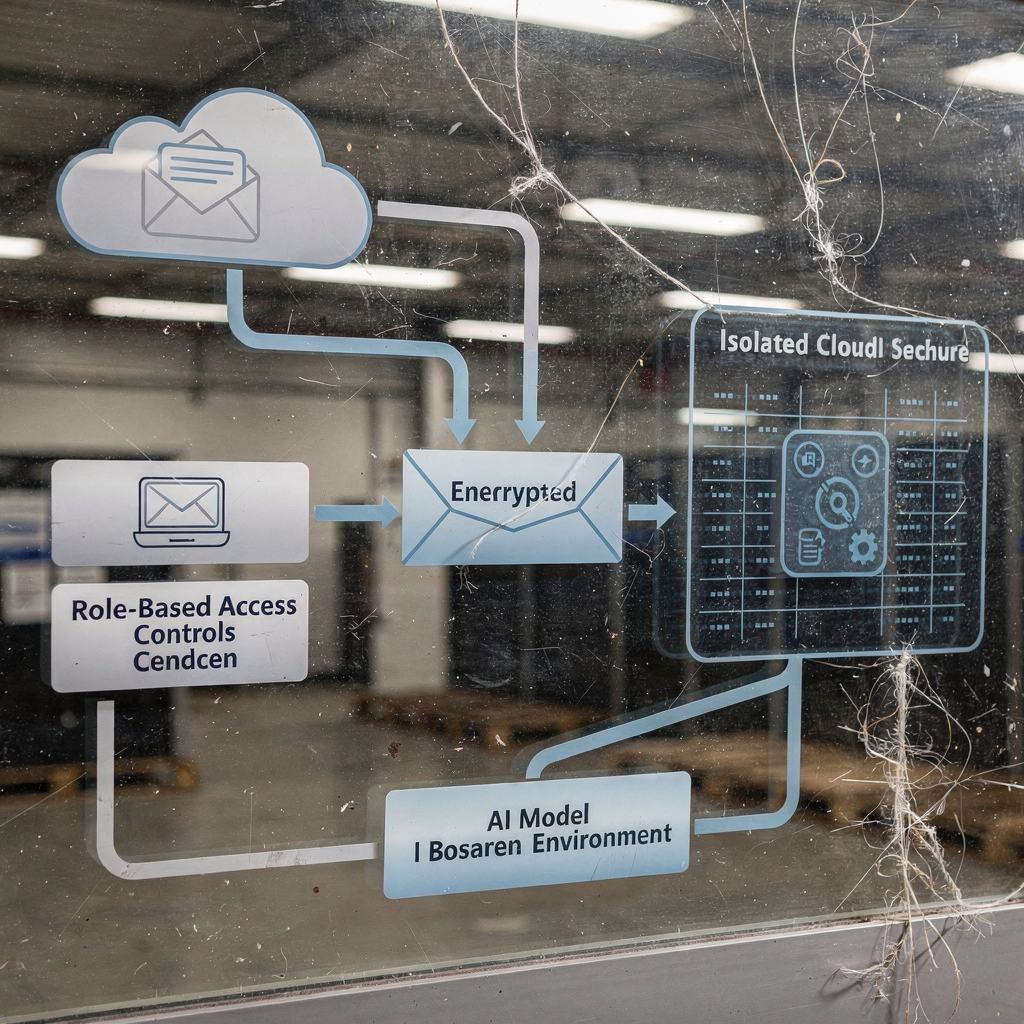
Practical steps begin with admin controls and extend to data loss prevention. First, set up role-based authentication and narrow scopes for any application. Next, enable DLP and classification so attachments and email content receive the right protection. Then enforce retention rules so NARA requirements and records management policies stay intact. Also configure model usage so Workspace data does not feed external training sets unless contracts explicitly allow that use. Those measures help protect sensitive data and limit model exposure.
For a deployable checklist, include authentication, OAuth scopes, strong encryption, and comprehensive logging. Ensure encryption-at-rest and in-transit. Enable audit trails and exportable metadata to preserve chain-of-custody. Test mailbox-level access and make sure the assistant cannot act without explicit escalation and approval. Where agencies need rapid automation but high control, enterprise-grade connectors and private deployments work best. Teams can integrate an ai assistant without loosening data privacy or cybersecurity standards.
Operational teams should also review vendor contracts for data for training clauses and breach liability. If a third party will process emails, confirm FedRAMP or equivalent certification and insist on contractual guarantees of data residency. When using Google Workspace, consider hybrid architectures where sensitive folders or attachments remain in an agency-only environment such as an onedrive or controlled SharePoint instance while less sensitive mail leverages cloud services. In practice, a phased approach minimises risk and helps with onboarding and change management.
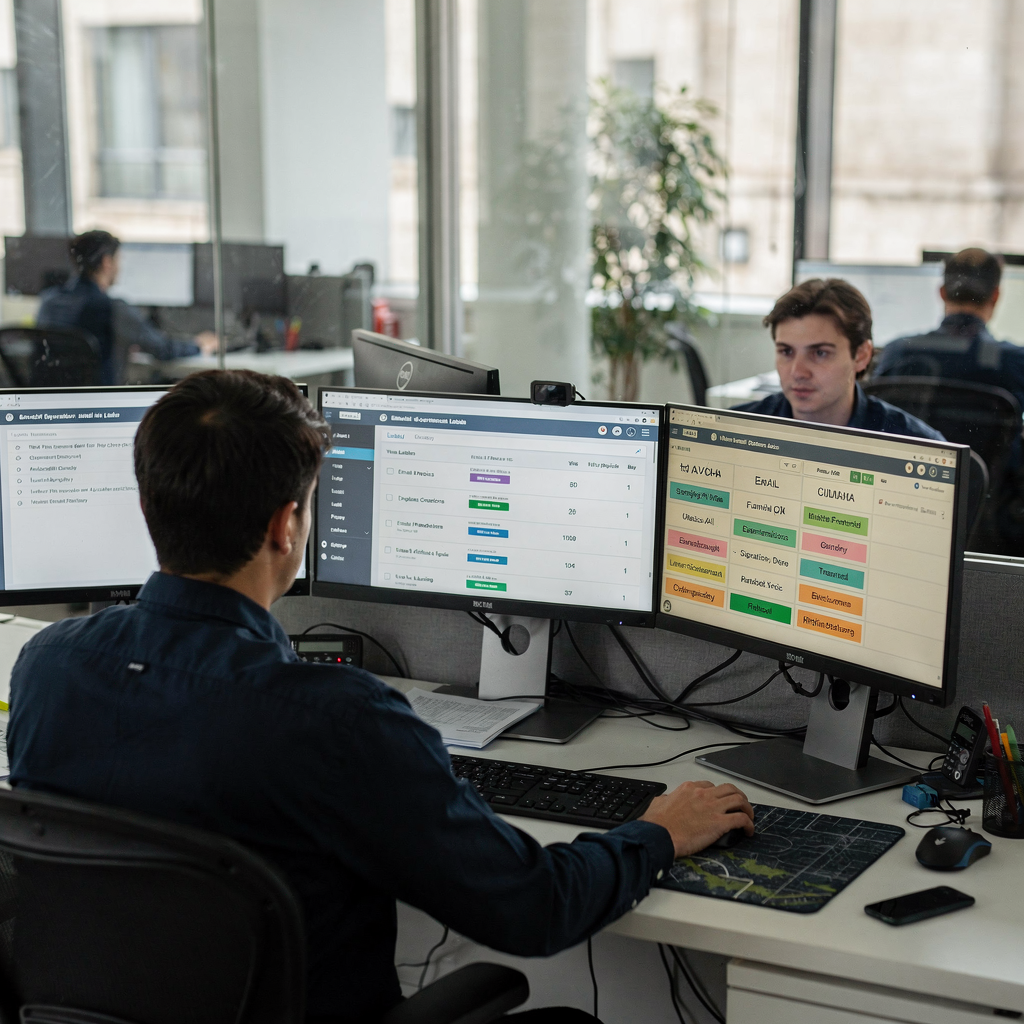
Drowning in emails?
Here’s your way out
Save hours every day as AI Agents label and draft emails directly in Outlook or Gmail, giving your team more time to focus on high-value work.
ai-powered inbox workflow: streamline, automate and speed responses
A thoughtfully designed ai-powered inbox creates repeatable, auditable workflows that free staff from low-value work. Start by mapping use cases for triage, summarization, routing and drafting. Then pick automation rules that match those needs. Typical workflows prioritise urgent emails, automatically categorize messages into folders and attach metadata so records teams can preserve what they need. An email assistant can also suggest draft replies, extract calendar items and surface attachments. When these features run together, teams respond faster and with better accuracy.
Concrete workflows include priority tagging, auto-summarise of threads, suggested replies and FOIA routing. For example, an assistant can automatically categorize FOIA requests and move them into a records folder with a time-stamped summary and the originating sender details. It can also extract action items and create tickets for a project manager or an operational owner. Those steps reduce time searching for client information and make audits simpler.
Automation choices range from on-device models to enterprise cloud models. Use Gmail add-ons, Google Apps Script and Workspace APIs to integrate with existing email clients and to preserve metadata. When third-party models are needed, ensure data governance is in place before you integrate with solutions such as ChatGPT or with OpenAI enterprise offerings. Virtual teams often choose private or federated deployments for business-critical mail. If you want to see a logistics-focused example of end-to-end automation that maps to operations, check how to automate logistics emails with Google Workspace and virtualworkforce.ai a gyakorlati példa.
Key KPIs to track include inbox zero time, first-response SLA and FOIA fulfilment time. Measure also how many threads the assistant resolves without human touch. These metrics show both the productivity boost and the reduction in backlog. When agents are grounded in ERP or SharePoint data, replies cite the correct information and staff save time. An ai assistant that ties into operational systems can also create structured records that feed into casework, which further reduces rework and time lost to manual lookup.
security, privacy and compliance: protect sensitive data while using email with ai
Protecting sensitive data is essential when agencies use AI to manage mail. There are real risks, such as inadvertent disclosure of classified content, model training leakage and mistaken automated disclosures under FOIA. Researchers point out behavioural data science privacy issues that arise when systems analyse communications at scale a közelmúltbeli tanulmányokban. Agencies must design controls that stop those risks.
Required controls include encryption-at-rest and in-transit, role-based access, and immutable audit trails. Add a human-in-loop for sensitive replies. Use redaction for classified content and limit automated actions on flagged senders. Agencies should implement policies that require explicit approval before the assistant discloses attachments or metadata. Also enforce model usage policies that forbid using operational email data for model training unless contracts and approvals exist.
Policy items must cover retention and records preservation in line with NARA and Federal rules. Vendor contracts should contain clauses about data for training, breach liability and ownership of generated outputs. Regular audits and red-team tests are necessary to validate controls. Security features like phishing detection, anomaly detection and realtime monitoring reduce the chance of compromise. Agencies should demand enterprise-grade isolation and ISO or FedRAMP alignment for hosted services.
Operationally, keep a clear escalation path and a documented rollback plan for when automations behave unexpectedly. Train cios and security teams on how the system handles attachments and metadata. For additional guidance on grounding AI in operational data sources so replies remain accurate, see an example of our virtual assistant approach for logistics to understand how structured data extraction works in practice olvassa el a példát. Finally, maintain transparency with the public about automated processes, and record automated decisions so auditors can answer your questions about why a message was handled a certain way.
Drowning in emails?
Here’s your way out
Save hours every day as AI Agents label and draft emails directly in Outlook or Gmail, giving your team more time to focus on high-value work.
best ai email assistant: selection criteria, templates and evaluation for government agencies
Selecting the best ai email assistant requires a clear checklist and realistic pilot design. Start with mandatory selection criteria. Insist on data residency and training guarantees. Require FedRAMP or equivalent certification and proof of auditability. Ask for explainability of outputs and the ability to integrate with Google Workspace and with operational systems such as ERP or SharePoint. Confirm latency and cost targets. These steps protect government agencies while they modernise.
Other practical criteria include support for thread-aware memory, structured data extraction and enterprise-grade security. Ensure vendor contracts restrict data for training and that they include breach liability terms. Evaluate how the assistant handles metadata, attachments and folder management. Test whether the product can automatically categorize messages and whether it can preserve the information needed for FOIA and records preservation. If you want a template-driven approach that reduces time searching and boosts response quality, virtualworkforce.ai offers examples of email drafting automation for logistics that show full lifecycle automation and traceability lásd egy sablon példa.
Include a set of templates for the pilot. Provide FOIA acknowledgement language, short public replies, internal briefing summaries and urgent escalation notices. Test auto-triage labels and run a sample of automated replies with human review. Design the pilot for 8–12 weeks. Choose a test group that reflects different mailbox types and volumes. Define success metrics such as reduction in average handling time, drop in backlog, and improved first-response SLA. Also prepare a rollback plan and an onboarding checklist for admin and business teams.
Finally, factor in change management. Provide training for staff and a user feedback loop. Monitor for model drift and plan annual compliance reviews. When agencies choose a solution that integrates with operational data and that preserves records, they get consistent answers and a cleaner audit trail. These outcomes make the service experience more reliable and help the organisation deliver on public commitments.
deploy and scale: leverage automation, chatgpt/openai and ensure a seamless email experience in 2025
Deploying and scaling an ai-powered email assistant requires a phased approach. Start with a pilot, validate workflows, then run a phased roll-out and continuous improvement loop. The pilot should test automation logic, security controls and user acceptance. After validation, move to a staged roll-out across teams and shared inboxes. Monitor KPIs and collect feedback, and then iterate. This method reduces downtime and allows staff to adapt while the system matures.
Vendors such as OpenAI and ChatGPT enterprise offer powerful models that can speed development. However, agencies must secure contracts that guarantee data isolation and that limit data for training. Many teams prefer private or federated deployments for business-critical mail. If you plan to leverage these models, require enterprise isolation and explicit contractual terms about data usage. That protects sensitive data and satisfies auditors.
Long-term governance matters too. Establish an operations team to monitor for model drift and to manage templates and rules. Conduct annual audits and red-team tests. Provide regular training and define who can change an ai model or an automation rule. Also assign a project manager to coordinate between IT, records, legal and frontline staff. For organisations focused on operations, consider examples of how to scale without hiring more staff; those case studies show that the right assistant reduces handling time and increases productivity lásd egy kapcsolódó példa.
To keep the email experience seamless, tune workflows for contextual responses and for correct attachment handling. Use thread-aware memory so the assistant knows what has already been discussed. Keep templates tight and ensure human oversight for sensitive cases. Finally, measure impact on productivity, time saved and service experience. With careful governance and well-defined automation, agencies can deploy an ai assistant for government use that preserves records, improves response times and scales sustainably into 2025.
FAQ
What is an AI email assistant and how does it help government organisations?
An AI email assistant is a software agent that reads, classifies and drafts replies to email messages. It helps government organisations by automating routine tasks, improving response speed and by keeping records organised so staff can focus on higher-value work.
How does AI improve FOIA processing and records searches?
AI can auto-summarise threads, tag emails with relevant metadata and route FOIA requests to records teams. This reduces time searching and helps ensure that preservation and disclosure rules are followed.
Can an assistant integrate with Google Workspace securely?
Yes. Integration requires admin controls, DLP, strict OAuth scopes and encryption at rest and in transit. Agencies should also require contractual guarantees that workspace data will not be used for model training without approval.
Do AI tools like ChatGPT or OpenAI learn from our email data?
That depends on the contract and deployment model. Enterprise offerings can promise data isolation, while public models may use data for training. Always confirm data for training clauses in vendor agreements.
What safeguards stop accidental disclosure of sensitive data?
Mandatory safeguards include redaction, role-based access, audit logs and human-in-loop review for flagged messages. Regular audits and red-team tests further reduce risk.
How long should a pilot last and what should it measure?
Pilots typically run 8–12 weeks. Measure metrics such as first-response SLA, backlog reduction, inbox zero time and the percentage of threads resolved without human touch.
What templates should agencies prepare for automated replies?
Start with a FOIA acknowledgement, a short public reply, an internal briefing summary and an urgent escalation template. Test each template under human review before full automation.
Can an AI assistant preserve records for NARA compliance?
Yes. Properly designed assistants add metadata, store attachments in preserved folders and export audit logs. Ensure the system enforces retention policies and supports records export.
How do we ensure explainability of AI-generated replies?
Require the vendor to provide explainability features such as rationale metadata, source citations and traceable decision logs. Human oversight for sensitive replies also helps clarify why a response was generated.
What is the role of human reviewers after deployment?
Human reviewers handle escalations, validate sensitive replies and refine templates. They also audit the assistant’s outputs and support continuous improvement to keep the service experience aligned with policy and public expectations.
Drowning in emails?
Here’s your way out
Save hours every day as AI Agents label and draft emails directly in Outlook or Gmail, giving your team more time to focus on high-value work.