


AI in the rail industry: how an AI assistant improves rail operations and rail networks
The rail industry faces rising email volumes and growing operational complexity across rail networks. First, frontline teams receive hundreds of messages every day. Next, those messages often touch scheduling, safety, ticketing and supplier coordination. For modern rail teams, delays in response harm passenger experience and harm service delivery. AI helps here. An AI email assistant can reduce response times dramatically. For example, ticket automation research shows AI-driven systems can cut reply times by up to 50% (study: Ticket automation). Therefore, operators see lower backlog and faster incident acknowledgement.
Also, AI improves operational efficiency by standardising replies and reducing manual lookups. In addition, systems that connect to timetables and ticketing provide context to messages about train schedules. The result is faster resolution and a better customer experience. Furthermore, industry analysis suggests AI and generative AI can improve operations efficiency by as much as 40% (McKinsey). Consequently, rail operators that act fast can build passenger trust and better service experience.
In practice, value appears in reduced backlog, faster incident acknowledgement and fewer avoidable errors. Also, key metrics to track include response time, backlog size, customer satisfaction and incident resolution time. For a practical implementation, teams should start small. First, automate FAQ flows. Then, expand to booking and supplier routing. Finally, integrate maintenance alerts. For more detail on virtual assistants tailored to operations, see our virtual assistant for logistics resource virtual assistant for logistics. AI supports reliable and efficient service delivery across the railway and modern rail operations.
AI email assistant and inbox workflow: real-time triage with AI agents and a virtual assistant
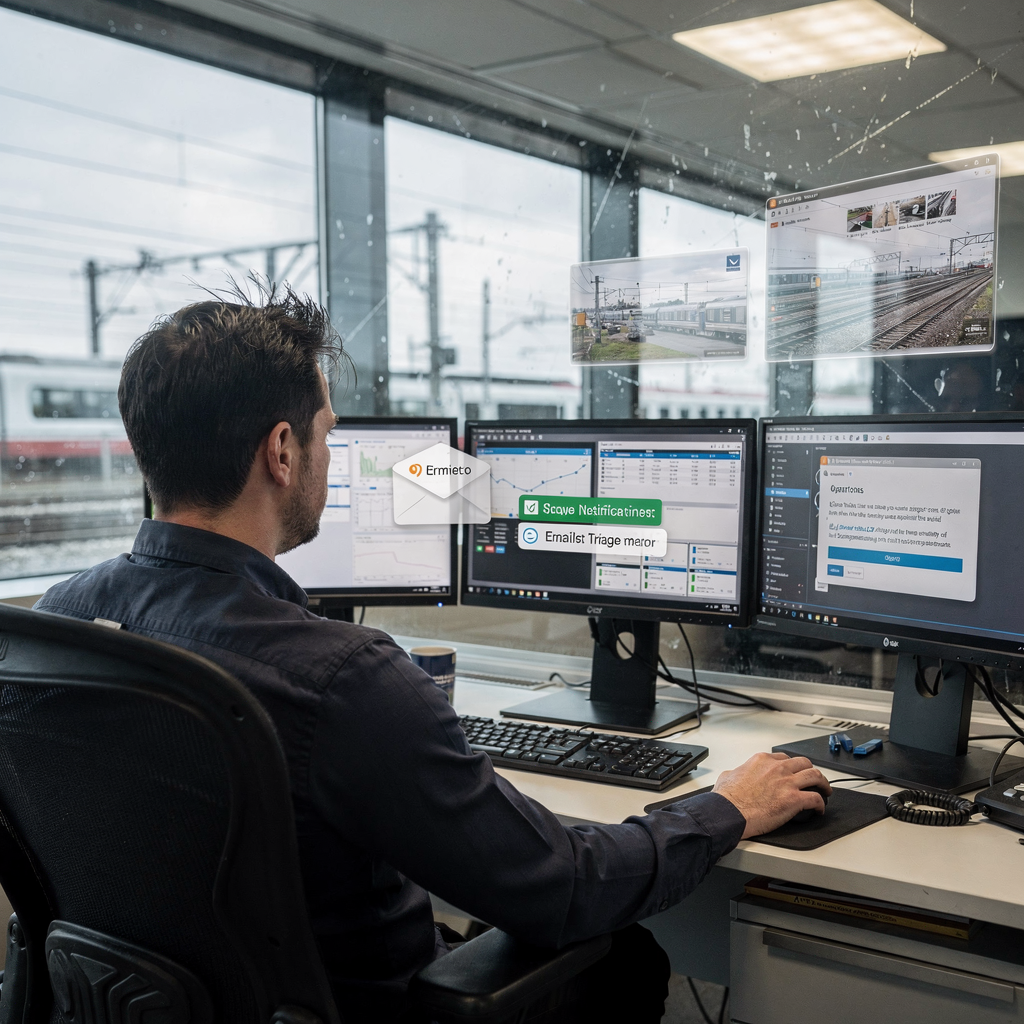
An AI assistant changes how teams handle inbound messages. First, it performs real-time classification and triage. Then, it tags messages by intent, customer and urgency. Also, the assistant reads each incoming email and routes it. For example, it can route safety or delay reports straight to duty teams. Next, it surfaces high-priority supplier or regulator queries. This reduces email handling time and improves response SLA adherence. Research on ticket automation shows production systems can halve response latency in many cases (ticket automation study). Consequently, human agents focus on complex cases.
AI agents operate as the persistent virtual assistant in a shared inbox. They reduce human workload by sorting, tagging and routing. Also, they can flag messages that require escalation. For integration with existing platforms, systems often connect to ERP and crms to pull context. For example, an AI agent can check a booking ID in ERP before it drafts a reply. In addition, teams can configure routing logic so that high-risk items escalate automatically. However, watch failure modes. Misclassification of safety messages is the top risk. Multi-language queries also pose challenges. Therefore, set clear escalation thresholds and human-in-loop checkpoints.
Typical production expectations include high accuracy and low latency. Real-time triage commonly operates within seconds. Also, this approach reduces human handling time from minutes per message to a fraction. For concrete examples of automated correspondence and template management in logistics, see automated logistics correspondence automated logistics correspondence. Finally, the system improves inbox clarity and reduces lost context across inboxes. This helps rail teams handle complex operations while protecting safety and continuity.
Drowning in emails?
Here’s your way out
Save hours every day as AI Agents label and draft emails directly in Outlook or Gmail, giving your team more time to focus on high-value work.
Integration and automation: ai-powered email, generative ai draft and email replies to streamline email management
Integration matters. First, connect the assistant to ticketing, timetabling and CRM. Then, the assistant can pull the right context before it drafts a reply. For example, a message about a delayed service should show related train schedules and crew rosters. Also, linking to ERP and crms lets the assistant ground responses in data. This reduces incorrect replies. Platforms that integrate with email make that flow seamless. For teams that need hands-free setup, some providers offer no-code connectors to common systems. In addition, an API allows deeper linking to rostering and maintenance platforms.
Core features include AI-powered email drafting, generative ai templates and one-click personalised replies. Draft quality controls are crucial. Therefore, implement suggested replies with a human review loop and versioning so you can retain an audit trail. Also, keep a clear record of every automated action for traceability. For teams that use tools like Salesforce or other CRMs, ensure the assistant updates the case record after it sends an email. In practice, this means fewer context switches and lower error rates.
Integration creates a seamless workflow from inbound to ticket to operational action. First the assistant classifies and tags. Next it drafts replies using approved template and tone. Then it updates the record in ERP or the ticketing system. Finally, it escalates when rules require human attention. For an example of how to scale operations without hiring while keeping accuracy, check how to scale logistics operations without hiring scale operations without hiring. This layered approach leverages AI capabilities to streamline email management and maintain compliance.
Where the assistant can automate: faq handling, booking experience, predictive maintenance alerts and routine queries
Start with high-volume tasks. First, automate FAQ handling. Also, use templates and tone governance so replies stay customer-centric. For example, common booking questions about refunds or seat availability can be answered instantly. This improves the booking experience and reduces wait times. In addition, the assistant can automate refund workflows and ticket status checks. Next, expand to status updates for delays. Then, integrate sensor feeds so the assistant can predict maintenance needs and notify engineers. Predictive maintenance reduces unscheduled downtime and improves the overall rail services performance.
Predictive maintenance and maintenance alerts are powerful. For example, when sensor emails indicate rising vibration, the assistant can create a ticket and alert on-call teams. This lets engineers act before a failure. Also, integrating with maintenance systems enables data-driven escalation. The assistant can predict maintenance needs and then push an automated notification to the right crew. Furthermore, automating routine queries frees operational teams. Teams that adopt automation often see measurable productivity gains and better first-contact resolution.
Prioritise use cases by volume and risk. First, FAQ automation yields fast ROI. Next, booking flows and ticket refunds follow. Finally, link with predictive maintenance and supplier workflows. For operational teams in the rail sector, this sequence helps build trust quickly. Also, tools like ai-generated templates speed up replies while retaining accuracy. In short, the assistant can automate many routine tasks and raise the bar on customer service experience.
Drowning in emails?
Here’s your way out
Save hours every day as AI Agents label and draft emails directly in Outlook or Gmail, giving your team more time to focus on high-value work.
Audit trail, audit and compliance: secure records, data privacy and retention for email automation
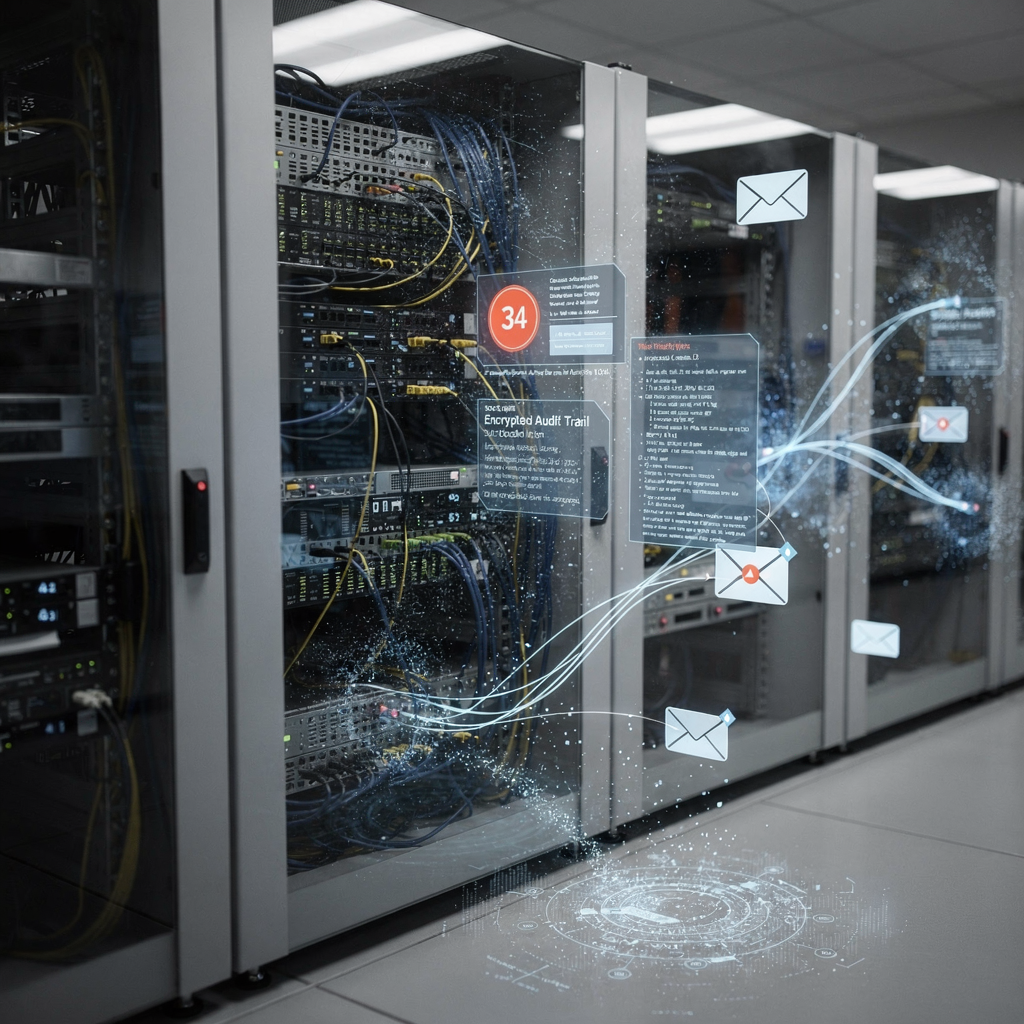
Every automated action must be recorded. First, implement an immutable audit trail of automated actions with timestamps, versioned drafts and human overrides. This supports regulator reporting and incident support. Also, use append-only stores or middleware logging to preserve history. For passenger PII, apply selective redaction. In addition, encrypt data at rest and in transit and enforce role-based access so only authorised staff can view sensitive content. These controls help ensure audit and compliance needs are met.
Practical options include logging to an audit trail store and retaining message snapshots with links to the originating ERP record. Also, configure retention rules to meet GDPR data minimisation requirements. For detector or maintenance alerts, keep a clear chain of custody so investigators can see who received the alert and how the system acted. This approach reduces risk when incidents require post-incident review. Moreover, provide read-only exports for regulators to simplify audits.
Teams should also define policy for human overrides. First, ensure that overrides create a new versioned entry. Next, require reason codes for changes. Then, retain records for a regulation-defined period. Finally, test incident workflows so that when an email must escalate, auditors can trace why and how the system acted. This makes the approach reduces risk and keeps service delivery safe and verifiable. For legal teams, these features make email automation acceptable to compliance functions and regulators.
Deployment roadmap and measuring ROI: integrate, streamline workflow and scale the ai assistant
Start with a phased plan. First, run a pilot that automates FAQ triage and standard replies. Next, integrate with booking and ticketing systems. Then, expand to predictive maintenance and supplier workflows. Also, include change management. Train agents, define SLAs and set human-in-loop checkpoints. This reduces deployment risk and builds confidence in the assistant. For teams that want detailed comparisons of tools, see our resource on automated logistics correspondence and integrations with ERP systems ERP email automation for logistics.
Define KPIs early. Track response time reduction, backlog drop, staff hours saved and customer satisfaction uplift. Also, measure minutes per message before and after deployment. For example, teams typically reduce handling time from ~4.5 minutes to ~1.5 minutes per email when they leverage AI agents and grounded data. This yields measurable productivity gains and an improved customer service experience. In addition, calculate ROI from saved staff hours and reduced SLA penalties. For many operators, the power of AI shows up quickly in lower operational costs and faster service recovery.
Ongoing operations require monitoring, retraining and governance. First, monitor performance and model drift. Next, retrain on new terms and seasonal queries. Also, keep a human review loop for edge cases. Finally, document policies and maintain audit and compliance evidence. This steady governance lets teams scale AI solutions while remaining compliant and reliable. For teams looking to scale operations without hiring additional staff, our guide on how to scale logistics operations with AI agents explains practical steps how to scale operations with AI agents. In short, a staged rollout, clear KPIs and strong governance ensure the assistant reduces backlog and improves ROI.
FAQ
What is an AI email assistant for rail operators?
An AI email assistant is software that automates email processing and reply drafting for operational teams. It helps sort messages, draft replies and route urgent items to the right teams while maintaining records for audit and compliance.
How does real-time triage improve response times?
Real-time triage classifies and prioritises incoming messages instantly, which reduces manual sorting and forwarding. As a result, critical emails reach duty teams faster and average response times drop significantly.
Can the assistant handle booking experience and refunds?
Yes. The assistant can automate common booking flows and refund checks by pulling context from ERP and ticketing systems. This speeds up replies and improves the passenger experience.
How does integration with ERP and CRM work?
Integration uses APIs to fetch booking records, timetables and customer history so replies are grounded in data. This reduces manual lookups and ensures the assistant drafts accurate replies that reference the right records.
Is there an audit trail for automated actions?
Absolutely. Systems log every automated action with timestamps, versioned drafts and human overrides. That audit trail supports regulator reporting and incident reviews.
What are common failure modes to watch for?
Misclassification of safety messages and multi-language queries are common failure modes. Teams should set strict escalation thresholds and human-in-loop checks to mitigate these risks.
How do you measure ROI from an AI assistant?
Measure ROI by tracking response time reduction, backlog drop, staff hours saved and customer satisfaction uplift. Also, calculate reductions in SLA penalties and gains in measurable productivity.
Can predictive maintenance be linked to email automation?
Yes. The assistant can monitor maintenance alerts and create tickets when sensors indicate issues. This lets teams anticipate and prevent failures and improves rail services reliability.
How secure is email automation for passenger data?
Secure deployments encrypt data at rest and in transit and apply role-based access. In addition, retention rules and selective redaction protect passenger PII and meet GDPR-style requirements.
What is the best way to start a pilot?
Begin with FAQ automation and triage to prove value quickly. Then expand to booking flows and maintenance alerts while keeping human approval for sensitive cases. This staged model reduces risk and builds trust.
Drowning in emails?
Here’s your way out
Save hours every day as AI Agents label and draft emails directly in Outlook or Gmail, giving your team more time to focus on high-value work.