


AI email assistant and virtual assistant for accounting firm — streamline inbox, CRM and client communication
AI stands for Artificial Intelligence and, in this context, it powers an ai email assistant that manages client messages for an accounting firm. The AI reads incoming messages, auto-sort them by intent and urgency, prioritise requests, draft replies, schedule followup and update CRM entries. A virtual assistant for accountants can tag threads, pull client data from systems and assemble attachments. This reduces admin and lets the accountant focus on high-value work.
Key benefits include faster response times and higher client satisfaction. Firms that adopt AI tools report large efficiency gains; a recent study found up to a 50% reduction in manual processes when firms deploy AI in audit workflows (McKinsey summary cited by SmartDev). In practice, a mid-sized firm improved response time by letting a generative assistant query firm data in real time (Provectus). The PCAOB has issued guidance reminding firms to keep human oversight and protect privacy when using generative tools (PCAOB 2024).
Practical outputs you can expect are clear. The ai assistant labels messages, suggests a ready-to-send reply when confidence is high and leaves a draft for review otherwise. The tool also updates CRM fields such as contact, engagement status and action items. For broader examples of automated, data-grounded email workflows in operations, see an ERP email automation case study that shows how inbox routing ties into operational systems ERP email automation.
Roles that remain human include final review on complex tax or audit points, partner sign-off on sensitive communications and judgement calls on exceptions. In short, AI handles repetitive tasks while humans keep professional responsibility.
Sample inbox workflow (flowchart):
Inbox → AI labels & sorts → If simple intent: auto-reply (ready-to-send) → CRM update → Log audit trail. If medium intent: draft reply → Human review → Send → CRM update. If high-risk: escalate to partner with context and attachments.
This structure keeps client communication consistent, compliant and measurable while reducing time lost on triage and data lookup.
Automate admin and workflow — automate routine tasks, automation for assistant for accountants and meeting assistant
An assistant for accountants can automate the routine parts of an engagement so teams stay fast and efficient. Common administrative tasks include document requests, reminders, meeting scheduling, follow-up messages, data entry and task assignment. An administrative assistant built on AI reduces repetitive tasks and clears bandwidth for client calls and deep technical work.
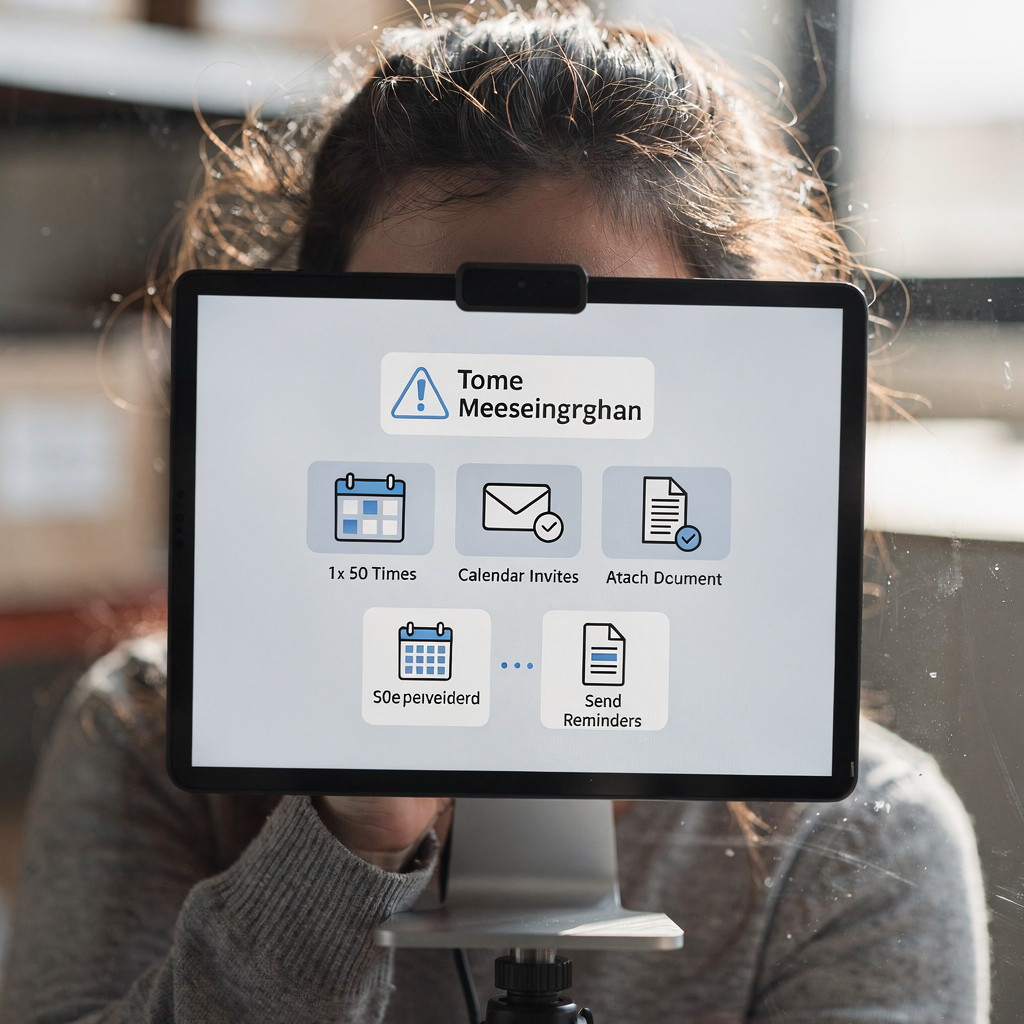
A meeting assistant feature proposes appointment scheduling windows, creates calendar invites, adds an agenda, attaches requested documents and sends reminders before client meetings. It can propose times based on participant availability and past preferences. This saves time and reduces back-and-forth when arranging client meetings.
Define workflow rules that include triggers, templates and escalation paths. Triggers might be subject lines, sender addresses or keywords in client emails. Templates should be adjustable and include placeholders for client names, appointment details and action items. Escalation rules keep a human-in-the-loop for non-standard requests and high-risk communications. A good admin strategy keeps checkpoints so auditors retain professional judgement.
Checklist for configuring automation rules (pilot → scale → monitor):
1. Pilot: Identify 5 repetitive workflows. Set narrow triggers. Test on a small team. Collect feedback. 2. Scale: Broaden triggers. Add CRM mappings and approval gates. Train assistants across teams. 3. Monitor: Review logs, adjust confidence thresholds and audit trails. Track metrics and retrain models as needed.
For organisations that want examples from operations and logistics automation, there are practical guides on automated logistics correspondence that show how routing, templates and escalation work together see automated logistics correspondence. This is useful when your firm must integrate with third-party systems and maintain traceability.
Drowning in emails?
Here’s your way out
Save hours every day as AI Agents label and draft emails directly in Outlook or Gmail, giving your team more time to focus on high-value work.
Personalise and tailor client communication — personalise templates, client experience and client intelligence
Personalisation matters. Use client intelligence to tailor tone, complexity and attachments for each client. Client intelligence includes engagement history, sector, preferred contact methods and recent issues. With these signals, AI can tailor a message for a small owner-managed business in plain language and prepare a technical note for a large corporate client. This improves client relationships and client experience.
Keep three adjustable templates ready: request for documents, status update and audit-close summary. Each template should include fields that auto-fill from client data such as engagement ID, recent deliverables and contact preferences. A single template can be reused across clients with different sections shown or hidden depending on client size.
Example reusable template (Request for documents):
Subject: Documents requested for [engagement name]
Body: Hello [Contact name],
We need the following items to complete the [engagement]: 1) [document A], 2) [document B]. Please upload to [secure folder] by [date]. If you need help, we can schedule a short call. Thanks, [Partner name]
Metrics to measure client experience include response time, first-contact resolution and client satisfaction score. Track these KPIs and show improvements as you personalise more messages. A firm that integrates data grounding into replies will reduce errors and produce consistent client replies.
Keep privacy and compliance in mind when you personalise. Pull only the client data needed for each message and log every access. This allows you to tailor messages while keeping an audit trail and meeting PCAOB expectations on oversight and documentation (PCAOB).
Personalisation reduces friction and, when implemented well, improves measurable outcomes such as shorter response times and higher client satisfaction. Use client intelligence to personalise at scale and retain partner review for sensitive communications.
Save time and reach inbox zero — ai-powered features to streamline work and save time
AI helps teams reach inbox zero by combining auto-triage, suggested replies, bulk-sending with personalisation and rules for ready-to-send messages. The assistant can group similar client emails and send personalised batches, leaving complex threads for human review. This reduces administrative time and keeps client emails accurate and timely.
Set measurable targets: hours saved per audit, percentage reduction in administrative time and improvement in time-to-complete engagements. Use a conservative benchmark and compare against published studies; many firms report large reductions and faster workflows after adopting AI-backed email tools (McKinsey cited).
Controls must include a confidence threshold for auto-send versus draft-for-review. Keep a log of edits to preserve quality and traceability. For example, auto-send when confidence > 90%; otherwise put a draft in the queue. Track edits and store versions for inspection.
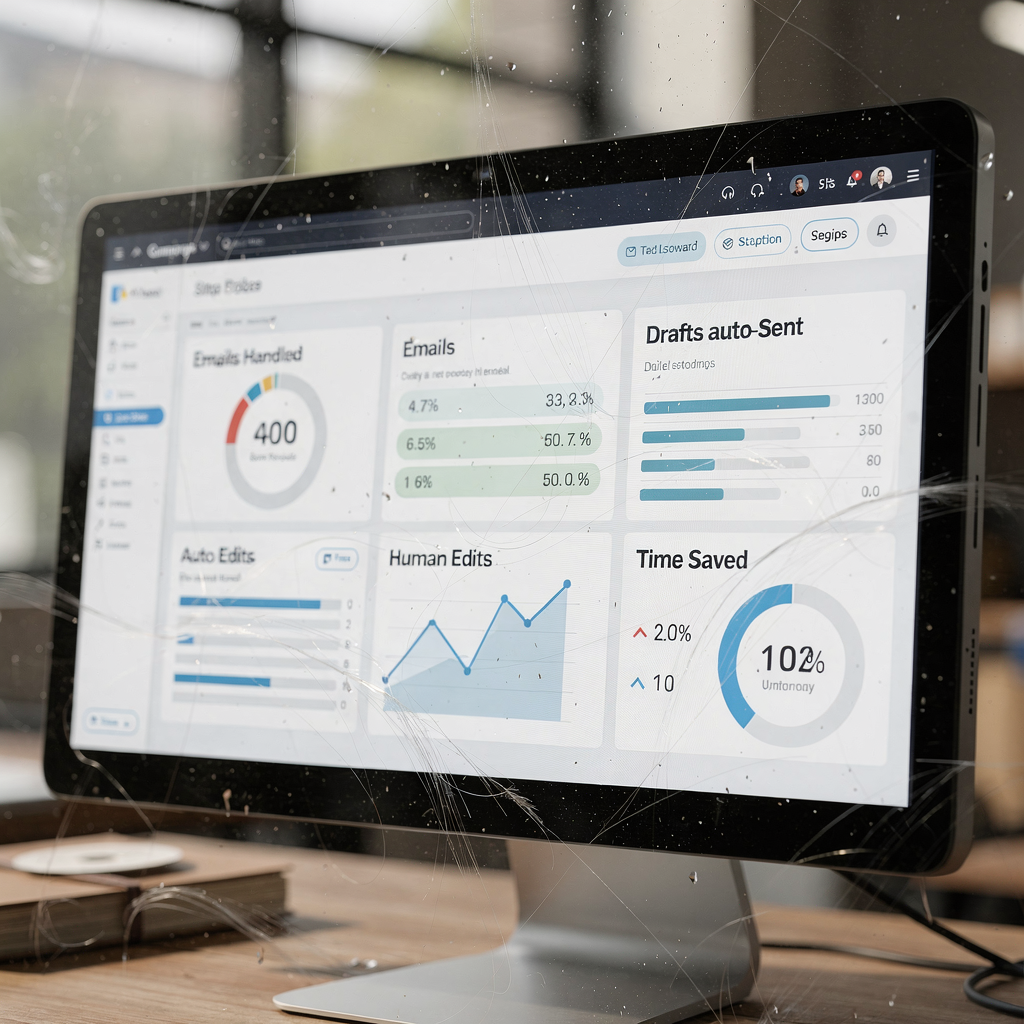
Simple KPI dashboard proposal (emails handled, drafts auto-sent, human edits, time saved):
– Emails handled per week: 3,200
– Drafts auto-sent: 1,800
– Human edits: 600
– Estimated time saved: 120 hours/week
Targets like “save hours every day” become realistic when you measure baseline handling time. Many teams reduce handling time per email from ~4.5 minutes to ~1.5 minutes with end-to-end automation. virtualworkforce.ai builds agents that do exactly this by grounding replies in operational systems and by keeping thread-aware memory for shared inboxes. For more on scaling without hiring, see how automation reduces load across teams how to scale without hiring.
Drowning in emails?
Here’s your way out
Save hours every day as AI Agents label and draft emails directly in Outlook or Gmail, giving your team more time to focus on high-value work.
Enterprise-grade security, compliance and ROI — enterprise-grade controls, client intelligence, PCAOB guidance and roi
Security and compliance come first. Enterprise-grade deployments must include encryption, access controls, audit trails and data minimisation. Follow PCAOB guidance on generative AI and keep human oversight for audit communications (PCAOB). Maintain logs that show which data sources were accessed and why.
Risk controls include vendor due diligence, options for on-prem or TEE/on-device processing, anonymisation and detailed logging for inspection. Vet vendors for purpose-built features that match your security needs. Ask about data residency, encryption in transit and at rest, and how audit trails are preserved.
Calculate ROI with a simple formula: (time saved × billing rate) + reduced overtime − implementation cost. Use the McKinsey efficiency gains as an upper-bound estimate when modelling scenarios (McKinsey cited). For practical ROI examples from operations, a dedicated ROI page for virtual teams shows how to quantify returns in logistics and operations ROI examples.
Vendor security checklist (one page):
– Enterprise-grade encryption and role-based access
– Audit trail retention and export
– Data minimisation and anonymisation options
– On-prem or confidential compute offerings
– Integration with CRM, ERP and email addresses mapping
– SLAs for availability and incident response
Also consider disruption to workflows and plan change management. A controlled rollout reduces risk and keeps communications compliant. Tight controls and measurement let teams realise ROI while staying compliant and maintaining client trust.
Frequently asked questions and choosing the best AI — faq on accuracy, faq on new clients, best AI and how to onboard assistants for accounting firms
Choosing the best ai for your firm requires criteria and a plan. Look for accuracy on accounting language, CRM integrations, enterprise-grade security and the ability to personalise messages. Onboarding should include a pilot, training for accountants and clear metrics. Label this process as frequently asked questions for partners, and prepare answers up front.
Core FAQ topics include accuracy and hallucination risk, data residency, auditor responsibility and whether AI can sign off communications. Also cover how to handle sensitive requests and how new clients are introduced into the assistant.
When assessing the best ai, consider vendor support, advanced ai features and a free trial to validate performance. Provide partners with a short rollout timeline for pilots: 30/60/90 days, with metrics and feedback loops. That helps secure buy-in and keeps deployment fast and practical.
For firms focused on operations and customer-facing email lifecycles, virtualworkforce.ai demonstrates how agents can automate the full email lifecycle while preserving traceability. Use pilots to prove time saved and improved client satisfaction before scaling across the practice.
FAQ
What accuracy can we expect from an AI email assistant?
Accuracy varies by vendor and training data. Expect high accuracy for routine, templated requests but include human review for complex or high-risk communications.
How does the assistant handle new clients?
New clients are onboarded with a profile that contains contact details, engagement scope and preferred tone. The assistant then tailors messages and stores client data for future use.
Can AI sign off on audit communications?
Auditors remain responsible for professional judgements and sign-off. AI can draft and propose messages, but partners should approve final audit opinions and sensitive statements.
What about data residency and privacy?
Choose vendors that support on-prem or regional processing and that provide clear data handling policies. Keep logs and limit data exposure to what is necessary for each task.
How do we prevent hallucinations or incorrect replies?
Use grounding to authoritative sources such as ERP or CRM records and set conservative confidence thresholds. Maintain an audit trail and a human-in-the-loop for uncertain replies.
How quickly can we run a pilot?
You can launch a 30-day pilot for a small team with a few rules and templates. Measure response time, drafts auto-sent and human edits to evaluate results.
Which features define the best AI for firms?
Look for domain accuracy, CRM and ERP integrations, enterprise-grade security, personalization and strong support. Vendors that offer a free trial let you validate before committing.
How do we train staff and win partner buy-in?
Provide short hands-on sessions, share pilot metrics and collect partner feedback. Show measurable time saved and improved client satisfaction to secure buy-in.
What controls should remain in place?
Keep approval gates for sensitive items, confidence thresholds for auto-send and complete audit trails. Regularly review logs and update templates and rules.
Where can I find more examples for operational email automation?
Explore case studies and guides on automated logistics correspondence and ERP email automation to see how integration and grounding work in practice automated logistics correspondence and ERP email automation.
Drowning in emails?
Here’s your way out
Save hours every day as AI Agents label and draft emails directly in Outlook or Gmail, giving your team more time to focus on high-value work.