


AI assistant + CMMS: use predictive tools to move from reactive to proactive maintenance
First, an AI assistant integrated with your CMMS changes how maintenance teams work. It turns firefighting into planned, measurable action. Sensors feed vibration, temperature, and runtime data into models. Then the system cross-references that stream of asset data with past maintenance records and work order histories. As a result, teams get early warnings and actionable maintenance windows. This shift from reactive to proactive reduces surprise breakdowns and saves time.
Predictive maintenance can cut unplanned downtime by ~30–50%, and it can extend asset lifespans by up to ~40% when applied to critical equipment; these results translate directly into cost savings and higher throughput (Artesis data). For example, a global turbine manufacturer used generative AI to analyze vibration traces and predict faults from limited failure history, which materially reduced unplanned stoppages (Dataforest case). Furthermore, an enterprise that adopts an ai-powered cmms can automate rule-based triage, so planners see prioritized work with suggested time windows and parts lists.
To implement this, ingest sensor feeds and maintenance records into the CMMS. Next, validate anomaly detection and remaining useful life signals against SME knowledge. Also, track KPIs such as unplanned downtime, mean time to repair (MTTR), and mean time between failures (MTBF). Use these metrics to measure gains and to refine models. For governance, define data ownership and version control for models and records. This prevents drift and reduces inefficiency.
Finally, let AI assist planners, but keep humans in the loop to validate high-impact interventions. If you want practical guidance on connecting operational systems or email-driven requests to maintenance workflows, see how virtualworkforce.ai automates operational email and routing for ops teams (virtual-assistant-logistics). This helps teams focus on strategic work rather than repetitive triage.

AI-powered maintenance: automate work order flow with a copilot to assign the right person
First, an ai-powered copilot streamlines work order creation and routing. The copilot reads sensor alerts and CMMS triggers, and then it automatically generate a prioritized work order. Next, it matches skills, certifications, and location to assign the right person. As a result, you reduce time wasted in back-and-forth assignments and you boost technician utilization.
An AI copilot speeds decision-making, reduces administrative burden, and helps teams complete tasks faster. It can evaluate roster data and certification expiry, so it assigns a certified technician who is nearest and available. Then it adds parts reservations, tool checklists, and preliminary diagnostics into the work order. This reduces travel time and increases first-time fix rate. Tie the copilot to roster and certification data in your CMMS, and automate tool and parts allocation for seamless execution.
KPIs to watch include work order completion time, first-time-fix rate, and technician utilisation. Also track work order backlog and administrative hours saved. A well-tuned copilot will free technicians to focus on strategic repairs instead of paperwork. To support rollout, define escalation rules and guardrails so the copilot never violates safety or compliance policies. Use a pilot asset class to validate decisions, and then scale by asset type.
Operational teams often struggle with email and request triage that triggers work orders. virtualworkforce.ai automates the lifecycle of operational email, which reduces manual lookup and routes requests with full context into workflows (automated-logistics-correspondence). This connection lets dispatchers and the copilot act on higher-quality signals, and it helps streamline field operations while improving response times.
Drowning in emails?
Here’s your way out
Save hours every day as AI Agents label and draft emails directly in Outlook or Gmail, giving your team more time to focus on high-value work.
AI agent and chatbot for technicians: streamline troubleshooting and improve operational efficiency
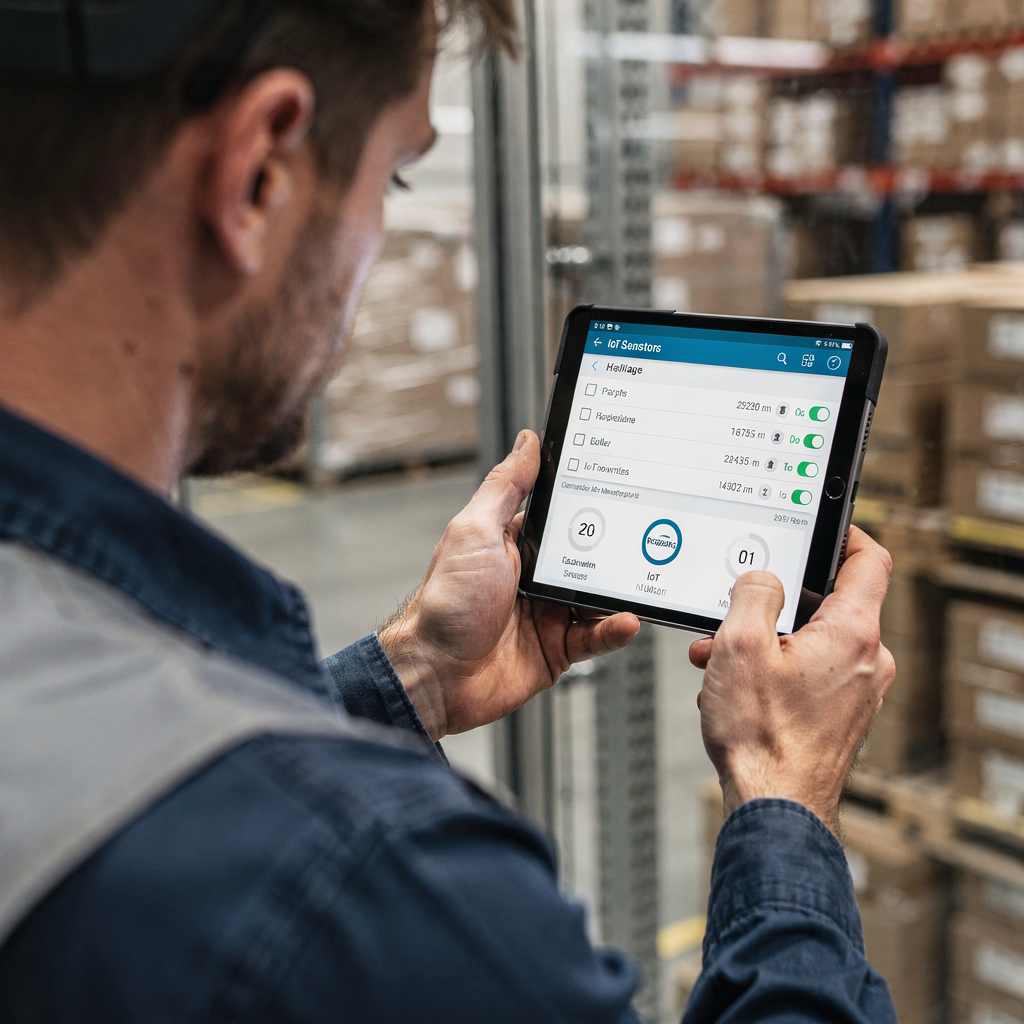
On the floor, an ai agent or a mobile chatbot gives technicians step-by-step support. The assistant for maintenance provides diagnosis flowcharts, hands-free access to manuals, and device-specific checklists. Technicians can ask for instant answers via voice or text, and then get guidance while they work. This helps streamline troubleshooting and reduces repeat visits.
Use a chatbot that links to your knowledge base and to live asset data for contextual responses. For example, a technician can report a vibration alarm and get a voice-guided inspection checklist, plus parts recommendations based on past repairs. The system can also escalate complex issues to an SME with the full context attached. AI-guided support reduces errors and raises first-time fix rates; in analogous customer-service settings, AI agents handle about 13.8% more inquiries per hour, which signals potential productivity gains for field teams (iSchool research).
Design chatbots with clear escalation rules, data privacy controls, and version control for manuals. Also include offline modes and a transcription feature to transcribe voice notes into work order updates. Hands-free operation keeps technicians safe and efficient. To balance speed and safety, the chatbot should present troubleshooting steps incrementally and require confirmations for critical actions.
Finally, the system should log experience into the knowledge management repository so the organisation preserves tribal know-how and reduces onboarding time for new technicians. If your ops team wants to quickly access structured operational context from emails or documents, check how virtualworkforce.ai drafts and grounds replies using ERP and document data to deliver instant context to field crews (erp-email-automation-logistics). This reduces friction and helps teams save time on admin tasks.
Asset creation, checklist and standardize: use AI tool to create assets, standardise procedures and preserve knowledge management
Start by feeding manuals, past work orders, and sensor feeds into an ai tool that can automatically generate asset records. The system performs asset creation and then builds profiles that include serials, sensor mapping, BOM, and maintenance histories. Next, it creates standardized checklists and suggested inspection sequences based on common failure modes. This process helps standardize procedures and preserve institutional knowledge.
AI-generated checklists accelerate CMMS deployment and improve task accuracy. The checklists include safety steps, tools required, and parts lists, and they adapt based on the based on asset type and operating context. Validate outputs with SMEs before roll-out. Then lock checklists in version control so technicians always follow approved steps. This reduces rework and prevents breakdowns that occur when work follows inconsistent methods.
Metrics to measure include checklist adherence, reduced onboarding time for new technicians, and fewer repeat failures. Also measure how many new assets get created automatically and how many manual entries are avoided. An effective knowledge management loop captures updates from completed work orders and continuously refines procedures. This helps teams boost operational excellence and reach maximum efficiency.
To support email-driven updates or inspections, integrate email automation so that incident reports get structured into the CMMS without manual typing. virtualworkforce.ai automates emails and creates structured data that can populate asset records and checklists, which helps teams focus on high-value maintenance tasks rather than repetitive clerical work (how-to-scale-logistics-operations-with-ai-agents). Use SMEs to validate the first wave of generated procedures, and then expand as confidence grows.
Drowning in emails?
Here’s your way out
Save hours every day as AI Agents label and draft emails directly in Outlook or Gmail, giving your team more time to focus on high-value work.
AI-driven predictive analytics: leverage smarter models to revolutionize asset operations and improve operational efficiency
Use ai-driven models for anomaly detection and remaining useful life estimation to transform asset operations. Start with a healthy data pipeline, and then run pilots on a high-value asset class. Explainable models matter, so pick algorithms that allow technicians and engineers to see why a prediction occurred. This builds trust and accelerates adoption.
Organisations that adopt predictive approaches report 18–25% lower maintenance costs through optimized schedules and fewer emergency repairs (Artesis). Also, using predictive tools to prioritize inspections can increase production uptime and reduce unnecessary preventive activity. To get there, ensure data quality, label historic failure events, and incorporate IoT telemetry with maintenance records.
Measure cost per asset, spare-parts inventory turns, and production uptime. Use analytics dashboards that surface actionable insights and suggested work items based on asset performance. Let ai suggest optimal resource allocation and spare-parts reorder points, and then let planners approve changes. This preserves oversight while you unlock efficiency gains.
Run A/B tests: compare traditional preventive maintenance against predictive interventions. Track breakdown frequency, MTBF, and asset lifespans. Use generative ai cautiously to analyze sparse failure data, and pair it with SME review to ensure recommendations are practical. With the right controls, predictive models can revolutionize maintenance and help teams focus on strategic, high-impact activities rather than repetitive inspections.
faqs / frequently asked questions: chatbot FAQs on adoption, ROI and how to standardize assigning the right person
This section answers common questions on adoption and ROI, and it gives a short checklist for pilots. It also covers safety, data governance, and how to assign the right person for a job. Use this as a quick reference and as a starting point for your pilot plan.
Adoption checklist: data readiness, sensor coverage, CMMS integration, pilot plan, governance and training. Typical ROI timelines vary; many organisations see returns in 6–24 months depending on scale and asset criticality. Address workforce concerns with transparent communication, new role definitions, and training so staff feel empowered rather than replaced. Secure data in CMMS integrations and use role-based access to protect sensitive information. Finally, start small, measure core KPIs, and then scale once you prove MTTR and downtime gains.
FAQ
What is an AI assistant for maintenance teams and how does it differ from traditional tools?
An AI assistant analyzes sensor streams, maintenance records, and work orders to surface likely issues and next actions. It differs from traditional tools by predicting failures and suggesting prioritized, data-driven work rather than only logging completed tasks.
How quickly can an organisation expect ROI from AI-based maintenance?
Typical ROI appears between 6 and 24 months, depending on asset criticality and data readiness. Pilots on a small fleet or asset class often show measurable MTTR and downtime improvements within months.
Will AI replace technicians or will it change their roles?
AI augments technicians by automating repetitive tasks and improving first-time fix rates. It shifts labor toward higher-value diagnostics and strategic maintenance while preserving safety and expertise.
How do you ensure data privacy and governance when using AI in maintenance?
Use role-based access in the CMMS, maintain version control for manuals, and keep models auditable. Also define data ownership and retention policies during pilot planning to prevent compliance issues.
How does a copilot assign the right person to a work order?
The copilot matches skills, certifications, location, and availability to the job requirements and then suggests or assigns the right person automatically. It ties into roster data and certification records to avoid mismatches.
What KPIs should we track during a predictive maintenance pilot?
Track unplanned downtime, MTTR, MTBF, work order completion time, and first-time-fix rate. Also monitor spare-parts inventory turns and cost per asset to capture financial impact.
Can AI create assets and checklists automatically?
Yes, AI can build new assets from manuals, sensor feeds, and past work orders and automatically generate diagnostic checklists. Always validate AI outputs with SMEs before finalizing procedures.
How do chatbots help technicians on the floor?
Chatbots deliver instant answers, voice-guided checklists, and hands-free troubleshooting steps, which reduces errors and speeds up repairs. They also log interactions into the knowledge base to improve future guidance.
What are common adoption risks and how do we mitigate them?
Risks include data quality issues, workforce resistance, and poor governance. Mitigate by running pilots, involving SMEs, offering training, and establishing clear model governance and escalation paths.
What are the next steps to start with AI in maintenance?
Run a focused pilot on high-impact assets, measure KPIs like MTTR and downtime, and validate models with SMEs. Use an adoption checklist covering sensor coverage, CMMS integration, and training to scale responsibly.
Drowning in emails?
Here’s your way out
Save hours every day as AI Agents label and draft emails directly in Outlook or Gmail, giving your team more time to focus on high-value work.