


Fleet AI assistant for smarter dispatch
AI assistant: simplify the email inbox and streamline workflow for dispatch
An AI email assistant centralizes the team’s email inbox and turns clutter into clear work. First, it centralize messages from drivers, vendors, and partners into a single view. Then it auto-sorts and prioritizes messages by intent and urgency. The assistant extracts key details like dates, locations, vehicle IDs, and booking references. Next, it drafts replies and can send real-time updates to a driver or a dispatcher. This helps dispatchers focus on decisions rather than triage. For a practical example, virtualworkforce.ai automates the full lifecycle of operational email and reduces handling time per message from roughly 4.5 minutes to about 1.5 minutes, saving hours each week for teams that need end-to-end email automation.
Compare a manual workflow with an automated one. Before: a dispatcher reads every incoming message, opens multiple systems, copies data, then types a reply. This created delays and errors. After: AI flags urgent requests, suggests a response, and the dispatcher confirms before sending. The system routes the message, updates records, and posts a notification to the driver. In practice, AI email automation can cut administrative workload by about 30%, freeing managers to focus on higher-value tasks (Verizon Connect). This statistic shows real savings, and it supports faster response time on critical tasks.
To streamline adoption, teams should centralize rules and set clear escalation. Use no-code configuration so ops teams can tailor tone and routing without IT. Also, set confidence thresholds so the AI acts autonomously only when it is highly certain. For additional details on automating logistics correspondence, see this guide on automated logistics email handling for logistics teams. Finally, this shift does more than cut time. It improves consistency, raises visibility across the operation, and helps dispatchers make faster decisions while reducing reactive work.
Drowning in emails?
Here’s your way out
Save hours every day as AI Agents label and draft emails directly in Outlook or Gmail, giving your team more time to focus on high-value work.
Fleet manager insight: use telematics and predictive maintenance to deliver actionable intelligence
Telematics data turns email alerts into actionable tasks for the fleet manager. When sensors report a fault or a rising engine temperature, the system generates an email alert that the assistant reads and classifies. Then the workflow creates a maintenance ticket and notifies the right technician. This sequence reduces unplanned repair and improves uptime. Research shows predictive maintenance can improve operational efficiency by roughly 20–25% and reduce unplanned repairs, which lowers downtime and cost (Webfleet).
Make sure the assistant surfaces the right insight in each message. A compact checklist helps. Present vehicle health, next service window, mileage trends, and any risk flags. Also include suggested next steps and one-click actions for the dispatcher or technician. Use clear labels so human reviewers can verify context quickly. The assistant should attach relevant fault codes and sensor data so teams face less lookup work. This creates a quicker path from email to repair.
AI integration with telematics and predictive maintenance makes the process proactive rather than reactive. For example, a telematics fault generates an automated alert. The assistant then creates a structured maintenance ticket in the maintenance system. The dispatcher reviews the ticket and reallocates a vehicle. As Verizon Connect notes, platforms with operational insights let managers “respond proactively rather than reactively” (Verizon Connect). For teams that need deeper ERP and ticket integration, consider systems that connect email to repair work orders and service histories; our company supports this kind of integration to push structured data back into ERPs for smooth hand-offs.

Automate carrier workflows with AI agents to speed detection and simplify operator tasks
AI agents monitor emails from carriers, vendors, and hauliers to detect delays, compliance notices, and booking changes. They read subject lines and body text, then classify messages and extract key data. When a booking change happens, the agent updates the booking system, notifies the carrier, and informs the dispatcher. This streamlines carrier hand-offs and reduces missed instructions. The approach can improve turnaround and reduce response time across the supply chain.
Define detection rules and confidence thresholds so the agent knows when to act. For example, if the agent reads a late-notice with high confidence, it should auto-initiate a reroute and send a confirmation to the operator. If confidence is low, the agent should flag the message for human review and include the suggested reply. This mix ensures the system is both fast and safe. Teams need configurable thresholds to balance speed and accuracy.
Operational gains are tangible. Faster decisions help minimize disruption and cut the time spent chasing clarifications. In many operations, text and email volume is the largest unstructured workflow. AI agents reduce manual lookups and improve response consistency. For logistics teams that want to explore automated drafting and contextual replies, our resources on logistics email drafting explain how to ground replies in operational data and keep responses accurate. By automating routine carrier steps, teams remove friction, improve visibility, and let operators focus on exceptions and strategy.
Drowning in emails?
Here’s your way out
Save hours every day as AI Agents label and draft emails directly in Outlook or Gmail, giving your team more time to focus on high-value work.
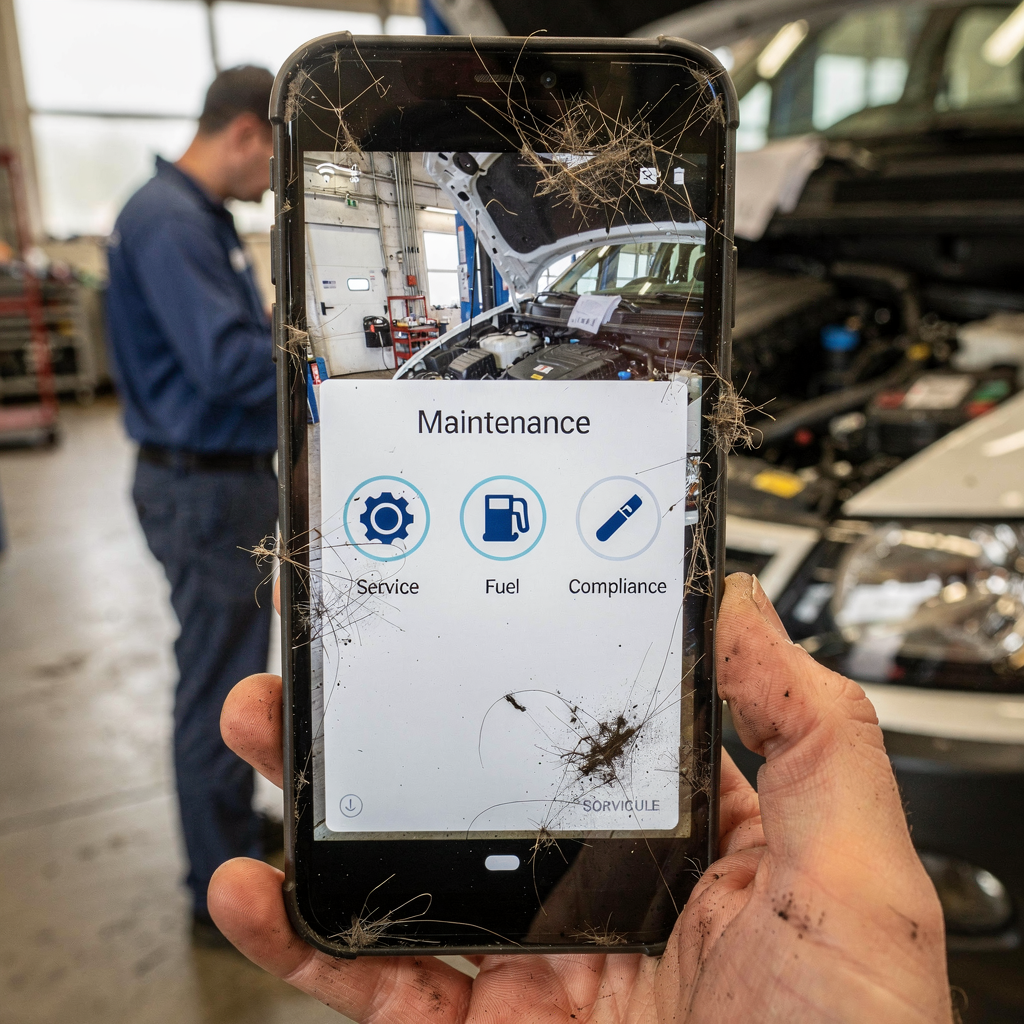
Smarter fleet management: proactive alerts to make maintenance, fuel and compliance effortless
Proactive alerts transform how teams manage maintenance, fuel, and compliance. Set the assistant to send reminders for upcoming services. Flag fuel anomalies and detect potential fuel fraud by comparing mileage against fuel claims. If a driver reports a fault, include fault codes and recent sensor data in the alert. These proactive messages reduce downtime and improve safety. They also help the organization stay ahead of compliance deadlines and safety checks.
Fuel fraud detection works by spotting patterns. For instance, if claimed refuels exceed expected consumption given mileage, the assistant marks the transaction for review. That alert contains the evidence: recent mileage, typical MPG, and timestamps. A short human review often resolves the issue. This simple check reduces losses and improves fleet visibility.
Prioritize alerts that reduce downtime and safety risk. An adoption tip: start with three key alerts — imminent maintenance windows, unsafe behavior flags, and high fuel variance — and expand from there. Use configurable rules so teams can tailor thresholds and escalation paths. In practice, this proactive model shifts teams from reactive to strategic work. For more on how AI-driven insights help predict service needs and reduce downtime, review research on AI in fleet management that highlights measurable improvements in operational efficiency and coordination.
Seamless integration: connect the email assistant with telematics, workflow systems and dispatch tools
Integrations make the assistant part of your operational fabric. Map telematics to email triggers so that a fault creates an email alert. Then connect your maintenance system to auto-ticket creation. Link the dispatch platform so a dispatcher can assign tasks with one click from within a message. This creates an end-to-end flow from detection to repair to back-in-service. It also improves visibility across teams and across depots.
Here is a simple end-to-end example. A sensor reports a fault. The telematics system sends an alert email. The assistant reads the message, extracts fault codes and vehicle ID, and creates a maintenance ticket. The dispatcher gets a notification and reallocates a vehicle. The technician receives the ticket with attached sensor data. The whole chain moves faster, with fewer handoffs and fewer errors.
Before going live, define data mappings and run security checks. Ensure access controls and strong governance. Use no-code connectors so business teams can customize routing without fragile engineering. Also, refine escalation rules and set audit trails for every automated action. For teams exploring how to scale logistics operations without expanding headcount, look at practical guides that show how email automation can power growth without adding staff. Finally, plan a phased rollout, test integrations in a pilot depot, and verify performance before full deployment.
Measure impact and scale: actionable KPIs for operators, fleet managers and carriers
Track measurable KPIs to show ROI and guide scaling decisions. Key metrics include percentage reduction in admin time with a target around 30%, reduction in downtime aiming near 15%, percent of emails auto-handled, and time-to-dispatch. Also monitor repair lead time, response time for carrier delays, and the number of compliance documents processed automatically. Use these metrics to prioritize which workflows to automate next.
Run a simple A/B test. Choose a sample inbox or depot and enable the assistant there. Measure the baseline for admin minutes per email and time-to-dispatch. Turn on automation and measure again. Expand by carrier or depot once you see consistent gains. Use an incremental approach to limit disruption and to refine thresholds based on real-world data.
Governance is critical. Set escalation rules, keep full audit trails, and schedule periodic model review. Verify the assistant’s accuracy and refine rules when needed. Strong governance ensures the assistant remains reliable, compliant, and aligned with operational goals. Finally, apply change management to help teams adopt the new flow. Train dispatchers and operators, and provide a copilot mode so humans stay in control. Over time, this approach will improve productivity, reduce downtime, and help teams strategically allocate human effort to higher-value work.
FAQ
What is an AI email assistant for dispatch teams?
An AI email assistant automates the handling of operational emails. It reads inbound messages, classifies intent, extracts critical data, and drafts or sends replies with the right context. This reduces manual triage and speeds response time for dispatchers and drivers.
How does the assistant integrate with telematics and maintenance systems?
The assistant links telematics alerts to ticketing workflows. When a sensor sends a fault, the assistant creates a maintenance ticket and attaches fault codes and sensor data. This tight integration shortens the path from detection to repair and reduces downtime.
Can AI agents handle carrier booking changes automatically?
Yes, AI agents can detect booking changes, update systems, and notify carriers. They follow configurable detection rules and confidence thresholds so they act autonomously only when safe. Otherwise, they flag messages for operator review.
What metrics should I track to measure impact?
Track admin time reduction, downtime reduction, percent of emails auto-handled, and time-to-dispatch. Also measure repair lead time and response time for carrier delays. These KPIs show where to invest in further automation.
How does the assistant detect fuel fraud?
The assistant compares mileage, expected fuel consumption, and claimed refuels. It flags anomalies and provides evidence for human review. This helps reduce losses and maintain transparency in fuel expenses.
Is setup technical or no-code?
Many systems offer no-code setup so business teams configure tone, routing, and escalation paths. IT still connects data sources and defines access. This model reduces reliance on prompt engineering and brittle workflows.
What controls exist to prevent wrong automated actions?
Configure confidence thresholds and escalation rules so the assistant acts only when appropriate. Keep audit trails and periodic model review. This governance helps verify accuracy and maintain compliance.
How does this improve driver safety?
By surfacing maintenance needs and unsafe behavior flags quickly, the assistant helps address issues before they escalate. Faster alerts and clearer instructions lead to safer vehicles and safer driver practices.
Can the assistant work with existing ERPs and dispatch tools?
Yes. The assistant can push structured data back into ERPs, create work orders, and offer one-click assignment from an email. Proper data mappings and security checks are essential before full rollout.
How should I start a pilot for email automation?
Start with a small inbox or depot and measure baseline metrics. Enable the assistant for a subset of workflows, run an A/B test, and expand gradually. Keep teams trained and use a copilot mode to maintain human oversight.
Drowning in emails?
Here’s your way out
Save hours every day as AI Agents label and draft emails directly in Outlook or Gmail, giving your team more time to focus on high-value work.