


ai email assistant: what manufacturing teams need
An AI email assistant works like a smart partner for teams that handle large volumes of messages. It can draft replies, triage incoming emails, schedule follow-ups, tag messages for routing, and link simple CRM records to a message. Also, it can apply rules to sort and label emails so teams see urgent issues first. Next, it can auto-fill fields from management systems so replies include accurate order numbers and shipment dates. For manufacturing teams this matters because most days include a flood of supplier queries, client status checks, and internal coordination notes. So shopfloor staff and engineers can focus on core work instead of repetitive email handling.
First, an AI email assistant reduces the administrative load. Then, it improves consistency in answers to frequent questions. Also, it keeps shared inboxes clear so ownership stays visible. For hard facts, the AI assistant market is projected to reach about US$21.11 billion by 2030, which shows rapid adoption across industries including manufacturing AI Assistant Market worth $21.11 billion by 2030 – MarketsandMarkets. Next, Industry 4.0 tools and sensor data increase the need for systems that can integrate messages with operational data Assessment of a large language model based digital intelligent …. Consequently, teams that adopt assistants often see measurable productivity gains from AI in workflows and decision cycles.
Also, an AI email assistant can summarize long threads, identify actionable items, and create structured tickets from free text. For example, use cases in manufacturing include supplier price queries, change-of-spec notifications, and quality non-conformance alerts. In those scenarios, the assistant can draft emails that reference order IDs and route the case to the right engineer. Next, virtualworkforce.ai uses AI agents to automate the full email lifecycle for ops teams and helps teams reduce handling time dramatically by grounding replies in ERP, TMS, WMS, SharePoint and email history (automated logistics correspondence). Also, the assistant integrates with CRMs and management systems so the sender sees consistent data in every reply.
Finally, teams should pick an assistant that supports enterprise-grade security and clear audit trails. Then, test a pilot that automates a single use case. Also, track average response time as a KPI. In short, an AI email assistant helps teams reduce repetitive work, improve response quality, and save time on routine messages while keeping the production floor focused on output.
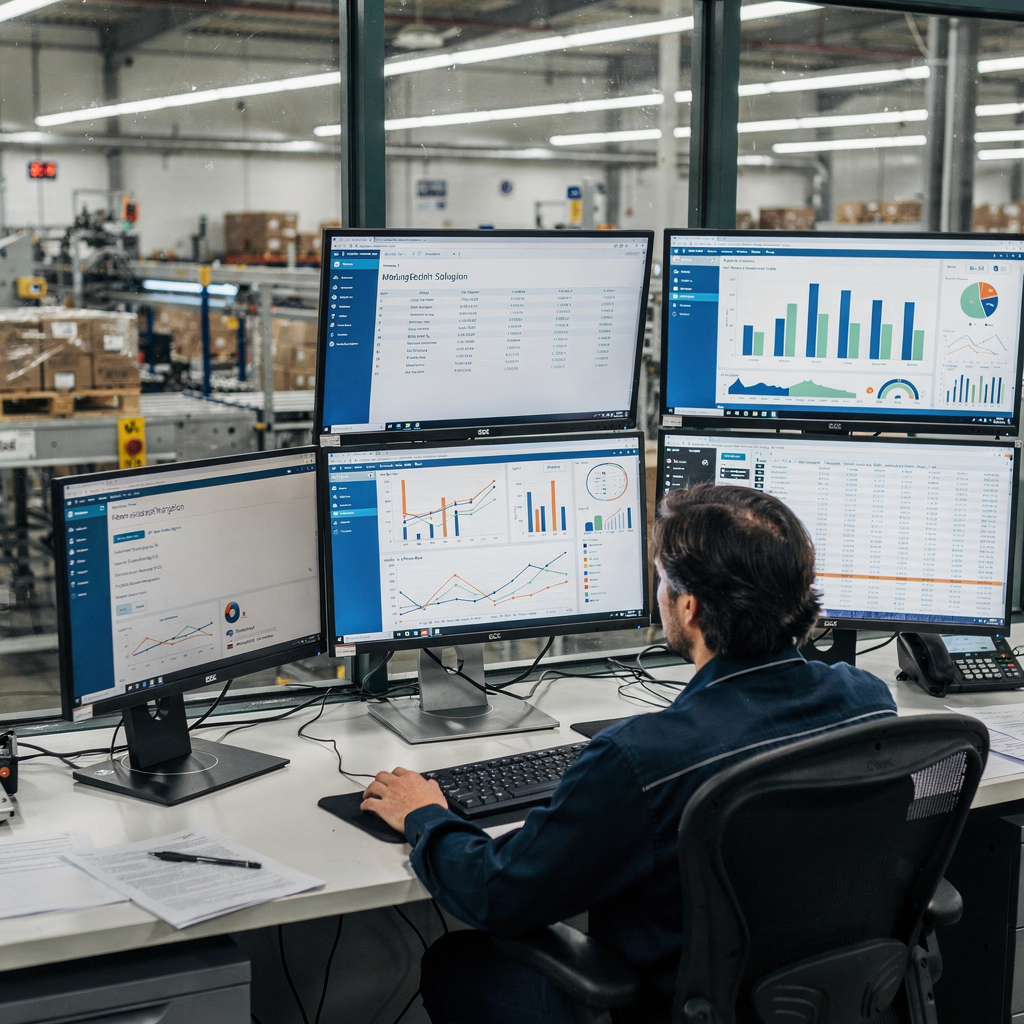
ai-powered email: workflow and automate to boost productivity
AI-powered email transforms the way teams handle messages. First, it can summarize long messages so staff read key points. Then, it can route urgent items to the right person and suggest draft replies. Also, it can automatically schedule follow-ups and remind owners when SLA windows close. These changes reshape the email workflow and free time for higher-value tasks.
Next, the improvements are measurable. For instance, Microsoft documented that Rolls‑Royce “collaborated to build the new solution in two months, increased data accessibility, and improved operational responsiveness” AI-powered success—with more than 1,000 stories of … – Microsoft. Also, an industrial AI report shows how AI adoption improves operational efficiency in Industry 4.0 settings 10 insights on how AI is transforming manufacturing – IoT Analytics. Consequently, teams get faster decision cycles, fewer avoidable errors, and shorter resolution times for supplier or quality issues.
Then, practical KPIs make the benefits visible. First, track average response time to measure speed. Next, track the percentage of emails auto‑triaged and the hours saved per week. Also, monitor error rate in communication and the number of escalations. These KPIs show whether the automation is helping or if it needs tuning. Also, virtualworkforce.ai reports that teams typically reduce handling time from ~4.5 minutes to ~1.5 minutes per email when the system resolves common operational messages. That is a clear productivity gain for staff who manage dozens of messages daily.
Also, align automation with existing processes to avoid breaking production workflows. For example, route change-of-spec notices through the same approval chain the plant already uses. Then, ensure routing logic and escalation paths are configurable so the assistant integrates cleanly into project management and ERP workflows. Also, use approval gates for sensitive replies and retain an audit trail to support traceability. Finally, remember to test on a small scale and iterate. This staged approach helps teams scale the solution without disrupting operations.
Drowning in emails?
Here’s your way out
Save hours every day as AI Agents label and draft emails directly in Outlook or Gmail, giving your team more time to focus on high-value work.
email automation and email management: best ai email assistant choices
Choosing the best ai email assistant requires a clear checklist. First, consider how well the assistant integrates with your email provider and business systems. Then, check native connectors for Google Workspace and Microsoft Outlook, CRM products, and ERP tools. Also, evaluate whether the assistant supports enterprise-grade security and on‑prem options. For logistics and operations teams, see resources on automated logistics correspondence for real examples and integration patterns (automated logistics correspondence).
Next, compare leading options. Google’s Gemini brings deep Gmail and Google Workspace integration. Flowrite focuses on drafting and templates, while Superhuman excels at speed and triage. Also, SaneBox offers inbox declutter and prioritisation for users who want a lightweight approach. In addition, consider specialized vendors that connect deeply into operational systems. For example, virtualworkforce.ai builds AI agents that automate the full email lifecycle for ops teams and ground replies in ERP, TMS and WMS systems, which helps teams that need accuracy over flourishes (ERP email automation for logistics).
Then, use a selection checklist. First, test the accuracy of drafts with real emails. Next, verify customizable templates, follow-up automation, and thread-aware email memory. Also, ensure security controls such as audit logging, data minimisation, and Data Processing Agreements. Further, ask whether the vendor uses an ai model that trains on customer data and whether customers can opt out of shared-model training. Also, check if the assistant integrates with your CRM so replies can auto-fill customer records and update case status. For teams that want a Superhuman-like experience but built for complex operations, compare Superhuman alternatives and how they match operational needs (best Superhuman alternatives).
Finally, consider support for email templates and drafting, plus the ability to sort and route messages based on intent. Also, test how well the system preserves the entire email thread when it escalates an issue. This ensures traceability and reduces rework. So pick the solution that balances speed, compliance, and deep integration with your existing management systems.
draft emails and template: assistant uses and customizable workflows
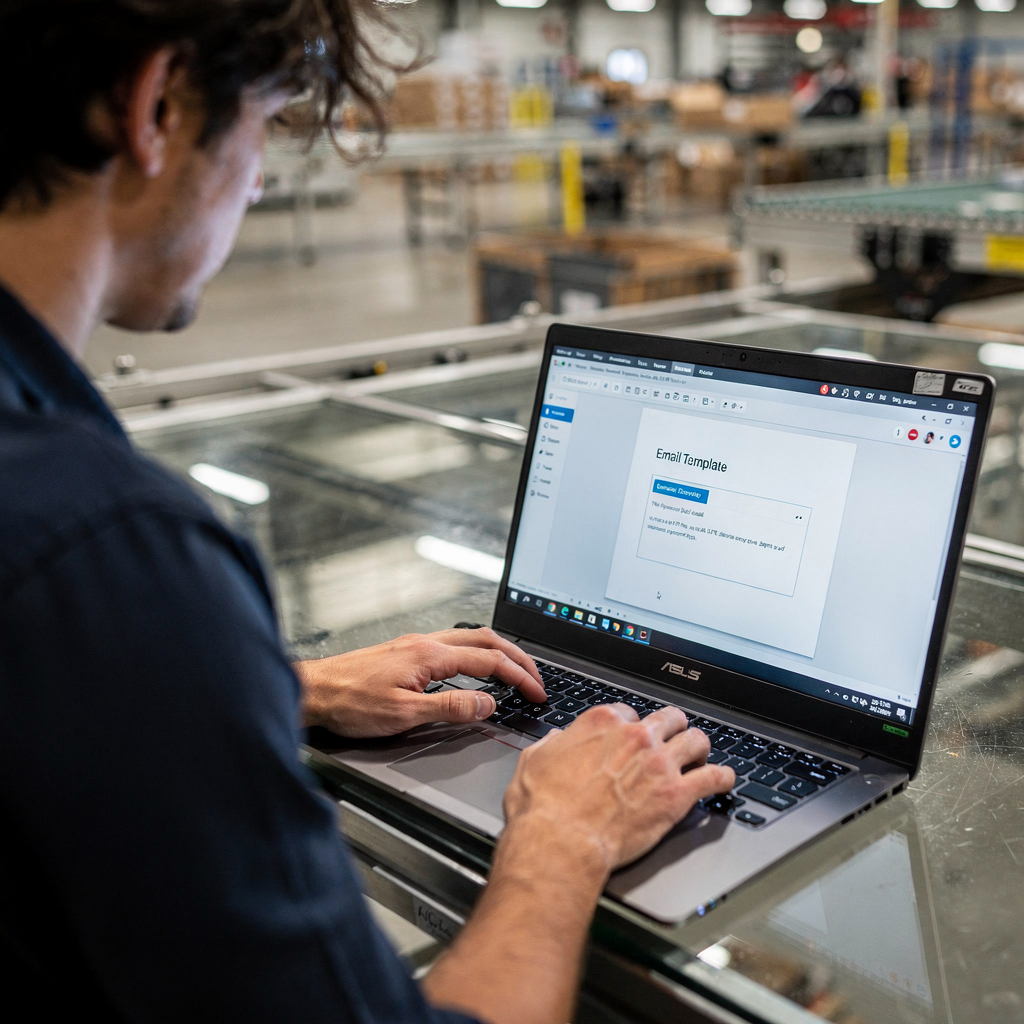
Draft emails and templates form the backbone of a productive assistant. First, create modular templates for common scenarios like supplier responses, order confirmations, change requests, escalation notices, and quality reports. Then, configure the assistant to populate required fields from ERP or CRM so replies include accurate reference numbers. Also, teach the assistant the preferred tone for different audiences so messages sound right every time. This strategy helps teams save time and keep a consistent voice.
Next, set up approval gates for sensitive replies. For example, route high-value refunds or specification changes to a manager for sign-off. Also, use conditional templates that insert clauses only when certain criteria appear in incoming emails. Then, build templates that include structured data blocks so downstream systems can parse them automatically. For traceability, the assistant should log each interaction to the CRM and maintain searchable email history. For logistics teams, see how automated templates link with containers and customs workflows (AI for customs documentation emails).
Also, teach the assistant to draft replies that reference past messages in the entire email thread. Then, configure AI agents to escalate only when needed and attach context so the recipient can act quickly. Next, add automated follow-ups that trigger when no reply arrives within a set window. Also, use natural language prompts inside templates so non‑technical staff can update templates without training. This reduces the need for prompt engineering and keeps rules maintainable.
Quick wins include automating routine acknowledgements and confirmations to save engineer time immediately. Also, let the assistant auto-fill common fields from a linked CRM and then create structured tickets in project management or ERP systems. Next, measure the number of draft emails auto-approved and the hours saved per week. Finally, ensure templates remain customizable and versioned so compliance and tone evolve with the business.
Drowning in emails?
Here’s your way out
Save hours every day as AI Agents label and draft emails directly in Outlook or Gmail, giving your team more time to focus on high-value work.
data privacy and google workspace: keep your inbox secure
Data privacy must guide every deployment. First, follow legal rules such as GDPR in the EU and local data-protection frameworks. Then, require a clear Data Processing Agreement (DPA) with any vendor that processes email data. Also, use data minimisation and retention rules so assistants do not keep unnecessary personal data. For teams on Google Workspace or a gmail account, evaluate vendor policies about whether the provider uses email data to improve shared models. Reports have raised concerns about Workspace AI features and limits on deleting interaction history, so check vendor commitments carefully What Workers Really Want from Artificial Intelligence | Stanford HAI.
Next, practical safeguards reduce risk. First, restrict AI training access to enterprise instances or opt out of shared-model training. Then, use admin controls to limit which email accounts the assistant can read. Also, turn off features that send email content to external training pipelines unless explicitly approved. Further, insist on audit logging, retention rules, and rights for data subject requests, including the right to erasure. For an overview of AI adoption and workplace impact, see how AI use at work is growing and the need for governance AI Use at Work Rises – Gallup.com.
Also, choose vendors that offer enterprise-grade deployment models if you must keep sensitive processes off public cloud features. Then, ask whether the assistant can run on isolated infrastructure or offer on‑prem connectors. Also, require that the assistant integrates with existing identity and access controls, such as SSO and conditional access. Finally, maintain a compliance checklist that includes a signed DPA, audit logging enabled, retention rules, and documented consent paths. This helps teams keep your inbox secure while they adopt automation and advanced AI capabilities.
transform your email experience: implement, measure and scale
Transform your email experience with a staged approach. First, pick one pilot use case, such as supplier price queries or order acknowledgements. Then, configure templates and routing logic and set privacy controls. Also, train the team with short playbooks so users know when to trust the assistant and when to take manual control. Next, track KPIs like average response time, emails auto‑triaged, and hours saved per week. Also, measure reductions in escalations and errors to quantify productivity gains from AI.
Then, iterate based on pilot results. First, adjust templates and routing rules to reduce false positives. Next, expand the pilot into other scenarios such as customer support messages and customs documentation. Also, integrate the assistant with CRM and ERP for deeper automation across the full email lifecycle. For logistics and freight teams looking to scale without hiring, see practical advice on how to scale logistics operations with AI agents (how to scale logistics operations with AI agents).
Also, ensure the assistant integrates with core email accounts and tools like Microsoft Outlook and Google Workspace. Then, add monitoring dashboards to track ongoing performance. Also, keep a feedback loop so staff can flag bad drafts and improve the ai model over time. Further, expand to route messages into project management systems when a message requires multi-step coordination. Finally, expect outcomes such as a streamlined email history, clearer ownership, fewer lost messages, and an overall seamless email experience. If you want to see how email automation reduces time spent on routine correspondence, review vendor ROI examples for logistics teams and operations leaders (virtualworkforce.ai ROI for logistics).
Next steps include selecting a pilot, configuring privacy settings, and measuring results. Also, plan to scale in stages and keep governance strong. Finally, let AI handle repetitive messages while your teams focus on high-value decisions and continuous improvement. This approach will transform your email experience and help you meet production goals with fewer delays and clearer communication.
FAQ
What is an AI email assistant and how does it help teams?
An AI email assistant is software that uses AI to draft, triage, and route messages. It helps teams by reducing repetitive work, improving response consistency, and auto-filling data from CRM or ERP systems so replies remain accurate.
How does an AI email assistant improve productivity?
By automating routine tasks like acknowledgements and follow-ups, the assistant reduces time spent on email handling. Also, teams can focus on decision-making instead of administrative work, which drives measurable productivity gains from AI.
Which KPIs should I track during a pilot?
Track average response time, percentage of emails auto‑triaged, hours saved per week, and error rate in communication. Also, monitor escalations and customer support resolution times to measure impact on operations.
Can the assistant integrate with my CRM and ERP?
Yes, many assistants integrate with CRM and ERP systems to auto-fill data and log interactions. virtualworkforce.ai, for example, grounds replies in ERP, TMS and WMS data so responses remain accurate and traceable.
Is data privacy a concern when using AI in email?
Data privacy is a key concern. You should require a DPA, use data minimisation, and enable admin controls that limit which email accounts the assistant can access. Also, opt for enterprise-grade options when you need on‑prem isolation.
What are easy first use cases for automation?
Start with supplier price queries, order confirmations, and acknowledgement emails. Also, automate change‑of-spec notifications and simple quality non‑conformance alerts to save time quickly.
Do assistants work with Google Workspace and Microsoft Outlook?
Yes, most leading assistants support Google Workspace and Microsoft Outlook. For deep operational needs, check native connectors and API support before deployment.
How do I keep my inbox secure while using AI features?
Restrict training access, use signed DPAs, enable audit logging, and apply retention rules. Also, disable shared-model training for sensitive accounts and use enterprise contracts when needed.
Will AI replace email teams entirely?
No. AI reduces repetitive work and improves consistency, but human oversight remains important for complex decisions and sensitive replies. Also, escalation paths should be in place for exceptions.
What are the next steps to implement an assistant?
Choose a pilot use case, configure templates and routing, set privacy controls, train users, and monitor KPIs. Also, iterate and scale into CRM and ERP-linked workflows when the pilot meets targets.
Drowning in emails?
Here’s your way out
Save hours every day as AI Agents label and draft emails directly in Outlook or Gmail, giving your team more time to focus on high-value work.