


How ai and assistant tools reduce time spent on routine tasks in field service
Field service teams juggle many messages every day, and incoming emails often drive the work. AI and assistant tools can triage incoming emails, auto-acknowledge requests, and convert emails into tickets or calendar items. For example, an ai email assistant can label intent, match a customer to a contract, and assign a ticket to the right dispatch queue. This reduces manual triage time and cuts the back-and-forth that slows down operations.
AI can handle a large share of routine email interactions. Reports indicate these systems can process up to about 70% of simple exchanges, which dramatically lowers backlog and shortens average response time (66% improvement in employee productivity). In addition, many organisations report confidence that AI will increase overall productivity (64% of businesses). Email remains a high-ROI channel, so automating it pays off: marketing data shows strong returns for managed outreach (average ROI 4200%).
A quick example helps. A customer emails for a routine inspection. The AI auto-acknowledges and converts the note into a booking. It proposes three windows and checks the calendar and technician skills. The customer confirms. The ticket reaches the field technician automatically. The chain completes without human touch for low-complexity jobs. This autonomous flow saves handling minutes per message and reduces email backlog.
virtualworkforce.ai automates the full email lifecycle for ops teams, and we see teams cut handling time from ~4.5 minutes to ~1.5 minutes per email. The platform reads email history, looks up ERP and inventory, and drafts replies that respect tone and contracts. Because of the thread-aware memory, teams avoid repeated clarifications and keep conversations up-to-date. Overall, this approach reduces operational friction, cuts routine tasks, and frees valuable time for higher-value work.

Use an ai email assistant and ai copilot to automate scheduling and message templates
Scheduling is a frequent source of delay for field service. An ai email assistant, paired with an ai copilot, can draft personalised appointment offers, reschedule visits, and send reminders. The ai copilot suggests the best phrasing and attachments for technicians. It pulls service history and relevant information, checks technician availability, and proposes time windows that reduce conflicts.
Practical elements help this work. A template library lets teams reuse approved language and attachments. Calendar integration keeps the booking status current, while two-way message threading preserves context. The copilot can draft a booking email, and then the assistant can trigger the booking when the customer confirms. This reduces scheduling errors and saves admin time. Many businesses report marked productivity gains when ai tools handle template replies and booking flows (66% productivity uplift).
For field service scheduling, integrations with CRM and FSM matter. The copilot must read real-time availability from calendars and dispatch systems, and then write the booking back to keep everyone aligned. The workflow here is simple: create a draft, verify technician skills, confirm availability in the calendar, then send a concise offer. If the customer reschedules, the assistant updates the booking and notifies the field technicians and dispatch.
Using automation in this way reduces no-shows and lowers repeat outreach. It also reduces manual booking time per appointment, often by several minutes. Companies can track scheduling errors, time saved per booking, and no-show rates to measure impact. If you want more on automating logistics correspondence and email drafting, check resources on automated logistics correspondence and ERP email automation for logistics that explain practical integrations and ROI in more detail: automated logistics correspondence, ERP email automation for logistics.
Drowning in emails?
Here’s your way out
Save hours every day as AI Agents label and draft emails directly in Outlook or Gmail, giving your team more time to focus on high-value work.
How a copilot and ai-powered workflow can streamline technician follow-ups and summaries
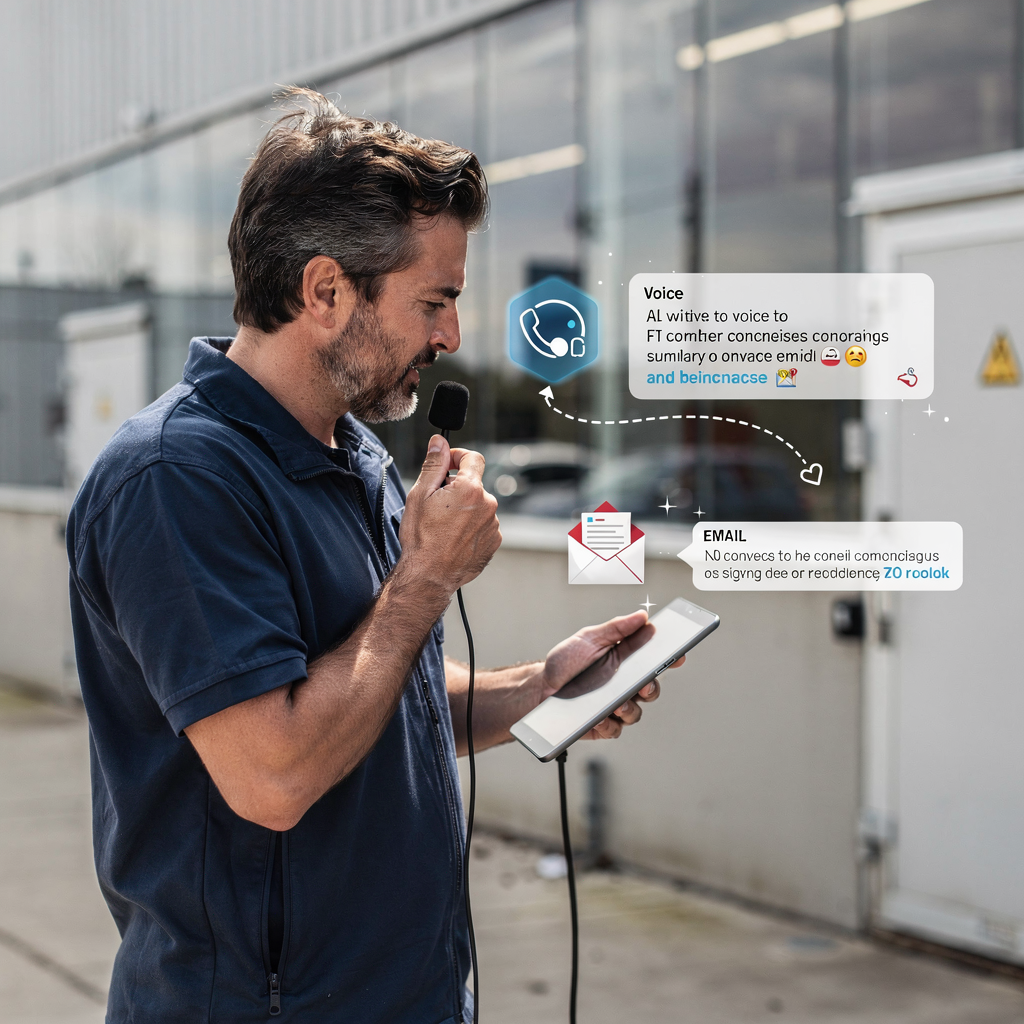
After a visit, follow-ups matter. Field service technicians enter notes, and teams must convert those notes into clean records for customers and internal systems. An ai-powered copilot captures notes by voice or text, auto-summarises the visit, then generates follow-up emails and parts orders. This reduces paperwork time and keeps information consistent across systems.
The copilot can generate a concise summary from a messy technician note. It uses natural language prompts to extract diagnosis, actions taken, and next steps. Then it attaches invoices or parts lists, and posts the structured data back to the CRM and to the backend inventory system. This makes handovers faster and reduces errors when dispatch needs to order parts.
Automated summaries also improve first-time fix rates. When a technician receives a clear follow-up that lists required parts and prior repairs, they arrive better prepared. That increases the chance of resolving issues on the first visit. The workflow typically includes capture (voice or text), auto-summarise, attach documents, and send the customer-facing summary along with a CRM update. These steps cut paperwork time and raise customer satisfaction.
virtualworkforce.ai supports thread-aware memory, so follow-up emails include context and prior commitments. The ai-generated summary is grounded in service history and operational data, reducing manual corrections. Teams can measure first-time fix impact, paperwork time saved, and customer satisfaction after follow-up emails. Continuous feedback and human review improve the copilot over time, which flattens the learning curve and helps onboarding.
Generative ai: personalise customer messages and simplify complex service coordination
Generative AI composes tailored customer messages using service history and tone rules. It can propose optimal time windows based on live data and coordinate multiple parties. For example, the system can create a time slot that fits the customer, a field technician, and a supplier who must deliver a part. That reduces the back-and-forth that often stalls repairs.
Personalised, timely messages raise customer satisfaction and cut follow-up queries. The agent creates messages that follow company tone and compliance rules. For sensitive replies, the system routes the draft for human approval. To ensure consistency, teams set guardrails for tone, and escalation paths for exceptions. This reduces rework due to poor communication and protects service standards.
Generative AI also helps with complex coordination between customer, technician, and supplier. It can draft a multi-party message, include required inspection checklists, and attach necessary documentation like inspection reports. The system checks part availability and triggers orders if needed. These autonomous steps reduce coordination time and improve throughput.
Industry perspectives back this approach. Microsoft highlights how “AI-powered virtual assistants are revolutionizing customer service” and help companies deliver timely responses that improve experience and efficiency (Satya Nadella). Similarly, McKinsey notes that AI agents enable hyperpersonalised, autonomous transactions that organisations can leverage to optimise service delivery (agentic commerce). These ideas translate directly to field service teams who need fast, clear coordination.
Drowning in emails?
Here’s your way out
Save hours every day as AI Agents label and draft emails directly in Outlook or Gmail, giving your team more time to focus on high-value work.
Integration and automation with CRM and scheduling to boost productivity and first-time fix rates
End-to-end automation depends on solid integrations. CRM, FSM, calendars, parts inventory, and messaging channels must all connect. When systems sync, teams avoid duplicate data entry and keep the schedule current. Integrate the CRM so tickets and customer records update automatically. Connect to parts inventory to check availability before booking. Link calendars so a booking does not double-book a field technician.
Integrated automation improves resource utilisation and can raise first-time fix rates. Industry cases show mid- to high‑single-digit to low‑double-digit improvements when teams combine scheduling and parts checks to avoid repeat visits. For field service work that depends on external vendors, linking supplier systems lets the AI trigger part orders and confirm ETA. The result is fewer reschedules and faster repairs.
Implementation items matter. Data mapping, sync cadence, error handling, and role-based access prevent costly mistakes. Maintain audit trails for automated messages so teams can review who approved what and when. Ensure compliance by limiting access to sensitive data and by recording changes. Tools that integrate with Salesforce or with salesforce field service make it easier to keep records consistent across dispatch and sales teams.
virtualworkforce.ai focuses on deep data grounding across ERP, TMS, WMS and SharePoint so email replies are accurate and traceable. If you manage logistics-heavy work, our resources explain how to scale operations without hiring and how to automate logistics emails with Google Workspace and virtualworkforce.ai for cleaner handoffs: how to scale logistics operations without hiring, automate logistics emails with Google Workspace and virtualworkforce.ai. These integrations drive schedule utilisation, raise first-time fix rates, and shorten time-to-close.
Deployment, governance and measurement: measuring productivity gains from ai copilot email assistants
Start small and measure. A pilot on one region or a specific job type is a pragmatic rollout step. Define KPIs up front: employee productivity, reduction in admin hours, average response time, and ROI per job. Use those metrics to decide when to scale. Collect human-in-the-loop reviews during the pilot so the ai copilot learns from corrections and improves over time.
Governance must cover privacy and auditability. For EU operations, adhere to GDPR and maintain clear audit trails for automated messages. Keep escalation paths visible and ensure there is a human approver for high-risk replies. Record decisions in the backend, and log changes so compliance teams can review them later. This approach supports ensuring compliance without slowing the system.
Measure productivity gains by comparing handling time and backlog before and after deployment. Many teams see significant savings: for example, teams reduce handling time per email from ~4.5 minutes to ~1.5 minutes with full lifecycle automation. Track reduced operational costs and calculate ROI by comparing saved admin hours with implementation cost. Also monitor customer metrics like NPS and first-time fix to capture efficiency and customer satisfaction.
Best practice keeps humans as final approvers for sensitive messages, and continuously retrains models on domain data and audit feedback. Address the learning curve with focused onboarding and clear role definitions. virtualworkforce.ai provides zero-code setup where IT defines access and governance while business teams configure rules and tone. That split keeps control central and the benefits local, so teams can proactively improve operations and save time.
FAQ
What is an AI assistant for field service scheduling?
An AI assistant for field service scheduling is a system that reads incoming emails, identifies intent, and turns requests into bookings or tickets. It automates routine tasks and reduces manual triage so dispatch and technicians can focus on repairs and inspections.
How does an ai email assistant improve response time?
By auto-acknowledging requests and routing them to the right team, the assistant reduces backlog and speeds replies. It also drafts and sends standard confirmations, which saves valuable time for staff.
Can a copilot handle complex scheduling with suppliers?
Yes. A copilot can coordinate customers, field technicians, and suppliers by proposing aligned time windows and triggering part orders. It streamlines multi-party coordination and reduces back-and-forth.
What integrations are necessary for end-to-end automation?
Integrations typically include CRM, calendar systems, FSM, parts inventory, and email platforms. Syncing these systems keeps records current and supports autonomous workflows that improve first-time fix rates.
Is generative ai safe for customer-facing messages?
Generative AI can be safe with guardrails and approval steps. Teams set tone rules and escalation paths, and they keep humans as final approvers for sensitive or high-risk replies.
How do you measure productivity gains from an ai copilot?
Measure baselines for handling time, backlog, schedule utilisation, and first-time fix. After rollout, compare those KPIs and calculate ROI from reduced admin hours and lower operational costs.
What about data privacy and compliance?
Deployments must follow local rules like GDPR in the EU and maintain audit trails for automated messages. Role-based access and logging help with ensuring compliance and support audits.
How does the system learn from technician notes?
The copilot captures voice or text notes and applies natural language processing to create structured summaries. Continuous feedback and human-in-the-loop corrections refine ai models over time.
Will using ai eliminate jobs in dispatch or admin?
AI typically reduces repetitive work and frees staff for higher-value tasks. Teams often reallocate resources to customer-facing roles and complex problem solving rather than cut headcount immediately.
How can I explore implementation for my operations?
Begin with a pilot on a defined region or job type and set clear KPIs. For more resources on automating logistics correspondence and scaling operations without hiring, review our guides on automated logistics correspondence and scaling logistics operations with AI.
Drowning in emails?
Here’s your way out
Save hours every day as AI Agents label and draft emails directly in Outlook or Gmail, giving your team more time to focus on high-value work.