


assistant and ai: why ai email assistant matters for email management and teaching and learning
Start with a clear statistic: AI tools can cut time spent on academic communications by about 30% and improve student engagement metrics by roughly 20% (réduction du temps de 30%) and (augmentation de l’engagement de 20%). These numbers show why an assistant that reduces manual email load matters. First, education teams face huge inbox pressure, and second, students often ignore irrelevant messages. For example, studies highlight how mass email can produce communication fatigue when targeting is poor (inondation de messages auprès de nos étudiants). Therefore, an AI email assistant should be both precise and respectful of student time.
An AI email assistant is designed to reduce repetitive work, and to support teaching and learning. It segments recipients, drafts messages, and schedules sends. It also helps maintain privacy and compliance. For instance, AI can apply data governance rules so personal student data is handled correctly (rapport de l’US Department of Education sur l’IA). That keeps communications lawful and safe. In practice, an assistant labels each incoming message, routes it, and either replies or queues it for human review.
Problem: high-volume mail and irrelevant messages create noise. Students and faculty get too many emails. So, they miss important notices. Solution overview: use AI to segment audiences, personalise content, and automate routine replies. This reduces noise, and it raises open and click rates. For example, targeted AI personalisation can boost open rates by up to 40% and lift click-throughs by around 25% (augmentation des ouvertures et des clics). Thus, education leaders should treat an assistant as a tool for better outreach and clearer student support.
Data privacy and compliance are non-negotiable. An assistant must include access controls and logging. It should also redact or avoid inserting sensitive fields into bulk messages. In addition, schools should define escalation paths so that complex queries go to humans. Finally, deploy with training and simple governance so teaching staff trust the assistant. Our own solution at virtualworkforce.ai automates lifecycle tasks for operations teams while keeping full control and traceability, and it offers a model for how education teams can adopt similar practices.
inbox, workflow and use an ai as an email organizer for email history and automation
An efficient inbox workflow prevents missed actions. First, set triage rules that filter urgent student and faculty messages. Then, apply tags for intent, course, and deadline. An AI-powered email organizer preserves email history and suggests next steps. It will archive conversations, attach context, and propose replies. As a result, teams reduce missed tasks and follow-up delays. For instance, automated replies, scheduled reminders and segmented sends reduce missed tasks and adaptive send-times raise engagement.
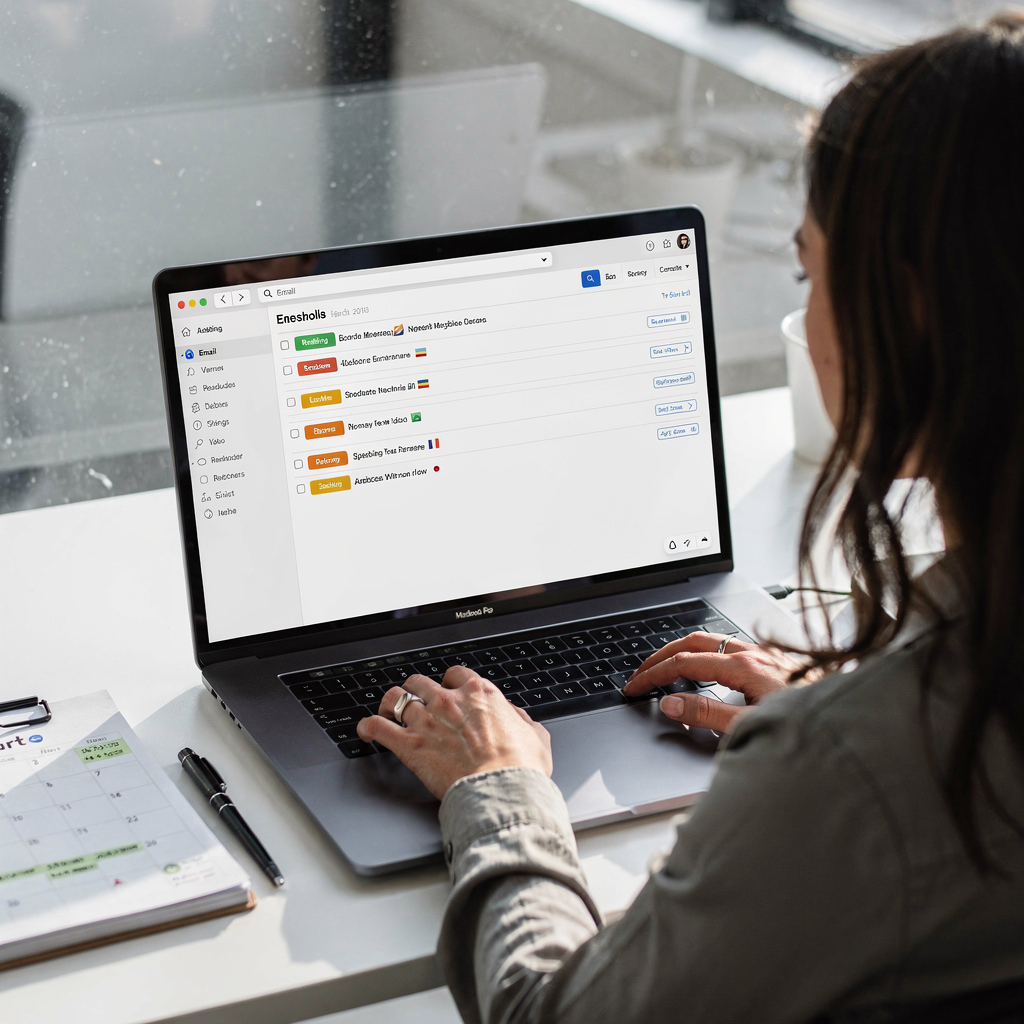
Inbox triage rules: create rules for priority, sender type, and intent. For example, label scholarship requests as high priority and route them to student support. Next, apply rules that archive marketing and administrative mail into separate folders. This keeps the main inbox focused on active student queries. Also, use an assistant to mark emails that need human review. That reduces context switching and helps teams save time.
Archive & email history: keep the full email thread for each student. An assistant can attach structured notes to threads and it can surface prior replies when staff compose a response. This avoids repeated questions and it boosts consistency. For operations teams, virtualworkforce.ai shows how thread-aware memory improves response speed and traceability; teams typically reduce handling time per email from about 4.5 minutes to around 1.5 minutes. Link to a logistics use case for similar patterns: assistant virtuel logistique.
Automated workflows and follow-ups: design automation that sends confirmations, reminders, and survey invites. For instance, built workflows can send a reminder three days before a deadline. They can also trigger an escalation if no reply arrives. Templates help here. Below are two short templates you can adapt.
Simple triage template: “Label: [Course/Service] — Action: [Reply/Route] — Deadline: [Date] — Owner: [Team].”
Follow-up template: “Hi [Name], just checking in on [action]. Please reply by [deadline]. If you need help, contact [support]. Thanks.”
Finally, combine inbox rules with scheduled sends to streamline recurring tasks. Also, consider integrations with LMS or CRM so that the assistant can pull student enrollment data before it drafts a reply. For more on integration and automated drafting for operations, see how to automate logistics email workflows with Google Workspace and virtualworkforce.ai (guide d’intégration).
Drowning in emails?
Here’s your way out
Save hours every day as AI Agents label and draft emails directly in Outlook or Gmail, giving your team more time to focus on high-value work.
ai-powered and ai-powered email: use ai tools and template to personalize messages
AI-powered email can personalize messages at scale. First, dynamic templates allow variable fields to be filled per recipient. Second, recipient segmentation groups students by course, progress, or needs. Third, subject-line optimisation lifts opens. Targeted AI personalisation can boost open rates by up to 40% and lift click-throughs by about 25% (augmentation des ouvertures et des clics). Therefore, using AI-powered templates makes every message feel personal. This supports stronger learning experiences and better outreach.
Dynamic templates: build templates that pull name, course, due date, and relevant links. Use conditional blocks that only show a section if a student meets criteria. Also, set privacy guardrails so templates never expose protected data. Personalise at scale while protecting sensitive information.
Recipient segmentation: segment by year group, performance, or event attendance. Then, tailor tone and content to each segment. This reduces irrelevant mail and it increases relevance. For example, students on academic probation should receive supportive, concise messages. High-performing students may get advanced opportunity announcements. An AI email assistant helps select segments and it populates templates automatically.
Subject-line optimisation — before and after: before: “Course update and resources” — after: “Action needed: Assignment 3 feedback due Friday.” Before: “Join our lecture” — after: “Reserve your seat: Guest lecture on AI in healthcare.” These small changes increase clarity and open rates.
Three template examples you can copy:
Invitation template: “Hi [Name], you’re invited to [Event]. Confirm your spot by [Date]. Link: [Register].”
Reminder template: “Hi [Name], friendly reminder: [Task] due on [Date]. Need help? Reply and we’ll assist.”
Survey template: “Hi [Name], please share feedback on [Course]. It takes 3 minutes. Link: [Survey]. Thank you.”
Personalisation guardrails for privacy: always anonymise sensitive fields in bulk sends. Also, include consent checks and easy opt-outs. If you need a grounded model that drafts replies from operational systems and email history, learn about ERP email automation with our logistics-focused examples: Automatisation des e-mails ERP pour la logistique. Finally, use AI tools sparingly and test messages before full sends. This prevents errors and maintains trust.
virtual assistant, assistant solutions and ai assistant to automate routine tasks and cut workload
Virtual assistant and assistant solutions automate routine tasks and cut workload. They can auto-draft replies, schedule meetings, and confirm receipts. For ops-heavy education admin, an AI assistant frees staff to focus on students. For example, auto-drafts, scheduling aides, canned replies, and multi-step automation save staff hours. Teams often save time and reduce errors by automating the full email lifecycle for ops teams.
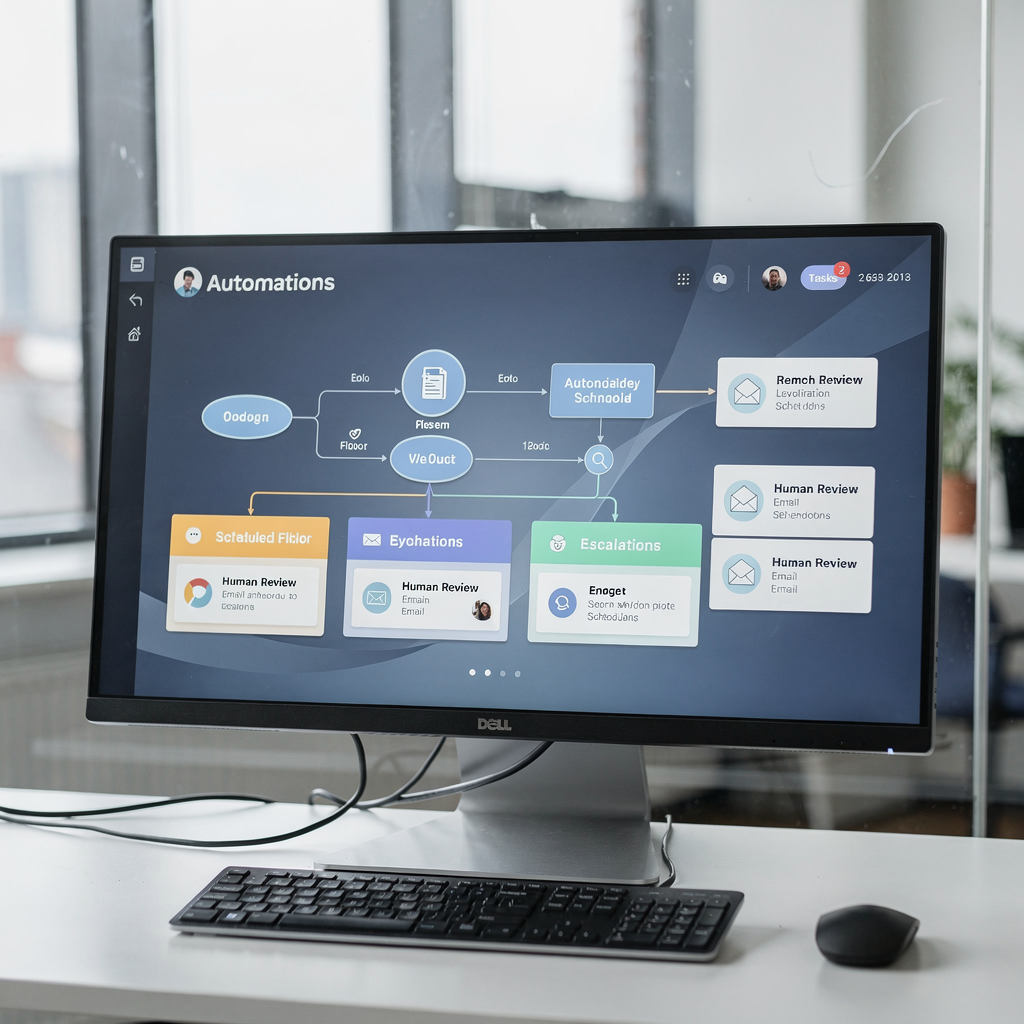
Common automations: scheduling — send calendar invites and manage rescheduling automatically; follow-ups — remind non-responders; acknowledgements — confirm receipt and next steps. An assistant can also create structured data from emails and push it back into systems. That reduces manual lookup and it improves accuracy.
Escalation rules: define when the assistant resolves and when it escalates. For instance, complex grade appeals should route to a human reviewer. Simple status queries can be auto-resolved. Human review points should exist at key decision moments to maintain accountability.
Vendor checklist for reliability, security and human-in-the-loop features:
– Reliability: uptime, SLA, and clear recovery procedures.
– Security: encryption, role-based access, and data residency options.
– Human-in-the-loop: easy override of drafts and clear audit trails.
– Integration: connectors for LMS, CRM, and document stores.
– Trial and support: a vendor that offers a free plan or a free trial so you can test in a low-risk way. Consider vendors that offer zero-code setup and admin controls, which is especially helpful for non-technical education teams. For a logistics-shaped example of these capabilities, see how comment faire évoluer les opérations logistiques avec des agents IA.
Finally, measure the impact. Track response time, resolution rate, and student satisfaction. Also, measure hours saved using automation. With clear metrics, you can justify wider deployment and further investment in AI assistants.
Drowning in emails?
Here’s your way out
Save hours every day as AI Agents label and draft emails directly in Outlook or Gmail, giving your team more time to focus on high-value work.
best ai email assistant, choosing the best ai email and 10 best ai email options — free trials, integration and finding the right ai
Choosing the best AI email assistant requires clear evaluation criteria. First, list your must-haves: security, integrations, analytics, and templates. Second, test reliability and human-in-the-loop controls. Third, confirm data residency and compliance. Trial availability is important. Many vendors offer a free plan or a free trial so teams can test features before buying.
Evaluation checklist:
– Security & data residency. Ensure encryption and compliant storage.
– Templates & subject-line optimisation. Look for dynamic template support.
– Analytics. Track opens, clicks, response times, and engagement.
– Integrations. LMS, CRM, and ERP connectors matter for grounded drafting and routing.
– Human oversight. Easy overrides and audit trails.
– Support & training. Vendor onboarding and customer support availability.
10 best ai email shortlist (compact): this list highlights common vendor types and core strengths. It is not exhaustive, and you should trial multiple solutions before selecting. Note: one option below represents a types-of-solution approach rather than a brand endorsement.
1. AI-assisted shared inbox platform with thread memory. 2. Automation-first assistant that integrates ERP data. 3. Template-rich email composer for educators. 4. Scheduling-focused assistant with calendar sync. 5. Privacy-first mass-mail tool for schools. 6. CRM-integrated outreach assistant. 7. Lightweight AI email writer with free plan. 8. Full lifecycle automation focused on ops teams. 9. Vertical-specific assistant for admissions offices. 10. Analytics-led platform for engagement optimisation. For more details on logistics-style tools that draft grounded replies, see this resource on automated logistics correspondence: correspondance logistique automatisée.
Free vs paid features: free plans often include basic drafting and a small number of templates. Paid tiers unlock integrations, advanced analytics, and higher throughput. Consider cost vs. benefit: estimate hours saved and engagement uplift, then compare that to subscription costs. If a vendor offers a free trial, use it to test real email workflows, not just toy examples.
Finally, choosing the right AI: pick a solution that fits your data needs, your governance model, and your desire to keep humans in the loop. If your team values end-to-end automation with deep system grounding, consider solutions that automate the full email lifecycle for ops teams and offer strong auditability.
prompt, email with ai, ai teaching and frequently asked questions about using ai in email workflows
Prompts and templates make AI useful for teaching and admin. Use concise prompts, and include context such as course name and deadline. For example, “Draft a friendly reminder to students in Course X about Assignment Y, include deadline and help link.” Keep prompts short and explicit. Also, add tone and length constraints to avoid long, chatty replies. These patterns help you draft accurate, concise mail.
Prompt templates to copy and adapt:
1. “Draft a 40–60 word reminder for [Course] about [Task], include deadline [Date] and link to [Resource].”
2. “Create a polite registration invitation for [Event] with RSVP link and a one-line agenda.”
3. “Write a short acknowledgement to confirm we received [Document], include expected response time.”
4. “Summarise the attached email thread into three action items and assign owners.”
5. “Draft a survey invite and emphasize it takes under three minutes.”
Best practices for email with AI: always review drafts before sending, and test templates with small segments. Also, log consent preferences and provide opt-outs. Use AI models that can be grounded in your systems so replies reference correct data. If you need examples of grounded drafting in enterprise settings, see how AI drafts grounded logistics emails using ERP and document sources: rédaction d’e-mails logistiques par l’IA.
Common FAQs (short): Data: where is student data stored? Answer: check vendor data residency and encryption. Bias: can AI produce biased language? Answer: yes, so apply review gates. Oversight: who signs off final content? Answer: assign human approvers for high-risk messages. Use small pilots to validate tone and accuracy. A recommended pilot plan: start with one course or office, run a 6-week test, measure time saved and engagement uplift, then expand.
Next steps: select a vendor that offers a free trial, integrate with one system first, and monitor results. To explore a vendor that focuses on end-to-end automation and thread-aware memory, review virtualworkforce.ai’s approach to reducing handling time and improving consistency across operations. Finally, try the five prompts above and refine them for your context to get results quickly.
FAQ
What is an AI email assistant and how does it help education teams?
An AI email assistant is software that uses AI to classify, draft, and route emails. It helps education teams by reducing manual triage, improving response consistency, and saving staff hours so they can focus on teaching and student support.
Can AI email assistants improve student engagement?
Yes. Targeted personalisation and optimised send times can increase open rates and click-throughs. Studies show measurable lifts in engagement when messages are tailored and timed correctly (étude sur l’engagement).
Are AI email assistants safe for handling student data?
They can be safe if vendors provide encryption, role-based access, and data residency controls. Always verify vendor compliance and apply guardrails to prevent accidental data exposure.
How much time can teams expect to save with an assistant?
Time savings vary, but surveys report around a 30% reduction in time spent on academic communications (réduction du temps de 30%). Measure specific workflows to quantify savings for your team.
What integrations should I look for when choosing an assistant?
Look for LMS, CRM, and ERP integrations so the assistant can ground replies in authoritative data. Also, calendar and document system integrations improve scheduling and context retrieval.
Do AI email assistants require coding or complex setup?
Many solutions offer no-code setup and admin configuration panels that allow business teams to define tone, rules, and routing. However, some advanced integrations may need IT support.
How should we pilot an AI email assistant in our institution?
Start small: choose one office or course, run a 6-week pilot, and measure response time, resolution rates, and student satisfaction. Use results to refine templates and escalation paths.
What happens if the assistant makes an error in a reply?
Design the system with human review points and audit logs so staff can correct errors quickly. Also, maintain an escalation path for complex queries to ensure appropriate resolution.
How do we maintain tone and consistency across messages?
Use centrally managed templates and set tone controls in the assistant. Regularly review sample drafts and update templates to reflect institutional voice and policies.
Can AI assistants handle the entire email lifecycle for operations teams?
Yes. Some platforms automate the full email lifecycle, including intent classification, routing, drafting, and pushing structured data back into systems. These solutions reduce handling time while keeping traceability and control.
Drowning in emails?
Here’s your way out
Save hours every day as AI Agents label and draft emails directly in Outlook or Gmail, giving your team more time to focus on high-value work.