


What is an ai email assistant — restaurant email marketing, ai for restaurants, built for restaurants
An AI email assistant is software that automates and personalises email campaigns and reservation messages for restaurants. It reduces manual work and keeps guest communication consistent. For busy restaurant owners and managers, that simple definition matters a lot. Restaurant email marketing averages strong engagement, and personalised emails can drive much higher transaction rates. For example, personalised messages can deliver up to six times higher transaction rates according to research on AI-powered marketing “AI-powered marketing: What, where, and how?”. Also, recent email statistics show notable engagement gains; 77% of marketers report increased email engagement in the past year (HubSpot email stats). So, restaurants using targeted campaigns see measurable improvements.
This chapter explains why an AI email assistant matters for hospitality. First, it handles reservation confirmations and pre-visit messages. Second, it personalises offers based on guest data such as dietary preferences and past orders. Third, it helps maintain email lists and legal opt-ins. For example, built-for-restaurants tools connect to a POS system and reservation system to pull real guest history. That sync gives context for personalised offers and drives repeat visits. In practice, an AI assistant will draft welcome emails, send post-visit thank you emails, and trigger campaigns for lapsed diners.
Key facts to start with: restaurant email marketing often posts healthy open rates, and personalised emails tend to increase average order value and repeat business. Also, automation frees staff time. As a result, managers can focus on service. If you run single locations or restaurant chains, an AI solution scales messaging with consistent tone. For operations teams, virtualworkforce.ai shows how AI handles email lifecycles for operations and guest communication, which reduces handling time and improves reliability. If you want to make simple steps today, enable confirmation emails and set up a single automated email for new sign-ups. That will make a tangible difference fast.
How an ai email assistant works — ai email assistant, automation, email automation, email marketing tools, integration
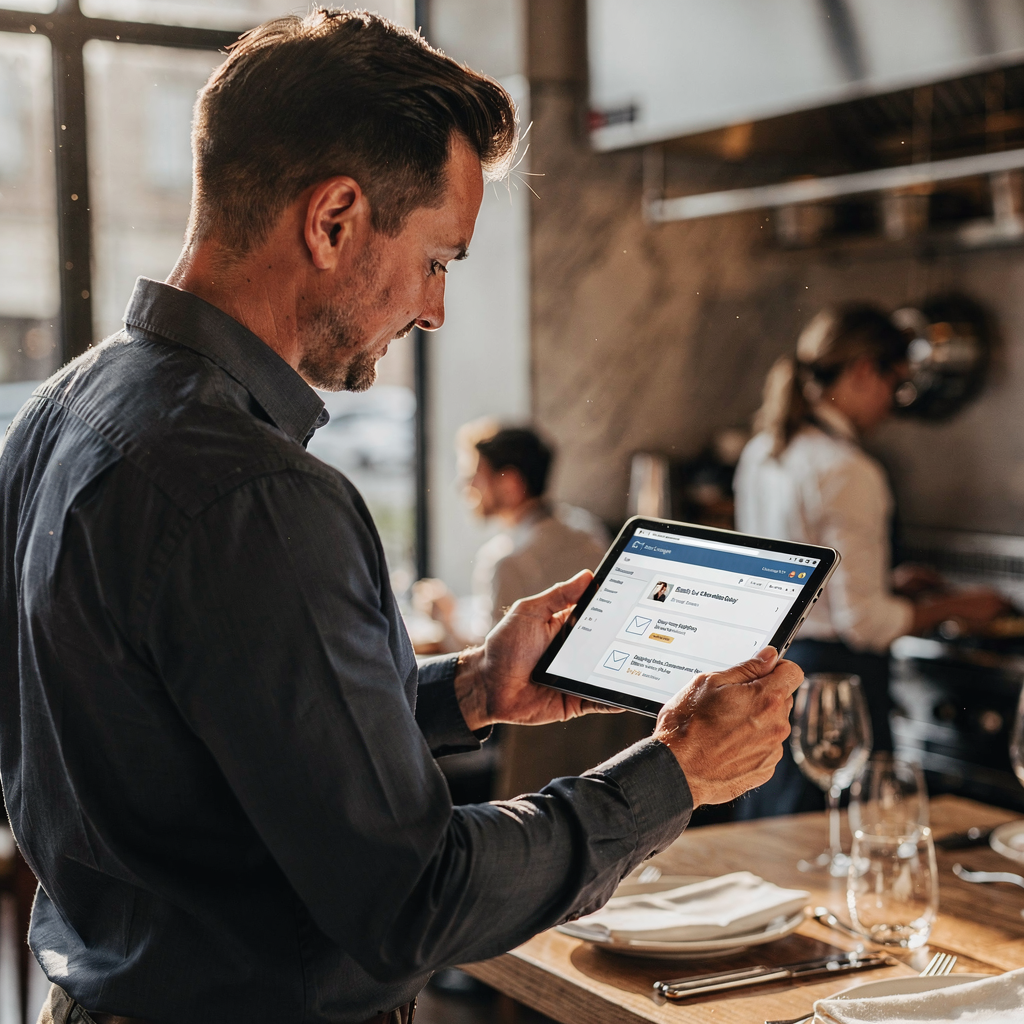
An AI email assistant uses models and rule engines to create, schedule, and send messages. It will automate reservation confirmations, reminders, and promotional campaigns. It also segments email lists by visit history, preferences, or spend. Then it personalises subject lines and content for each guest. The system runs tests and optimises send times. That raises open rates and click performance. Research on AI-personalised recommendations shows measurable increases in clicks and engagement (MDPI study). Also, marketers report better engagement when optimisation is routine (HubSpot).
Core functions include automated confirmations, reminders, campaign sends, segmentation, and content personalisation. The platform connects to POS and reservation data to use real guest data for targeting. Many systems provide email marketing tools and pre-built templates for rapid deployment. For example, connecting a POS system and reservation system helps the assistant pull check sizes and past orders to craft relevant offers. Then it can suggest different subject lines and test them. Also, centralised reporting helps managers see average check size, repeat visits, and campaign ROI in one platform.
Integration matters. The AI assistant needs reliable integration to CRM and the existing restaurant stack. Prefer API or native connectors so data sync is stable. That way, guest data such as dietary preferences and visit frequency stays current. Also, automated email aligns with online ordering and loyalty program events. If your team wants examples, check how virtualworkforce.ai automates operational inboxes and grounds replies in ERP and other systems. For a practical action, map the systems you use and then enable a single automated email: a confirmation or a post-visit thank you. Next, test subject lines and measure email engagement. Finally, scale once you see improvements.
Drowning in emails?
Here’s your way out
Save hours every day as AI Agents label and draft emails directly in Outlook or Gmail, giving your team more time to focus on high-value work.
Booking and voice touchpoints — booking, existing restaurant stack, ai phone, voice ai, voice assistant
Reservations and bookings are the start of many guest relationships. AI can improve the booking process and reduce friction. For instance, automated reservation confirmations sent immediately after a booking reduce confusion. Industry reports show that timely confirmations and reminders can cut no-shows by roughly 30%. That frees staff and fills more covers. Next, voice AI and an AI phone agent can accept calls, confirm bookings, and feed data into the existing restaurant stack. This keeps one system as the single source of truth.
Use cases are clear. A voice assistant answers the phone and creates a booking in the reservation system. Then it triggers reservation confirmations and pre-arrival reminders. The booking flow becomes smoother. Also, simultaneous calls no longer block staff. The voice ai platform captures caller intent and routes complex queries to a human when needed. That keeps customer experience fast and accurate. Restaurants using voice and email automation stay top of mind and never miss a call.
Practical setup requires mapping where bookings originate. That includes restaurant websites, third-party platforms, phone calls, and walk-ins. Make sure all sources sync into one CRM and your POS and reservation system. Also, feed booking notes into guest profiles so staff see dietary preferences and past orders at a glance. For restaurants that want to test quickly, enable an ai phone trial on a single location. Then measure booking confirmations, no-show rates, and check sizes. Finally, roll the voice assistant out to more sites once you see improvements. For more on automating email flows that connect to operations, you can read how virtualworkforce.ai automates logistics and customer emails (automated logistics correspondence). That approach translates well to restaurant ops.
Boosting customer loyalty in hospitality — customer loyalty, hospitality, best practices
Loyalty grows when guests feel remembered. Timely personalised emails drive that feeling. Send post-visit thank you emails and special offers on birthdays. Then follow up with campaigns for lapsed diners to bring them back. A loyalty program that ties to guest data increases repeat visits and average order value. Also, targeted re-engagement campaigns work best when they use visit frequency and past orders to tailor offers.
Best practices are simple and effective. Use clear subject lines and mobile-optimised templates. Keep CTAs obvious and keep frequency rules so you avoid overmailing. Also, segment email lists into meaningful groups such as frequent guests, occasional guests, and lapsed diners. Then send different content to each group. For example, a guest who orders a seasonal menu item might get an exclusive offer for a new seasonal menu launch. That both rewards loyalty and fills tables.
Metrics matter. Track repeat visit rate, open rates, click rates, and revenue per email. Also measure average order value to see if personalised offers raise check sizes. If you need a quick action, start a simple post-visit thank you email and add a single exclusive offer. Next, set a monthly re-engagement campaign for diners who haven’t visited in 90 days. Finally, test a small loyalty program tied to special events or private events to see lift. For restaurants ready to move faster, schedule a demo and test an AI-powered email pilot to measure lift in bookings and repeat business. Also, if you want to align guest-facing messaging with back-office automation, our resources on scaling operations with AI are useful (how to scale logistics operations with AI agents).
Drowning in emails?
Here’s your way out
Save hours every day as AI Agents label and draft emails directly in Outlook or Gmail, giving your team more time to focus on high-value work.
Technical setup and the existing stack — existing restaurant stack, integration, email marketing tools, automation
Technical setup focuses on reliable data flow. Connect POS, reservations, CRM, and email marketing tools. Prefer API or native connectors to keep sync healthy. That prevents duplicate records and lost email addresses. Also, ensure that opt-in status and consent are tracked for legal compliance. For EU operations, follow GDPR rules. If your systems lack APIs, consider middleware or one platform that supports connectors.
Data hygiene is critical. Keep guest profiles updated with visit history, dietary preferences, and past orders. That lets your AI assistant personalise offers and post-visit thank you emails correctly. Also capture average check size and check sizes trends so campaigns can target high value guests. Next, feed loyalty program status into the CRM so messages reflect earned rewards. Then centralised reporting will show which campaigns drive repeat visits and uplift in average order value.
Rollout smartly. Start small. First, automate reservation confirmations and one re-engagement drip. Then test email drafting and deliverability. Also test email and sms tandem campaigns if you support both channels. Use pre-built templates and schedule sends based on open rates and engagement. For operational email volume, virtualworkforce.ai helps automate complex, data-dependent inbox workflows so teams regain time and accuracy. If you want more technical examples, see a guide on automating emails with common workspace tools (automate logistics emails with Google Workspace). For another useful read on drafting and handling high-volume inbound emails, check the virtual assistant logistics page (virtual assistant logistics).
Deployment checklist and frequently asked questions — frequently asked questions, ai, ai for restaurants
Use this checklist as a step-by-step launch plan. First, confirm integrations: POS and reservation system, CRM and email lists. Next, choose templates and set timing rules. Then test deliverability and measure baseline metrics. Also, train staff on escalation paths and tone. Finally, run a short pilot at a single location before rolling out across locations.
Checklist items in short form: map systems and booking sources; enable automating reservation confirmations; set up a post-visit thank you email; create one campaign for lapsed diners; test subject lines; measure open rates and bookings; and iterate. Also include governance steps, like data access and consent tracking. For privacy concerns, point to your legal team and use secure connectors to protect guest data. If you need to try a voice AI platform for phone bookings, test an ai phone agent on limited hours so you can measure impact.
Common frequently asked questions include: what about data privacy, can AI handle cancellations, and will it replace staff? Answer: AI automates repetitive tasks and speeds replies but staff still manage service and complex cases. The system escalates only when needed. Also, AI for restaurants improves consistency and frees time for higher‑value work. For a practical next step today, enable one automated confirmation and one re‑engagement drip. Then measure open and booking lift and expand. If you want technical guidance on scaling without hiring, see our guide on scaling logistics operations without hiring for operational parallels (how to scale logistics operations without hiring). Finally, when you are ready to review ROI, compare baseline metrics to performance after restaurants go live with an AI pilot.
FAQ
What is an AI email assistant for restaurants?
An AI email assistant automates email drafting, sending, and follow-up for restaurants. It personalises messages using guest data and can handle reservation confirmations and post-visit thank you emails.
How quickly can I set up automated reservation confirmations?
Most teams can enable automated reservation confirmations in days with API integrations. If systems need connectors, plan for a short pilot first and then a broader rollout.
Will AI replace my front‑of‑house staff?
No. AI handles repetitive messaging and scheduling work. Staff still deliver service, manage private events, and handle complex guest needs.
Can AI handle cancellations and no‑shows?
Yes. AI can process cancellations, send rebooking prompts, and issue reminders. That helps reduce no-shows and fill tables with rebook offers.
Is guest data safe when using an AI solution?
Data safety depends on the integrations and governance you choose. Use secure connectors, limit access, and follow GDPR and other regulations where applicable.
How does the AI use POS and reservation data?
The AI reads POS and reservation records to personalise offers, track average check size, and tailor messages based on past orders and visit frequency. This improves targeting and revenue per email.
Can the system send email and sms together?
Yes. Many systems support email and sms coordination to reach guests across channels. Use simple rules to avoid overmailing and to keep messages relevant.
Do independent restaurants benefit as much as restaurant chains?
Yes. Independent restaurants can use AI to automate routine messages and increase repeat visits. Chains gain scale and consistent tone across locations as well.
What metrics should we track first?
Start with open rates, click-through rates, repeat visit rate, and average order value. Also measure bookings driven by campaigns and revenue per email.
How do I pilot an AI email assistant?
Choose one location or a single list segment for a pilot. Enable confirmation emails and one re-engagement campaign. Then measure open rates and booking lift before scaling.
Drowning in emails?
Here’s your way out
Save hours every day as AI Agents label and draft emails directly in Outlook or Gmail, giving your team more time to focus on high-value work.