


AI phone solution built for restaurants that answers every call and frees staff to serve guests.
This section explains what an AI phone solution does and why it matters now. An AI phone acts like a digital concierge that answers calls, takes booking details and confirms reservations. It works 24/7, so you never miss calls during peak hours or outside operating hours. That matters because around 58% of restaurant searches are AI-driven and many diners call first. The AI handles repeated customer inquiries, opening hours and simple menu questions. It frees a staff member to focus on service rather than phones.
Value proposition: An AI phone that answers every call and converts more callers into diners. Two quick scenarios illustrate this. Weekday lunch: a small team on the floor. Calls come in. The AI confirms party size and time, blocks the table and sends confirmation. Saturday evening rush: calls spike. The AI takes simultaneous reservation requests, reduces queuing and avoids lost opportunities. The result is smoother service and fewer missed bookings.
The solution is built for restaurants and it helps with every call. It works with your reservation system and feeds data back to your POS. It supports multiple languages for diverse customer bases. It can act as an AI host at the front line while staff focus on delivering food and hospitality. For teams that also run large shared inboxes or frequent customer support emails, automation tools like virtualworkforce.ai show how AI reduces manual triage and speeds responses; see guidance on improving customer service with AI for parallel ideas at how to improve customer service with AI.
The AI also records analytics so managers can track call volume, missed opportunities and the booking process. If you want a fast start, try a 30‑day pilot and test peak call times first. This approach brings immediate clarity to the cost of lost calls and the value of automating routine tasks. The phone answering solution is simple to set up. It is user-friendly and reduces time for staff. It improves customer experience and helps restaurants convert more callers into covers without adding headcount.
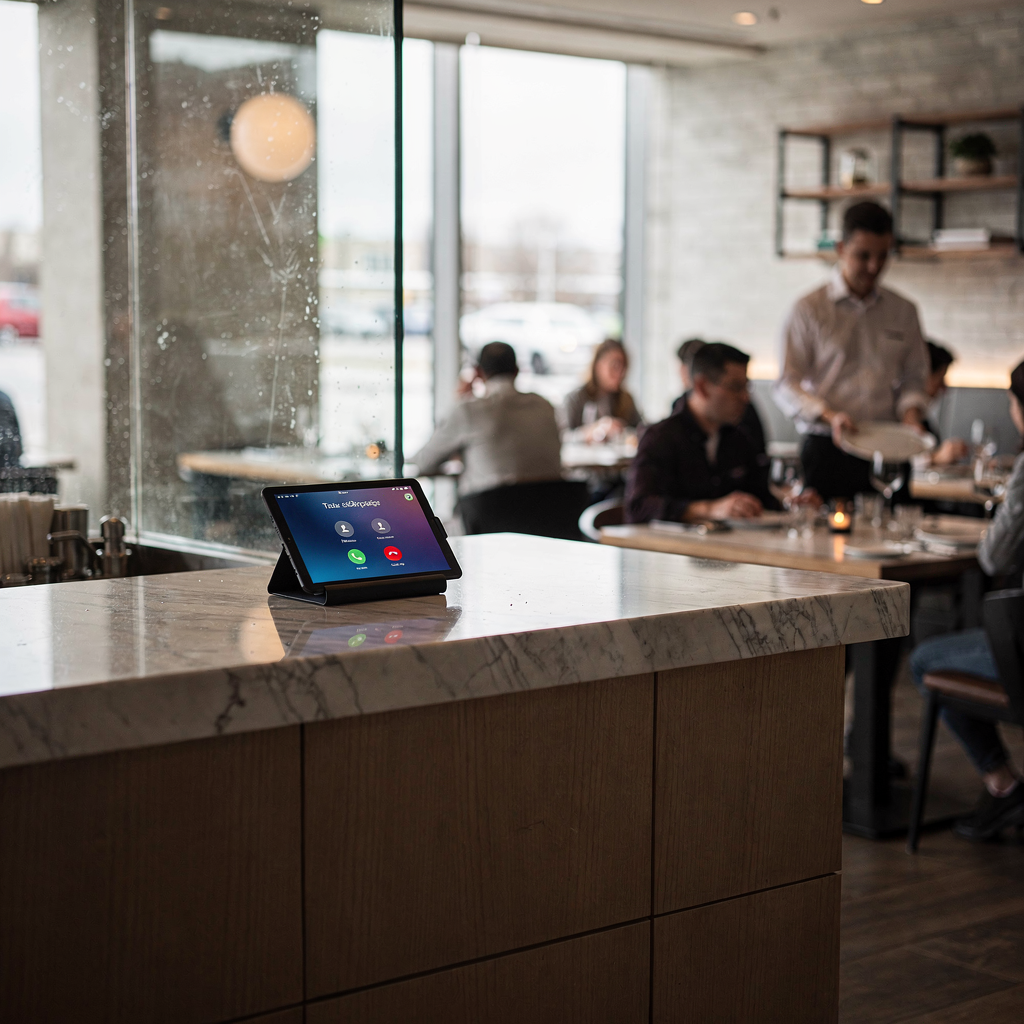
How a conversational voice assistant and AI agent handles booking and reservation calls.
A conversational voice assistant guides a caller through the booking process. It greets the guest, asks the party size and time, checks availability, confirms the reservation and then sends a confirmation by SMS or email. The flow is short and direct. It reduces phone-booking friction and automates routine tasks so staff can focus on service. The AI agent sits between the caller and your systems. It connects to the reservation platform and the table plan to avoid double-bookings. This setup helps with peak call times and simultaneous calls which would otherwise need multiple staff members.
Performance is strong. Some systems report reservation success rates up to 98%. That accuracy cuts human error and reduces lost opportunities. The assistant uses advanced natural language processing to understand variations in how people speak. It handles basic customer inquiries and common customer questions, and it escalates complex cases to a human staff member quickly.
Sample script (short): “Hello, thanks for calling. What is the party size and preferred time? Great. I can seat you at 19:00 for four. Can I confirm a name and phone number? You’re booked. A confirmation is on the way.” Handover rules are simple. If the caller asks for a menu modification, a large private function, or needs to speak to a manager, the AI escalates. Escalation should aim for handoff to a staff member within 30 seconds. That keeps the experience seamless and keeps staff in control.
When designing handoffs, log context so the receiving staff member sees caller intent and booking details. The assistant can act as an AI host for routine bookings and as a bot for simple inquiries. It reduces time for staff while improving customer satisfaction. For teams that automate operational messages as well, consider automation patterns used in operations email handling; learn more in how virtualworkforce.ai automates critical operational correspondence at automated logistics correspondence.
Drowning in emails?
Here’s your way out
Save hours every day as AI Agents label and draft emails directly in Outlook or Gmail, giving your team more time to focus on high-value work.
How to integrate the AI assistant with your existing restaurant stack, POS, OpenTable and SMS systems.
Integration keeps data consistent and prevents conflicts. Start with a checklist. Include POS sync, reservation platform link (OpenTable, Resy), staff calendars and the physical table plan. Add an SMS gateway and CRM connection. Also map hours and directions to the booking flow so callers hear accurate opening hours and location info. The goal is real-time seat availability and two-way updates that stop double-bookings. You should test no-shows, partial cancellations and last-minute walk-ins in a staging environment before you go live.
Practical notes: the assistant must sync with your reservation system and your existing restaurant stack. It needs to read and write availability, update the POS for orders and reservations and send confirmations by SMS. API limits are a common risk. You should plan rate limits, retries and graceful fallbacks. Data mapping errors cause the most problems, so validate field formats early. For GDPR and privacy, limit stored call transcripts to what you need and document retention rules.
Technical mitigations include caching small state locally for quick checks, queuing writes if the reservation platform is slow and adding monitoring for conflicts. Use test scenarios that include simultaneous calls and overlapping change requests. If the AI detects a conflict, it should offer the closest available time and ask if the caller wants to wait on hold for a human. Choose an AI that seamlessly integrates with common restaurant tools and that supports audit logs and analytics for later review.
Finally, ensure the AI is AI-powered but easy for managers to control. A clear admin UI for edits, a simple rule to block sales on certain nights and an easy way to mark blocked tables will save time for staff. As you integrate, keep the experience user-friendly and aim to optimize both the booking process and the experience for customers.
Measurable impact: how restaurants using AI reduce missed revenue, raise bookings and improve guest satisfaction.
Measure fast. Track calls answered, bookings taken by AI, conversion rate, no-show rate and incremental revenue from recovered calls. Benchmarks help. Case studies show big cuts in missed calls, in some reports up to about 87% fewer missed calls, and phone-booking uplift by around 23%. Tracking these metrics lets you show owners the business case. A simple 90‑day pilot model compares cost to extra covers and saved labour to prove ROI.
Hard metrics should include total call volume, calls answered by the AI, confirmed reservations and revenue per cover. Also measure customer satisfaction after the call. Surveys or follow-up texts can capture NPS or simple thumbs-up feedback. Show owners clear charts that tie answered calls to covers gained and to reduced missed revenue. That often wins quick buy-in.
Restaurants using AI report improvements in reservation accuracy and staff focus. The AI reduces the number of repeated confirmations and it reduces lost opportunities from unanswered lines. With confirmation by SMS, many restaurants report fewer no-shows. Voice search and phone traffic still matter. About 27% of restaurant searches on smartphones are voice searches, so being voice-enabled captures those callers. As one industry source noted, “Reservation capabilities are no longer standalone tools; they are closely linked to marketing, guest communications, and operational decision-making” (source).
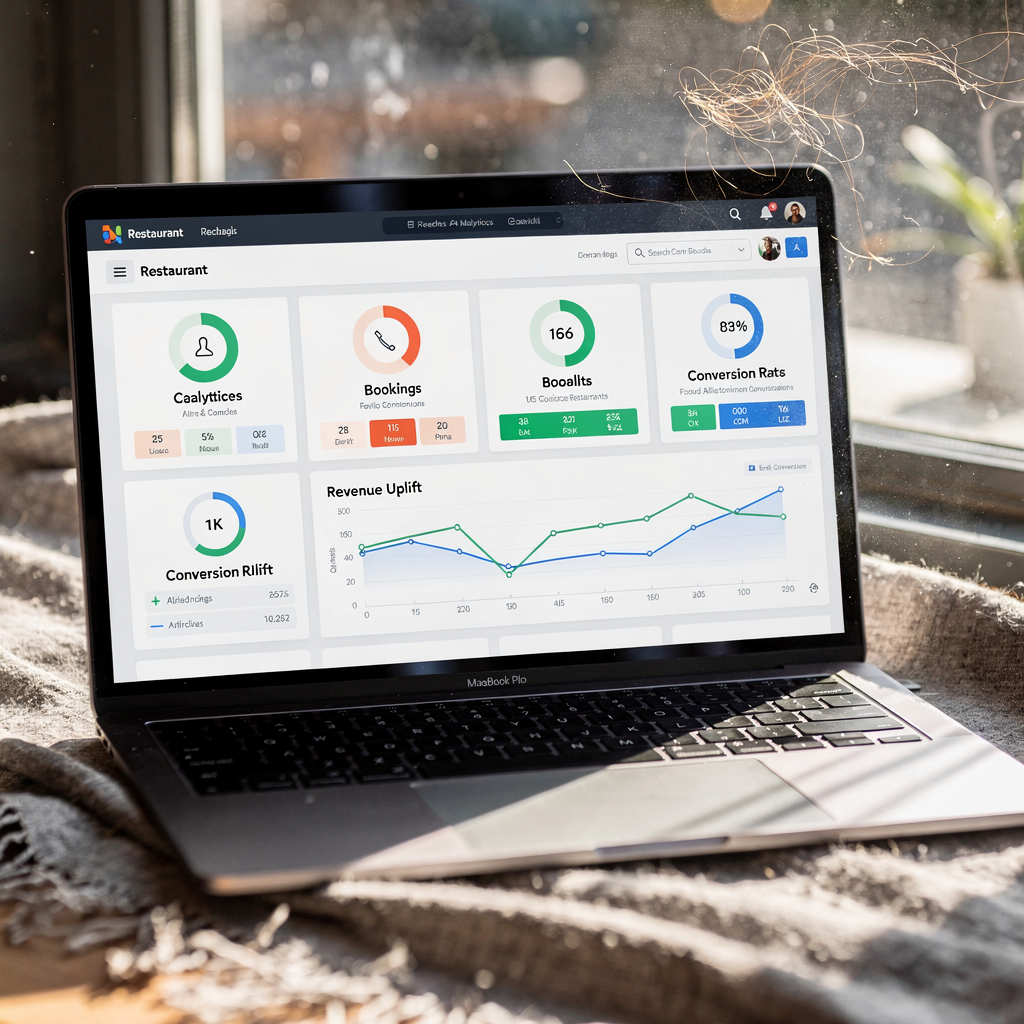
Use internal dashboards to show answered calls, bookings by AI and revenue uplift. If you want a clear comparison, our team suggests a short pilot and a KPI dashboard that includes analytics for calls, conversions and revenue per cover. That makes the ROI discussion concrete and repeatable.
Drowning in emails?
Here’s your way out
Save hours every day as AI Agents label and draft emails directly in Outlook or Gmail, giving your team more time to focus on high-value work.
Asked questions and frequently asked questions about privacy, accuracy and staff handover for AI agents.
This section covers the common asked questions managers raise before deployment. First, data privacy and GDPR. Keep transcripts and personal data only as long as necessary. Use secure storage and clear retention policies. Second, voice accuracy in noisy environments. Modern systems use noise reduction and short confirmation phrases to avoid mistakes. Third, multilingual support. Many AI systems support multiple languages so you can handle diverse customer needs. If you need multiple languages, test each language at peak volume.
Key answers at a glance: privacy—log only required fields and store confirmations for a limited time. Accuracy—set SLAs with your vendor; aim for an accuracy target and measure it. Staff handover—define clear escalation rules and aim for a handoff under 30 seconds so a staff member can intervene without losing context. For cancellations, the AI can log the change and notify staff; it can also send a follow-up to confirm the cancellation.
Other common customer inquiries include hours and directions, menu allergies and takeout options. The AI should handle these simple requests and escalate complex allergy questions to a human. Provide a troubleshooting guide for typical issues: wrong time (allow quick edit), duplicate bookings (merge or cancel older one), misheard party size (confirm twice). Vendors should offer logs and transcripts so you can audit ai answers and refine prompts.
Finally, address cost and pricing models. Many vendors offer a pilot, then monthly pricing per answered call or per seat. Recommend an SLA that includes uptime, accuracy targets and handoff time. If your team already automates emails and operational messages, you will see parallels in routing and escalation. For examples of full operational automation in other domains see virtualworkforce.ai’s work on automating logistics emails at virtual assistant logistics.
Quick roadmap to deploy an AI assistant in 30–60 days, with vendors, pilot steps and metrics to prove ROI for restaurants using voice AI.
Phase 1 — Discovery (week 1). Define goals, select KPIs and map your existing restaurant tech. Identify the POS, reservation platform, SMS provider and CRM. Create user stories for common customer interactions like opening hours, party size and cancellations.
Phase 2 — Integration (weeks 2–4). Connect APIs, test syncing with your reservation system and ensure the AI seamlessly integrates with your table plan. Validate real‑time seat availability and two‑way updates. Run test calls for common scenarios and for simultaneous calls. Consider vendors such as Maple, Slang AI (OpenTable integrations), Goodcall and BotPenguin. Compare integration depth, language support and pricing. Also evaluate voice AI and AI voice features of each vendor, and confirm they provide audit logs and analytics.
Phase 3 — Staff training & pilot (weeks 5–6). Train your frontline staff and managers. Run a small pilot with measured call volume and monitor calls answered, bookings taken by AI and conversion rate. Use scripted escalation paths and set a handoff SLA. Aim to reduce time for staff on phones and improve the experience for customers. If you already automate operational messages, consider adding a digital assistant to email flows; that experience helps when scaling phone automation.
Phase 4 — Measure & scale (weeks 7–8). Review KPI dashboard: calls answered, bookings by AI, missed revenue recovered and customer satisfaction. Decide buy/no‑buy based on a 90‑day pilot ROI that compares cost versus extra covers and labour saved. For restaurants using voice AI at scale, plan phased roll‑out by location and by service type (dine-in, takeout, delivery orders). If you want a checklist and pilot template, download the integration checklist and start with a 30‑day pilot. For teams focused on operational accuracy, see how end‑to‑end automation drives measurable results at virtualworkforce.ai ROI. This roadmap gets you from discovery to results in under 60 days with measurable outcomes.
FAQ
What is an AI phone assistant and how does it help restaurants?
An AI phone assistant is an automated voice system that answers calls, collects booking details and confirms reservations. It frees staff from repetitive calls and reduces missed opportunities while improving customer experience.
How accurate are AI reservation systems at taking bookings?
Accuracy varies by vendor and setup, but some systems report reservation success rates up to 98% (source). Accuracy improves with testing and by tuning prompts and templates.
Will the AI integrate with OpenTable, Resy and our POS?
Yes. Most vendors offer connectors or APIs to sync with OpenTable, Resy and common POS platforms. Proper mapping and staging tests prevent double-bookings and ensure real-time availability.
How does the AI handle privacy and GDPR?
Vendors should support data minimisation and configurable retention policies. Keep call transcripts only as long as needed and secure stored personal data to meet GDPR requirements.
Can the system handle multiple languages?
Many voice systems support multiple languages and can switch based on caller input or number dialled. Test each language in live noise conditions to ensure reliable understanding.
What happens when the AI cannot resolve a request?
The AI will escalate to a human staff member under predefined rules. Best practice is to aim for a handoff under 30 seconds with context and caller details attached to the escalation.
Does this reduce missed revenue?
Yes. By answering more calls and converting them into confirmed reservations, the system reduces missed revenue from lost bookings. Benchmarks show large reductions in missed calls and meaningful uplifts in phone bookings.
Is it hard for staff to use and train?
No. Most systems are user-friendly and include admin interfaces for rules and edits. Short training sessions and clear escalation paths keep staff confident and in control.
How do cancellations and no-shows get handled?
The AI logs cancellations and updates the reservation platform in real time. It can also send confirmations and reminders to reduce no-shows, and it flags repeat no-shows for manager review.
What metrics should we track during a pilot?
Track calls answered, bookings taken by AI, conversion rate, no-show rate and incremental revenue. Also monitor customer interactions and improving customer satisfaction scores to validate the pilot.
Drowning in emails?
Here’s your way out
Save hours every day as AI Agents label and draft emails directly in Outlook or Gmail, giving your team more time to focus on high-value work.