


How ai email assistant can automate your inbox and create work orders for property management
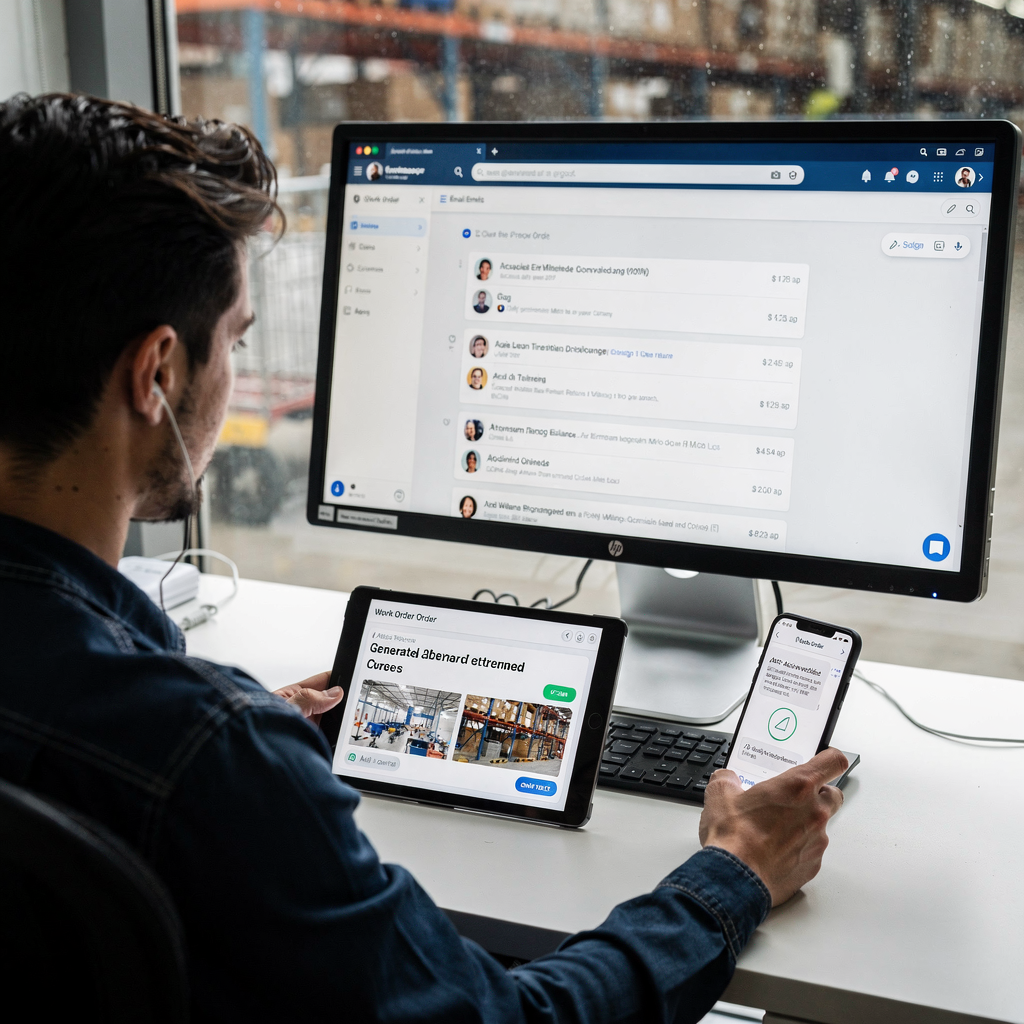
First, an AI email assistant reads incoming messages, extracts intent, and maps data to work order fields. Then, it sends an auto-acknowledgement to the tenant while it classifies the issue, tags priority, and creates a work order in property management systems. For example, the assistant can extract location, issue type, images, and preferred access windows. As a result, facility managers reduce manual triage and manual entry. Industry research shows AI handling a large share of initial service requests; over 60% of facility management inquiries now start with AI-enabled channels (LeewayHertz). Also, implementations have cut triage time and response intervals by up to 40% in some reports (Camcode). Quick wins are simple to test. For example, enable auto‑acknowledgements and fill extracted fields such as location, priority, and issue category. Next, confirm mapping from email addresses and subject lines into work order fields so your crews receive clear tickets. Your team should test attachments handling, vendor tags, and photo compression before scaling. Importantly, maintain an audit trail so every automated action shows context and source. If you run shared inboxes, consider integrating an assistant to manage your inbox and reduce duplicate requests. virtualworkforce.ai automates the full email lifecycle for ops teams, so it both drafts replies inside Outlook or Gmail and creates structured data for operational systems. Finally, pilot with one building, then expand. This phased approach limits risk, ensures mapping accuracy, and makes the assistant a reliable source of work orders for your property manager and maintenance staff.
Why facility managers should use an ai-powered virtual assistant to streamline workflow and improve your productivity
Facility managers face inbox overload every day; therefore, an ai-powered virtual assistant frees them from repetitive email tasks so they can focus on higher‑risk work. First, the assistant routes vendor quotes, schedules routine inspections, and triggers followup reminders. Next, it drafts consistent email responses and keeps email threads tidy. You can measure impact by tracking average response time, work order creation time, and tenant satisfaction before and after deployment. In addition, the 2025 employee communication study notes that internal emails remain the most trusted channel, which makes fast, accurate email responses essential (Staffbase). Also, McKinsey highlights leadership and adoption pace as the main barrier to scaling workplace AI, so plan for executive sponsorship and change management (McKinsey). Use cases include vendor coordination, SLA followups, and routine scheduling. Additionally, a virtual assistant can assign vendors based on past performance and cost center rules, which reduces manual searching. For security, set role‑based access and audit trails so admin staff and maintenance crews see only what they need. As a best practice, keep a human‑in‑the‑loop for high‑risk issues and safety escalations. Finally, regular review of AI performance and tenant feedback ensures the assistant helps facility managers improve your productivity while preserving control and trust.
Drowning in emails? Here’s your way out
Save hours every day as AI Agents label and draft emails directly in Outlook or Gmail, giving your team more time to focus on high-value work.
Choosing the best ai email assistants and ai tool: integration with management software and property management software
Choosing the right tool begins with integration. First, confirm the AI solution offers API or native connector support for your property management software and CMMS. Second, check accuracy on maintenance language and SLA for false positives. Third, review data residency and whether you need on‑prem or cloud policies. For example, pilots that link email to work orders must handle photos, vendor tags, and cost center mapping. Research on AI in customer relationship management stresses the need to define strategic goals and prepare data to make AI successful (ScienceDirect). Also, test common email clients like Outlook or Gmail and verify that the ai tool can draft, send, and sync replies without breaking threads. If you want examples, property-focused solutions and assistants that map email → work order workflows are becoming common; many vendors and pilots show measurable gains when they connect email to operational systems. When you evaluate, use a checklist: bi‑directional sync, attachments handling, vendor assignment rules, SLA logging, and cost tagging. Run a short pilot with one portfolio to validate integration complexity and then measure three KPIs. If you need resources on automating logistics correspondence or ERP email automation patterns, review related developer guides and case studies such as our notes on ERP email automation ERP email automation for logistics. For teams using Google Workspace, consider a guide to integrate AI assistants with Gmail automated Gmail integration. In short, selecting the best ai email assistants depends on careful technical checks, business rules, and a staged rollout.
Templates and automation: how ai assistant can simplify email management needs and help you write consistent tenant responses
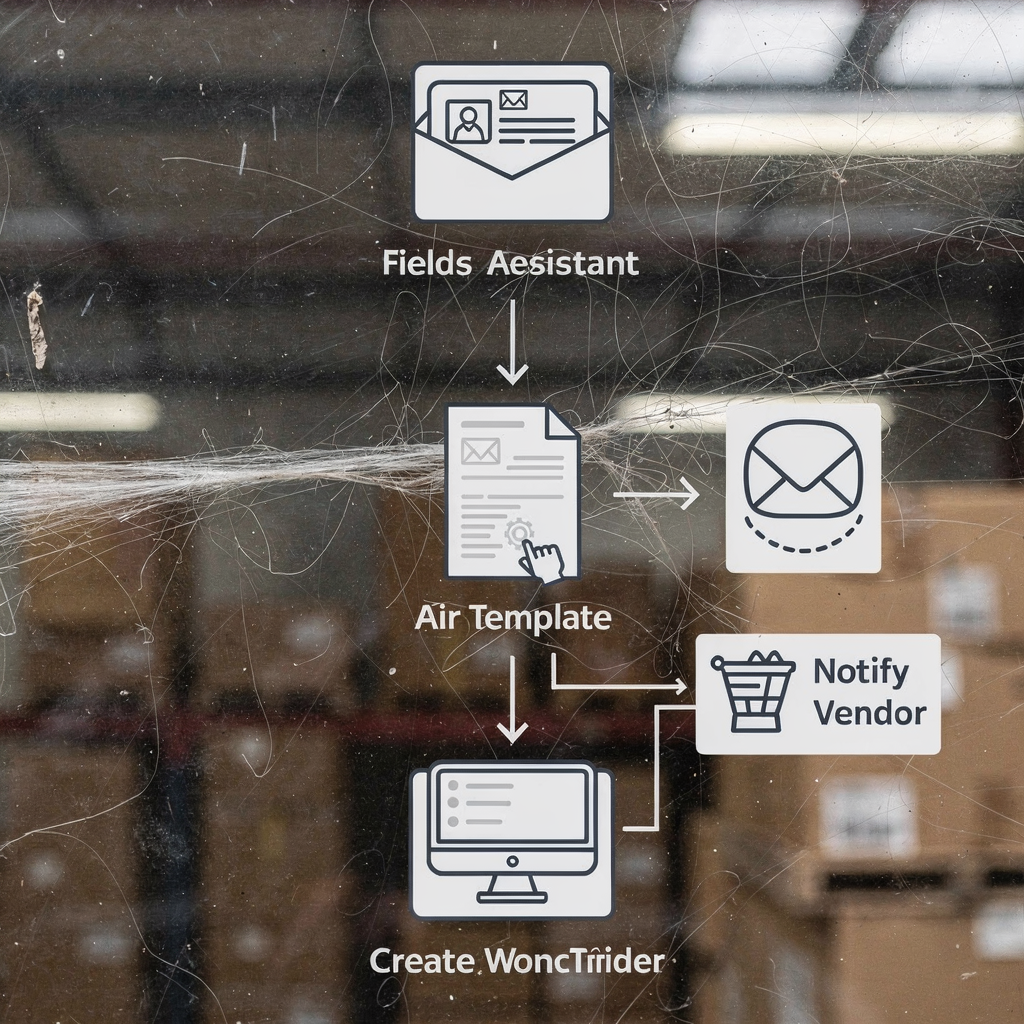
Templates reduce busywork and help you maintain tone and compliance. First, store editable email templates for acknowledgements, safety escalations, scheduling, and closure. Then, let the assistant auto‑fill key fields so each message includes location, work order ID, and expected timelines. The assistant can also draft replies and suggest edits; for example, it can help you write tenant-facing messages that follow GDPR rules and company tone. Use automation rules to auto‑prioritise messages that contain keywords like leak, electrical, or safety. Also, set escalation paths to on‑call teams for urgent issues, and configure scheduled reminders for followups. A template bank combined with automation will cut repeated typing and improve consistency. For quality control, add review gates on high‑risk templates so a human approves messages before sending. This reduces factual errors that were highlighted in recent research on AI assistants (BBC). In practice, tools like virtualworkforce.ai create structured data from email threads and draft grounded replies inside Outlook or Gmail, which helps preserve context and reduce mistakes. Also, ensure templates handle attachments and common photo naming conventions. Finally, keep a short library of email templates and automate routine updates; this lets your team move the conversation forward faster while keeping a clear audit trail.
Drowning in emails? Here’s your way out
Save hours every day as AI Agents label and draft emails directly in Outlook or Gmail, giving your team more time to focus on high-value work.
Implementation and integration for management companies and property teams: keep your inbox organised and streamline operations
Start rollout with clear scope and rapid wins. First, define which email types you will automate: maintenance requests, vendor invoices, or tenant complaints. Next, map those email types to workflows and prepare training data by exporting past tickets. Then, onboard IT to configure connectors to management software and set governance. virtualworkforce.ai reduces handling time from ~4.5 minutes to ~1.5 minutes per email in many deployments, so expect meaningful gains once the integration is complete. For governance, assign owners for taxonomy, escalation rules, and data retention. Also, design fallbacks and manual overrides if the assistant misses context or misclassifies a message. Operational benefits include fewer duplicate tickets, faster vendor turn‑around, and cleaner records for audits and billing. For monitoring, set KPIs like response time, work order lead time, and tenant satisfaction. Measure weekly during the pilot and adjust rules as you scale. Additionally, consider onboarding and training for frontline teams so they accept the management virtual assistant and learn when to intervene. If you support logistics or multi-site portfolios, refer to case studies on virtual assistants in logistics to understand thread-aware memory and ERP grounding virtual assistant logistics examples. Finally, keep your inbox organised with role‑based access, notification settings, and an admin view for escalation. This structured approach lets management companies deploy AI safely and deliver consistent service across property teams.
faq and frequently asked questions on use an ai to automate and support management needs
Below are common questions and clear answers to guide pilots and rollouts.
How accurate is the AI at classifying maintenance requests?
Accuracy varies by dataset and training. However, expected accuracy bands after a short training phase are often high for common categories; still, keep a human‑in‑the‑loop for edge cases and safety issues.
How does the assistant protect tenant data and privacy?
Design the system with role‑based access and data retention policies. Also, configure an extra layer of privacy for sensitive attachments and ensure compliance with local data rules such as the EU GDPR.
Who approves auto-created work orders?
Set approval rules based on priority and cost thresholds. For low‑risk routine tasks the assistant can auto-create and notify crews; for higher cost jobs require manager signoff.
What happens if the AI makes a factual error in an email?
Keep review gates for high‑risk templates and maintain an audit trail to trace changes. Also, log errors and retrain the ai model when recurring mistakes appear.
Can the assistant integrate with my existing property management software?
Yes, but confirm API or connector support during evaluation. For complex environments, pilot the integration to validate attachments handling, syncing, and bi‑directional updates.
How do I measure ROI for an AI email assistant pilot?
Define three KPIs such as response time, work‑order lead time, and tenant satisfaction before the pilot. Then, compare those metrics after a defined period and calculate staff time saved and reduced escalations.
Does the assistant handle attachments and photos?
Most solutions can parse photos and embed them into work orders. Make sure the assistant supports common photo naming conventions and compression rules to prevent storage issues.
How often should I review and retrain the AI?
Set a reporting cadence and review thresholds that trigger retraining; for example, retrain when misclassification rises above a set percentage or every quarter. Also, review templates more frequently during the first 90 days.
Can the assistant draft messages but leave final sending to humans?
Yes, many deployments use the assistant to draft replies and place them in the email client for approval. This balances speed with control and reduces the risk of incorrect outgoing messages.
What are next steps to start a pilot?
Choose one pilot building or portfolio and define three KPIs to measure. Then, map email types, prepare sample data, and run a staged go‑live with clear owners and escalation paths.
Ready to revolutionize your workplace?
Achieve more with your existing team with Virtual Workforce.