


transaction: How an AI email virtual assistant helps the transaction coordinator in real estate.
Transaction work often hinges on timely, accurate email. A typical transaction coordinator spends roughly 2–3 hours daily on email, which equals about 25–38% of a workday. That time sinks into triage, followups and manual lookups. For many teams the inbox becomes the bottleneck. An AI email virtual assistant reduces that load and helps the transaction coordinator focus on higher‑value parts of the transaction. For example, industry data shows transaction coordinators report major time savings after adopting automation: teams cut email handling by around 50–70% when AI assists with routine messages (Microsoft case examples). That translates into more time to manage milestones and client care and to close more deals.
Specifically, an AI agent will sort and prioritise incoming email, auto-draft replies, and run scheduled follow‑ups. It can extract dates, contact details and status updates and write those into a management system. It will use preset email templates for consistent tone and compliance and help create a clear audit trail. In a recent survey 85% of coordinators who used email automation reported better deadline compliance and saw a roughly 30% reduction in errors caused by missed communications (Unity Connect report).
That matters because transaction tasks stack quickly. A real estate transaction coordinator still controls the process and makes judgment calls. The AVA handles repetitive email triage and suggested replies, while the tc does approvals and relationship work. As one experienced coordinator put it, “The biggest challenge is keeping everyone on the same page and ensuring nothing slips through the cracks. Email assistants have been a game-changer by automating reminders and organizing correspondence, which helps me meet deadlines consistently.” That direct quote highlights the human-plus-AI model and the practical ROI found across teams (Unity Connect).

transaction coordination and transaction management: Automate reminders, calendar alerts and document management to streamline workflow.
Use automated triggers to keep every transaction on its timeline. An AI assistant can fire a reminder when an inspection window opens, when contingency periods end, or when an exchange of contracts is due. These automated reminders reduce the risk of missed dates and they help everyone stay updated on next steps. When triggers write back to a transaction management system the platform shows a real-time status for each file. That visibility speeds up approvals and reduces rework.
Practical features include calendar sync, checklist automation and document requests. Calendar events can create followup tasks and sync with the agent and lender schedules. A checklist will auto-populate with the documents required for closing and it will mark items complete when the system detects signed files. The assistant can route document requests to the correct folder and attach the uploaded items to the right transaction record. These steps create a clearer audit trail and simplify compliance for audits and post-close reviews.
Make templates and clear audit logs part of the setup. Email templates shorten drafting time and ensure consistent messaging. Since many teams use a CRM, the assistant should push notes and files into that system to avoid duplicate work. For teams that need an ops-focused solution, our platform automates the full email lifecycle and pushes structured data back into operational systems so teams can save time and trust the records (learn about our virtual assistant for ops). For example, an inspection reminder can be triggered by a milestone date; then the assistant creates a calendar event and sends an automated email with the to-do list and checklist attached.
Finally, adopt configurable reminder rules to fit different transaction types. Local rules may vary for buyers and sellers, for listings that need extra disclosures, and for lender review windows. Pilot these rules on a subset of files first. That provides quick wins while the team adjusts the triggers and tone.
Drowning in emails? Here’s your way out
Save hours every day as AI Agents label and draft emails directly in Outlook or Gmail, giving your team more time to focus on high-value work.
integration: Use cloud-based real estate software and CRM integration to create seamless coordination between buyer, seller and real estate agent.
Integration matters. When an email assistant feeds data into CRM and transaction platforms it reduces duplicate entries and keeps the team aligned. For instance, the assistant can update contact details automatically after parsing a signature or add a note to the management system when a counteroffer lands. Those actions keep the transaction moving and save time compared with manual entry. Integrating with cloud-based systems makes these updates real-time and available to everyone involved.
The benefits extend beyond efficiency. Automatic contact updates and logged correspondence build a single source of truth for buyers and sellers, agents, lenders and attorneys. That single source reduces confusion about next steps and improves client communications during closing deals. Integration also supports routing rules: if a message concerns a missing disclosure the assistant attaches the right document to the file and notifies the responsible party. This approach prevents an email from floating in a shared inbox with unclear ownership.
Choose API-friendly, cloud-based solutions and verify security settings. Prioritise secure integration paths with role-based access so sensitive files remain protected. If your team uses common tools, consider practical guides that show how to connect Gmail or Outlook with an AI layer; for example see resources on integrating Google Workspace with automated email workflows (Google Workspace integration guide). For teams curious about ROI, case studies illustrate reduced handling time per message and faster transaction close rates (ROI and case studies).
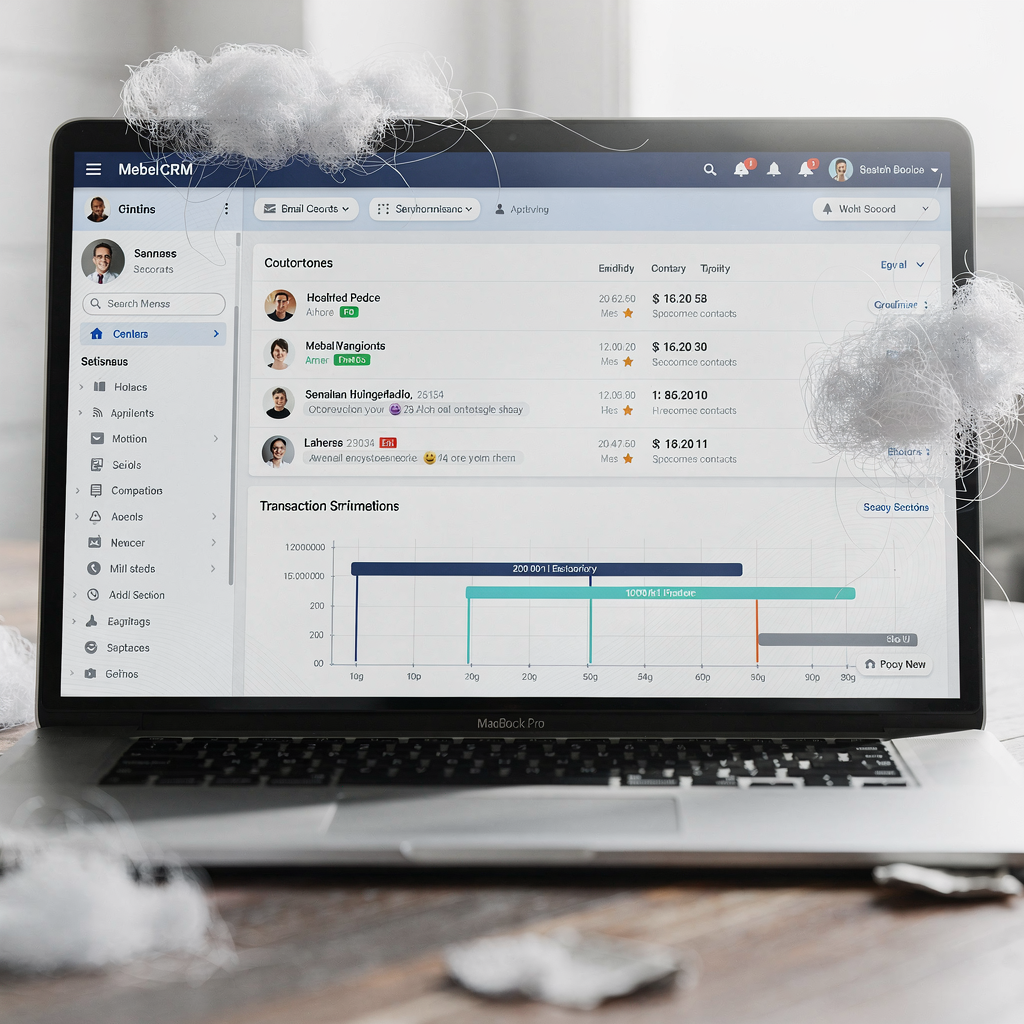
automation and tc: Standardise templates, follow-ups and workflows to automate routine TC tasks and protect client relationships.
Standardisation reduces mistakes and preserves a consistent client experience. Use templates for buyer checklists, listing instructions, inspection followups and settlement instructions. Templates speed responses and keep the tone professional across multiple touchpoints. To keep control, adopt a staged automation model: draft → review → send. This sequence lets the transaction coordinator approve sensitive messages before they go out, which protects client relationships.
Guardrails matter. Configure role-based permissions so only authorised tcs can send final notices. Use escalation paths for exceptions where the assistant suggests wording but marks the email for human sign-off. This mix of automation and oversight prevents errors and keeps the TC in charge. A tech expert explains that bringing AI agents into enterprise workflows enables contextually relevant communication that significantly enhances productivity (Google Agentspace).
Templates work best when editable. Allow the tc to tweak language per client and per transaction type. Also, store commonly used items like spreadsheets, disclosure checklists and PDF forms in a central folder that the assistant can reference. That reduces time-consuming searches and supports quick, accurate responses. If you want to streamline operations while protecting relationships, test a small set of templated messages, measure results, and scale what works. A practical tip: include merge fields for dates and names so the assistant fills steps and deadlines automatically.
Drowning in emails? Here’s your way out
Save hours every day as AI Agents label and draft emails directly in Outlook or Gmail, giving your team more time to focus on high-value work.
email, document management and ava: Keep records organised, searchable and compliant with an AVA (AI virtual assistant).
An AVA can parse incoming email, extract critical dates, auto-file contracts and flag missing documents. It will detect when an item is absent and send a tailored followup so the file stays complete. For teams that juggle many transactions a searchable archive is essential. The assistant can apply auto-naming conventions and attach documents to the right transaction record in the management system. That makes retrieval fast during audits or closing walk-throughs.
Security and compliance must be built into the setup. Look for encryption, access logs and configurable retention policies inside your real estate software. The assistant should record who accessed a document and when, and it should respect retention rules for different file types. Those features help teams remain audit-ready and to reduce errors that cause delays.
From a user experience angle, choose solutions that are user friendly and that offer smooth onboarding. An AVA that routes messages, suggests accurate replies and pushes structured data back into operational systems helps teams work smarter. Our platform reduces handling time per message and improves consistency by grounding replies in ERP or CRM data when needed. When teams want to trial an assistant, a free 14-day trial can show immediate benefits on a subset of transactions and help measure real-time improvements in task management and document management.
faqs: Common questions real estate professionals ask about adopting AI email assistants for real estate transaction coordination.
Will automation replace the tc? No. Automation handles repetitive email triage and drafting while the tc keeps oversight, client care and final approvals. The human role remains central for nuanced judgement and relationship work.
How quickly will I see ROI? When email load is high ROI can appear within months. Teams often save time daily and recover capacity for closing deals and higher‑value tasks.
How do I start? Pilot one office or a subset of transactions, integrate with your CRM and use a small library of email templates. Test triggers and measure performance on time saved and reduce errors.
What about calendar and reminders? Ensure calendar sync and set configurable reminder rules for buyer, listing and seller milestones. Calendar events should create followup tasks and link to the management system.
What should I check before deployment? Verify data security, cloud-based deployment, API compatibility, and training plans. Also set KPIs: time saved, error rate, compliance and client satisfaction.
FAQ
Will an AI email assistant replace the transaction coordinator?
No. An AI assistant reduces repetitive tasks and speeds routine replies, but the transaction coordinator remains responsible for oversight and client relationships. The assistant frees time so the coordinator can focus on exceptions and higher-value work.
How soon will my team see benefits from adoption?
Most teams notice measurable time savings within weeks and clear ROI within a few months when email volume is high. Start with a pilot to measure saved time and reduced errors on a subset of files.
Do AI assistants improve compliance and reduce errors?
Yes. Many teams report improved deadline compliance and fewer missed communications after deploying email automation (Unity Connect). The assistant enforces checklists and creates an audit trail.
Can the assistant integrate with my CRM and transaction management system?
It can, provided the systems offer APIs or connectors. Integrations allow automatic contact updates, logged correspondence and attached documents so data does not have to be entered twice.
How does the assistant handle sensitive documents?
The assistant should use encryption, access logs, and role-based permissions. It should respect retention policies and provide traceable audit records for compliance purposes.
Are templates necessary?
Templates speed response time and keep messages consistent; use editable templates so the transaction coordinator can personalize when needed. Email templates also reduce manual errors for routine notices.
What about calendar events and reminders?
Set up calendar sync and configurable reminder rules so key milestones trigger alerts and followups automatically. Calendar events should link to the transaction file so everyone sees the same timeline.
How do we begin a pilot?
Pilot one office or a segment of transactions and integrate the assistant with your CRM. Measure KPIs such as time saved, error reduction and improved compliance to justify wider rollout.
Can an AVA parse and file documents automatically?
Yes. An AVA can extract dates and names from email, auto-file contracts to the right folder and flag missing items for followup. This capability makes retrieval fast and supports audits.
Where can I find more technical resources?
Explore integration and ROI case studies on company pages that detail API links and Gmail/Outlook setup. For operations teams, see guides on connecting email automation with Google Workspace and real-world ROI examples (integration guide) and (ROI case studies).
Ready to revolutionize your workplace?
Achieve more with your existing team with Virtual Workforce.