


ai: What an ai assistant does for vacation rental guest communication and inbox
An AI assistant handles routine guest email tasks so you can focus on higher-value work. It sends booking confirmations, pre-arrival instructions, and review requests. It also centralises replies into a single inbox and labels messages by intent. For example, an ai assistant can tag a cleaning request and route it to operations, or tag a late-arrival note and alert the on-call team. This reduces manual triage and helps you save time. The tool learns from past replies and keeps tone consistent across rental properties. It also personalises content, which drives engagement. StayFi reports that personalised campaigns can lift open rates and click-through rates significantly, including industry benchmarks near 29% open and 41% CTR. That matters because higher engagement converts to more direct bookings and stronger loyalty.
In practice, the assistant integrates with a property management system and pulls booking data. Then it drafts messages that use the guest name, dates, and arrival details. It can also recognise sentiment and prioritise urgent guest issues so staff respond quickly. This model reduces the number of repetitive emails and the risk of lost context in a shared inbox. Many teams see faster replies and more consistent guest-facing text. If you want a practical look at how automated email agents improve operations, read how we apply similar automation in logistics to cut handling time and increase consistency at how to improve logistics customer service with AI. The concept is the same in hospitality and short term rental settings. Use an AI tool to capture every inquiry, route it, and either resolve or escalate with full context.
Use cases are obvious. You reduce time spent on routine replies. You also improve message accuracy and prevent double bookings. For vacation rental teams, this means more time for guest experience design. For vacation rental owners who manage several properties, the AI keeps communications reliable and quick. Finally, a clear handoff to human staff for complex requests keeps standards high and helps you never miss important guest messages.
automate: How automated messaging and sms for check-in streamline host workflows across airbnb, vrbo and booking.com
Automated messaging simplifies everyday workflows and cuts errors. First, it sends automatic booking emails that confirm dates, rates, and rules. Next, it issues timed check-in reminders and timed SMS with door codes. Then, it follows up after departure to request reviews and offer upsells. These sequences reduce missed messages and no-shows, and they standardise guest instructions and house rules. For urgent details, send SMS, because guests read texts faster than email. A single workflow can manage CHANNEL messages from Airbnb, VRBO, and Booking.com and also push via sms when speed matters. This lets rental hosts communicate consistently across platforms and improves response times.
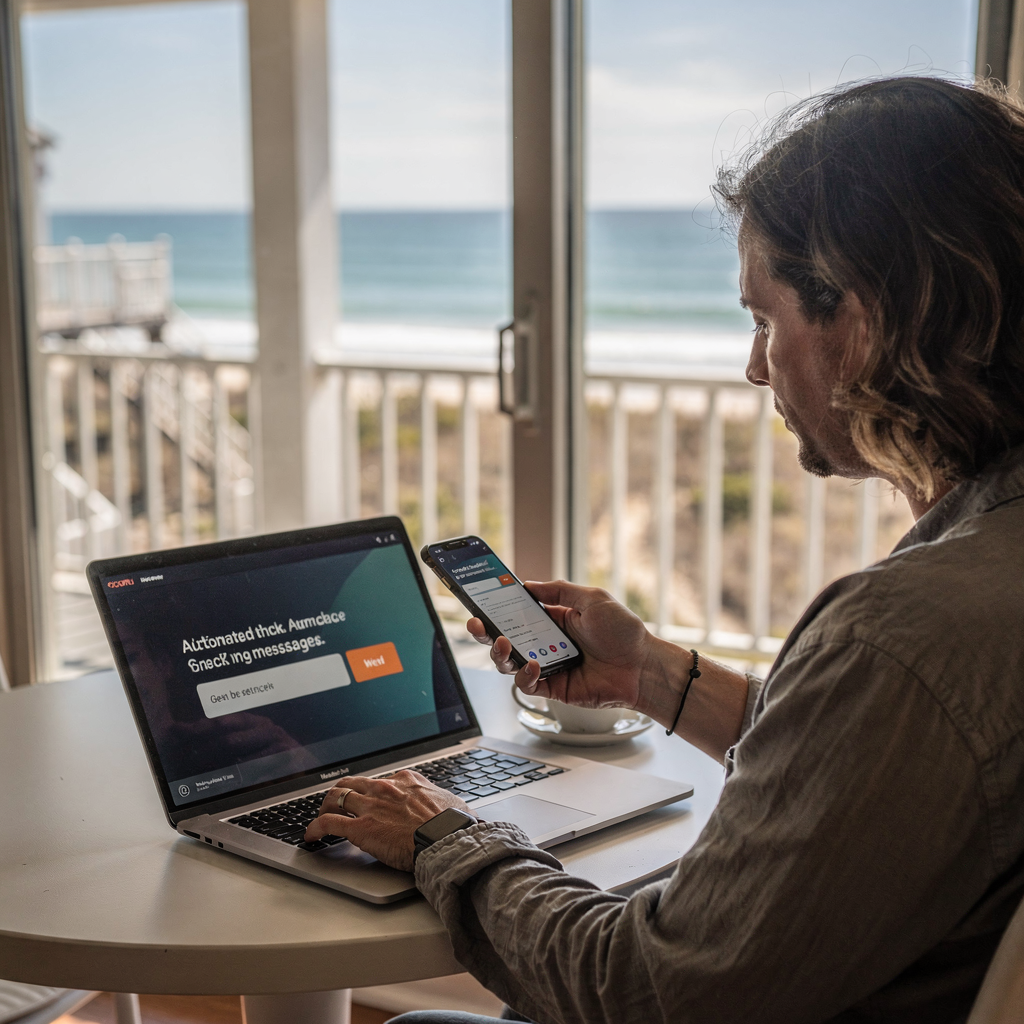
Automated check-ins reduce friction. You schedule a door-code SMS 24 hours before arrival, and you email a parking and arrival guide 48 hours prior. Then you push a friendly review request the day after checkout. Because these steps are automated, staff do not retype the same text. The system also captures guest replies and flags questions for follow-up. If a guest asks about an early arrival, the automation routes that inquiry to the right person. This prevents lost context in a busy shared inbox and lets teams respond faster. It also helps with compliance; messages can include local rules and safety notices across multiple channels without manual copying.
Platforms now link to channel managers and support timed SMS delivery via API. You should test flows on a single property and then scale across your portfolio. For a deeper look at end-to-end automated email drafting and resolution in a high-volume operations context, see how full lifecycle email automation works in operations at automated logistics correspondence. That page shows how routing, intent detection, and data grounding all combine to reduce manual effort. Use the same principles in vacation rental check-ins to improve guest satisfaction and free up staff time.
Drowning in emails? Here’s your way out
Save hours every day as AI Agents label and draft emails directly in Outlook or Gmail, giving your team more time to focus on high-value work.
integration: Linking rental software like lodgify and hostaway to PMS, booking channels and dynamic pricing
Integration matters. Connect Lodgify and Hostaway to your property management system and to booking channels to centralise data. A centralised view removes the need to re-enter reservations and cuts back double bookings. Many rental software platforms offer a unified inbox and workflows that pull messages from Airbnb, like Airbnb, HomeAway, and direct channels. When you link to dynamic pricing tools, automated emails can include timely offers and last-minute rate updates. That helps you capture occupancy and revenue in tight windows. For background on pricing challenges, read the discussion about dynamic pricing and competitive triggers at Vacation Rental Consultants.
Check API support before you commit. APIs let your systems sync rates, availability, and guest details. They also allow you to send custom messages that include real-time offers. For example, if a cleaning window opens late, the system can update the guest and propose an upsell for late check-out. That is automation with context. Integration also supports push notifications and structured data updates to your booking platform, and it helps keep your dashboard accurate across channels. If you operate more than a handful of rental properties, integration is essential to simplify operations.
Choose platforms that support common dynamic pricing partners such as PriceLabs or Beyond Pricing. These allow you to reflect supply and demand in messaging and offers. For a wider perspective on market demand and personalization trends that affect pricing and guest preferences, see the market outlook noting rising demand for personalised and eco-conscious stays at Vacation Rental Market Size, Growth Outlook. Finally, if you want ideas on how AI agents can copy and route emails while grounded in operational data, visit our case studies at virtual assistant logistics. Those examples show how API-driven integration reduces manual lookups and speeds replies.
ai-powered: Performance gains — open rates, click-throughs, upselling and revenue for the vacation rental business
AI-powered email assistants boost measurable metrics. Personalisation lifts engagement, and higher engagement creates more bookings. StayFi reports uplift in open and click-through rates for tailored campaigns, including benchmarks near 29% open and 41% CTR. Use those gains to convert inquiries into bookings and to increase ancillary revenue. Automated post-booking sequences offer late check-out, upgrades, and local services. They sell extras without extra staff time. In tests, targeted upsells convert better than blanket offers. That grows revenue for the vacation rental business and improves guest satisfaction.
AI can also optimise subject lines, send times, and content variations. You run A/B tests automatically, and you let the system pick the best performing variant. That is a data-driven approach that supports revenue management. At scale, these small improvements compound and they increase lifetime guest value. For hospitality teams, the automation shifts focus from repetitive reply writing to strategy and guest experience improvements.
Demand for personalised stays is rising. Booking data shows travellers look for tailored and eco-aware options. See the broader market outlook that highlights those trends at Vacation Rental Market Size, Growth Outlook. Use targeted emails to highlight local experiences and add-on services. That helps with direct booking and it supports better occupancy across low-demand days. If you want a deeper look at how AI agents automate email workflows in complex operations, explore our analysis of digital transformation and automated drafting at AI for freight forwarder communication. The same principles apply: route, resolve, and upsell with context.
Drowning in emails? Here’s your way out
Save hours every day as AI Agents label and draft emails directly in Outlook or Gmail, giving your team more time to focus on high-value work.
property managers: Best practices to simplify messaging, handle inquiries and improve guest experience in hospitality
Property managers should standardise templates and timing. Use personalised templates triggered at key milestones. First, send a booking confirmation. Then, send pre-arrival instructions. Next, send a check-in guide. During the stay, send a friendly check-in note. After checkout, send a review request and an upsell. Keep messages short and clear. Use a warm and localised tone. Also, follow platform rules for content on Airbnb and Booking.com. That keeps listings compliant and avoids penalties.
Automate routine replies but ensure a human handoff for complex questions. Route tricky guest questions to on-shift staff with all the conversation context attached. Track response SLAs and measure guest satisfaction. Use analytics to spot patterns, and then update templates to reduce repetitive queries. For teams that want to simplify triage and routing at scale, read about reducing email handling time through end-to-end automation in high-volume settings at automate logistics emails with Google Workspace and virtualworkforce.ai. Apply the same approach to booking and guest inquiries to improve resolution speed and consistency.
Also, train staff on tone and local information. Keep an FAQ for common topics so the assistant can answer basic questions automatically. This improves guest experience and keeps operations consistent. Finally, monitor feedback and adjust. Guest satisfaction improves when messages are timely, accurate, and helpful. That delivers repeat bookings and better reviews for your portfolio.

vacation rental management: Choosing tools, mobile app workflows and a roll‑out plan for rental management and frequently asked questions
Select tools that match your scale and goals. Prioritise rental software with a unified inbox, automated messaging, SMS support, and pricing integration. Examples to consider include Lodgify and Hostaway. Check that your chosen product supports a property management system and that it connects to key channels. Also confirm that the product can import calendars and push updates to avoid double bookings. Before you buy, ask for a free trial and test the mobile app to ensure you can manage tasks on the go.
Start with a pilot on one property. Measure open rates, CTR, and booking lift. If the pilot works, scale in waves. Train staff and set clear onboarding steps. Create a dashboard to view performance and to monitor direct booking trends. You should also test upsell flows and confirm they link to revenue management tools. For integrations, verify API compatibility and channel support so the system syncs with Booking.com, Expedia, and other listing platforms. Also check that the tool can handle check-ins and coordinate cleanings automatically.
Before full rollout, use a checklist to confirm channel integration, data security, message customisation, upsell flows, and analytics. Ensure your team can answer guest questions easily and that the messaging system logs conversations for audit and quality control. Aim for a rollout that is phased and measurable so you can stay in control and adapt quickly. For managers who want to scale email operations without hiring, see practical advice on automation and ROI at how to scale logistics operations with AI agents. The approach translates to vacation rentals: automate the routine, escalate the complex, and keep humans focused on hospitality.
FAQ
What does an AI email assistant do for vacation rentals?
An AI email assistant automates routine emails such as confirmations, check-in instructions, and review requests. It also organises incoming messages, labels intent, and routes urgent items to the right person.
Can automated messages and SMS reduce no-shows?
Yes. Timed SMS and email reminders improve arrival rates and reduce no-shows. Clear pre-arrival instructions and reminders also reduce guest confusion and late arrivals.
Do Lodgify and Hostaway support dynamic pricing integrations?
Many platforms including Lodgify and Hostaway support integration with dynamic pricing partners. Verify API compatibility and supported tools before you commit.
How much can personalised email campaigns improve performance?
Industry data shows personalised campaigns can lift open rates and click-through rates significantly, with benchmarks near 29% open and 41% CTR. That level of lift helps convert more inquiries into bookings.
Should property managers automate all guest replies?
No. Automate routine and repetitive replies, and route complex or sensitive inquiries to a human. This balance keeps response speed high and preserves quality for nuanced issues.
What should I test during a pilot rollout?
Test message timing, subject lines, SMS delivery, and upsell flows during a pilot. Also measure open rates, CTR, booking lift, and guest satisfaction to assess impact.
How do I handle platform-specific messaging rules?
Keep platform compliance in mind by checking Airbnb and Booking.com policies before sending channel messages. Use templates that meet those rules and localise content for the guest.
Can AI help with upselling and ancillary revenue?
Yes. Automated post-booking sequences can offer upgrades, late check-out, and local services. These targeted offers increase ancillary revenue without extra staff time.
Is a mobile app important for managers on the go?
Yes. A mobile app lets you approve messages, view analytics, and respond to escalations while away from a desk. It keeps managers productive and responsive.
How do I ensure data security with integrations?
Choose vendors that support secure API connections and clear data governance. Confirm access controls and auditing features before you enable integrations.
Ready to revolutionize your workplace?
Achieve more with your existing team with Virtual Workforce.