


senior living: Why ai email and email marketing matter to streamline operations in senior living communities
Senior living operations face constant pressure from high email volume, tight staffing, and families that expect fast answers. First, staff handle messages about care schedules, billing, visits, admissions, and amenities. Next, they respond to adult children and to prospects who want tours. Then, they triage urgent clinical questions from caregivers and coordinate with home care partners. As a result, administrative time swells and direct resident care shrinks.
AI email assistants reduce that burden by sorting, prioritizing, and drafting replies. For example, teams report about a 25–30% reduction in email management time after adopting AI tools, which shortens response times and raises family satisfaction (Senior Housing News). Also, AI can route complex requests to the right person and surface context from previous conversations so issues do not repeat. virtualworkforce.ai automates the full email lifecycle so teams spend less time on triage and more time on residents and their families. In one typical ops environment, handling time dropped from roughly 4.5 minutes to about 1.5 minutes per email when rules and data grounding were in place.
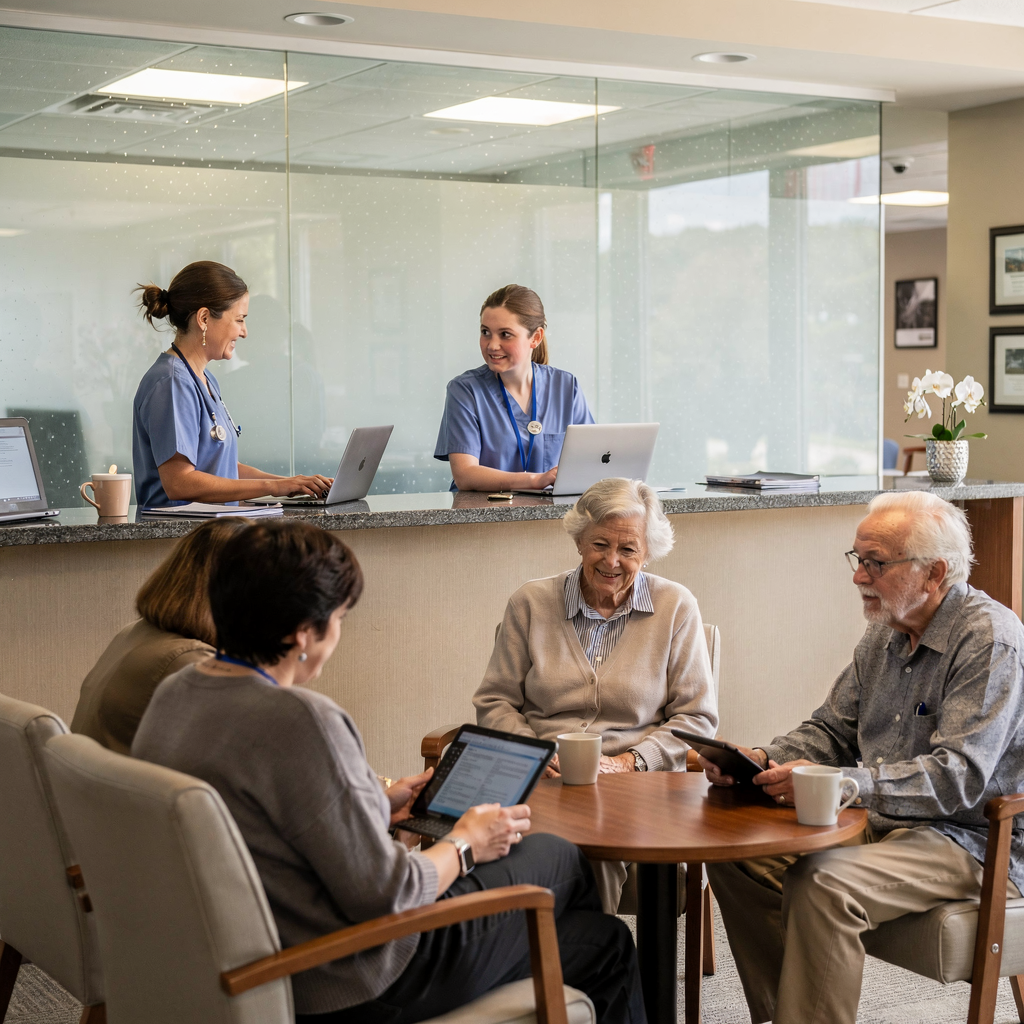
Also, AI platforms can tag messages by urgency and intent, and then draft compliant, context-aware replies that link to care plans and activity calendars. This improves response speed without sacrificing accuracy. Moreover, facilities must protect PHI. Therefore follow data security best practice: limit access, encrypt mail, and log all automated actions. Finally, use short pilot runs to measure time savings and to refine the tone and routing rules.
For teams that want to streamline operations and to boost occupancy, AI offers measurable wins. First, it reduces repetitive email work. Second, it keeps shared inboxes clear and accountable. Third, it helps maintain strong relationships with families and referral sources. If you want to explore operational email automation in other industries for proven patterns, see how to automate logistics emails and scale operations without hiring for additional context automate logistics emails with Google Workspace.
senior: Use automation, marketing automation and automated email to nurture leads and improve followup
Prospect followup in senior care must be fast and structured. First, an initial automated reply confirms receipt. Next, a nurture sequence sends targeted information about floor plans, pricing, and community events so prospects learn while they decide. Then, timely reminders help prospects book tours and to keep momentum. Automated email sequences cut the chance that a warm lead goes cold.
Start with an anatomy of a followup sequence. First message: immediate acknowledgement and a clear booking link. Second: a personalized welcome with community video and amenity highlights. Third: a gentle nudge with testimonial and a call to book tours. Also include SMS touchpoints when consent exists, since short ai sms messages raise engagement. Keep the cadence steady. For example, send the initial reply immediately, a nurture message after two days, and a booking reminder three days later. Test timing then adapt.
Use simple templates to scale. Initial reply template: “Thank you for contacting us. We received your request and will follow up within one business day. To schedule, click here.” Tour reminder template: “Reminder: you have a tour on {date}. Reply if you need to change.” Gentle nudge template: “We thought you might like to see our community events calendar. Would you like another tour?” These templates reduce drafting time and keep tone consistent. Also run A/B tests for subject lines, images, and call-to-action language to improve conversion.
Careful sequencing both nurtures prospects and respects privacy. Finally, track performance to see which touches get replies and which drive a booked tour. Use marketing automation for senior living to coordinate email and SMS channels while keeping personalization high. If your team uses workflows and wants integrations that handle heavy lifting across data systems, review resources on how to scale logistics operations without adding headcount how to scale logistics operations without hiring.
Drowning in emails? Here’s your way out
Save hours every day as AI Agents label and draft emails directly in Outlook or Gmail, giving your team more time to focus on high-value work.
senior living communities: crm, crm and marketing integration, hubspot, onboarding and management software for senior living marketing
Centralizing prospects in a CRM makes followup predictable and measurable. First, import contact data and tag by referral source, interest, and urgency. Next, define required fields: name, phone, preferred contact method, care level interest, and referral source. Also add custom tags for independent living or assisted living so teams route correctly. Then, connect your CRM to your email platform and to marketing automation so every touchpoint appears in one place.
HubSpot integrates well with email workflows and with onboarding sequences. For example, set a HubSpot workflow that assigns a lead to a sales team member after three nurture touches without a response. Also automate internal alerts so an outreach manager checks on stalled leads. During onboarding, follow a 30-day plan: import data day one, segment day two, activate basic workflows day three, train staff during week one, and optimize templates in weeks two to four. That checklist helps teams onboard fast and to avoid gaps.
Use clear handover rules from marketing to sales. For instance, set a lead score threshold that moves a prospect from nurture to outreach. Also log who owns the conversation. virtualworkforce.ai connects operational data sources so email replies can be drafted with accurate context from ERP and scheduling systems; this reduces errors and increases the quality of answers. If your team uses Mailchimp for newsletters, keep subscriber syncs clean and update lists whenever prospects book tours.
Finally, train users on the CRM and on the management software that coordinates tours, billing, and activity calendars. A short, role-based training helps staff use tags and to follow handoff rules. For a practical example of automating correspondence in shared inboxes and integrating with operational systems, see an example workflow on automated logistics correspondence automated logistics correspondence.
email for senior living: Use email marketing tools, personalized email and the right email followup to drive move-ins and occupancy
Choosing the right tool matters. Email marketing tools should offer templates, compliance controls, and analytics. Also ensure the platform is designed for security and for team handoffs. Use targeted content blocks to insert local neighborhood details or amenity highlights. Personalization improves engagement: include the prospect’s name, the care interest, and a nod to adult children who often make decisions.
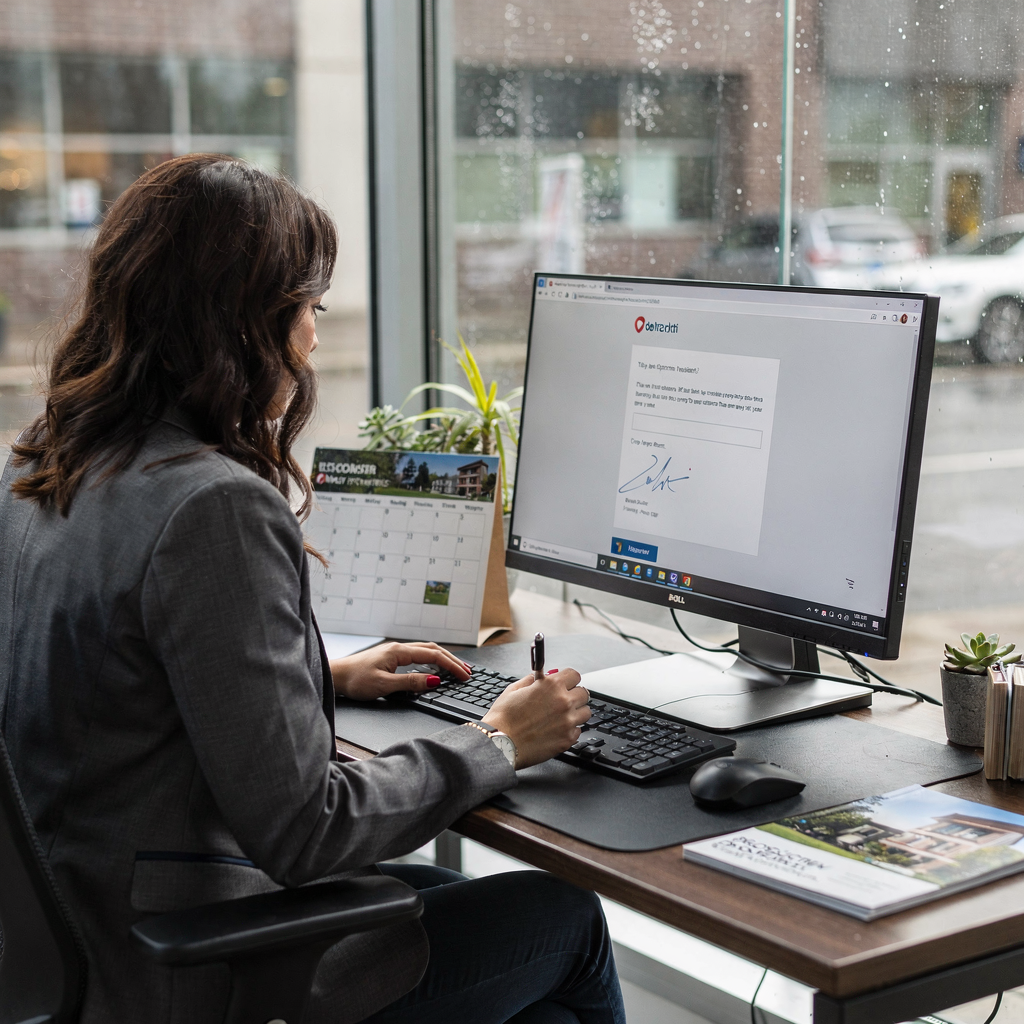
Here is a short example of a personalized email for a family decision-maker: “Hi Maria, thank you for touring our independent living neighborhood last week. We thought you’d like our upcoming wellness event on Tuesday. If your father can join, please let us know and we will reserve a seat.” That right email keeps the tone warm and action-focused. Track which emails produce replies, booked tours, and move-ins so marketing links directly to revenue.
Map KPIs to business outcomes. Track open rate, reply rate, prospects book rate, tour show rate, booked tour to move-in conversion, and impact on occupancy. For example, tag campaigns in your analytics platform and then attribute moves to email touches. Also use a newsletter sparingly to keep families informed about events and care updates. When you want to get more leads, run targeted ad-to-email funnels and then nurture those leads with timely followup. Use AI to draft messages but always review content for accuracy and tone. Email for senior living must balance empathy, clarity, and compliance.
Finally, measure how email marketing software affects move-ins. Tie your CRM and your email platform so you can see which sequence increases the quality of leads and which campaigns boost occupancy. If you need step-by-step CRM and email integration guidance, review resources on virtualworkforce.ai that explain how to improve customer service with AI and email drafting workflows how to improve customer service with AI.
Drowning in emails? Here’s your way out
Save hours every day as AI Agents label and draft emails directly in Outlook or Gmail, giving your team more time to focus on high-value work.
assisted living: analytics, lead nurturing, ai tools and lead scoring to improve senior living sales and occupancy
Analytics let teams focus on high-probability prospects. First, build a dashboard that shows response time, tour show rate, move-in rate, and campaign ROI. Next, set weekly and monthly reports so managers spot trends early. For example, track average response time to new inquiries and aim to respond within one business hour. Also monitor which referral sources deliver the best conversion and to adjust outreach.
Lead-scoring keeps the sales team focused. Start with simple rules: add points for a phone call, for a tour booked, and for a high-interest care level. Then, apply thresholds that trigger escalation to a phone call. For instance, when a lead reaches 75 points or when a prospect books two tours without answering email, flag them for live outreach. Also set rules when a lead should revert to nurture if engagement drops.
AI-powered scoring and lead nurturing reduce manual triage. AI tools can analyze email content and past behavior to surface hot leads without extra work. Also use automated scoring to route urgent medical or caregiving concerns to clinical staff. Keep dashboards simple to use so busy staff can act quickly. A recommended weekly report shows new inquiries, response time median, tours scheduled, tours attended, and move-ins. A monthly report adds campaign ROI and referral source performance.
Finally, create a clear escalation playbook. If a lead meets the phone-call threshold, the sales rep calls within one business day. If a lead is high-risk for churn after move-in, trigger outreach from a care manager. For teams operating across multiple locations, use tags for unique needs and for local amenity preferences. If you want analytics templates or to compare options for automating email drafting and tying results to operational systems, see virtualworkforce.ai resources on ERP email automation for logistics to learn about data grounding and traceability ERP email automation examples.
frequently asked questions: how to automate, automate onboarding, marketing automation for senior living and next steps for crm and marketing teams
This FAQ answers common operational and legal questions so teams can act with clarity. First, consider privacy. Second, consider accessibility. Third, plan a short pilot. Fourth, measure outcomes. Below are practical answers and clear next steps.
How do AI email assistants protect resident data?
Use encryption, role-based access, and audit logs to protect PHI and sensitive information. Also limit which fields the AI can surface and store, and require human review for clinical content.
How do we automate onboarding without losing personalization?
Start with templated messages that include personalized fields and community-specific details. Then, train staff on customizing key messages so automated sequences remain warm and relevant.
What is marketing automation for senior living and how fast can we test it?
Marketing automation uses sequences, triggers, and CRM integration to move prospects from inquiry to tour. Run a 60-day pilot in one community to test lead nurturing and booking rules, then scale based on results.
Who owns the content and templates for automated email?
Your marketing and compliance teams should approve templates, while sales and care teams provide subject-matter edits. Keep version control and an approvals workflow to ensure accuracy.
How do we handle accessibility for seniors and their families who prefer phone or mail?
Offer alternate touchpoints and capture channel preference in the CRM. Also include adult children in correspondence where appropriate and obtain consent for SMS messages and email.
What costs should we expect and what ROI timeline is realistic?
Estimate software, integration, and training costs. Expect to see measurable time savings and improved conversion within 60–90 days after the pilot, and clearer ROI as move-ins increase.
How do we test sequences and measure converting more leads?
Run controlled A/B tests on subject lines and CTAs, track which sequence yields higher booked tours, and map those tours to move-ins to measure conversion. Use simple weekly dashboards to iterate quickly.
Can these systems work across multiple locations and unique needs?
Yes. Use tags for location, care level, and amenity preferences so sequences remain customizable and local. Keep core workflows consistent while tailoring local content.
How do we train staff and measure adoption?
Run short role-based sessions and provide quick reference templates. Then, measure adoption via activity logs, response time improvements, and reduced manual ticket counts.
What are the next steps to start a pilot?
Pilot goals: reduce response time and to increase booked tours. KPIs: response time, booked tours, move-ins, and staff time saved. Train a small team, integrate CRM and email platform, and review results after 60 days. For templates and analytics examples, see sample email sequences and analytics templates to help prospects book and to boost occupancy with targeted followup.
Ready to revolutionize your workplace?
Achieve more with your existing team with Virtual Workforce.