


recruitment: Why email automation is now core to recruitment agencies
First, define what we mean by email automation in recruitment. Simply put, it is software that sends personalized and timed messages across the recruiting stack: sourcing → outreach → interview → onboarding. For recruitment teams, this automation reduces repetitive work so recruiters can focus on higher-value tasks. In practice, email automation helps manage candidate pipelines, schedule interviews, and send onboarding information without manual steps.
Next, consider the hard facts. General email marketing conversion rates sit around 2.4–2.8% according to industry reporting, which shows how effective the channel remains (Forbes Advisor). Also, broad marketing data from HubSpot reinforces current email performance trends and benchmarks (HubSpot). In recruitment, cold reply rates often range from 1% to 4%, but personalization can multiply replies two to three times. Therefore, recruitment firms that adopt automation see faster pipeline velocity and improved time-to-fill. As a result, they can qualify more leads and convert more candidates into interviews.
Market context matters. AI adoption in recruiting rose markedly to roughly 43% by 2025, so agencies need automation to scale when market conditions shift. For instance, when hiring spikes hit, scalable recruitment automation lets teams handle surges without hiring extra staff. Consequently, agencies that use automation report better lead qualification rates and higher recruiter productivity.
Finally, track quick outcomes. Measure faster pipeline movement, lower time-to-fill, and improved candidate response rates. These metrics tell you if your automation investments work. If not, adjust sequences and messaging. For teams that want to explore operational email automation beyond recruiting, our documentation shows how AI agents can handle high email volume and reduce handling time for ops teams (scale operations without hiring). This cross-functional approach helps recruitment and operations teams share best practices and tools.
automation and email automation: What automation software and automation tool do for recruiter workflows
First, list the core automation features recruiters rely on. Sequences, triggers, timed followups, calendar and ATS/CRM integration, and deliverability safeguards form the basics. These features let recruiters schedule multistep outreach and route replies automatically. In short, automation ensures messages get sent, tracked, and acted on. As a result, teams see fewer lost threads and more consistent candidate communication.
Second, explain how an automation tool fits into everyday work. A typical recruiter opens a list of candidates, applies a segmented template, starts an email sequences flow, and then lets triggers handle reminders and interview scheduling. Good automation software connects to your ATS or CRM so candidate records update automatically. For example, solutions that combine ATS+CRM, such as Bullhorn, offer features that streamline scheduling, nurture sequences and back-office tasks; many teams use bullhorn automation alongside other tools to keep records tidy.
Third, show why multi-touch works. Multi-touch automated sequences outperform single-shot messages in real recruiting tests. Sequences of three to four messages capture many missed replies and increase reply rate. Also, followup messages convert passive candidates into active prospects. AI adds another layer. AI can auto-personalise messages at scale and suggest best-send times and subject lines, which improves open rates and reply rates. In practice, ai-powered email features recommend text, personalize at scale, and optimize cadence so recruiters spend less time drafting and more time interviewing.
Finally, close with productivity and governance. Use automation software that provides deliverability controls and analytics so recruiters can measure what worked. If your team needs to automate the full lifecycle of repetitive emails, consider platforms that route, draft, and log communications automatically. For operations that require deep data grounding, see how virtualworkforce.ai automates email lifecycles and reduces handling time (virtual assistant for logistics).

Drowning in emails?
Here’s your way out
Save hours every day as AI Agents label and draft emails directly in Outlook or Gmail, giving your team more time to focus on high-value work.
recruiter: Build scalable outreach campaigns and recruitment email sequences
First, outline a practical structure for outreach. Start with a target list, then segment by role, location, and skill. Next, prepare message templates that match each segment. Then, design a 3–5 step sequence with timed followups and clear conversion goals. Finally, add hand-off rules so positive replies route to a recruiter quickly. This simple structure keeps campaigns repeatable and measurable.
Second, set best-practice timings and content. Welcome or intro emails often show the highest engagement. Therefore, send an intro quickly after identifying a candidate. Persist, because many hires happen after the second to fourth touch. Use a mix of short value-led messages and a final polite break-up note. Also, keep the tone human. AI helps enrich candidate signals—like recent activity or public posts—but keep the message plain and conversational to protect candidate experience.
Third, apply personalization tactics. Reference the target role, the company the person works for, or a recent activity. Use AI to pull signals and suggest a dynamic line or two, but avoid over-automation that reads like a bot. Personalization should improve relevance, not add noise. Use email templates that let you swap tokens easily, and always preview before you send. Also, set followup rules so sequences stop immediately when a candidate replies; that prevents awkward duplicate outreach.
Fourth, track the right metrics. Measure open rate, reply rate, positive response rate, and conversion to interview. Monitor pipeline health so you can identify sources that deliver higher-quality candidates. For a quick pilot, test one job type with a small cohort, and compare results to manual outreach. If you want ideas for automating large numbers of routine emails, our work on automated logistics correspondence shows how to route and draft replies reliably with AI agents (automated logistics correspondence).
outreach tools, email outreach tools and CRM: Choosing the right tool for recruiters
Begin with selection criteria. Choose tools that integrate with your ATS or CRM, support high deliverability, provide useful analytics, and offer AI personalization. Make sure the tool fits your compliance needs and is easy for the team to use. For recruiters who want to scale outreach without adding complexity, integration matters more than feature lists. Tools that force manual imports create duplicate work and data drift.
Next, compare common options. Bullhorn works well for enterprise staffing because it combines ATS+CRM and broad integrations. Gem focuses on candidate engagement and sequencing. Fetcher blends sourcing and outreach to help teams fill pipeline gaps. Lever and Jobvite provide integrated ATS+outreach for recruiting teams. Each has pros and cons. For example, Bullhorn supports scheduling and automation at scale, while Gem excels at tracking candidate journeys.
Then, add practical advice. Run a pilot with a single job family. Measure response uplift and operational time saved. Test deliverability and subject lines, and set a testing plan with A/B experiments. Also, check GDPR and other data rules. Choose a tool that supports exportable consent records and opt-outs to remain compliant. If you use email outreach tools alongside operational automation, consider tools that offer deep integrations with business systems; our guide on integrating email automation with Google Workspace shows one practical approach (automate emails with Google Workspace).
Finally, choose for fit. Pick a tool that matches your recruiting workflow and team size. A smaller team may prefer a simple outreach automation app, whereas a staffing firm or enterprise needs a platform that ties into existing systems and reporting. Testing a few tools can save months of friction later. For teams that need end-to-end email lifecycle automation across operations and recruiting, consider platforms built to route and draft replies based on business rules and data.
Drowning in emails?
Here’s your way out
Save hours every day as AI Agents label and draft emails directly in Outlook or Gmail, giving your team more time to focus on high-value work.
automate workflow: Automation workflows, recruiting workflow and candidate outreach best practices
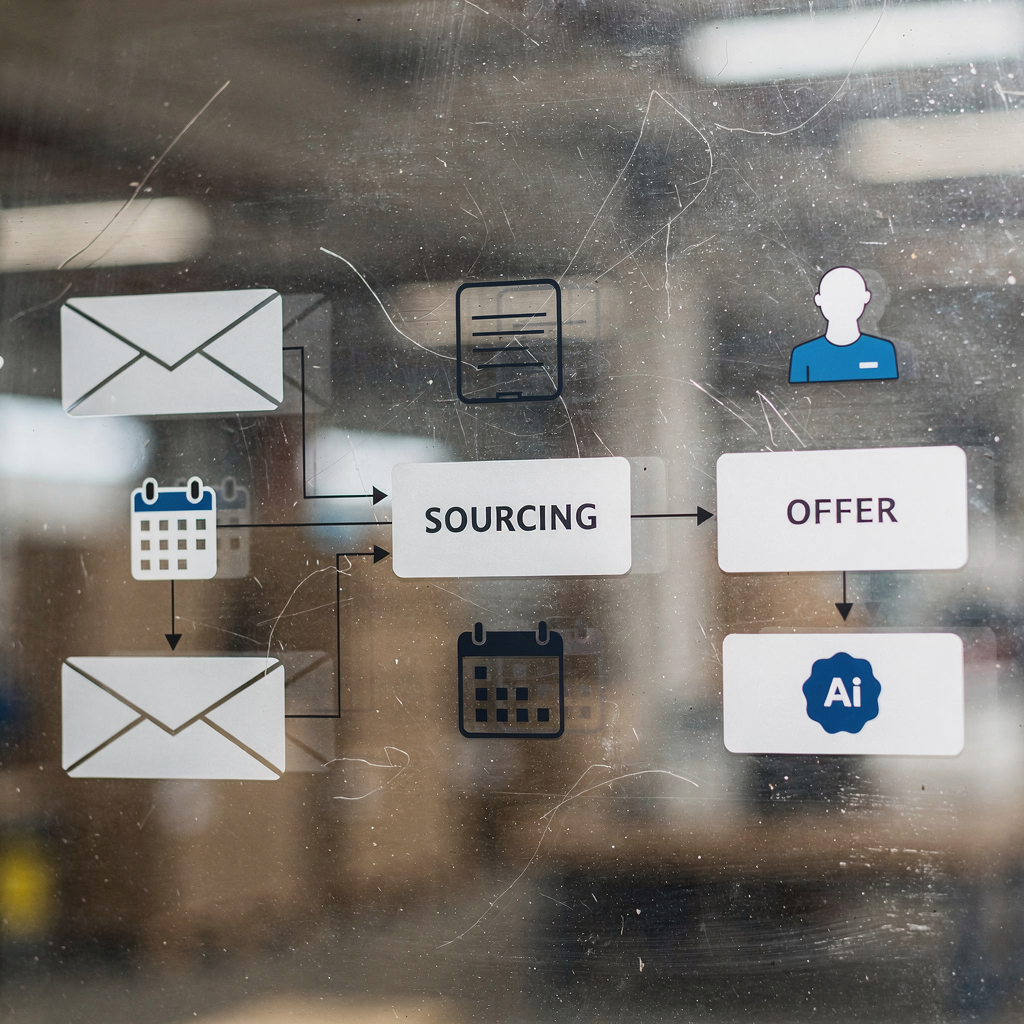
First, design workflows that mirror human steps. Map sourcing → nurture → interview scheduling → feedback → offer. Automation workflows should reduce repetitive clicks while keeping human review where it matters. For instance, use triggers to move a candidate from nurture to interview scheduling once they accept a call. Then, automate reminders and calendar invites so the recruiter does not need to chase confirmations.
Second, enforce compliance and quality. Respect GDPR and maintain clear consent records. Provide opt-out links and avoid spam triggers like excessive volume or deceptive content. Also, set retention rules so candidate data is archived or deleted per policy. Quality checks help preserve employer brand and avoid complaints.
Third, recommend a multichannel approach. Combine email with SMS and LinkedIn outreach for higher engagement. Use short, personalised messages on each channel. In addition, run A/B tests for subject lines and cadence to find what works best. For interview scheduling, integrate calendar systems so automated invites land in candidate calendars. Use hand-off triggers to notify a recruiter when a positive reply arrives; this preserves a human touch at conversion points.
Fourth, apply operational rules. Limit cadence and frequency, set personalization thresholds, and rule who can override automation. Train staff on using templates and on when to step in manually. Also, use analytics to identify cold segments and adjust outreach. If your team handles high-volume, data-dependent messages, platforms like virtualworkforce.ai automate triage and drafting so recruiters and ops teams keep consistent quality and faster responses (improve customer service with AI).
recruitment automation: Measuring ROI, recruitment marketing and employer brand with automated recruitment campaigns
First, define ROI for recruitment automation. Key metrics include hires per campaign, time-to-fill reduction, response-to-interview ratio, and billings per recruiter month. Track these to see if automation moves the needle. For example, an improved reply rate or faster scheduling creates real time savings and can increase placements per recruiter. Use analytics dashboards to capture these gains and to spot where campaigns need iteration.
Second, tie automation to recruitment marketing and employer brand. Automated recruitment campaigns maintain consistent messaging and candidate experience at scale. They help preserve brand tone in every recruit touchpoint, from initial outreach to offer letters. Consistency builds trust, and consistent candidate communication improves referral likelihood and long-term reputation.
Third, provide a rollout checklist. Map the recruiting workflow, choose tool(s), run a pilot campaign, train recruiters, and measure results. Iterate based on performance and adjust templates and sequencing. For long-term scale, integrate automation into the wider recruitment stack: CRM, ATS, and sourcing tools. This avoids duplicate records and keeps candidate histories intact. If you need automation that connects email threads to operational systems, virtualworkforce.ai offers an automation platform that creates structured data from emails and pushes it back into source systems (ERP email automation).
Finally, understand the long view. Recruitment automation is not a set-and-forget project. Use analytics to guide content and cadence choices. Over time, automation improves candidate and client outcomes if you measure hires and response rates and if you keep testing. As AI becomes central to recruiting, teams that use AI recruiting and ai-powered email wisely will gain efficiency while preserving the human conversations that close offers.
FAQ
What is email automation for recruiters?
Email automation for recruiters uses software to send timed and personalized messages to candidates. It helps manage sourcing, outreach, interview scheduling, and onboarding without manual sending every time.
How does AI improve recruitment email performance?
AI can personalize messages at scale, suggest subject lines, and pick optimal send times. This improves open and reply rates while freeing recruiters to focus on interviews and relationships.
Which metrics should I track for an outreach campaign?
Track open rate, reply rate, positive response rate, and conversion to interview. Also monitor time-to-fill and hires per campaign to measure true ROI.
What integrations are essential in an automation tool?
Integration with your ATS or CRM is essential so candidate records update automatically. Calendar and analytics integrations also improve scheduling and reporting.
Can automation harm our employer brand?
Poorly configured automation can feel robotic and damage candidate experience. However, well-designed templates and human hand-offs protect brand by keeping messages relevant and timely.
How many touches should a recruitment email sequence include?
Three to five touches is a common effective range, with followups spaced over days or weeks. Persistence pays off because many replies come after multiple touches.
Is GDPR compliance hard with automated recruitment?
Compliance requires clear consent tracking and opt-out handling, but most modern tools support this. Include retention policies and audit logs to stay compliant.
What is the difference between ATS and CRM in recruiting?
An ATS focuses on job postings and candidate tracking, while a CRM manages relationships and passive talent pools. Both together give a full view of candidate interactions.
Should small teams use automation?
Yes; small teams benefit from automation to save time on routine outreach and scheduling. Start with a simple pilot to prove impact before scaling.
How do I test automation tools before buy-in?
Run a pilot on a single job family and compare response and time metrics against manual outreach. Measure response uplift and time saved to build a business case.
Drowning in emails?
Here’s your way out
Save hours every day as AI Agents label and draft emails directly in Outlook or Gmail, giving your team more time to focus on high-value work.