


recruiter: Why recruiters today need automation and recruitment automation tools
Recruiters today face a volume problem. They manage far more applicants than three years ago and the load shows in daily workflows. Recruiters now handle roughly 2,500 applications on average and 2.7× the application volume compared with three years earlier, which creates a clear need to use automation to cope with scale 2.7× more applications. In practice, operations slow, and time for sourcing top candidates shrinks. Therefore many teams look to recruitment automation tools to restore capacity and improve candidate experience.
AI is now central to solving this problem. For example, 86% of recruiters agree that AI-driven automation improves productivity and the candidate experience 86% of recruiters. Organisations using AI-powered communication tools report a 30% reduction in time spent on candidate email management 30% reduction. These gains let recruiters focus on relationships and decisions while software manages repetitive work.
Define inbox automation simply: a system that sorts, prioritises, responds to, and schedules candidate messages across LinkedIn and email. The scope includes InMail, connection requests, candidate replies and the shared inboxes that teams use. Decision triggers for adopting an automation tool include candidate volume, time spent on email triage, candidate experience issues, and recruiter burnout. Use automation when you need to streamline routine replies, when reply rates fall, or when hiring velocity matters.
AI tools must augment human judgement not replace it. As Glen Cathey notes, “AI is a tool to augment human judgment, not replace it” Glen Cathey quote. Use automation to remove low-value tasks so recruiters can focus on interviewing, closing and building relationships. For teams working in operations-heavy hiring, virtualworkforce.ai shows that end-to-end email lifecycle automation reduces handling time and returns consistent answers, which helps recruitment agencies and in-house teams scale without adding headcount. Start with small pilots, measure time saved, then widen use. Recruiters can focus on top candidates when the routine work disappears.
automation tool: How an automation tool and automation software can automate outreach and email outreach
An automation tool for outreach and email outreach reduces repetitive actions. Core features include message templates, sequenced outreach, personalised tokens, auto-followups and a centralised inbox with scheduling. These features speed initial contact, manage reply windows and keep candidate records up to date. Automation features such as template rotation and scheduling automation help ensure timely, consistent communication.
Automation software often includes AI to classify intent, suggest personalised content and draft responses. That capability creates faster responses than email alone and reduces manual triage. Many teams find AI inbox assistants reclaim roughly five to ten hours per recruiter each week, which equals about 20% of a typical working week. Use email outreach automation to run sequenced InMail then automatic follow-up and booking reminders without manual steps.
Practical outreach flow example: first contact via LinkedIn InMail, second touch via automated follow-ups, third step sends a calendar link and a reminder before the meeting. Use templates for the initial InMail and follow-up messages, and personalise tokens to include role title or location. These messaging workflows must respect limits and tone. For bulk messaging, configure rate control and LinkedIn-safe cadences to avoid account issues.
Automation handles message routing and scheduling, and it integrates with scheduling tools so candidates can self-book. Use a recruiting platform that links to your applicant tracking system and synchronises calendar slots. If you need real-world examples of end-to-end email lifecycle automation for operational teams, virtualworkforce.ai provides case studies on how systems draft and route replies while grounding text in business data end-to-end email lifecycle. When you set up an outreach tool, include limits, audit trails and human handover points so critical candidate interactions remain personal.
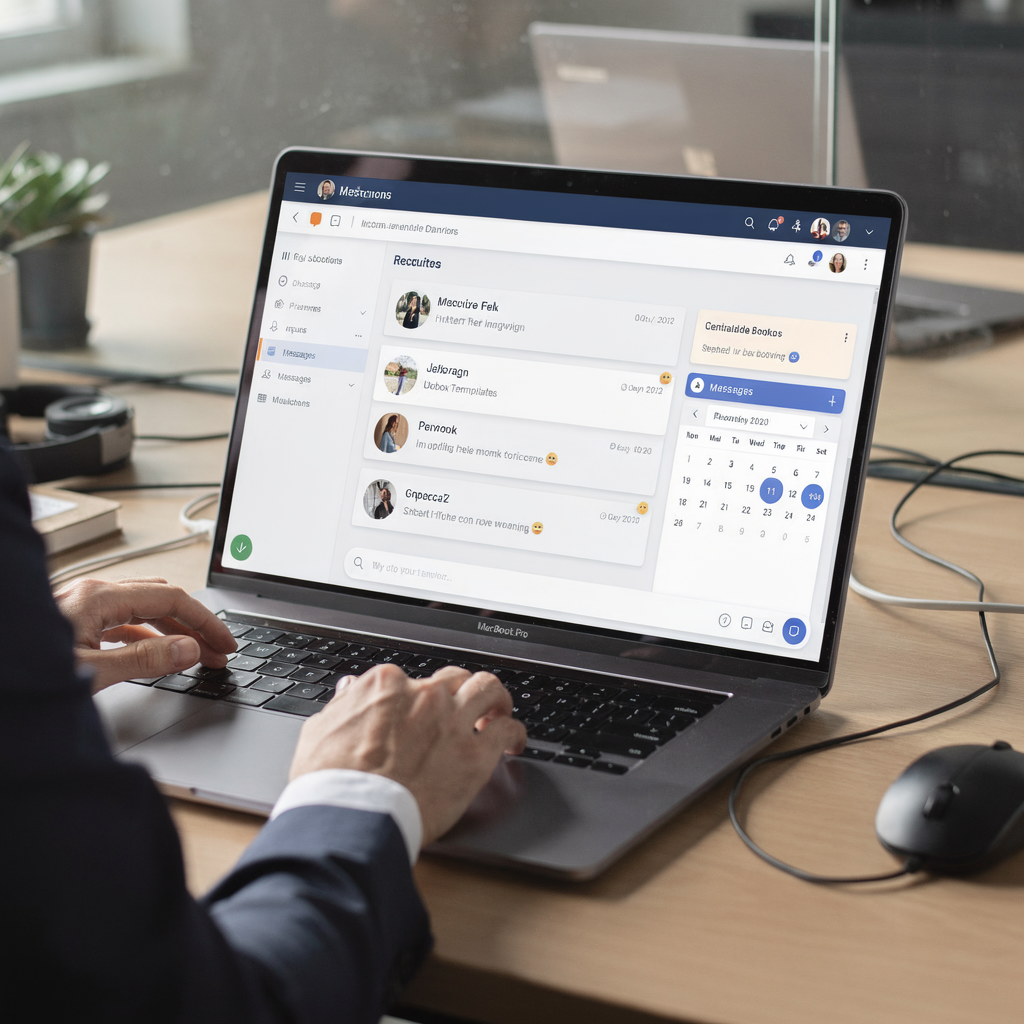
Drowning in emails?
Here’s your way out
Save hours every day as AI Agents label and draft emails directly in Outlook or Gmail, giving your team more time to focus on high-value work.
recruitment: Using ai-assisted recruiting automation software for candidate sourcing and engagement automation
Use ai-assisted recruiting automation software to reduce manual shortlisting and to improve engagement. AI can analyse CVs, rank applicants against job criteria and surface likely matches. That frees recruiters to focus on top candidates and on relationships. In practice organisations report that AI recruitment tools let a single person manage many more open requisitions, with a reported uplift of about 56% in open jobs per recruiter 56% uplift.
Candidate sourcing and automated recruitment link closely. AI-powered recruiting systems scrape public profiles, parse skills and flag passive talent who match critical roles. When combined with automated outreach, these systems keep pipelines warm. For example, the system can identify passive candidates, send a short personalised message, then add those who reply to a nurture track. That process boosts reply rates and keeps momentum.
Engagement automation helps maintain contact with top talent between roles. Use engagement automation to send timely role updates, calendar invites and follow-up sequences. Tools that use AI to predict candidate behavior and likely availability improve timing and relevance. When you integrate sourcing, outreach and applicant tracking, the result is a steady pipeline and fewer cold searches.
Recruiting automation software should integrate with your ATS and other recruitment tools. A combined stack lets you record candidate actions, score fits and measure interview yield. Many recruitment teams find that a single integrated flow—from sourcing and screening to outreach and scheduling—reduces time-to-hire and raises candidate engagement. If your hiring work sits alongside heavy operational email work, consider reading about automated email drafting and logistics use cases to understand how end-to-end automation drives consistency automated email drafting.
linkedin recruiter: Integrating LinkedIn, outreach tools and email outreach tools with ATS and scheduling tools
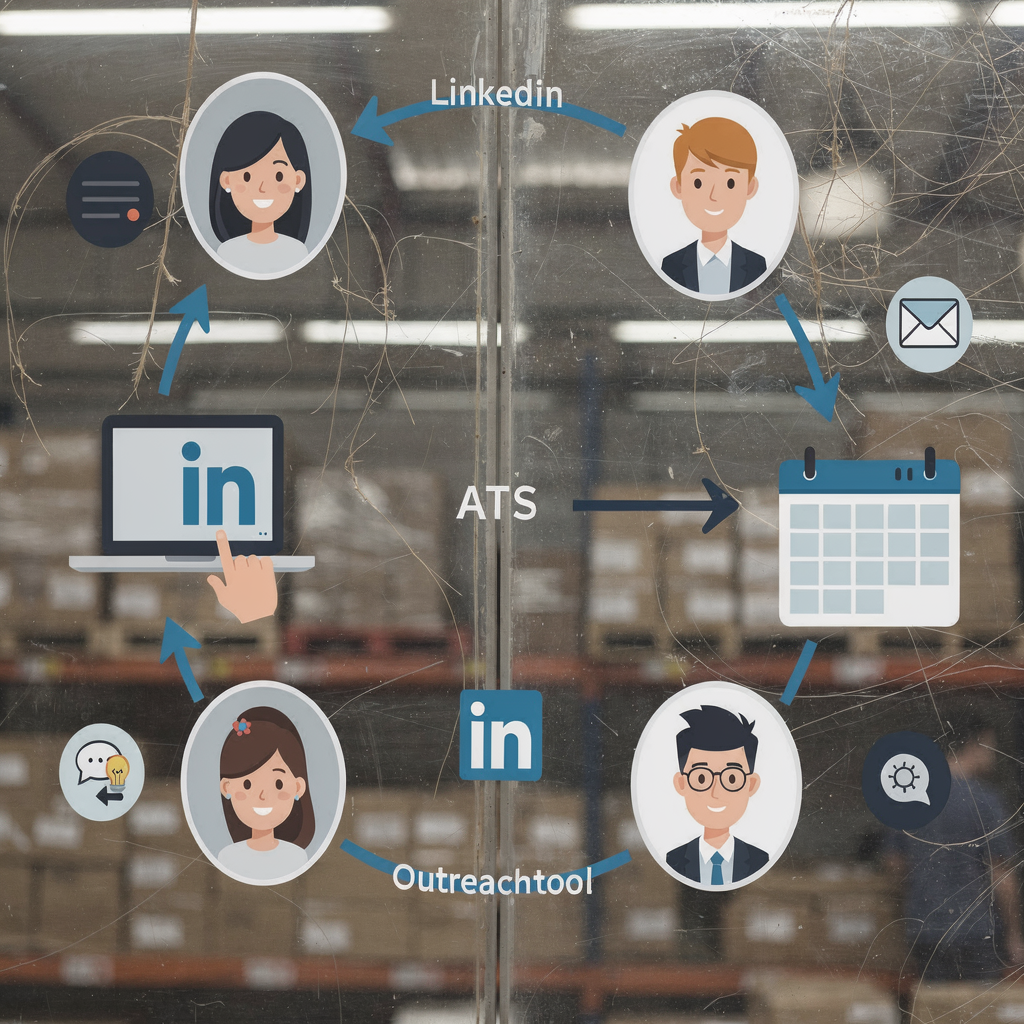
Integrating LinkedIn with outreach tools and email outreach tools creates a single hiring workflow. Connect LinkedIn profiles to your recruiting platform, sync contact history to the applicant tracking system and pass calendar invites to scheduling tools. A good integration map links LinkedIn → outreach tool → ATS → calendar so data flows without re-entry. Use common connectors or APIs to keep the sync reliable and to avoid duplicate records.
Watch rate limits and consent. LinkedIn limits outbound messages and connection requests, so implement rate control and a safe cadence. Also consider GDPR and data privacy; collect consent when you contact EU candidates and record opt-outs in the ATS. For email and LinkedIn messages, include a clear opt-out and store consent flags in your applicant tracking system or applicant tracking software.
Typical rollout time for a small to medium-sized team runs six to twelve months. Start with a pilot on one role, then test integrations, refine templates and confirm reporting in the ATS. Pilot checklists should include user access, API keys, test data and escalation rules. Once the pilot shows improved response rates and reduced manual email time, scale to other roles and teams.
LinkedIn recruiter teams should pick outreach tools that log activity in the ATS and that support scheduling automation. Use appointment buffer rules to avoid double-booking and integrate with your calendar provider. If you want to see how AI agents can reduce handling time and improve consistency across operational emails, explore virtualworkforce.ai resources on scaling operations without hiring for practical setup tips scale operations. Also review tools for logistics communication to understand how structured email memory and grounding in source data work with candidate workflows structured email memory.
Drowning in emails?
Here’s your way out
Save hours every day as AI Agents label and draft emails directly in Outlook or Gmail, giving your team more time to focus on high-value work.
message: Best practices for message, source and follow-up in automated recruitment using tools help and hiring tools
Design your first message to be short, personal and clear. Start with a one-line reason for contact, then offer a single next step. Keep templates concise and use personalization tokens for role, company or mutual connection. Test subject lines and message openings with A/B tests to find what works. Use the candidate’s preferred channel and respect working hours.
When you source candidates, record the source and any search notes. That context helps with personalised messages later. Use templates for speed, but personalise early lines to show you read their profile. Personalization works best when you reference a specific project, a recent role or a public portfolio. Then invite a low-commitment next step such as a 15-minute call.
Follow-up cadence matters. Send two or three follow-up messages spaced over one to two weeks and then pause. Use follow-up messages that add value, for example a job brief or a relevant company update. Automated follow-ups must remain human in tone, so include a handover rule to allow recruiters to take over when a candidate shows interest.
Tools help with templates, analytics and scheduling so you can optimise timing and measure reply rates. Track reply rates, interview yield and candidate experience to refine copy and cadence. Keep a human touch on offers and sensitive stages. Balance automation and personal contact to protect candidate experience and to convert more top candidates.
workflow: How to recruit, automate and measure — metrics recruiters today use and how to use automation to scale
A clear workflow reduces friction. Start with sourcing, then screen, reach out, interview and hire. Use automation at screening, outreach and scheduling steps. Key metrics to watch include response rate, interview yield, time-to-hire and time saved on email management. Add pipeline health and candidate NPS so you measure quality as well as speed.
Begin with a pilot on one role. Measure baseline metrics, enable automation, then compare results. Iterate copy, cadence and templates based on analytics. Use a decision matrix to decide when to automate versus when to keep a human in the loop. For example, automate first contact and routine reminders, but keep final interview scheduling and job offers human-led.
Practical outputs that help recruiting teams include a checklist, a decision matrix, three ready-to-use templates and recommended tool categories. The templates should cover initial outreach, a follow-up and a booking confirmation. Recommended tool categories include sourcing engines, outreach tools, email outreach tools, scheduling tools and an ATS. Use analytics to refine messaging and to find the best times to reach candidates.
When you scale, train users and add governance. Track automation’s effect on reply rates and on candidate experience. If a metric shows decline, pause automation and review. Always retain human oversight at critical steps, and ensure your recruitment software and applicant tracking system keep a full audit trail. For teams that handle high volumes of operational emails, virtualworkforce.ai demonstrates how automated email drafting and routing can create a data-driven inbox that reduces errors and speeds replies data-driven inbox.
FAQ
What is recruiter inbox automation?
Recruiter inbox automation is software that sorts, prioritises and responds to candidate messages. It moves routine email and LinkedIn tasks from humans to rules and AI so recruiters can focus on interviews and offers.
How much time can automation save recruiters?
Many teams report saving five to ten hours per recruiter per week through automation of messaging and scheduling. Published reports also show organisations saw a 30% reduction in time spent on candidate email management 30% reduction.
Does AI replace recruiters?
No. AI augments recruiters by handling routine work and by surfacing top candidates. As Glen Cathey says, “AI is a tool to augment human judgment, not replace it” Glen Cathey quote.
Can I use LinkedIn and email together?
Yes. Integrating LinkedIn with email outreach tools and your ATS creates a single workflow that preserves candidate history across channels. Be mindful of LinkedIn limits and data privacy when syncing profiles.
How do I keep messages personal when using templates?
Use short templates with personalization tokens and one custom sentence per message. Add value in follow-ups and hand over to a human once a candidate shows interest to keep the human touch.
What metrics should I track after automating?
Track response rate, interview yield, time-to-hire, time saved on email management and candidate NPS. Use those metrics to decide when to expand automation and when to adjust messaging.
How long does implementation take?
Typical rollouts take six to twelve months from pilot to scale. Start small, measure the pilot, iterate and then expand system-wide.
Are there privacy risks with automated recruitment?
Yes. You must respect GDPR and store consent flags in your applicant tracking system. Rate control and opt-outs are important to protect candidate privacy and platform compliance.
Which integrations are essential?
Essential integrations include LinkedIn profiles, outreach tools, an ATS and scheduling tools. These links keep records consistent and reduce duplicate data entry.
Where can I learn about automating operational email workflows too?
For teams that combine hiring with heavy operational email, virtualworkforce.ai provides resources on AI-driven email drafting, routing and lifecycle automation to reduce handling times and increase consistency operational email automation.
Drowning in emails?
Here’s your way out
Save hours every day as AI Agents label and draft emails directly in Outlook or Gmail, giving your team more time to focus on high-value work.