


email — how an AI-powered email writer works to write emails faster with AI
An AI-powered email writer is a software assistant that drafts professional emails quickly. It reads context, past messages, and user instructions. Then it creates a clear draft you can edit. These tools let teams write emails in seconds and save time on routine tasks. For example, sales reps who adopt AI report draft time cut by up to ~40% when they let the system create first drafts and then refine them by hand (Clay). That statistic shows the practical benefit of using AI for follow-up sequences.
The core flow is simple. First, provide input: a brief about the recipient, any linked data, and the type of message needed. Next, choose a tone and a length. Then, add personalization fields such as the recipient’s name or a reference to a prior call. Finally, review and send. A quick demo follows those steps: input (context), tone choice, personalization fields, and a final edit. This mirrors how an email writer works in many tools.
AI models scan previous interactions to keep the thread consistent. They recommend subject lines and help avoid repetition. In operations teams, tools that ground replies in ERP and WMS data reduce errors and speed replies. Our company, virtualworkforce.ai, injects live data from ERP/TMS/WMS and SharePoint so replies stay accurate and thread-aware. That makes the system particularly useful when teams face high daily volumes and time-consuming lookups.
Use cases include follow-up after a meeting, order confirmation, or a polite nudge after no reply. These tools offer templates and tone controls. You can select professional emails or more casual tones. A good AI email writer balances automation with a human final pass. Let AI handle the first draft, then refine the message so it fits context and brand voice. This hybrid approach helps write professional emails faster with AI while preserving quality and accuracy.
AI tool and email generator — use an AI to create personalised ai email templates
An email generator streamlines personalized follow-ups by combining data, models, and rules. The AI tool scans the thread, pulls facts from connected systems, and proposes a short hook, a clear value statement, and a direct CTA. That structure makes templates effective. Sales teams report about a 30% higher response rates when they adopt AI-assisted follow-ups, a useful benchmark for ROI (Smarte).
Concrete rules for templates from an email generator keep emails tight. Start with a short subject line that signals relevance. Then open with one sentence that references the initial email or meeting. Add one sentence that states the value. End with a single clear CTA and an easy exit. For example: 1) short hook, 2) value, 3) clear CTA. Use this pattern for cold email sequences and warm outreach alike to improve response rate.
Personalization matters. The email generator should support personalization fields and content based on previous interactions. It can insert order numbers or meeting dates when available. It should also optimize the subject line and suggest variants. Tools like an email writing tool or email generator can test subject line ideas across segments. Try A/B testing to find what resonates most.
When you use an AI email writer, give it boundaries. Set tone rules, guardrails, and escalation paths. For instance, flag high-value prospects for a human review. For routine outreach, let the engine create follow-up emails based on templates. If you want examples and logistics-focused automation, see resources on automated logistics correspondence and ERP email automation for logistics to learn how data-aware templates improve accuracy and speed (automated logistics correspondence) (ERP email automation).

Drowning in emails?
Here’s your way out
Save hours every day as AI Agents label and draft emails directly in Outlook or Gmail, giving your team more time to focus on high-value work.
followup and follow-up email — timing, template and the email follow-up workflow
Timing is critical in any email follow-up plan. A practical cadence balances persistence and respect. A common sequence is: first follow-up about 2–3 days after the initial email, second follow-up after 4–5 days, and an optional third around 6–7 days. This timing based approach prevents over-messaging while keeping the conversation warm.
Here are simple templates for each step. First follow-up: remind them of the initial email, restate a concise benefit, and ask one question. Second follow-up: add a social proof line and offer an easy next step. Third follow-up (optional): create scarcity or a final check-in and invite an alternative contact. These professional follow-up emails stay short and polite and work across sales emails and customer-service threads.
Decide when to automate and when to review. Automate routine, non-sensitive follow-ups that match clear templates. Review when the thread includes complex facts or high-stakes decisions. Map this into a repeatable workflow: CRM triggers the cadence, an AI engine drafts each step, and a human reviews flagged messages. That workflow ensures consistency and keeps human judgment in the loop for sensitive cases.
For teams that handle logistics or high-volume operations, combining CRM automation with an AI assistant reduces manual work and improves accuracy. Tools that link to order systems and shipping data keep follow-ups factual and on-brand. If you want a deep dive into AI for freight forwarder communication, check our guide on scaling logistics communications with AI agents for best practices and examples (AI for freight forwarder communication).
ai-powered email follow-ups and automated email follow-ups — best practices for sending follow-up emails
Best practices help AI-powered email follow-ups feel human and respectful. Personalize each message where possible. Add relevant social proof such as a short case or metric to build trust. Keep tone polite and short. Limit cadence so recipients do not feel overwhelmed. These steps improve engagement and brand reputation.
Automated email follow-ups should include a human review step for complex or emotional topics. Let AI draft the message, and then route certain replies to a human reviewer. This keeps sensitive cases safe. Also, follow legal and ethical rules: get consent for marketing emails, protect PII, and log what data was used to create the draft. Our platform’s no-code connectors and audit trails help enforce compliance while you scale.
Use tools to automate scheduling and subject line testing. An AI-powered follow-up can suggest subject line variations and optimal send times. For example, subject line optimization often lifts opens, and a well-timed follow-up increases reply likelihood. Keep in mind that one study in healthcare found AI-generated draft replies cut clinician inbox response time by about 25% while maintaining an empathetic tone (NIH). That supports automation where accuracy and tone matter.
Also include a final human check before you send large batches. In sensitive industries, a human-in-the-loop prevents errors. Finally, document your best practices and update templates routinely. If you want examples tailored to logistics and shipping, you can review our templates and controls for automating logistics emails with Google Workspace and virtualworkforce.ai (automate logistics emails).
Drowning in emails?
Here’s your way out
Save hours every day as AI Agents label and draft emails directly in Outlook or Gmail, giving your team more time to focus on high-value work.
ai email writer and generated email — improving inbox results and measuring impact
Measuring impact is essential. Track open rate, reply rate, and conversion. Use response rate lifts as a primary KPI. Studies show a response rate lift of around 30% for teams that adopt AI-assisted follow-ups (Smarte). In healthcare, AI drafts reduced response times by roughly 25% (NIH). Those numbers are useful baselines for your tests.
Run simple A/B tests. Test subject line variants, first sentence versions, and CTAs. For example, A/B test two subject lines and measure opens and replies. Then test two opening lines to see which gets more engagement. Track key metrics: open, reply, conversion. Also measure time saved per message. Many teams report that data-aware AI systems cut handling time dramatically, which lets staff focus on higher-value work.
Interpret results carefully. A higher open rate without reply improvement signals a need to change the body copy or CTA. A lower open but higher reply rate might mean the subject line weeds out unqualified opens. Iterate templates and continue small tests. Use the dataset of emails that your tool collects to refine tone and personalization rules. If you need logistics-specific ROI guidance, our ROI page explains measurable gains when you fuse email memory with ERP data (ROI for logistics).
email tools and email writer works — when to automate, when to edit, and how to scale emails with AI
Decide what to automate with clear rules. Automate routine followups such as status checks, confirmation messages, and low-risk reminders. Edit or route to humans when the thread involves high value, disputes, or legal risk. These decision rules help scale without sacrificing quality.
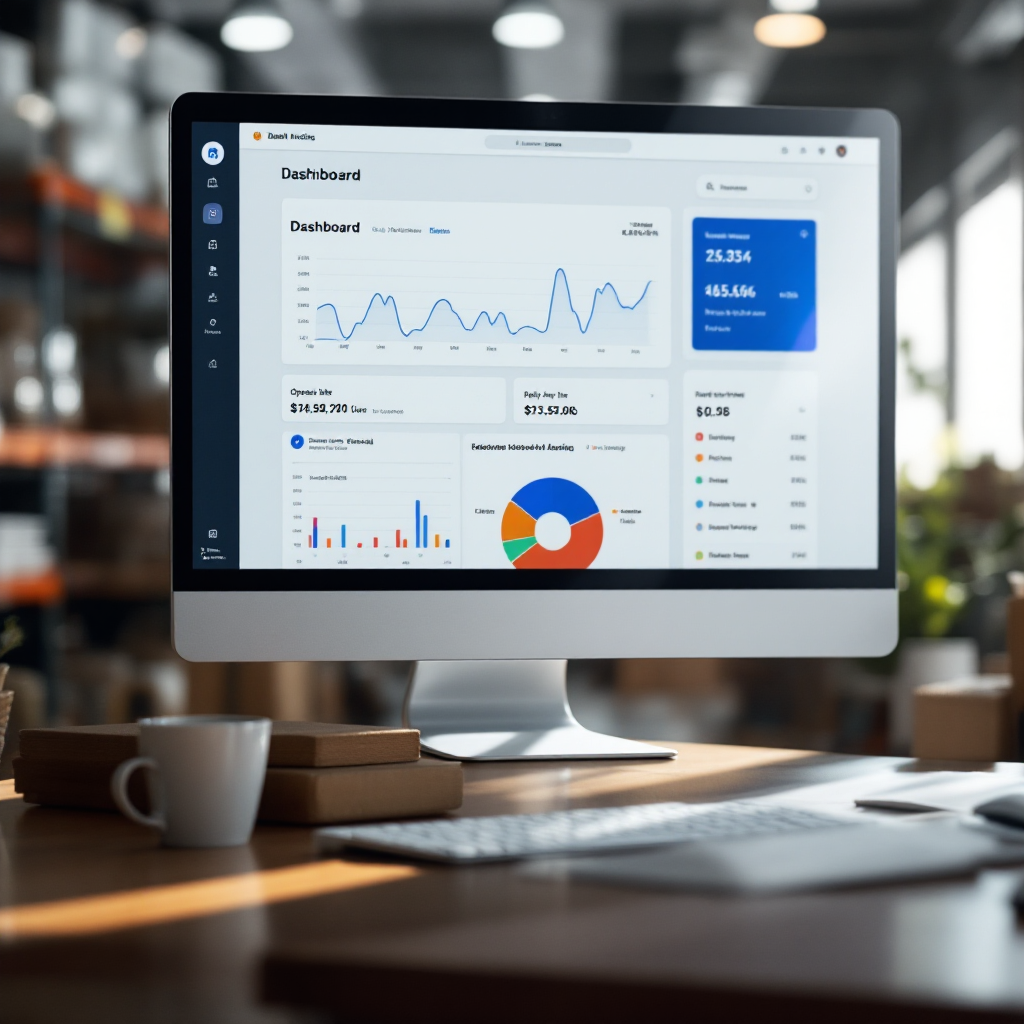
A practical rollout plan reduces risk. Start with a small pilot focused on one use case. Measure response rate and time saved. Train users on how to review drafts and set templates. Then expand to more teams and more types of emails. Provide a review policy and a KPI dashboard so managers can monitor adoption and quality.
Scale with controls. Use role-based access, audit logs, and per-mailbox guardrails so users can set tone and escalation. Keep a regular schedule to refresh templates and update personalization rules. Include a checklist: templates in place, review policy documented, KPI dashboard live, and regular template refresh cycles. When teams scale, tools like no-code AI agents reduce onboarding friction and keep email quality consistent across users.
Remember to balance automation with human judgment. Automate repetitive tasks to let teams focus on strategy. Edit drafts where nuance matters. Our platform helps teams turn email from a bottleneck into a reliable workflow by grounding email drafts in live systems and memory. Use that capability to handle high volumes while keeping replies accurate and consistent.
FAQ
What is an AI email writer and how does it help?
An AI email writer is software that drafts emails by analyzing context and user rules. It speeds up composition and helps teams send consistent, professional emails while reducing repetitive work.
Can AI create personalized follow-up emails?
Yes. AI can use personalization fields and past interactions to draft personalized follow-up emails. It inserts relevant details and suggests subject line variations to improve engagement.
How much time can teams save with an AI email writer?
Time savings vary by use case, but sales reps and ops teams often report significant reductions in drafting time. For example, teams that adopt data-aware AI report draft time cuts and measurable efficiency gains in handling inbox volume.
Are AI-generated follow-ups effective for response rate?
Studies indicate AI-assisted follow-ups improve response metrics. One analysis found roughly a 30% increase in response rates when teams used AI for follow-ups (Smarte). That makes testing worthwhile.
When should I automate vs review a follow-up?
Automate routine, low-risk follow-ups like confirmations and status updates. Review messages when they include complex facts, sensitive content, or high-value prospects. A hybrid approach preserves quality and scale.
How do I measure the impact of AI on inbox results?
Track open rate, reply rate, conversion, and time saved per message as primary KPIs. Run A/B tests on subject line, first sentence, and CTA to refine templates. Use those metrics to iterate.
Is it safe to let AI access my systems for email drafts?
Safety depends on the platform and governance. Choose systems with role-based access, audit logs, and redaction options. Our no-code connectors allow IT to control data access and keep replies grounded in trusted sources.
Can AI help with complex industry emails like logistics?
Yes. AI that integrates with ERP, TMS, and WMS systems can generate accurate, context-aware replies for logistics teams. That reduces lookup time and improves consistency in customer communications.
What’s a good follow-up cadence to use?
A common cadence starts with a follow-up at 2–3 days, a second at 4–5 days, and an optional third at 6–7 days. Adjust cadence by industry and prospect behavior to avoid over-messaging.
How do I start using AI for follow-ups in my team?
Begin with a small pilot on a clear use case. Measure response rate and time saved. Train users to review drafts and set template guardrails. Then expand gradually and maintain a schedule for template refresh and governance.
Drowning in emails?
Here’s your way out
Save hours every day as AI Agents label and draft emails directly in Outlook or Gmail, giving your team more time to focus on high-value work.