


How ai email assistant tracks reply and email replies to split your inbox
AI detects replies by combining threading, header analysis and message-id tracking to build clear conversation view for agents and teams. For example, threading links message-ids, in-reply-to headers and subject patterns, while header analysis filters forwarded content and quoted blocks. Therefore systems avoid false positives from forwarded content, which is a common source of noise. In practice, the system matches message-id chains and then performs a quick content check so it treats an actual reply differently from a forwarded original email or an automated notification. Also this approach helps you split your inbox by moving newsletters, marketing automations and third-party notifications into folders while keeping real replies in your primary view. This reduces context switching and speeds up prioritization.
AI then tags emails by intent and urgency so teams can see true conversational replies in one place. Next, the tagger flags order updates, questions from customers, and escalation items. For ops teams, virtualworkforce.ai uses deep data fusion to ground replies in ERP/TMS/TOS/WMS systems so replies cite the correct ETA or order number. This grounding makes the reported reply view more accurate and reduces manual lookups. Also it improves quality, because draft replies and suggested actions refer to the actual status in back-office systems, not just the original email text.
To keep shared MAILBOXES and inboxes tidy, use rules that deprioritize newsletters and auto-replies while prioritizing messages that show direct conversational markers. In addition, you can apply filters based on threading confidence and header signals. For example, threading plus header analysis allows you to avoid classifying a long quoted original email as a new reply. As a result, your primary inbox shows fewer false positives and more actionable items. Moreover, studies show AI-driven spam filters dramatically reduce noise; Gmail’s AI spam filter blocks approximately 99.9% of spam, which helps reply detection systems by reducing distractions (source).
Finally, split your inbox by creating a “Replies” view that consolidates only confirmed replies, a “Notifications” folder for automation traffic, and a “Newsletters” view. Then set up the system to surface threads that require human review. For teams using Google Workspace or Microsoft 365, link reply signals back to your CRM so that when you get a response you can see the full customer history instantly; this improves handoffs between service and sales. For more on handling logistics emails and drafting accurate replies, see our guide to automated logistics correspondence. Use these steps to split your inbox and keep your workflow focused.
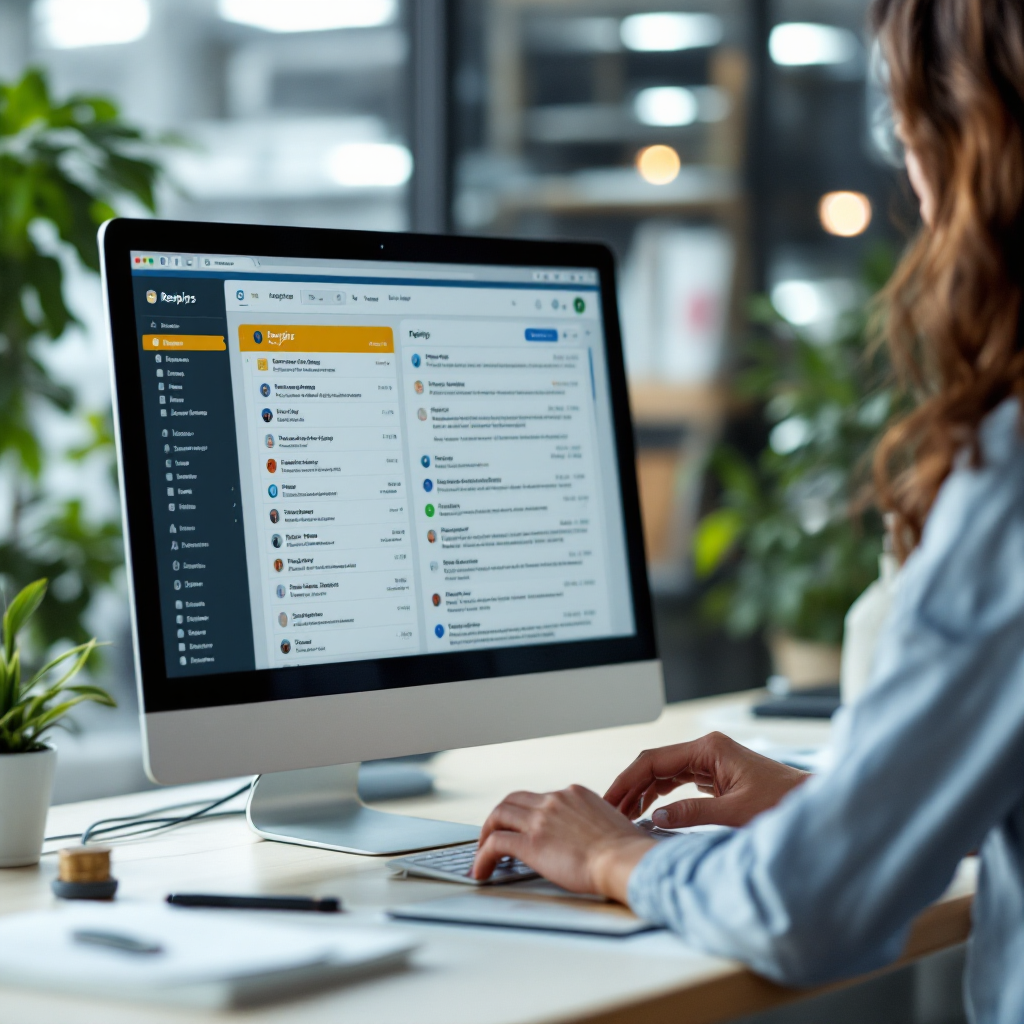
Automation for followup and inbox zero: ai-powered workflows that reply to your emails and help you spend less time
AI-powered workflows detect missing replies and then schedule a followup automatically so teams spend less time chasing responses. First, the system logs when an expected reply does not arrive, and then it triggers a followup sequence. For instance, it can send a gentle reminder after two business days, escalate to a manager after a week, and open a task if there is still no response. This end-to-end flow — detect no-reply, schedule automated followup, escalate if still no reply — frees staff from routine reminders while keeping accountability clear.
Moreover, teams can measure the performance of those sequences by tracking followup success rates and average time saved per day. For example, track reply rates after automation and compare them to manual followups. Also measure the average handling time improvement; many teams report time-saving results when they use automated followups and deferrals. virtualworkforce.ai customers often save minutes per message because the system drafts context-aware replies and updates systems automatically, which helps teams save hours across a week. In fact, ops teams that use a no-code AI approach can cut handling time from about 4.5 minutes to 1.5 minutes per email, which scales quickly when each person gets 100+ inbound emails per day.
In addition, set up deferral rules to reach inbox zero while preserving context. Specifically, defer non-urgent threads to a later date, auto-archive read items, and surface only actionable messages in your primary view. Use a short rule set that marks low-priority automation traffic and moves it to a separate folder. Then focus the main view on replies that require a human answer. A practical tip is to use automation to reach inbox zero by deferring newsletters and read-but-not-actionable threads, and by auto-archiving communications that match safe rules.
Finally, combine these AI workflows with cross-app connectors so that a followup can also update a ticket or move a lead in the sales pipeline. For example, when a customer replies with confirmation, the workflow can push the contact into CRM and notify the rep. You can learn more about syncing email-driven sales steps and tracking pipeline movement in our explanation of how to scale operations without adding headcount. Also you can use a reply generator or pre-drafted templates to keep messages concise and consistent, which improves response rates and deliverability when sending followups.
Drowning in emails?
Here’s your way out
Save hours every day as AI Agents label and draft emails directly in Outlook or Gmail, giving your team more time to focus on high-value work.
ai email response, pre-drafted and pre-written templates to improve email response and deliverability
Pre-drafted and pre-written templates reduce drafting time, but fully generated replies deliver flexibility. For routine queries, use pre-drafted templates that include dynamic tokens for name, order number and status. Conversely, for complex issues use an AI email response that composes a tailored message grounded in system data. This hybrid approach balances speed with accuracy. Also test both approaches with short A/B tests: swap a generic followup for a short, personalized AI email response and measure replies. For example, a hyper-personalized short note often beats a long generic followup.
When you use templates, follow a deliverability checklist so messages land in the inbox. Ensure SPF, DKIM and DMARC are set up for your sending domain, avoid spammy phrasing, and keep personalization appropriate. Furthermore, Gmail’s AI spam filters block most spam at scale, so clean templates help you stay visible; this statistic highlights why deliverability matters: Gmail blocks approximately 99.9% of spam (source). Also avoid heavy use of promotional words and excessive punctuation. Keep the message concise, use natural language, and maintain a clear sender name to boost trust.
For ops teams that must cite system facts, use an AI that can ground replies in ERP/TMS/TOS/WMS data so the content matches the original email context. For instance, when the original email requests an ETA, a grounded AI can fetch the live ETA and insert it into the reply. Use pre-written sections for common scenarios, and then let the AI merge the correct data points. As a practical tip, always have a human glance at AI-generated answers for complex or high-risk messages; studies show AI assistants can misinterpret nuanced content in a notable share of cases, so set rules for human review (source).
Finally, measure deliverability and reply performance. Use A/B tests to try short, personalized followups versus longer explanations. Also track whether your draft replies improve reply rates and whether they reduce rework. If needed, adjust tone and content. For logistics teams, see how structured templates and grounded replies support faster operations in our logistics email drafting guide (logistics email drafting).
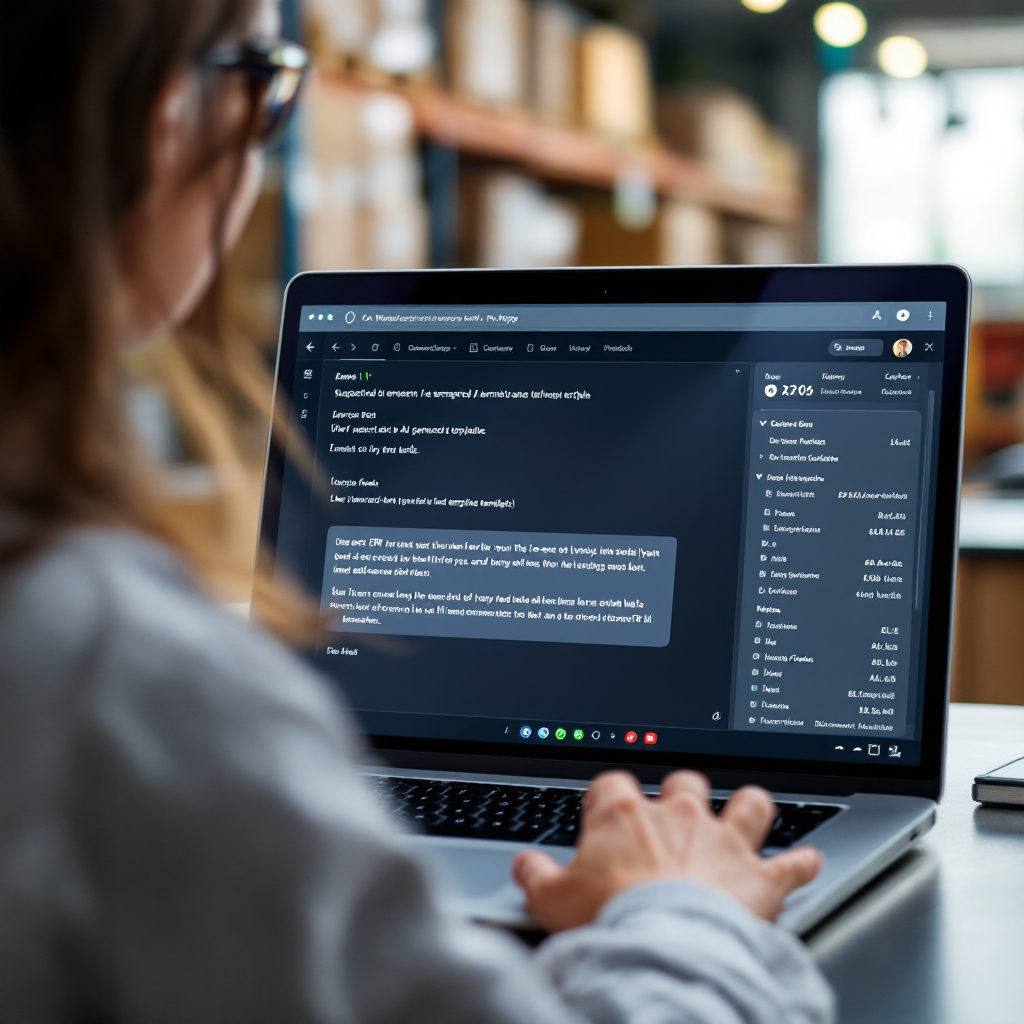
Integration with google workspace, zapier and enterprise-grade systems to sync email history and the sales pipeline — use zapier for cross-app automation
Integration connects email to CRM, ERP and task systems so teams see the full context when they get a reply. Use connectors for Gmail or Outlook to pull email history and thread context, and then feed that context into your CRM so a replied lead moves automatically through the sales pipeline. For example, a reply that confirms an order can create a new opportunity in HubSpot or update a ticket in Asana. Also use Zapier to bridge systems that lack native connectors; you can use Zapier to automate cross-app steps without custom code, and for heavier needs choose enterprise-grade connectors or native APIs.
Enterprise-grade requirements differ from small-team setups. For instance, large customers need single sign-on, data residency guarantees, audit logs and SOC/ISO compliance from vendors. virtualworkforce.ai supports these needs by offering role-based access, audit trails and on-prem connector options for secure deployments. In addition, system administrators can control what data the AI uses so sensitive folders stay protected. This helps legal and compliance teams agree on safe operations while enabling the business to use AI to identify queries and answer them quickly.
Practical flow: when a replied lead arrives, the integration pulls email history and enriches the contact record, and then the sales process advances automatically. Next the system notifies the assigned rep with the core facts and a suggested reply. Also automation tool steps can add tasks or create calendar reminders to ensure no action slips. If you need step-by-step examples, our resource on automating logistics emails with Google Workspace shows how to connect mail, systems and workflows (guide).
Also be mindful when you use 3rd party connectors that they respect data governance. Choose providers that allow per-mailbox guardrails, redaction and the option to exclude sensitive folders during onboarding. Use a trial to validate how email history maps into CRM fields and to ensure the sales pipeline updates correctly. Finally, for cross-app automation, use zapier when you need quick, low-code connectors, and prefer enterprise-grade integration when you require auditability and strict controls. Use zapier alongside native integrations to cover edge cases and speed deployments.
Drowning in emails?
Here’s your way out
Save hours every day as AI Agents label and draft emails directly in Outlook or Gmail, giving your team more time to focus on high-value work.
best ai choices: ai, ai email and ai email assistant comparisons to find answers and pick the right tool
Picking the best AI requires clear criteria: accuracy on intent and sentiment, speed, privacy controls, and integration breadth. Also evaluate whether the vendor supports Google Workspace, Microsoft 365 and Zapier, and whether it can access email history and backend systems like ERP or CRM. For ops teams the ability to ground replies in system data is essential because it reduces errors in responses. Test tools on real samples that include order queries, refunds and exception handling to measure performance.
Known limitations are important to plan for. Studies indicate that AI assistants still misinterpret nuanced or complex messages at times, so plan review rules — human-in-loop — for roughly 45% of complex cases (source). Also spam filtering and email hygiene affect how well your chosen AI works; Gmail’s filtering helps by blocking most spam, but you must still keep templates clean to avoid deliverability issues (source).
Decision guide: trial small teams, measure reply uplift and time saved, then scale. Use metrics that matter: reply rate increase, average handling time reduction, and pipeline conversions. Try a free tool or pilot to prove value; for example, many vendors offer a try for free trial that lets you measure KPIs before committing. Also include privacy and compliance checks in your evaluation. If you need a logistics-focused option, review how a logistics-tuned assistant can draft replies that cite ERP data in our virtual assistant logistics overview (logistics virtual assistant).
Finally, compare features such as pre-drafted templates, reply generator capabilities, human-review controls and audit logs. Evaluate whether the vendor supports agentic workflows, how well it can generate content from system data, and whether it provides no-code controls so business teams can adjust tone and templates without IT. By trialing with small teams, you can measure the uplift and decide on the right tool for scale.
faqs: privacy, deliverability, try for free options and using email with ai for everyday work
Below are quick answers to the most common questions about using AI for email work. Use these faqs to find answers fast and to plan pilot programs.
What data does an AI email assistant process and how long is it retained?
AI processes message headers, thread context and the parts of email content that your configuration allows. Retention varies by vendor, but enterprise-grade offerings provide configurable retention windows, role-based access and audit logs. You can often exclude sensitive folders and set per-mailbox guardrails during onboarding.
Will AI drafts affect deliverability or trigger spam filters?
AI-generated text can land fine if you follow best practices: keep personalization natural, avoid spammy phrases, and ensure SPF/DKIM/DMARC are configured. Gmail blocks around 99.9% of spam at scale, so clean templates and proper domain authentication improve deliverability (source).
Can I try the AI before committing to a subscription?
Many vendors offer a try for free pilot or a free tool tier so you can measure reply rates, time saved and pipeline impact. Use a short pilot with defined KPIs and then scale if results meet targets.
How does the AI keep email history and CRM records in sync?
Connect Gmail or Outlook to your CRM so the platform pulls email history and updates contact fields automatically. For more complex links, use Zapier or native connectors to sync actions to the sales pipeline and ticketing systems.
Can AI identify intent and sentiment in incoming emails?
Yes, AI to identify intent and sentiment is common, but accuracy varies by complexity. Set rules that escalate ambiguous or high-risk messages to humans because AI can misread nuance in some cases.
Is a human review required for all AI-generated replies?
No, not for routine messages. However, for complex or customer-impacting replies you should use a human-in-loop rule. Many teams configure the AI to auto-send low-risk replies and flag medium/high-risk threads for review.
Does the AI integrate with Google Workspace and Microsoft 365?
Most modern solutions integrate with Google Workspace and Microsoft 365 and can also connect to ERP and CRM systems. For logistics teams, integrations let the assistant cite order data and update systems automatically.
How do I measure ROI from an email assistant?
Track metrics like reply uplift, average handling time, pipeline conversions and time saved per person. Many operations show measurable savings when they use grounded, context-aware assistants that reduce manual lookups and help answer emails fast.
Are there privacy options to exclude certain folders or mailboxes?
Yes, enterprise-grade offerings let you exclude folders, restrict which mailboxes the system accesses, and apply redaction rules. This keeps sensitive correspondence out of processing and helps meet compliance needs.
What is the best way to start a pilot with AI for email management?
Start small with a focused use case, such as order status or common support queries. Then measure reply rate, time-saving, and accuracy. Use those results to expand scope and integrate with your CRM and sales pipeline gradually.
FAQ
How does AI detect a real reply versus a forwarded message?
AI checks message-id chains and header fields like in-reply-to and references, then analyzes quoted content. This process separates true replies from forwards and reduces false positives.
Will AI improve my team’s reply rate?
Yes, by surfacing timely, personalized followups and by suggesting concise replies, AI can increase reply rates. Also A/B testing short, tailored followups typically yields a higher response.
Can I customize tone and templates without coding?
Many platforms provide no-code controls to adjust tone and templates so business users can configure behavior without IT. This is especially valuable during onboarding.
How secure is integrating AI with my ERP and CRM?
Enterprise-grade vendors offer role-based access, audit logs, and connector options that meet compliance needs. Still, validate vendor SOC/ISO certifications and data residency options before full deployment.
Does the AI update CRM records automatically when a reply arrives?
Yes, integration workflows can map email events to CRM updates so that a replied lead moves into the sales pipeline automatically. This reduces manual data entry and speeds follow-through.
What happens if AI misinterprets a complex message?
Set human-in-loop rules to catch ambiguous or high-risk cases. Also monitor AI performance and adjust training or templates to reduce misinterpretation over time.
Can I use Zapier to connect niche tools to my email workflows?
Yes, use zapier for cross-app automation when native connectors are unavailable. Zapier can trigger actions in CRMs, ticketing systems and spreadsheets based on reply detection.
How do I keep templates from triggering spam filters?
Authenticate your sending domain with SPF/DKIM/DMARC, avoid spammy language, and personalize enough to seem human. These steps help maintain deliverability across major providers.
Is there a recommended way to split my inbox?
Create a “Replies” view for confirmed replies, a “Notifications” folder for automated traffic, and a “Read/Archive” lane for low-priority threads. This structure helps with prioritization and inbox management.
What metrics should I track during a pilot?
Track reply rate uplift, average handling time, pipeline conversions and time saved per user. Also monitor accuracy on intent classification and the volume of human escalations.
Drowning in emails?
Here’s your way out
Save hours every day as AI Agents label and draft emails directly in Outlook or Gmail, giving your team more time to focus on high-value work.