


AI + wholesale: AI email assistant use cases that automate inbox and increase sales for the wholesaler
AI has become essential for modern wholesale teams. Also, an AI email assistant can routinely triage messages, draft replies, and confirm orders. Next, it can flag urgent purchase orders and create followup reminders. For example, studies show AI email automation can cut response times by about 50% (McKinsey). Therefore, many teams recover thousands of staff-hours each month. So, warehouses and distribution hubs can redeploy staff to higher-value work.
The core role is simple. The ai email assistant automates replies, triage, follow-ups and order confirmations for wholesale teams. AI drafts messages that cite account history. It pulls order status, ETA, and inventory available. In addition, this reduces errors from copy-paste across ERP systems. virtualworkforce.ai, for example, grounds replies in ERP/TMS/WMS data and email memory to lower handling time and improve consistency. Also, vendors report case studies with higher conversion when lead response times fall.
Key use cases include RFQ handling, purchase-order confirmation, lead follow‑up, supplier coordination and credit or returns queries. For each case the AI works to reduce friction for the sender and speed answers. This improves the sales funnel by moving quotes to orders faster. As a result, the wholesale business sees fewer missed orders and higher retention. Finally, the combined effect is measurable: faster lead response → higher conversion; fewer missed orders → improved fulfilment and customer relationships. For more practical setup advice see a guide on virtual assistant logistics for email drafting here.
CRM for wholesale: CRM integration with AI tools and virtual assistant workflows
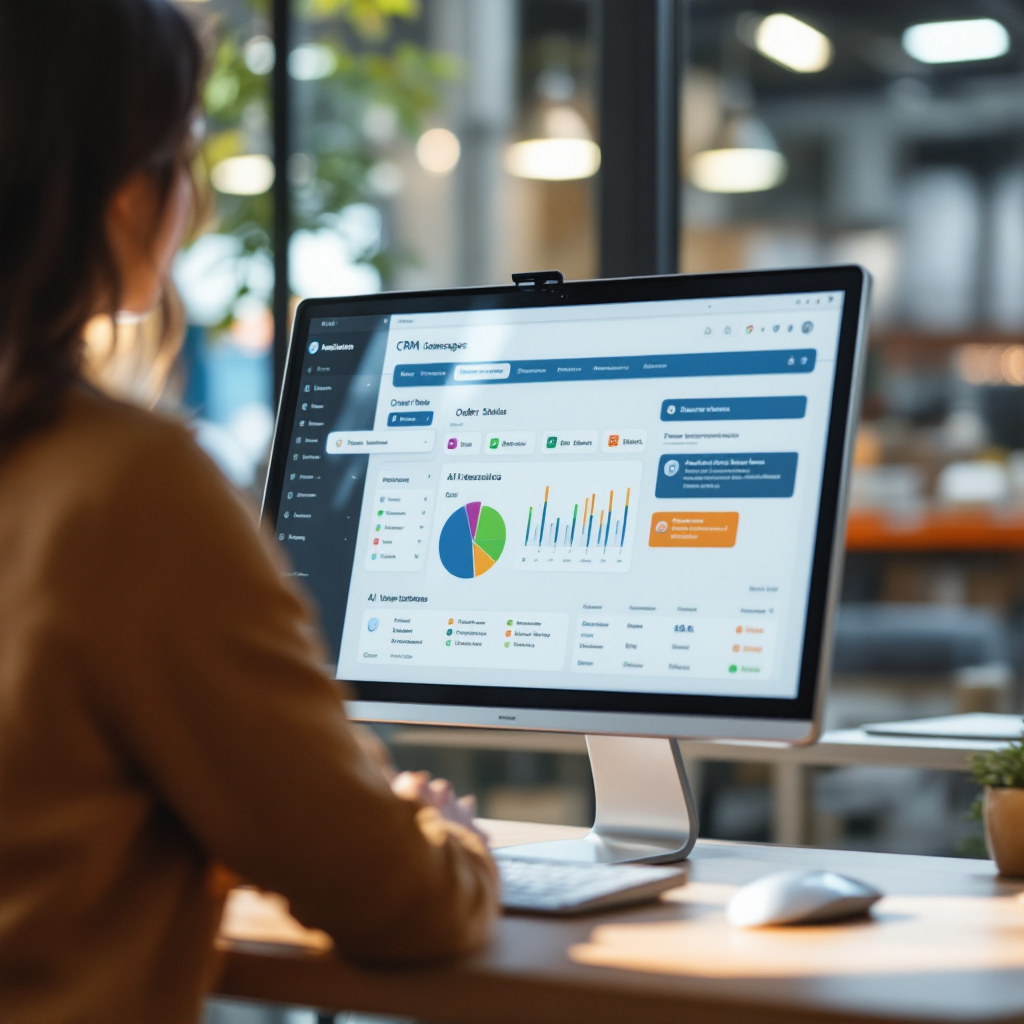
Integrating AI with CRM is one of the best levers for impact. First, connect the assistant to CRM to pull purchase history, credit terms and account notes for personalized replies. Then ensure field mapping is complete so the AI can log order numbers and update statuses. Integration with ERP or billing systems matters too. A procurement specialist explains that “Integrating AI with historical purchasing and supplier data allows email assistants to provide context-aware responses” (Precoro). Therefore choose connectors that support API sync and robust field mapping.
Technical checklist items include API sync with CRM/ERP, field mapping for orders and contacts, audit logs and error handling. Also, keep a clear audit trail so you can roll back changes when needed. For safety, set confidence thresholds that require human approval below a set level. Use the crm for wholesale approach to centralize data. Next, the virtual assistant creates follow‑up tasks, logs emails to contact records, and updates order status automatically. This reduces manual entry and speeds the sales process.
Workflow examples help teams adopt the system. For example, when an RFQ arrives the assistant checks credit, composes a quote, and logs a task for a team member to review exceptions. Also, the system can update lead scores for new prospects and push high-value leads to sales. A Microsoft report shows many firms have documented success stories after connecting AI to business processes (Microsoft). Finally, integrate monitoring dashboards to track KPI improvements and support scaling later. For a deeper dive into email drafting for logistics, see this resource on logistics email drafting AI here.
Drowning in emails?
Here’s your way out
Save hours every day as AI Agents label and draft emails directly in Outlook or Gmail, giving your team more time to focus on high-value work.
Automation and marketing automation: email marketing templates, campaigns and templates to increase sales
Combine AI with marketing automation to boost relevance and free seller time. Also, use data-driven templates that draw from CRM fields to generate tailored B2B messages. The AI can fill product details, price band, and recent purchase lines. Use a single template per campaign and let AI adjust tone and subject lines for different accounts. One effective approach is to build nurture sequences for dormant accounts. Then run upsell messages after a purchase window closes. This helps nurture leads and convert slow-moving prospects.
Set measurable metrics. Track open rate, reply rate, conversion from quote to order, and revenue per campaign. Also, monitor time savings per email and reductions in repetitive tasks for staff. For example, combining AI assistants with email campaigns improves message relevance and saves sales time. Use marketing automation to schedule sequences tied to lead status and reorder windows. Additionally, the assistant can insert product recommendations based on past purchases to increase upselling.
Choose templates carefully. A good template reduces friction while allowing customization when needed. Keep one master template per target segment and let the AI vary language to feel tailored. This method maintains brand voice and reduces manual edits. Also, coordinate campaigns across communication channels to avoid over-messaging. For teams using Google Workspace, consider tools that automate logistics emails with Google Workspace and virtualworkforce.ai integration guidance. Finally, track the full sales funnel to link campaigns to actual business growth and assess ROI.
Automate CRM updates: how AI email assistant synchronises orders, contacts and pipeline in the CRM
Set up a clear process flow so the assistant can act with confidence. First, incoming email → intent detection → draft or auto‑reply → CRM update (order, lead score, task). Also, include checks such as confidence thresholds and human review steps. For risky moves like credit changes or pricing exceptions, require a human hand. Use audit logs to record each change and keep an alterable SOP. This preserves a clear trail for compliance and dispute resolution.
Accuracy controls reduce errors. For example, require the assistant to flag messages when the parsed order total differs from expected by a threshold. Then route the message to a team member. Also, maintain versioned change logs so admins can roll back incorrect updates. A useful pattern is to auto-log routine data, such as contact info and shipment ETA, and to leave complex negotiation or pricing changes to human review.
The outcome is fewer manual entries and faster order processing. This leads to increased productivity and clearer sales pipeline visibility. Also, automating status updates removes the need for repeat calls and heavy spreadsheet work. Use the AI assistant for routine confirmations while humans handle exceptions. Finally, adopt incremental deployment: pilot on low-risk flows, measure time savings, then scale. For guidance on scaling logistics operations with AI agents, see this resource here.
Drowning in emails?
Here’s your way out
Save hours every day as AI Agents label and draft emails directly in Outlook or Gmail, giving your team more time to focus on high-value work.
Inbox management and automation: using AI tools and a virtual assistant to reduce workload
Triage is the first win. Set rules to route urgent orders to the right inbox folder. Also, tag messages automatically as orders, invoices, complaints, or product questions. The assistant can draft smart replies that cite account history, so the sender feels heard. Next, allow a one‑click send for routine messages and require edits when confidence is low. This balances speed and accuracy. For teams overloaded with customer emails, the gains are immediate.
Smart drafts save time. The assistant pulls order numbers, ETA, and contact info to compose replies. Also, it can suggest product recommendations to boost upselling and reduce back-and-forth. The system reduces repetitive tasks so team members handle exceptions and high-value outreach. Typical reductions in manual email handling range from 40% to 60% in case studies, and some reports show up to 64% in select scenarios (McKinsey).
Security and privacy matter. Ensure messages are processed in compliance with data laws and that customers consent to automated replies. Also, provide clear transparency when a message is generated by an ai-powered assistant. Keep human oversight for credit checks and sensitive negotiations. Finally, connect the tool to one platform that centralizes email, ERP, and tracking so teams avoid fragmented workspaces. For tips on improving logistics customer service with AI, see this practical guide here.
faqs and implementation checklist: governance, templates, use cases and next steps
Start with clear goals. Also, define which flows you will pilot, who will review exceptions, and which KPIs to track. Next, map CRM fields, choose an AI vendor and test in a low-risk product line. Then measure response time, conversion rates, and time savings. Keep an SOP for escalation and for manual overrides. Use the roadmap to phase in more complex use cases.
Implementation checklist: define use cases; map CRM fields; select ai tools; pilot on low‑risk flows; measure KPIs; then scale. Also, maintain governance for transparency and data retention. A useful governance rule is to label automated messages and to log each change in an audit trail. For procurement and supplier communication, consult procurement best practices to keep responses accurate and compliant (Precoro).
Quick FAQs answer common concerns. When should you auto‑send vs require a human review? When confidence is high and the action is routine. How do templates personalise? They draw CRM fields to provide tailored context. How are failures handled? Change logs and rollbacks help you fix issues fast. Also, keep a spreadsheet backup of critical orders during early pilots. Run a 4–6 week pilot on one product line, track response time and conversion, iterate templates and thresholds, and then scale. This approach helps you nurture leads, reduce repetitive tasks, and increase sales while keeping human oversight.
FAQ
What is an AI email assistant and how does it help wholesalers?
An AI email assistant is software that drafts, triages, and sends routine messages. It helps wholesalers by reducing manual handling of customer emails and by speeding quote to order cycles.
How quickly can I expect time savings from deployment?
Many teams see measurable time savings within weeks, often cutting handling times by more than half in early pilots. Results vary by workflow and integration depth.
Do I need to connect my CRM for this to work?
Yes, connecting your CRM improves context and accuracy. The assistant uses CRM data to pull purchase history and contact info so replies feel tailored and correct.
Will automated messages harm customer relationships?
Automated messages can improve response time and consistency when implemented properly. Always disclose automation and keep human review for sensitive topics to protect customer relationships.
What security and privacy safeguards are necessary?
Implement role-based access, audit logs, and data redaction. Also, ensure processing complies with applicable laws and that customers consent where required.
How do I choose templates for email campaigns?
Start with a small set of data-driven templates tied to CRM segments. Then let the AI vary language to feel tailored and track open and conversion metrics.
Can AI handle supplier coordination and credit queries?
Yes, AI can draft supplier messages and surface credit terms from integrated systems. However, complex credit decisions should remain with a human approver.
What metrics should I track in a pilot?
Track response time, reply rate, quote-to-order conversion, time savings per team member, and any change in fulfilment accuracy. These indicate ROI and areas to iterate.
How should I structure governance and SOPs?
Create clear escalation rules, audit trails, and retention policies. Also, maintain a written SOP for exceptions, rollbacks, and template updates so teams stay aligned.
What are the typical first steps to pilot this technology?
Define one product line, map CRM fields, set confidence thresholds, and run a 4–6 week pilot. Then measure improvements and scale the most successful flows.
Drowning in emails?
Here’s your way out
Save hours every day as AI Agents label and draft emails directly in Outlook or Gmail, giving your team more time to focus on high-value work.