


email + AI: Why an email assistant matters for import and export
Email traffic drives daily operations in logistics. For import and export teams, the difference between a fast reply and a missed document can cost days and money. AI email assistants cut email handling time by roughly 30–40%, speeding responses for customs, carriers and clients — a clear operational win 30–40% reduction in email handling time. First, this reduces the number of missed documents. Next, it speeds follow-ups and lowers manual data entry errors. Then, teams can focus on exceptions rather than repetitive tasks.
Importers and exporters face many simultaneous threads: customs queries, carrier notices, and client questions. An inbox with hundreds of incoming emails slows everyone down. An AI-powered assistant sorts priority, extracts invoice numbers and customs codes, and suggests replies. Use import assistant workflows to route approvals and create calendar events when required. As a result, response SLAs shrink and operational teams save valuable time.
Adoption is rising fast. A majority of import/export firms plan to integrate AI tools within two years, showing clear intent to modernize processes 65% plan AI integration. Also, the logistics AI market grows at a ~14.5% CAGR, reflecting steady investment in tools that streamline cross-border work 14.5% CAGR projection. These numbers explain why business owners and procurement leads are prioritizing automation.
Practical pain points drive adoption. Teams need to track time-to-action on approvals, shipment queries, and document submissions. An assistant flags missing paperwork, triggers follow-up reminders, and updates status in a CRM or ERP. When implemented well, this approach helps you grow your business and reduce operational friction. Finally, be mindful of sensitive information and ensure encrypted storage and role-based access when you connect mail accounts or third-party systems.
email management and management software: Automating contact import, export and syncing with Zoho and HubSpot
Managing contacts is core to efficient import-export operations. A good process starts with a clean format and field map. First, export your contact list as CSV or XLS. Then, map mandatory fields like customer, invoice no., customs code, and INCOTERMS before you import to avoid data loss. This reduces errors during data migration and helps you maintain brand consistency.
Zoho and HubSpot both offer tools to capture email activity and update records. For example, Zoho can pull email threads into contact records and HubSpot supports API-driven webhooks for real-time sync. If you want technical guidance, see our notes on ERP email automation and CRM connection at ERP email automation for logistics. Use an api to keep records current and to automate status updates between systems.
When you import contacts, consider format standards like PST or EML for archived mailboxes. Also, map how incoming emails should populate fields in your CRM tool. Make sure your setup supports multilingual names and addresses. Watch for language limits in some platforms — certain Zoho features still assume English-only flows. When that happens, pick a multilingual CRM or add translation steps.
Practical tips: schedule nightly exports so your campaign lists remain current. Use import data rules to merge duplicates and prevent overwrites. Keep one folder for archived contacts and enforce a data-retention policy that keeps you compliant. Finally, test a small set of records first. That helps reduce risk when you migrate large contact sets and perform data migration across systems.

Drowning in emails?
Here’s your way out
Save hours every day as AI Agents label and draft emails directly in Outlook or Gmail, giving your team more time to focus on high-value work.
template, personalization and plain text: Build templates that save time, cut errors and reduce unsubscribe rates
Templates that follow simple rules reduce repetitive tasks and deliver consistent results. Create modular templates for shipment notice, documents required, and delay notice. Provide a plain text alternative for carriers and customs to ensure compatibility. Use tokens for personalization so PO numbers, B/L numbers, and company names auto-fill. This personalization keeps replies accurate and fast while improving the user experience for recipients.
Start with one template for each common scenario. Then, make them customizable and test across mail clients. Insert personalization tokens like {{company}} and {{invoice_no}}. These help keep replies machine-friendly and human-ready. Also, include a clear unsubscribe link to stay compliant and keep lists healthy. A single, clear unsubscribe option reduces complaints and keeps your campaigns compliant with regulations.
Templates paired with personalization reduce drafting time and improve brand consistency. For marketing and operations, this approach saves valuable time and prevents data-entry mistakes. When building templates, think about format and how the content will be parsed by CRMs and automation platforms. A good template reduces error rate in extracted fields and cuts repetitive tasks for ops teams.
One practical change: provide both an HTML and a plain text version. Some carriers and customs prefer plain text. Plain text also helps when an email assistant parses and extracts shipment metadata. Apply analytics to see which templates perform best. Finally, document templates in one central folder and train in-house teams on how to use them. This simple discipline supports scaling and helps you grow their business without adding headcount.
activecampaign and mailchimp: Campaigns, export import workflows and the best email tactics for clients and partners
Treat strategic communications like light marketing. ActiveCampaign and Mailchimp offer features that work well for import and export teams. ActiveCampaign excels with automation sequences and workflow builders that send follow-ups and trigger escalations. Mailchimp is strong on list segmentation, templates, and campaign management. Choose the tool that fits your target audience and operational rules.
Segment lists by route, role, and language. Send trade alerts to customs brokers, schedule updates to consignees, and delay notices to carriers. Segmenting reduces noise and increases engagement. For export import updates, export lists nightly and use dynamic segments to keep campaigns fresh. Schedule imports and exports to keep your CRM and marketing automation aligned. This helps maintain accurate contact lists and supports campaign management across teams.
Best email tactics start with role-based content. For example, send rate-change notices to procurement contacts and operational alerts to carrier contacts. Keep messages short, actionable, and relevant. Ensure emails will be sent from a recognizable mail account and that the sender matches your brand identity. Use analytics to measure open and click rates and then refine sequences for better performance. Email campaigns for logistics must be measured like marketing and CRM activities.
Operationally, set up nightly automated exports so your marketing automation reflects current shipment routes and client roles. This setup both saves time and reduces manual list updates. If you want deeper guidance on how to scale without hiring, read our practical playbook on scaling logistics operations with AI agents at how to scale logistics operations with AI agents. Use segmentation wisely and always include clear unsubscribe instructions to stay compliant and respectful.
Drowning in emails?
Here’s your way out
Save hours every day as AI Agents label and draft emails directly in Outlook or Gmail, giving your team more time to focus on high-value work.
AI-driven extraction, Zoho, HubSpot and management software: From inbox to ERP — how automation saves time
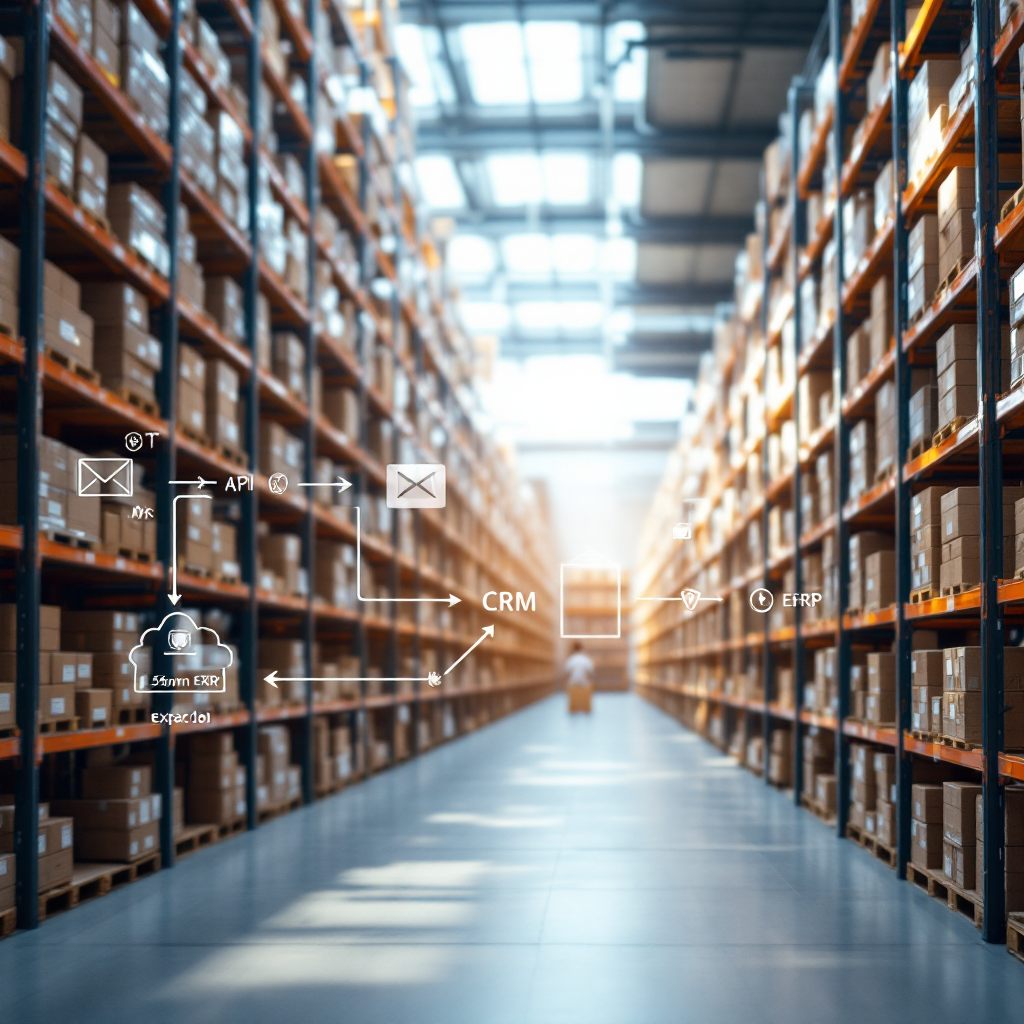
Automated extraction takes routine work out of people’s hands. AI can read incoming emails, pull invoice numbers, B/Ls, and HS codes, and push that data into ERPs and transport management systems. This end-to-end flow frees operations teams to handle exceptions and strategic activities. Connectors and APIs enable a fully integrated path from inbox to ERP, and many teams see measurable time savings when they integrate these pieces.
One practical pattern is to connect an email assistant to a CRM like Zoho or HubSpot, then to an ERP or TMS. That workflow updates shipment status automatically, logs activity, and prompts follow-ups. Our virtual assistants are built for logistics use and can cite ERP, TMS, or SharePoint sources when composing replies. See our approach for virtual assistants in logistics at virtual assistant logistics for more context.
Security matters. Make sure storage is encrypted and implement role-based access so only authorized users see sensitive information. Also, run a pilot to test extraction accuracy against real emails. Map fields such as customs code and import data, and then validate results. Good automation features include multilingual parsing, follow-up reminders, and audit logs. These features reduce operational risk and keep you compliant across borders.
Tools that combine advanced algorithms and email memory make the solution user-friendly and scalable. For example, a no-code setup lets ops teams tweak templates and escalation paths without IT tickets. That setup helps teams migrate without heavy overhead and supports scaling across routes. When you plan rollout, measure key KPIs: reduction in handling time, accuracy of extracted fields, and SLA improvements. This evidence helps justify further investment and helps you grow their business.
unsubscribe, compliance and next steps: Keep best email hygiene, multilingual support and rollout checklist
Compliance and hygiene keep your lists healthy and protect your company. Always include an unsubscribe link and follow data-retention rules such as GDPR for EU correspondents. Store trade correspondence in a compliant way and limit access to sensitive information. Be sure to flag and archive emails that include contracts, invoices, or export licences.
Multilingual support is essential for international markets. Validate AI language accuracy before a full rollout and include manual review for low-frequency languages. Also, test how the assistant handles local address formats, titles, and customs terminology. That testing prevents misunderstandings across borders and improves the user experience for partners and clients.
Use a short pilot rollout checklist. First, pick one route or lane and map mandatory fields. Second, set up templates and experiment with plain text versions. Third, test extraction accuracy on real incoming emails and logs. Fourth, measure time saved and error rates. Fifth, iterate and scale. This practical plan makes making it easy to transfer processes and helps you migrate with confidence.
Track a few clear KPIs: reduction in handling time, error rate in extracted fields, and change in response SLA. Also track organizational adoption and user feedback. If you want a playbook for automating logistics correspondence, see our guide on automated logistics correspondence for practical setup advice automated logistics correspondence. Finally, ensure your solution is cloud-based, customizable, and supports end-to-end workflows. That combination will help you streamline operations, save you time, and support continuous scaling.
FAQ
What is an AI email assistant for import-export teams?
An AI email assistant reads and acts on incoming emails. It extracts key fields, suggests replies, and can update CRMs or ERPs automatically. This saves time and reduces manual errors in procurement and customs workflows.
How much time can an AI assistant save on average?
Companies report a 30–40% reduction in email handling time when using AI assistants source. Results vary by volume, processes, and integration depth.
Can I sync contacts with Zoho or HubSpot?
Yes. You can import contacts via CSV/XLS and map mandatory fields before importing. Zoho and HubSpot support API/webhook connections for real-time sync to keep records current.
Should I use HTML templates or plain text?
Use both. HTML templates support branding and analytics, while plain text ensures carriers and customs systems can parse messages. Always provide a plain text alternative for critical operational emails.
Which platform is better for campaign-like logistics emails?
ActiveCampaign excels at automation sequences and workflow triggers. Mailchimp is strong on segmentation and templates. Choose based on whether you need automation depth or campaign management features.
How do I ensure data security for trade documents?
Encrypt stored data, implement role-based access, and keep audit logs. Limit who can view sensitive information and ensure systems are compliant with GDPR and other regional rules.
What is the best way to pilot an AI email assistant?
Run a pilot on one route. Map fields, set templates, test extraction accuracy on real incoming emails, measure time saved, and iterate. This approach reduces risk and improves adoption.
Can AI handle multilingual emails?
Many AI models support multiple languages, but accuracy varies. Validate language parsing during pilot tests and add manual review for fringe languages to avoid errors across borders.
How do I keep lists compliant and healthy?
Include an unsubscribe option and apply data-retention rules. Use nightly exports to keep campaign lists fresh and remove bounced or inactive addresses to maintain deliverability.
Where can I learn more about automating logistics correspondence?
Our site offers practical guides on virtual assistants, ERP email automation, and automated logistics correspondence. For a focused walkthrough, see our automated logistics correspondence guide here.
Drowning in emails?
Here’s your way out
Save hours every day as AI Agents label and draft emails directly in Outlook or Gmail, giving your team more time to focus on high-value work.