


AI to cater: how AI reshapes the catering business
AI is changing how firms cater events and run day-to-day operations. It speeds up order processing and reduces manual errors. It also improves customer experiences and forecasting. For a small caterer this means less manual lookup and more time for the chef. For a larger catering business it means centralised data and consistent replies across sites.
Reports show rapid adoption. Over 60% of food businesses had adopted some AI automation by 2025, and many reported gains in speed and cost control State Of AI In Marketing Report 2025. Other studies find some teams cut order and event coordination time by up to 30% thanks to AI systems AI Use Cases & Applications Across Major industries. Predictive analytics can also reduce food waste by roughly 20% on average, which helps margins and sustainability targets Adoption of AI-based order picking.
The main AI capabilities for caterers are natural language processing, machine learning and predictive analytics. These tools let an ai read emails, parse intent, and suggest personalised menus based on customer. They can forecast demand, so stock buying matches expected guest count. They also support an ai agent that handles routine calls and emails, so staff focus on event delivery.
Practical ROI expectations vary by scale. Small outfits see immediate labour savings. Multi-site operators cut waste and improve planning. If you operate shared inboxes, consider software that automates the email lifecycle. Our virtualworkforce.ai platform automates operational email, reducing handling time and improving response quality. Learn more about virtual assistants tailored for logistics-style workflows at our virtual assistant logistics page virtual-assistant-logistics.
When planning a rollout, start small. Pick one use case, such as booking or menu planning. Then test, measure and expand. This phased approach helps you integrate with POS and CRM systems without disrupting service. It will also ensure your team adopts the new tools quickly and keeps guest satisfaction high.
AI voice and AI phone that answers every call for a caterer
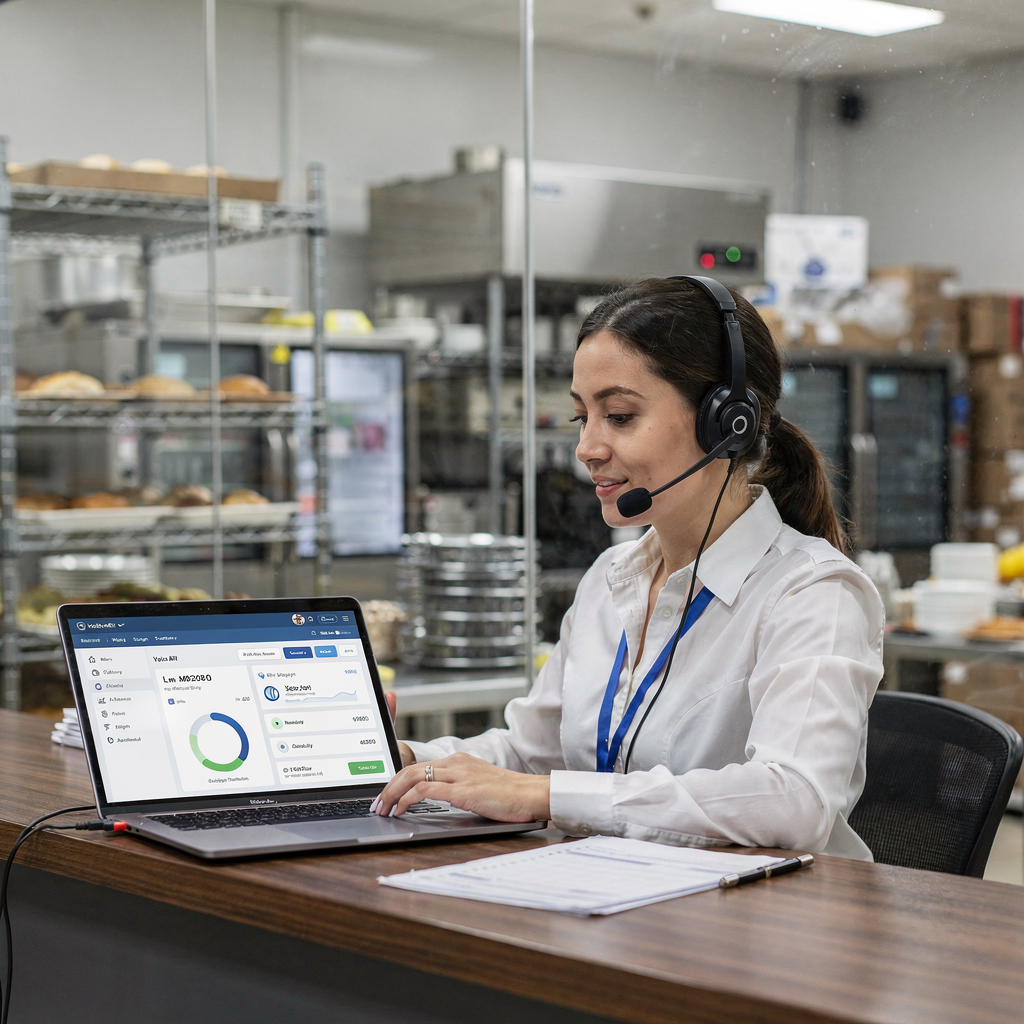
An ai voice and an ai phone can stop missed enquiries and capture more orders. They answer calls outside business hours and during busy peaks. They replace brittle IVR menus with a human-like experience. As a result, you can never miss a call and every call is answered, which lifts conversions.
Voice ai systems can take live phone takeover and handle routine calls. They capture event inquiries and take basic details for a large event or a white-glove booking. They can also confirm guest count, note dietary restrictions and capture deposit details. These systems reduce wait times and lower labour costs by taking repetitive tasks off staff.
Case studies in quick-service restaurants show clear uplifts when voice systems run pilots. Pilots reported reduced call abandonment and higher captured sales through after-hours ordering. For caterers, the same technology can answer queries about menu options and place an order outside business hours. That helps capture late bookings and last-minute changes.
Cost versus staffing is a key trade-off. An ai phone costs less than hiring extra reception shifts for nights and weekends. It also provides consistent information and faster order confirmations. Simple scripts help: greet, ask event date, ask guest count, offer menu options, confirm deposit and send order confirmations. If the script fails, route to a human. This hybrid approach gives reliability and human escalation when needed.
To integrate voice systems you need API access to your booking calendar and order management system. A good implementation will sync bookings and update availability in real-time. For teams that handle large volumes of calls, consider tools that integrate with existing email workflows. Our automated logistics correspondence page explains how automation ties messages and bookings together automated logistics correspondence.
Drowning in emails?
Here’s your way out
Save hours every day as AI Agents label and draft emails directly in Outlook or Gmail, giving your team more time to focus on high-value work.
AI agent to handle frequently asked questions and common questions
An ai agent can reduce the workload from routine calls and repetitive emails. It answers frequently asked questions on menus, prices and delivery times. It also tracks dietary needs and custom requests. That frees your team to focus on events and delivery.
Create a taxonomy of common questions. Start with menu options, allergens, deposit policy, delivery windows and cancellation terms. Then add customisation requests and guest count changes. Train the ai on your actual conversation logs. That improves accuracy over time and reduces fallback to humans.
Good practice uses a clear escalation path. If the ai cannot handle a query, it routes to a human with context. That reduces repeat questions and avoids frustrated customers. Use conversation logs to spot gaps and to tailor responses. Also use the logs to spot popular preferences and to build an ai-powered menu that suggests personalized menus based on customer.
Keep checks in place to ensure accuracy. Validate ai answers against current menus and pricing. Make sure the system flags dietary restrictions and routes complex requests to event planners. This hybrid model preserves service quality and keeps errors low. For teams that want to automate email replies and drafts, consider tools that connect to ERP and operational documents. Our page on how to scale operations with ai agents covers practical rollout steps for mixed teams how-to-scale-logistics-operations-with-ai-agents.
One short script example: greet, confirm event date, ask guest count, list menu options, note dietary restrictions, ask about delivery or white-glove service, confirm deposit and send order confirmations. This pattern makes routine calls predictable and fast. It will also let you measure conversions, so you can refine messaging and pricing.
Schedule and appointment scheduling: integrate AI for a seamless workflow
Use ai to automate appointment scheduling and to reduce double-bookings. A digital scheduler can check availability, secure a deposit and add the event to the right calendar. It will also notify chefs and delivery teams. This reduces admin time and the chance of clashes.
Integrate calendar feeds so the ai sees real-time availability across kitchens and vans. The system should integrate with POS, CRM and order management. That ensures orders sync and updates appear across the workflow. If a client changes dates, the ai can propose alternatives and manage payments.
Design SLA rules for confirmations and cancellations. For example, confirm orders within two hours and require deposits for bookings over a threshold. Automating routine appointment scheduling reduces back-and-forth emails and saves staff time. It also offers customers clear next steps and faster responses.
Include payment handling in the flow. Let the ai collect a deposit via a secure link, then issue an order confirmation and a booking reference. That reduces unpaid bookings and lowers labour spent chasing payments. Also build change and cancellation flows that protect margins and communicate fees.
When you roll out, pilot with one booking type such as corporate lunches. Measure confirmation rates and time saved. This phased test will simplify expansion. And if you need help automating operational emails, our ERP email automation and logistics resources show how to connect data sources and governance erp-email-automation-logistics.
Drowning in emails?
Here’s your way out
Save hours every day as AI Agents label and draft emails directly in Outlook or Gmail, giving your team more time to focus on high-value work.
Analytics dashboard: use analytics to meet business needs — use cases and case studies
A dashboard turns raw data into actionable insights. It shows calls handled, conversions, no-shows and waste in kilograms. It also tracks margin per event and average response time. These KPIs help you decide who to assign to busy shifts and when to buy stock.
Predictive analytics can forecast demand and cut food waste by about 20–28%, which improves margins and sustainability Adoption of AI-based order picking. Another study showed up to 30% reductions in processing time for orders and event coordination when automation was applied AI Use Cases & Applications. These figures support investment in analytics dashboards.
Two short use cases make this concrete. First, a small caterer used a simple dashboard to watch weekly guest counts. They adjusted purchasing and cut waste. Second, a multi-site operator ran a voice AI pilot in QSR that reduced call abandonment and improved captured sales. The pilot also lowered order processing errors and boosted conversions.
Key widgets should include: calls handled, conversion rate, no-shows, waste kg, chef hours per event and average margin. Add filters for venue, event size and menu type. This lets you compare white-glove events and quick drop-offs. Dashboards should refresh in near real-time so teams react fast.
When choosing analytics, check integration options and data sources. Use systems that push data via api into your dashboard. That makes reporting seamless and avoids manual exports. Good analytics help you simplify purchasing and to tailor menu planning for peak periods and slow days.

Implementing AI agent solutions: integrate, handle scale and fit business needs
Rollouts work best when you adopt a hybrid model. Start with a pilot for one use case. Monitor accuracy and customer satisfaction. Then iterate and scale. This approach keeps disruption low and lets teams adapt.
Checklist for rollout:
– Choose a vendor that understands ops workflows and can access ERP, POS and calendars. Pick one with thread-aware memory for shared inboxes. – Map your data sources and define governance. – Configure intent rules and routing logic. – Train staff on escalation flows and how to review ai drafts. – Set pilot metrics: response time, conversion rate, errors and customer satisfaction.
Risk controls matter. Always include human escalation for complex queries and for white-glove events. Validate ai replies against current menus and pricing. Schedule regular audits to reduce errors and to keep answers accurate.
Vendors vary. Compare capabilities such as deep data grounding, end-to-end email automation and support for operational documents. If you need an example of email automation built for ops, see our logistics email drafting resource logistics-email-drafting-ai. Also check tools for scaling without hiring on our guide to scale logistics operations how-to-scale-logistics-operations-without-hiring.
Final steps: run a month-long pilot, measure metrics, collect feedback and expand. Ensure the ai is trained on your menus and that it can note dietary restrictions. Use analytics dashboards to find further automation wins. With the right plan you can automate routine tasks, reduce labour costs and keep your team to focus on memorable culinary delivery.
FAQ
What is an ai agent and how will it help my catering business?
An ai agent is software that reads messages, extracts intent and acts on that data. It can answer routine queries, draft replies and route complex requests to humans. This reduces time spent on repetitive tasks and improves response speed.
Can an ai phone really make sure every call is answered?
Yes. An ai phone can operate 24/7 and respond to common questions outside business hours and during busy periods. It will also route calls to humans when needed so that every call is answered or escalated correctly.
Will ai handle dietary needs and restrictions correctly?
AI can record dietary restrictions and flag items on a menu that may not fit a guest’s needs. However, you should set checks so a human confirms complex dietary requests before final preparation.
How much waste reduction can I expect with predictive analytics?
Studies report average food waste reduction around 20%, and some projects reach up to 28% with careful forecasting and stock controls source. Results depend on data quality and how you act on forecasts.
Will ai integrate with my current order management and POS?
Most modern systems connect via api to booking and POS systems. Integrations allow the ai to sync orders, update calendars and trigger order confirmations. Check vendor integration options before buying.
Can ai create personalized menus based on customer preferences?
Yes. AI can suggest personalized menus based on historical bookings and declared customer preference. These suggestions can speed menu planning and improve upsell opportunities.
How do I train an ai to answer frequently asked questions?
Start by collecting past emails and calls, then label intents and common questions. Train the ai on this data and set fallback rules so humans step in for unclear queries. Regularly review logs to improve accuracy.
Is it expensive to implement voice ai for a caterer?
Costs vary by scale and features. Voice ai typically costs less than hiring multiple night and weekend staff. A phased pilot helps you measure ROI before committing to full deployment.
What should I measure during a pilot?
Track response time, conversion rate, calls handled, order processing errors and customer satisfaction. These metrics show whether the ai reduces load and improves bookings.
How do I keep customer data secure when using ai?
Choose vendors with strong data governance and access controls. Ensure integrations follow your privacy policy and that sensitive payment details are handled by secure payment providers.
Drowning in emails?
Here’s your way out
Save hours every day as AI Agents label and draft emails directly in Outlook or Gmail, giving your team more time to focus on high-value work.