


ai agent: why an ai agent for customer rate inquiries improves customer experience and cuts wait times
High-volume, repetitive rate questions clog inboxes and contact centres. First, customers ask the same questions about insurance premiums, loan interest quotes or shipping cost estimates. Next, human agents spend time looking up data in ERP or pricing tables. This slows response times. As a result, customer experience suffers and CSAT falls.
Introducing an AI agent can change that. For example, basic bots can resolve about 25–35% of queries, while advanced contextual systems resolve 40–50%. In practice, companies report up to a 30% reduction in time spent on routine enquiries when they deploy AI agents (case studies). Also, 88% of senior executives plan to increase AI-related budgets in the next year, driven by gains in customer-facing functions like rate replies (PwC).
Concretely, an AI agent speeds first response. It recognises intent, pulls the right rate and replies instantly. Therefore queueing drops. As a result, throughput for a support team improves. For instance, an insurer that uses an AI agent to answer premium checks can give a quote in seconds, whereas a human channel might take minutes or hours. Meanwhile human agents can focus on complex customer issues that require judgement.
To automate these flows you need accurate intent models, fresh rate tables and clear escalation rules. virtualworkforce.ai automates the full email lifecycle for ops teams, which reduces handling time from about 4.5 minutes to 1.5 minutes per email. This matters when every customer waits for a quick rate answer. In short, the right AI agent reduces wait times, increases consistency and raises customer satisfaction.
agent for customer: how agents for customer service actually work — automating rate lookups and integrating with pricing systems
Stage one is intent detection. The AI agent reads the message and labels intent. Stage two is slot filling. The system captures product, period, postcode and other fields. Stage three is rate lookup. The agent queries a price engine or rate table. Stage four is response or handover. If rules allow, the agent replies. Otherwise it escalates to human agents.
Sequence example in three to five steps: First the agent identifies the inquiry. Then it gathers missing details. Next it fetches the rate from a pricing engine. Finally it sends a templated confirmation or escalates. This simple flow underpins most rate automation. It works across chat, web and voice channels, so the same logic can power a virtual agent or an AI voice agent. For complex customer cases, the system hands the conversation to human agents with the full context attached.
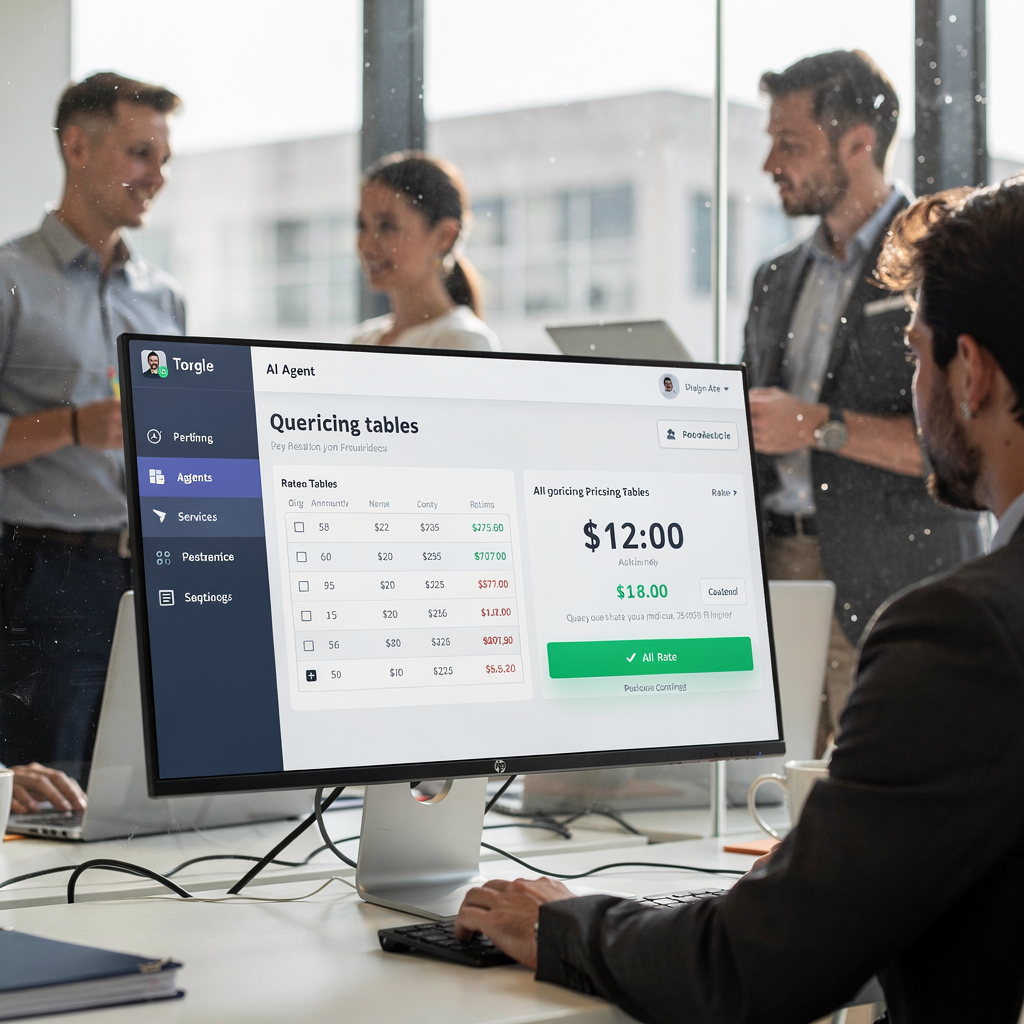
Integrations are essential. The agent must tie into CRM, pricing engine, rate tables and identity checks. It also benefits from access to ERP and operational systems. For logistics teams, integration into ERP and email workflows speeds accurate replies; see an example of ERP email automation for logistics (ERP email automation). Caching frequent rates reduces latency but you must maintain data freshness. Use short cache windows for volatile tariffs and longer for stable fees.
At the vendor level you choose an agent platform that supports NLU, secure connectors and audit logs. virtualworkforce.ai emphasises thread-aware memory and data grounding across ERP, TMS and WMS so the agent drafts replies grounded in operational facts. When implemented well, agents can handle a large share of routine inquiries while escalating complex negotiations to human agents.
Drowning in emails?
Here’s your way out
Save hours every day as AI Agents label and draft emails directly in Outlook or Gmail, giving your team more time to focus on high-value work.
choosing the right ai: checklist to choose the right ai agent and vendor for rate inquiries
Choosing the right AI requires a practical checklist. First check NLU accuracy and context retention. Next validate integration ease with your pricing engine, CRM and document stores. Then review reporting, SLAs and security controls such as GDPR compliance. Also ask about cost and vendor support for agentic behaviours that can act across systems.
Build a business case. Every dollar invested in AI can generate broader economic value; studies suggest about $4.90 in added value per dollar invested (Microsoft). Use that as a high-level reference. Also note a majority of firms are increasing AI budgets, so vendor roadmaps matter (industry stats).
Selection checklist items:
- Pilot scope and measurable KPIs.
- Training data needs and timelines.
- SLAs for uptime and response latency.
- Human escalation policy and audit trails.
- Voice support if you need an ai voice agent.
Match vendor-fit to company size. Small business: pick a simple out-of-the-box virtual agent with rapid setup. Mid-market: choose a configurable agent platform that integrates with ERP and email flows; read how to scale logistics operations with AI agents for an example (scaling with AI agents). Enterprise: demand strong security, governance and end-to-end data grounding. For email-heavy operations, virtualworkforce.ai offers zero-code setup and deep operational grounding so business teams configure tone, rules and routing without brittle workflows.
Finally, check for long-term fit. Ask if the vendor supports generative AI safely and whether the solution provides explainability. This helps you pick the right ai and avoid surprises down the road.
ai customer service agent / ai virtual agent: design patterns for conversational flows, voice and virtual agent experience
Design patterns matter. Use guided forms for predictable rate requests. Offer quick replies for common choices. Add a rate calculator widget that the AI agent calls. Then send a templated confirmation for audit. Also ensure a safe human handover. This pattern reduces ambiguity and raises service quality.
For voice, focus on latency, ASR accuracy and TTS naturalness. Short prompts and clear confirmations reduce errors. Also include verification steps for sensitive rate disclosures. Use a confirmation step for any price that will be applied to a customer account. This protects both the customer and your compliance posture.
Best UX checklist:
- Error handling and graceful fallbacks.
- Transparency that automation is in use.
- Confirmation steps for quoted rates.
- An audit trail for compliance teams.
- Accessibility and localisation for diverse users.
Use short scripts. Chat example: “Hi, I can get a quote. Which product and postcode?” Voice example: “I can provide an estimate. Please say the product name.” These small templates let the ai agent gather customer intent quickly. When the agent cannot resolve, escalate with context so human agents can act fast. Good design means agents resolve most routine customer service requests while routing complex issues to human agents with full customer history.
Also consider conversational ai that links the virtual agent to back-end rate engines. Top ai agents for customer workflows combine quick replies, contextual memory and safe escalation. If you want more on improving logistics customer service with AI, see our guide (logistics customer service with AI).
Drowning in emails?
Here’s your way out
Save hours every day as AI Agents label and draft emails directly in Outlook or Gmail, giving your team more time to focus on high-value work.
automate customer service: measuring impact — KPIs, cost, ROI and scaling agents for customer service
Measure what matters. Track first response time, resolution rate, deflection, CSAT/NPS, cost per contact, escalation rate and accuracy of quoted rates. Aim to deflect 25–40% of rate queries within the first three to six months. This target aligns with observed productivity gains where AI reduced routine handling time by up to 30% (case studies).
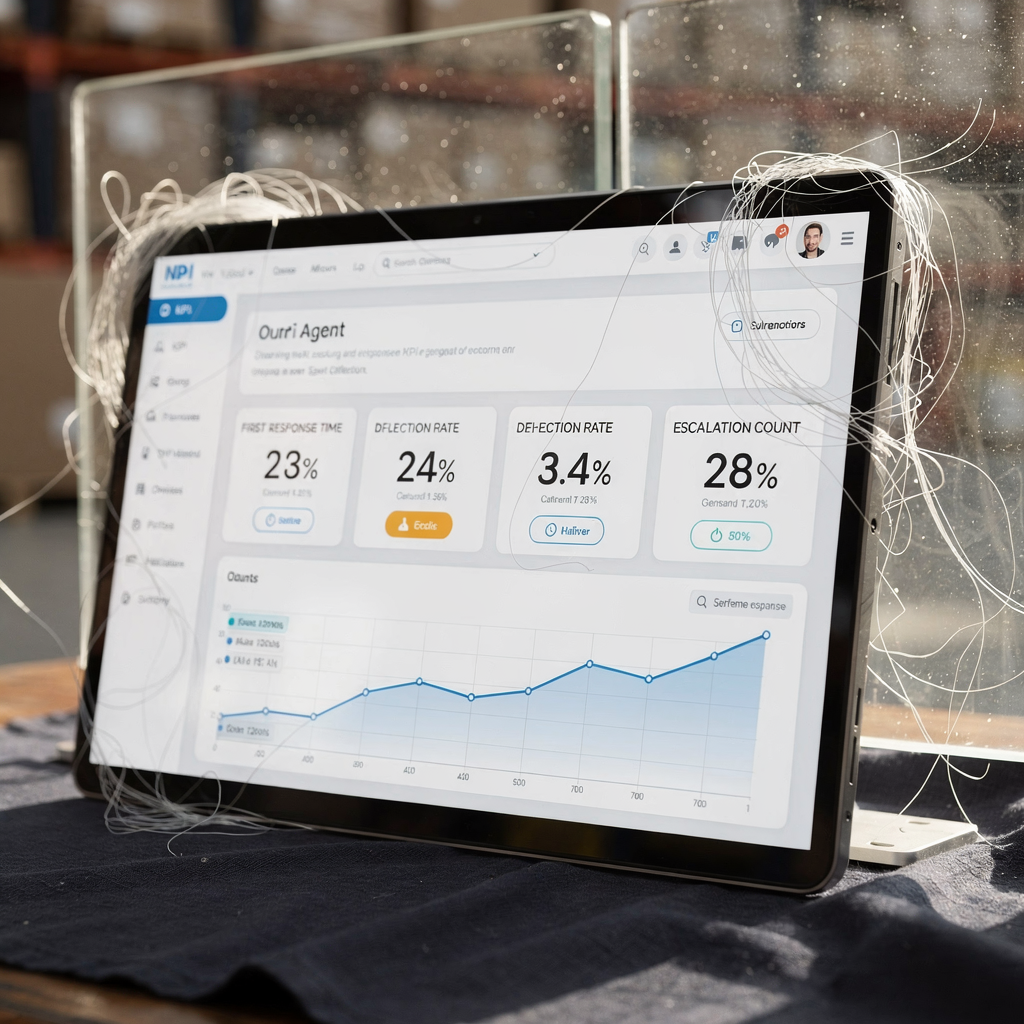
Build a simple dashboard. Include trend lines for first response time, percent automated and escalation volume. Also show error rates for quoted prices. Use A/B testing to compare prompts, templates and cache durations. For seasonality, scale compute and monitoring during spikes. This prevents latency and maintains service quality.
Scaling roadmap (0 → pilot → scale):
- Week 0–4: define pilot scope and KPIs.
- Week 4–8: train models and integrate a pricing engine.
- Month 3–6: measure, iterate and expand rate types.
Cost and ROI: include savings from reduced handling time and faster conversions. Remember that every $1 in AI investment can unlock broader value; use that for your executive deck (Microsoft). Also note many C-suite leaders already use generative AI at work, which signals readiness to adopt agentic features (industry stats).
agentic ai and best ai agent: governance, when to escalate to human customer service agents and future directions
Governance matters. Log every decision. Keep explainability for rate lookups and actions that change pricing. Apply role-based access and encryption for sensitive customer data. Also define clear rules for escalation. For example, any negotiated discount beyond a threshold must go to a manager. This prevents pricing errors.
Agentic AI can act across systems and complete multi-step tasks. It can create a quote, update CRM and send a confirmation email. Yet agentic systems carry risk. Therefore require auditable actions and human review points. Humans still win for sensitive negotiations, trust-building and complex judgment calls. Research shows human agents outperform AI in emotional intelligence and trust for sensitive financial discussions (study).
Governance checklist:
- Comprehensive logging and change history.
- Explainability for rate decisions.
- GDPR and sector-specific compliance.
- Escalation thresholds and human review rules.
Prioritise these agent capabilities: secure connectors, contextual memory, safe generative outputs and audit trails. Also test for bias in pricing rules. Close the loop with regular retraining and human-in-the-loop reviews. Finally, start with a 6–8 week pilot focused on a single rate type. Measure the KPIs above. Iterate based on results. If you need a practical path for operations teams that face heavy email load, virtualworkforce.ai automates email-driven workflows so humans focus on complex customer issues.
FAQ
What is an AI agent for customer rate inquiries?
An AI agent is a software bot that understands customer questions and provides rate quotes automatically. It uses NLU and integrations to fetch pricing and can reply across chat, email or voice.
How fast can an AI agent improve first response times?
Speed gains depend on setup and data access. Many teams see first response time fall from minutes to seconds when rates are accessible. Case studies show up to a 30% reduction in time on routine enquiries (case studies).
Which rate types are best for a pilot?
Pick a single, high-volume rate type such as shipping cost estimates, loan quotes or standard insurance premiums. These are predictable and easier to automate than negotiated discounts.
What integrations are required?
Integrate the agent with your pricing engine, CRM and document stores. For email-heavy operations, ERP and TMS links matter. See ERP email automation for logistics for a practical example (ERP email automation).
How do I know when to escalate to a human?
Set clear thresholds. Escalate when the customer asks to negotiate beyond policy, when identity verification fails, or when the agent’s confidence is low. Always attach full context so human agents can act quickly.
Can an AI voice agent handle rate enquiries?
Yes. A well-designed ai voice agent manages short prompts, verification and confirmations. However, voice adds ASR/TTS complexity and latency considerations, so test thoroughly.
How do we measure ROI for an AI agent?
Track reduced handling time, deflection rate, CSAT and cost per contact. Use conservative adoption targets, such as 25–40% deflection in the first months, then scale based on results.
Are AI agents secure for sensitive pricing?
They can be. Choose vendors with strong encryption, role-based access and audit logs. Ensure GDPR and sector compliance are part of the contract and daily operations.
What is agentic AI and should I use it?
Agentic AI can perform multi-step tasks autonomously, like creating quotes and updating systems. Use it with strict governance and human review points to limit risk and maintain trust.
How do I start a pilot?
Define a single rate type, set KPIs (first response, deflection, CSAT), run a 6–8 week pilot and iterate. For teams with heavy email workflows, consider an email-first automation approach such as virtualworkforce.ai to reduce manual lookups and speed replies. For logistics use cases, our guides on scaling operations with AI agents can help (scaling guide).
Drowning in emails?
Here’s your way out
Save hours every day as AI Agents label and draft emails directly in Outlook or Gmail, giving your team more time to focus on high-value work.