


How ai and ai assistant transform logistics operations
AI transforms the way shipping lines manage daily tasks and long-term plans. First, define what an AI assistant does. An AI assistant is a software agent that automates repetitive work, surfaces exceptions, and offers data-driven recommendations to planners. It acts as an assistant for logistics teams and supports human operators. It reads emails, generates quotes, classifies documents, and flags delays. It helps logistics managers to focus on decisions rather than manual chores.
There are three main use cases to highlight. First, freight quote generation. Generative models can cut quote turnaround from hours or days to minutes. For example, “Generative AI enables shipping companies to generate accurate freight quotes faster than ever,” according to a case study by Auxiliobits (Auxiliobits). Second, route and schedule optimization. AI uses ML models and real-time feeds to suggest changes that save fuel and time. Third, document processing and customer handling. Document automation now handles up to 80% of classification and extraction tasks in some firms (Lumitech), and AI chatbots manage routine customer inquiries.
These tools also support operational decisions. Real-time analytics combine vessel positions, port congestion, and market rates. Teams receive prioritized tasks and a clear audit trail. Virtualworkforce.ai adds value by drafting context-aware replies inside Outlook and Gmail, grounding every answer in ERP and TMS systems. This reduces manual lookup and speeds replies. Our platform cuts email handling time from about 4.5 minutes to roughly 1.5 minutes per message, which shows how focused automation improves operational efficiency.
Market numbers reinforce the point. The global AI in logistics market reached about USD 20.8 billion by 2025, and AI adoption can reduce operational costs by roughly 15% while lifting service levels by about 65% (VirtualWorkforce.ai research). These gains matter to small and large carriers. In short, combining AI models with practical tools creates measurable savings and improved customer satisfaction.
real-time shipment updates, key features for freight tracking
Real-time shipment updates keep teams informed and customers calm. Shipping lines need reliable feeds, predictive ETAs, and automated alerts. Real-time tracking takes GPS, IoT sensors, and port feeds. Then ML models turn that information into forecasts. Teams see where cargo is, and planners see what to do next. Document automation supports these feeds by extracting shipping bill data and customs forms. In fact, AI-powered document automation can cover up to 80% of classification and extraction tasks in some operations (Lumitech).
Key features to require in any solution include these six core items. First, continuous tracking across transport modes with GPS and IoT. Second, predictive ETA calculations using historical and live signals. Third, automated delay notifications and exception rules. Fourth, a visibility dashboard that shows origin and destination lanes and alerts. Fifth, API feeds for partners and customers so systems integrate well. Sixth, security and compliance controls that meet industry rules and protect data. These features together reduce manual data checks and manual data entry.
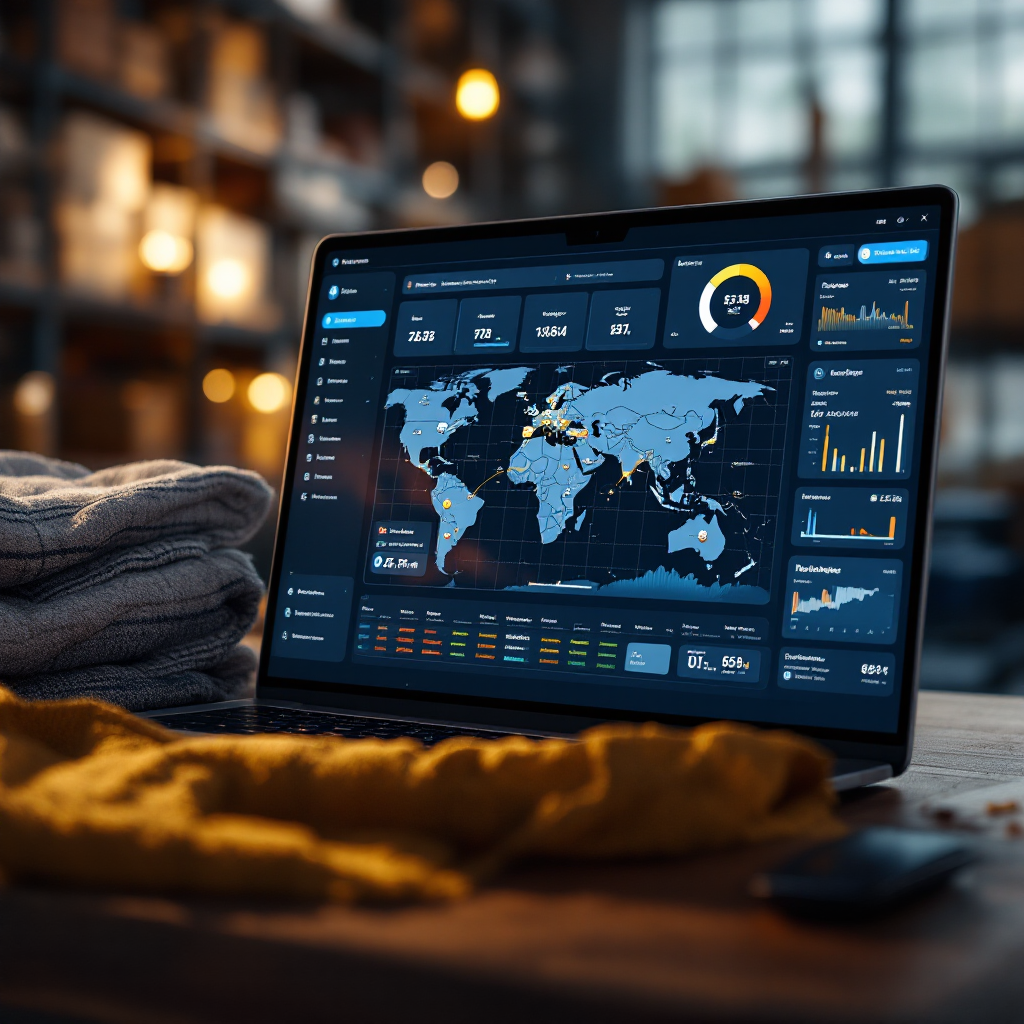
Live ETAs support dynamic rerouting to avoid fuel waste or port congestion. For example, an AI system can recommend a speed change or alternate port call to save fuel and time. Real-time updates also improve customer interactions. AI chatbots can respond to status queries instantly and escalate only complex issues to human agents. This reduces pressure on shared mailboxes and prevents lost context in long email threads. If you want to see how email drafting fits in, review our guide to logistics email drafting AI.
To ensure accuracy, set KPIs for data freshness and error rates. Monitor the rate of false alerts and time to resolve exceptions. That helps shipping lines measure savings and improved customer satisfaction. Also, design the solution so it integrates seamlessly with existing TMS, ERP, and carrier APIs. When data flows freely, teams can focus on decisions and on preventive actions rather than firefighting. This is how real-time information becomes a competitive advantage in the future of logistics.
Drowning in emails?
Here’s your way out
Save hours every day as AI Agents label and draft emails directly in Outlook or Gmail, giving your team more time to focus on high-value work.
automate and integrate: automation for shipping operations
Shipping operations benefit when teams automate repetitive tasks and integrate systems. Start by mapping processes that drain time. Typical candidates include quote generation, booking confirmations, customs emails, and vessel scheduling. Next, pilot one lane or one port to limit scope. Then combine AI models with robotic process automation and APIs to replace manual copy-paste work. Practical deployments use middleware and connectors that link ERP, TMS, and email systems without heavy rework.
A clear implementation checklist helps. First, document the workflow and time spent per task. Second, choose a pilot that shows fast returns, such as freight quotes or document classification. Third, connect data sources and set data quality KPIs. Fourth, deploy role-based access and audit logs to meet compliance. Fifth, measure outcomes and iterate. Our platform provides no-code connectors and SQL-accessible data layers, which speed the IT approval stage and let business users configure behavior without heavy engineering. Learn more about automating correspondence in our automated logistics correspondence guide.
Expect typical ROI within months for focused pilots. For example, if an operator handles 100 emails per person per day and reduces handling time from 4.5 minutes to 1.5 minutes, labor costs fall substantially. Similarly, document automation that eliminates manual data extraction can save hours each day. Combine these savings to estimate the payback period. Also, monitor the quality of extracted data and the rate of exceptions. Data quality is the main barrier to scale; poor inputs limit model accuracy.
Integration barriers include legacy systems and siloed data. To mitigate risk, use middleware and APIs, and implement data validation checks. Train staff on the new workflow and maintain human oversight for edge cases. That ensures AI-based automation supports teams rather than replaces critical judgment. As adoption of ai grows, shipping operations that bridge old systems and new tools will win on speed and accuracy.
How ai can optimize logistics efficiency and improve customer experience
AI improves operational targets and the end-to-end customer experience. It does this in two ways. First, by optimizing routes and schedules to reduce fuel use and transit times. Second, by speeding customer responses and automating routine interactions. For example, route optimization models suggest course or speed adjustments to save fuel. A shipping line can optimize routes and reduce fuel per TEU. That lowers operational costs and emissions.
AI chatbots provide 24/7 responses so customers receive timely updates. Generative AI engines cut quote time dramatically. Auxiliobits notes that generative approaches let teams “generate accurate freight quotes faster than ever” (Auxiliobits). Another study highlights that real-time AI systems are transforming vessel safety and efficiency (MDPI research).

Measure the impact with clear KPIs. Track turnaround time for quotes, on-time performance, fuel per TEU, and customer satisfaction. Use a KPI dashboard that combines operational feeds and customer metrics. Short case: route optimization reduced transit days on a trade lane and lowered fuel by double-digit percentages. Second short case: a generative quote engine that cut quote cycles from hours to minutes and increased win rates.
AI-driven prediction lets teams forecast demand and match capacity. That improves inventory management and reduces idle time. When AI advises planners, they gain actionable insights. Human agents remain central for exceptions and relationship tasks. This hybrid model improves customer experience and also enhances planning accuracy. The potential of AI in logistics lies in practical, measurable improvements. It offers savings and improved customer satisfaction while keeping human judgment in the loop.
Drowning in emails?
Here’s your way out
Save hours every day as AI Agents label and draft emails directly in Outlook or Gmail, giving your team more time to focus on high-value work.
benefits of ai and role of ai for businesses of all sizes
The benefits of AI reach across businesses of all sizes. Small carriers can adopt SaaS assistants and get instant gains. Mid-size lines can use hybrid models with some in-house controls. Large carriers often integrate models into TMS and ERP systems for deep optimization. Each route suits different resourcing and governance needs. The decision guide below helps choose a model.
Adoption models include three common options. First, SaaS assistant: fast to deploy and low upfront cost. Second, hybrid: SaaS plus selective in-house models for proprietary lanes. Third, full in-house deployment: heavy investment but full control. Small operations often prefer SaaS to avoid IT overhead. Large lines choose hybrid or in-house to protect competitive data and to tune predictive analytics.
Concrete benefits include cost reduction, faster customer response, fewer errors, better capacity utilization, and predictive maintenance. AI-based predictive analytics reduces downtime and helps forecast demand. Logistics companies that integrate AI see improved operational metrics. For example, AI in logistics market growth and real benefits are documented in industry reports (DocShipper and Lumitech).
Risk and mitigation matter. Data governance must be strong. Human oversight should review edge cases. Compliance processes ensure compliance with industry standards. Role-based controls and audit logs limit exposure. If you want to scale without hiring, check our playbook on how to scale logistics operations without hiring. Use that guidance to map pilots and to set realistic timelines. In short, the role of AI is to improve operational outcomes while keeping teams in charge.
frequently asked questions: ready to transform your logistics, how it adapts to your business and the power of ai to transform your logistics operations
Here we answer common operational and technical questions and offer clear next steps. The section below gives short answers and an actionable 90-day pilot plan. The framework helps you test the most valuable workflows and to measure early ROI. It also shows how an ai agent can assist planners and customer teams.
Data needs vary by use case. You need well-structured historical feeds, integration to multiple systems, and labelled exceptions for training. Integration time depends on API access and IT priorities; a narrow pilot can run in 6–12 weeks. For compliance, use role-based access, encrypted data flows, and audit logs. Typical ROI horizons are 3–9 months for focused pilots that automate quotes or document workflows. Staffing changes are usually reallocation rather than layoffs; human agents shift to higher-value tasks.
Next steps include a pilot scope template, success metrics, and a vendor checklist. The vendor checklist should include API coverage, security certifications, customer support, and proof of domain knowledge. For customs emails or container automation, review targeted playbooks like AI for customs documentation emails and container shipping AI automation. The 90-day pilot plan below is concise and practical.
90-day pilot plan (summary). Week 1–2: map process and baseline metrics. Week 3–4: connect one or two data sources and set KPI definitions. Week 5–8: deploy the assistant for a narrow workflow, for example quote drafting or booking confirmations. Week 9–12: measure outcomes, tune rules, and roll out to a second lane if results meet targets. Provide training and assign escalation paths. Use short iterations and keep executives updated with a one-page summary for investors and C-level review. This plan adapts to your business and will help transform your logistics operations.
FAQ
What data does an AI assistant need to start?
An AI assistant needs structured data from ERP, TMS, and email history, plus basic metadata about lanes and rates. It also benefits from historical exceptions and labelled cases so models learn common patterns.
How long does integration typically take?
Integration time varies with IT readiness and API access. A focused pilot that covers one lane and one workflow can run in 6–12 weeks with no-code connectors and minimal custom coding.
Will AI replace human planners?
AI will not replace planners for complex decisions. It will handle repetitive tasks and surface actionable insights so planners focus on exceptions and strategy. Human oversight remains critical for compliance and edge cases.
How do you measure pilot success?
Measure turnaround time reductions, on-time performance, error rates in document extraction, and customer satisfaction improvements. These metrics show real ROI and help justify broader rollout.
What compliance controls are necessary?
Implement role-based access, encryption, audit logs, and data redaction for sensitive fields. Confirm that the vendor follows industry best practices for governance and security.
Can small carriers afford AI solutions?
Yes. SaaS assistants offer low upfront costs and fast deployment. Small carriers can get immediate benefits in response times and reduced manual data entry without heavy IT investments.
How do AI chatbots help customer experience?
AI chatbots answer routine queries 24/7 and escalate only when necessary. They reduce wait times and free human agents to handle complex customer interactions, improving overall satisfaction.
What are the main risks of AI adoption?
Main risks include poor data quality, inadequate governance, and over-automation without human checks. Mitigate by piloting, setting KPIs, and keeping humans in the loop for exceptions.
How should we choose between SaaS and in-house AI?
Choose SaaS for speed and lower cost. Choose hybrid when you need some proprietary models. Select full in-house only when you require deep integration and full control of data and models.
What is a practical first workflow to automate?
Start with freight quote drafting or document classification. These workflows yield quick wins in time saved and fewer errors, and they provide clear metrics to expand automation.
Drowning in emails?
Here’s your way out
Save hours every day as AI Agents label and draft emails directly in Outlook or Gmail, giving your team more time to focus on high-value work.