


AI-powered follow-up automation: automate sales with personalised email sequences and CRM sync
AI-powered follow-up automation uses AI to schedule and send timely replies, and to score leads based on signals. It watches behavior, tracks engagement signals, and reacts to CRM events so teams can automate routine outreach and focus on strategy. For example, AI can detect an email open, a click, or a page visit and then decide the next step. That decision may trigger a sequence, create a task in CRM, or hand the contact to a human. The result: faster, more consistent followup that feels personal and relevant.
How AI decides the next step depends on rules and models. First, intent signals feed a score. Then, the system evaluates context and the sales playbook. Next, the platform chooses an email template or a short SMS, and it schedules a send at an optimal moment. Finally, the CRM syncs the outcome so the owner sees the updated history and next action. That link back to CRM keeps data clean and prevents conflicting outreach from different reps. This approach helps sales teams to automate sales outreach while preserving human control.
Key facts help justify investment. AI-driven predictive analytics can improve forecast accuracy by 20–30% and help prioritise deals using engagement signals (source). Also, AI can free up selling time and increase conversion rates by handling repetitive sequences so the sales team can focus on higher-value conversations (source). Economically, adopters often see strong ROI; for instance, every dollar spent on AI solutions can generate roughly an extra $4.9 across the economy (source). At the same time, IT teams warn of security threats and skill gaps that need governance and training (source).
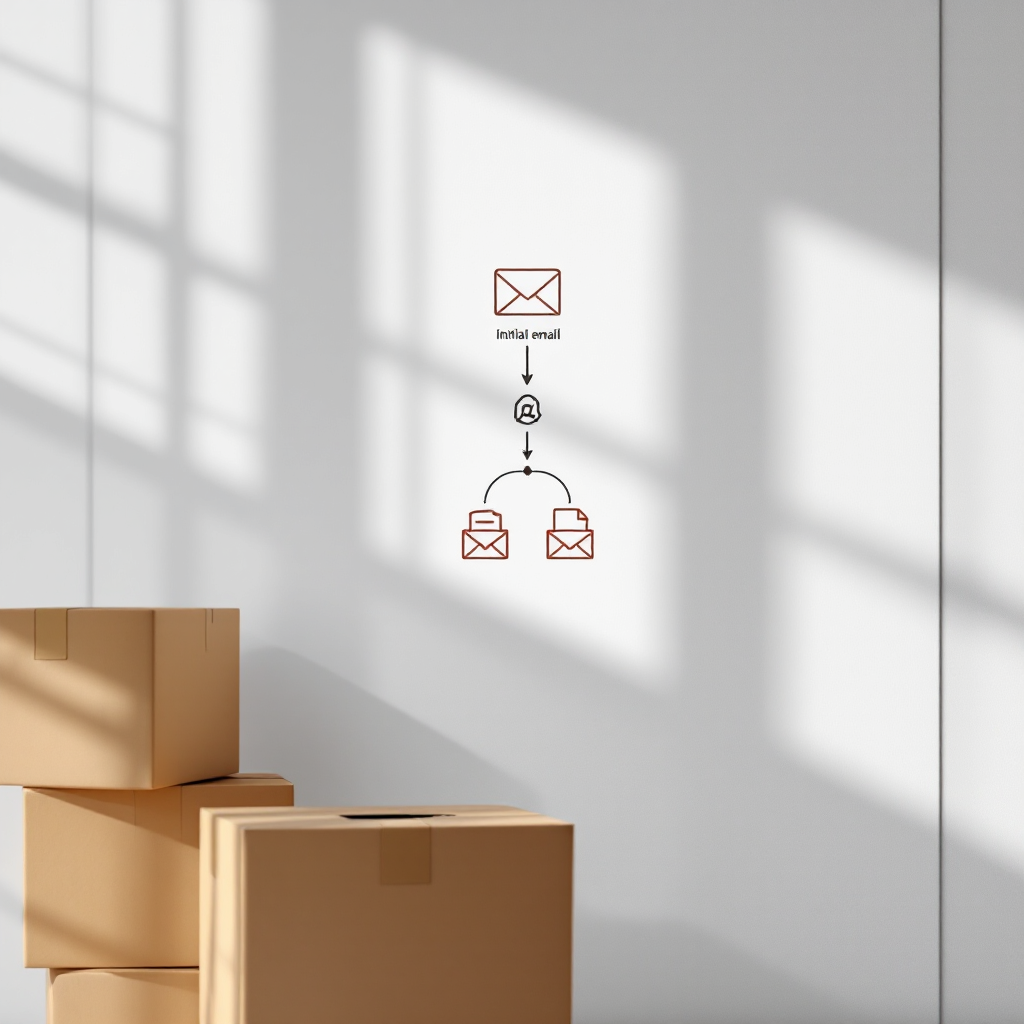
Here is one simple flow you can picture: initial cold email → AI scores engagement → an email sequence triggers → CRM updates the contact and task list. That short map clarifies how automation can lift response rates and reduce manual steps. For companies in logistics and operations, tools like virtualworkforce.ai connect deep data from ERP and WMS so every reply cites facts and updates systems without manual copy-paste. Learn more about how AI supports ops teams in logistics with intelligent email drafting at our guide to ERP email automation for logistics.
Cold outreach and cold email: personalise outreach, sequence email follow-ups to lift response rates
Cold outreach still works when you personalise the approach and sequence followups with care. Average cold open rates sit around 27–42% and reply rates often range from 1–12%, so small lifts matter. The first follow-up can yield about a 21% boost in responses when timed correctly and written to the reader’s needs. Use tests to validate timing, content, and channel mix.
Start with a simple three-stage sequence. First, send a short cold email that introduces value and ends with a clear question. Second, wait two to four days and send a concise followup that references the prior note and adds a new nugget of relevance. Third, try a final message one week later that offers a low-effort next step, such as a 15-minute call. If the sequence still fails, escalate to a phone call or LinkedIn connection. This cadence balances persistence and respect, and it lets AI optimise timing based on opens and clicks.
AI can personalise at scale by weaving signals into subject lines, by tailoring messages to company size or role, and by A/B testing subject line and body variants. Use measured AB tests to compare a short cold email plus one followup against a longer multi-stage personalised sequence. Track reply rate, meetings booked, and conversion to pipeline. Note that average conversion from cold outreach to closed deal can be low—often around 0.2%—so targeting matters. AI improves targeting by scoring intent signals and by suggesting segments with higher match to ICP.
Here is one short cold email template you can try: “Hi [Name], we help teams reduce order email handling time. Do you have 10 minutes next week to see if this saves your ops staff hours?” Follow with a one-line reminder that adds a client example or a concrete stat. Tools that power this workflow include cold email platform features, email warmup, and deliverability monitoring. For more logistics-specific messaging and templates, see our piece on AI for freight forwarder communication, which shows examples tailored to operations teams.
Drowning in emails?
Here’s your way out
Save hours every day as AI Agents label and draft emails directly in Outlook or Gmail, giving your team more time to focus on high-value work.
Deliverability and email automation: set up SPF, DKIM, DMARC, domain warm-up and CRM sync
Email deliverability beats clever copy when you want consistent inbox placement. Technical setup is the first step. Authenticate your sending domain with SPF, DKIM, and DMARC. Warm up a subdomain slowly to build reputation. Limit bounces to under 3% and keep list hygiene strict. If you send at high volume too fast, providers flag the activity and placement suffers. Monitor spam complaints, unsubscribes, and open patterns to adjust cadence and content.
When you integrate email automation with CRM, you must sync unsubscribes, bounces, and engagement back to the record. That two-way link protects sender reputation and prevents duplicate or forbidden outreach. Ensure the CRM records timestamped events so owners see recent email opens and clicks in real-time. Also, route unsubscribes to all sending systems automatically to stay compliant.
Follow this quick checklist: authenticate domain, set up gradual volume increases, maintain clean lists, test copy for spam triggers, and monitor feedback loops. Use email warmup tools to simulate interaction and improve IP reputation. Also, keep an eye on header health and alignment so SPF and DKIM pass consistently.
Deliverability also means content discipline. Avoid misleading subject line tricks and excessive links in every email. Use simple, honest calls to action and test placement with seed lists. For teams in logistics that rely on accurate, data-driven replies, our no-code AI email agents help reduce manual errors and keep consistent tone while preserving deliverability and compliance. See how to automate logistics emails with Google Workspace and virtualworkforce.ai for setup tips and practices (guide). Remember, good deliverability keeps your messages in front of buyers so automated follow-ups can do their job.
CRM, workflow and pipeline: use AI tools to prioritise leads and automate lead follow-up
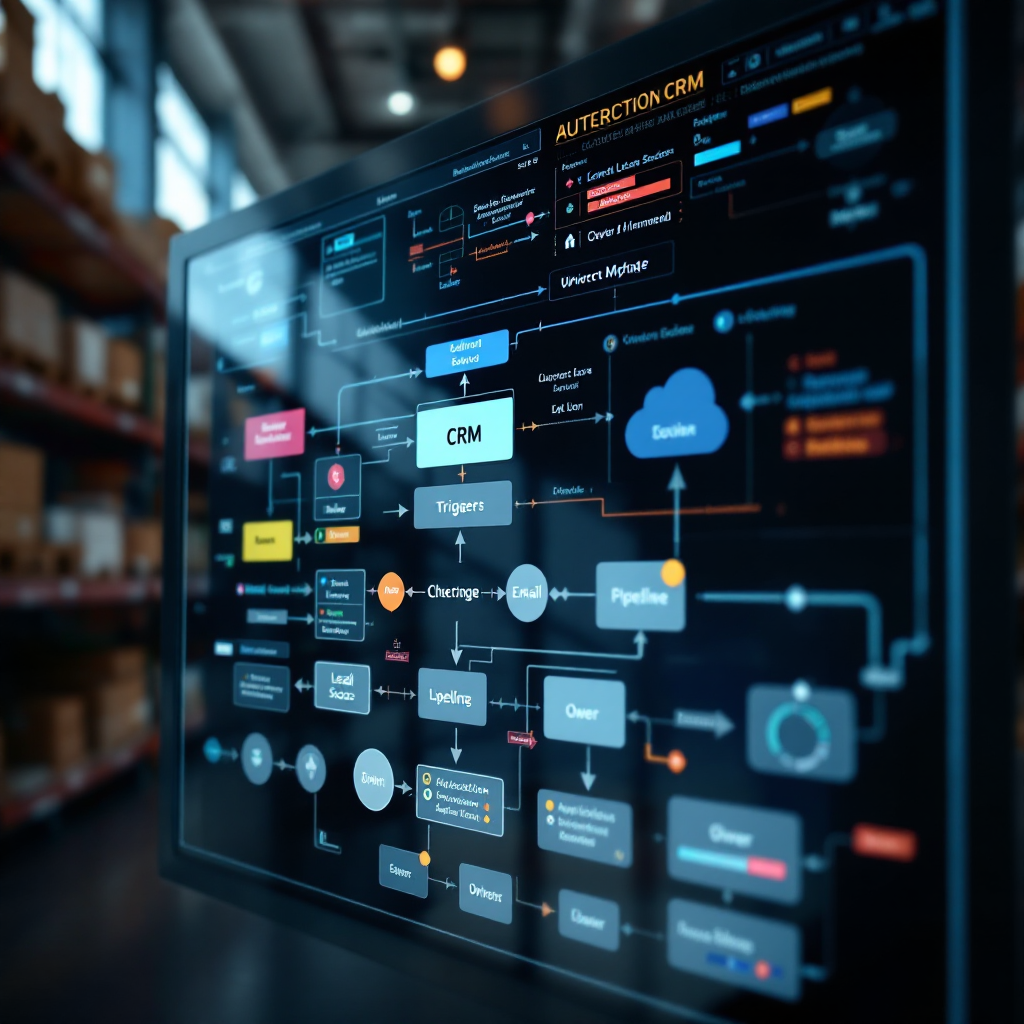
Map your workflow around clear triggers so the CRM drives actions. Create rules that generate a lead score, then create a followup task and launch an email sequence when a score passes a threshold. For instance, a website demo request plus two email opens could push a contact to warm. At that point, the CRM should automatically assign an owner, create a meeting booking attempt, and queue a tailored message. Proper mapping saves time and avoids accidental duplicate outreach.
AI improves prioritisation by combining lead scoring with intent signals and historical outcomes. That helps your sales pipeline move faster because reps focus on the right leads. Automated alerts nudge owners when a high-value contact re-engages, and scheduled sequences keep cadence steady. Use real-time events to pause sequences when a prospect replies or books a call, so human follow ups replace automated ones immediately.
Integration tips matter. Ensure two-way sync between email systems and CRM. Include timestamped events and a clear owner field to reduce overlap. Use a single source for unsubscribes and suppression lists. When you build a workflow, test owner hand-offs and escalation paths so the sales team understands who acts next. That reduces missed responses and speeds movement through the sales pipeline.
For logistics and operations teams, connecting ERP, WMS, and email context into CRM creates stronger follow-up. virtualworkforce.ai links those data sources so an AI agent can draft replies that cite order IDs and ETAs and then update records. This reduces manual lookup and raises accuracy. If you want to scale lead generation for operations, read our guide on how to scale logistics operations without hiring for ideas and practical steps (internal).
Drowning in emails?
Here’s your way out
Save hours every day as AI Agents label and draft emails directly in Outlook or Gmail, giving your team more time to focus on high-value work.
AI agent, best ai tools and the sales assistant: choose safe, measurable automation tools
Selecting the right toolset determines how well you scale email outreach and followup. Four categories matter: AI SDRs that suggest and send outreach, email automation platforms that handle cadence and warmup, agentic AI that can run sequences end-to-end, and human-in-the-loop sales assistants that combine automation with oversight. Each category plays a role in a modern stack.
Pick platforms that integrate with CRM, support deliverability, and provide analytics. Prioritise security and compliance because 71% of IT teams flag new threats from generative models (source). Tools must offer role-based access, audit logs, and controls to limit risky actions. Also, demand measurable metrics: open rate, reply rate, meetings booked, and pipeline movement.
Examples help. For AI SDR capabilities use systems that can suggest subject lines and tasks, then escalate complex replies to a human. For email automation choose a platform that offers email warmup, unsubscribe sync, and high-volume sending with staged ramping. For agentic AI consider solutions that can own a sequence while a sales assistant reviews exceptions. For hybrid operations, use no-code AI agents that connect to ERP and email memory to draft accurate responses and update systems.
When evaluating vendors, test onboarding, and training. Security controls should match your risk tolerance. Also, measure the impact on sales productivity and error rates. If you seek logistics-specific tools, explore our comparison of AI tools for logistics communication to see which platforms support deep data fusion and no-code control (internal). For teams wanting to limit vendor lock-in while accessing powerful automation, consider an evaluation pilot with clear success criteria and a timeline.
Follow-up system to close deals and scale your sales: KPIs, rollout plan and automated email-followups
Set KPIs that link followup to revenue. Track open rate, reply rate, meetings booked, pipeline velocity, and conversion to closed deals. Those measures show whether your follow-up system improves outcomes. Also, track deliverability metrics like bounce rate and spam complaints to protect reputation. Use weekly dashboards to spot trends and to adjust templates or sending patterns quickly.
Rollout in three phases. Phase one: pilot with a small segment and a limited number of email accounts. Phase two: expand after you verify deliverability and iterate templates. Phase three: scale to more teams and unlimited email accounts only after a full warm-up and governance review. During the pilot, monitor the impact on the sales pipeline and on support teams so changes do not create gaps.
Use a 90-day playbook to guide the pilot. Week 1–2: set goals, configure CRM triggers, and prepare templates. Week 3–6: run the pilot, monitor email placement and reply rate, and refine subject line and body variants. Week 7–12: expand to more segments, add SMS and calls where needed, and formalise training for the sales team. Aim for measurable targets like +X% reply rate and +Y% pipeline value. For templates and automation best practices that match logistics operations, try our automated logistics correspondence resources (internal).
Finally, balance automation with human judgment. Use AI to automate repetitive follow-ups and to schedule meetings, and let sales professionals handle complex negotiations. Maintain quarterly audits of the follow-up system, check security logs, and retrain models with fresh data. If you want to run a pilot today, start small, measure tightly, and scale when the system reliably helps you close deals and scale your sales.
FAQ
What is AI follow-up automation and how does it work?
AI follow-up automation uses AI to send follow-up messages, to prioritise leads, and to trigger next steps based on engagement signals. It analyses opens, clicks, and CRM events to choose sequences and to automate routine outreach so human teams can focus on complex tasks.
How can AI improve cold email response rates?
AI improves targeting and personalization by scoring intent signals and recommending subject lines and body variants. It also optimises send times and A/B tests sequences, which raises open and reply rates over manual methods.
What steps should I take to protect email deliverability?
Authenticate your domain with SPF, DKIM, and DMARC, warm up a subdomain slowly, and keep bounces under 3%. Sync unsubscribes and bounces back to CRM and monitor spam complaints to maintain inbox placement.
How do I connect AI agents to my CRM safely?
Use role-based access, audit logs, and a two-way sync that updates records with timestamped events. Test workflows in a pilot and define escalation paths so the AI agent hands complex threads to humans when required.
What KPIs should I track for an automated follow-up program?
Track open rate, reply rate, meetings booked, pipeline velocity, and conversion to closed deals. Also monitor deliverability metrics like bounce rate and spam complaints to protect reputation.
Which tool types should I evaluate for follow-up automation?
Consider AI SDRs, email automation platforms, agentic AI that runs sequences, and human-in-the-loop sales assistant solutions. Evaluate CRM integration, deliverability features, analytics, and security controls.
How can small teams start with AI without hiring more staff?
Run a 90-day pilot with a narrow segment and limited email accounts to validate impact. Use automation to handle repetitive follow ups and let the sales team focus on high-value conversations.
Are there security risks with generative AI in outreach?
Yes, many IT teams flag risks from new AI tools. Apply governance, access controls, monitoring, and training to limit threats and to ensure compliance.
Can AI handle both email and SMS follow-ups?
Yes, modern stacks can include SMS as part of a multi-channel cadence, and they can pause sequences when a prospect replies. Use channels judiciously to respect preferences and to avoid over-messaging.
Where can I learn more about AI for logistics email automation?
For logistics-focused examples and setup guides, explore our resources on automated logistics correspondence and ERP email automation for logistics. These pages show how deep data connectors and no-code AI agents reduce handling time and improve accuracy (internal), (internal).
Drowning in emails?
Here’s your way out
Save hours every day as AI Agents label and draft emails directly in Outlook or Gmail, giving your team more time to focus on high-value work.