


كيف يمكن للذكاء الاصطناعي ومساعدي البريد الإلكتروني أتمتة العمل في صندوق الوارد لتسريع الإرسال والتسليم.
First, courier teams face a high volume of routine messages. These include tracking requests, ETA queries and rebookings. An AI system can label and sort those messages so human agents see the urgent ones first. For example, many operators report that AI auto-sorting and auto-reply can cut response time by about 45–55% when compared with manual handling (دراسات حالة Microsoft). This reduction helps speed dispatch and improves delivery outcomes.
Next, map the common email types in your shared inbox. Typical entries are proof of delivery, address corrections and pick-up requests. Then decide which items to automate and which to route. You should aim to automate only high-volume, low-risk tasks first. Doing this will avoid the risk of human error when the system misroutes a complex case.
Also, an ai email assistant can draft or send a confirmation for routine events. That reduces repeat customer queries and lowers call volume. Use simple templates for pickup and drop-off notices. Keep modular template blocks so extracted fields plug in reliably. This method helps maintain a single source of truth and consistent email content across teams.
In practice, automation begins with intent detection. The system reads an original email, identifies intent and then takes an action. It might reply, escalate or flag a ticket. This reduces manual data entry and cuts email handling time. For many teams, this change lets staff focus on higher-value problems and focus on high-value work rather than repetitive tasks.
Finally, pilot on one use case such as a dispatch confirmation or a missed-delivery rebook. Measure inbound volumes, response time and delivery times. Use those metrics to justify further rollout. If you want to read a practical how-to, check a guide on automating logistics messages with common email clients and platforms (أتمتة رسائل اللوجستيات باستخدام Google Workspace).
Use an ai email assistant and ai-powered email to extract data, send confirmation and populate template notifications.
First, natural language processing makes data extraction reliable. The assistant can find order numbers, addresses and special instructions inside an original email. Then it places those values into a dispatch confirmation template and sends the message. This reduces follow-up and cuts manual data entry. As a result, teams see a reduction in manual lookups and a reduction in manual errors when handling customs documentation emails or address clarifications.
For courier service teams, extract data from receipts and booking forms. The AI can validate order details against the TMS or ERP and then generate a confirmation. Use modular template blocks so the assistant inserts the right fields. This approach keeps tone and compliance consistent and helps meet SLAs.
Also, ai-powered email tools can create structured records from incoming messages. The structured output feeds operations dashboards, creating a single source of truth for parcel status. That single source of truth helps routing and dispute resolution. It also makes email history searchable when a customer calls about a missing package.
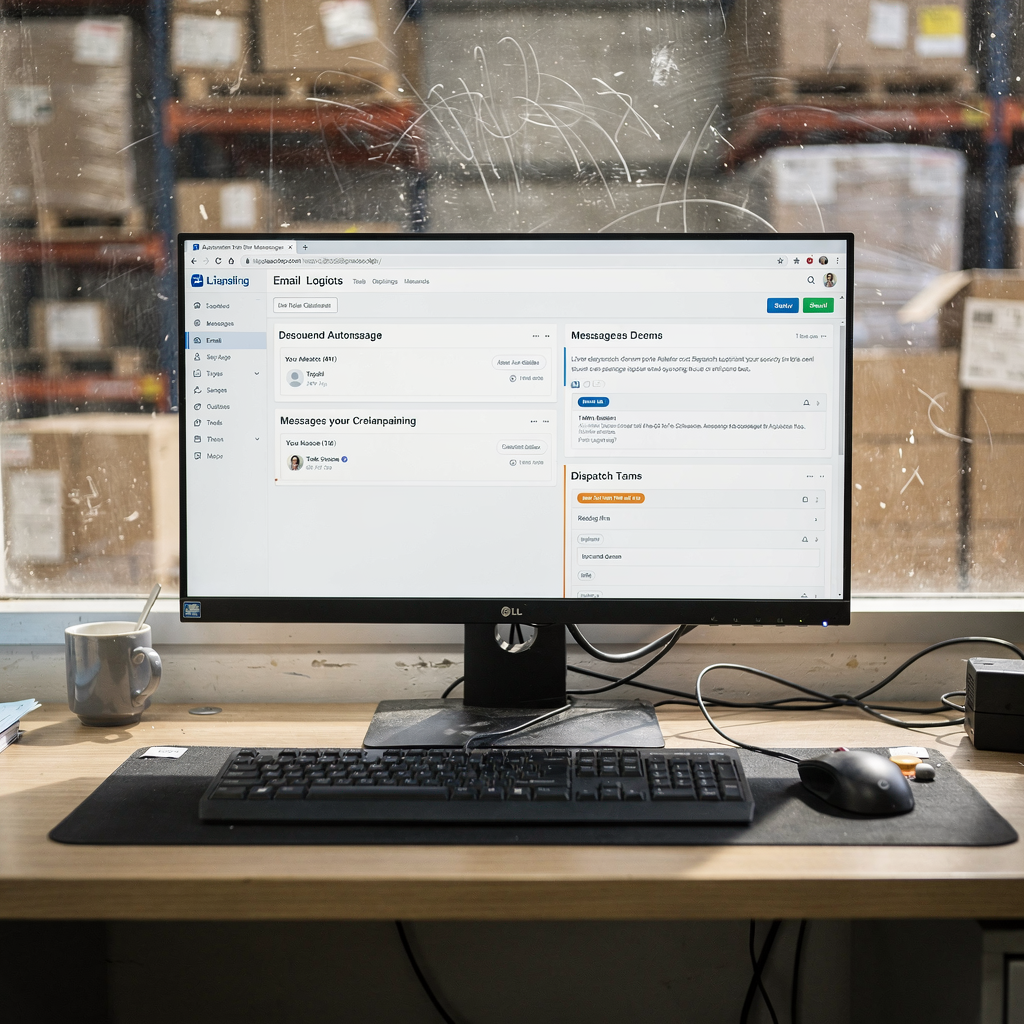
Next, integrate with enterprise systems. The assistant should ground replies in ERP, WMS or TMS data. virtualworkforce.ai connects those sources so the AI drafts a fact-based reply directly in Outlook or Gmail. This reduces the need to copy information between systems and helps ensure the assistant reduces repetitive tasks that slow teams down.
Finally, monitor for exceptions. The assistant sends a template confirmation for standard cases and flags unusual ones for human review. That keeps customer satisfaction high without adding extra headcount. If you want an example of how to use AI for customs mail and documentation flows, you can read a focused resource on applying AI to customs messages (الذكاء الاصطناعي لرسائل مستندات الجمارك).
Drowning in emails?
Here’s your way out
Save hours every day as AI Agents label and draft emails directly in Outlook or Gmail, giving your team more time to focus on high-value work.
Automate workflow with ai agents and generative ai for real-time updates, analytics and email history tracking to optimize operations.
First, chain ai agents into clear steps: parse, validate, confirm and notify. Each agent performs a single role and passes structured data to the next. This pattern reduces the chance of a misstep and makes audit trails clear. It also supports email workflows that require multiple handoffs.
Then, use generative ai to draft context-aware replies for exceptions. For example, when a shipment needs customs paperwork or manual intervention, the AI drafts a professional response. The human agent edits and sends. This hybrid model keeps tone consistent and cuts reply time. It also helps teams handle high-volume surges without hiring.
Also, record a structured email history for every parcel. That history supports dispute resolution and improves traceability for returns and claims. With email history stored and analyzable, teams can run analytics on causes of delay and identify process bottlenecks.
In addition, real-time status updates from the TMS reduce inbound calls. The AI can send a real-time notification when a truck is delayed or a parcel reaches a hub. Those messages lower the number of customer queries and free agents for complex problems. A study shows AI-powered tools can reduce support response times by up to 50% (إحصاءات Master of Code). Use those gains to reassign staff to higher-value tasks.
Finally, ensure each agent logs decisions and data extraction points. That log becomes an audit trail and a dataset for future model tuning. If you need workflows that scale without heavy IT work, read about scaling logistics operations with AI agents (توسيع عمليات اللوجستيات باستخدام وكلاء الذكاء الاصطناعي).
Choose the best ai email assistants and ai tools for courier teams: virtual assistant, template and seamless email management.
When you evaluate vendors, check NLP accuracy, integrations and security. Also check SLAs and data governance. Pick solutions that connect to ERP, TMS and WMS. That grounding ensures replies are factual and auditable. virtualworkforce.ai specialises in that kind of integration and supports thread-aware memory for shared inboxes.
Next, compare tool types. Offerings range from simple draft helpers to full workflow engines. A virtual assistant that drafts context-aware replies inside your email client is useful for fast adoption. More advanced systems provide a full automation engine and can push structured records back into operational systems.
Also, pilot with one use case. Start with basic dispatch confirmation and measure email handling time and per email cost. Typical pilots show teams reduce handling time from around 4.5 minutes to about 1.5 minutes per email. Those pilots often show a 20–30% reduction in operational costs while improving customer satisfaction (تحليل ScienceDirect).
Also review security and privacy features. Ensure the provider supports EU and local data rules where needed. Configure roles so business teams set tone and routing, not engineers. This reduces risk and gives teams control.
Finally, consider the category of best ai email assistants for logistics. Read product comparisons and choose one that provides end-to-end email automation, not just drafting. For comparison and tool lists, see a guide to the best tools for logistics communication (أفضل الأدوات للتواصل في اللوجستيات).
Drowning in emails?
Here’s your way out
Save hours every day as AI Agents label and draft emails directly in Outlook or Gmail, giving your team more time to focus on high-value work.
Streamline notification, real-time dispatch confirmation and automate email replies to improve delivery workflow.
First, design clear notification rules. Decide when to notify, which channel to use and who sees the message. For critical exceptions combine email with SMS or push to reduce missed updates. This mix helps meet promised delivery times and reduces customer queries.
Then, craft confirmation flows that match carrier processes. For example, send a pre-dispatch notice, a POD confirmation and a follow-up survey. Use a modular template library so confirmations are consistent. That approach reduces the risk of human error in every email and keeps legal and brand language uniform.
Also, automate replies for common inquiries. The assistant handles address checks, reschedule requests and proof of delivery uploads. Doing so cuts call centre volume and helps teams focus on high-value incidents. A well-configured assistant handles many repetitive tasks and only escalates when rules indicate intervention is required.
In practice, integrate with your routing and dispatch systems so notifications reflect live status. A real-time feed to customers lowers the number of emails in your inbox and reduces the number of incoming messages that staff must triage. That streamlines email handling and improves delivery reliability.
Finally, sample confirmation templates should include order details, expected delivery window and contact options. Keep templates short and machine-fillable. If you want to see how AI can manage frequent notification flows for freight and container moves, check a focused implementation guide on AI in freight logistics communication (الذكاء الاصطناعي في التواصل اللوجستي للشحن).
Measure success with ai-powered analytics, review ai email assistants in 2025 features and rework to optimize inbox and email management.
First, pick 3–5 KPIs. Good examples are response time, resolution rate, cost per enquiry, open and click rates. Keep measurement simple. Track email handling time and per email cost to show ROI. Typical returns include a 20–30% reduction in support costs and higher engagement from personalised messages (إحصاءات HubSpot).
Next, use ai-powered dashboards to spot trends. Heat maps of email volumes and analytics on common intents help you prioritize automation. Also monitor drafts context-aware replies to see where the model needs tuning. Use those insights to rework templates and improve accuracy.
Also, expect features to improve through 2025. Analysts forecast tighter CRM integration, better data extraction and stronger privacy controls. Those improvements will make it easier to extract data from complex messages and to keep a single source of truth across systems.
Finally, iterate. Run short improvement cycles and update templates based on feedback. Use the analytics to reduce response time and to optimize workflows. If you need a governance-first approach that scales without heavy engineering, explore how to scale logistics operations without hiring additional staff (التوسع دون توظيف).
FAQ
What is an AI email assistant and how does it help courier teams?
An AI email assistant is a software agent that reads, classifies and acts on emails. It helps courier teams by automating repetitive tasks, drafting replies and sending confirmations so staff can focus on exceptions.
Can an ai email assistant extract order details from a customer message?
Yes. Modern systems use NLP to extract order numbers, addresses and instructions automatically. That extract data step reduces manual data entry and speeds confirmation.
Will automation reduce the need for human agents?
Automation handles routine queries and reduces repetitive tasks, but it does not eliminate humans. Agents still manage complex exceptions and supervise escalations to ensure accuracy.
How do I measure success after deploying an ai-powered email assistant?
Measure response time, resolution rate and cost per enquiry. Also track email handling time and customer satisfaction to confirm improvements and ROI.
Are email clients supported by these AI tools?
Yes. Many solutions work inside Outlook or Gmail and draft replies directly in the email client. That makes adoption faster and reduces context switching for staff.
Can the assistant handle customs documentation emails?
Yes. With proper configuration the assistant can recognise and route customs paperwork, and draft compliant replies. This capability reduces errors in customs documentation emails.
How do I start a pilot for dispatch confirmation?
Begin with one template and one mailbox. Configure simple rules, run the pilot for a few weeks, then measure time saved and reduction in manual handling. Use those results to expand scope.
What integrations should I look for in an ai email assistant?
Look for ERP, TMS and WMS integrations and thread-aware memory. These integrations let the assistant ground replies in operational facts and maintain an audit trail.
Can AI improve notification and delivery times?
Yes. By sending real-time notifications and confirmations, AI reduces customer follow-ups and helps operations react faster. That improves perceived delivery times and lowers inbound enquiries.
How secure is automated email processing?
Security depends on the vendor and configuration. Choose providers with strong data governance and control over access to operational systems to protect customer and business data.
Drowning in emails?
Here’s your way out
Save hours every day as AI Agents label and draft emails directly in Outlook or Gmail, giving your team more time to focus on high-value work.