


AI email assistant and AI email agents automate the logistics inbox to streamline logistics communications
AI email assistants and AI email agents automate the logistics inbox to reduce manual work. First, they cut the manual handling of routine emails such as shipment queries, booking confirmations and proof of delivery. Next, they let staff focus on exceptions and complex problems. For many logistics companies, this shift reduces time spent on email by large margins. For example, industry research shows up to a 30–40% faster email handling when AI performs triage and replies. In addition, companies report throughput gains as AI sorts and prioritises incoming messages.
Practically, an AI inbox system auto-classifies and prioritises messages. Then it suggests or sends replies. It flags urgent freight or shipment issues for human review. The system can also tag emails for followup. This function creates auditable trails and consistent messaging across shared inboxes. For 4PLs that coordinate multiple carriers, this approach is especially useful. It ensures that every update links back to the right carrier, order and SLA. Furthermore, the automation helps avoid email chaos by preserving email history and providing a single source of truth for the thread.
In one implementation, a no-code solution like virtualworkforce.ai connects to ERP/TMS/WMS and email history to ground every reply in facts. This reduces the need to hunt across systems. Teams typically cut handling time from ~4.5 minutes to ~1.5 minutes per message, which equals significant labour savings and happier logistics teams. For more technical guidance on setting up an AI email assistant for logistics, see our guide to virtual assistant logistics. Also, teams can access a free template pack to pilot common booking and POD messages.
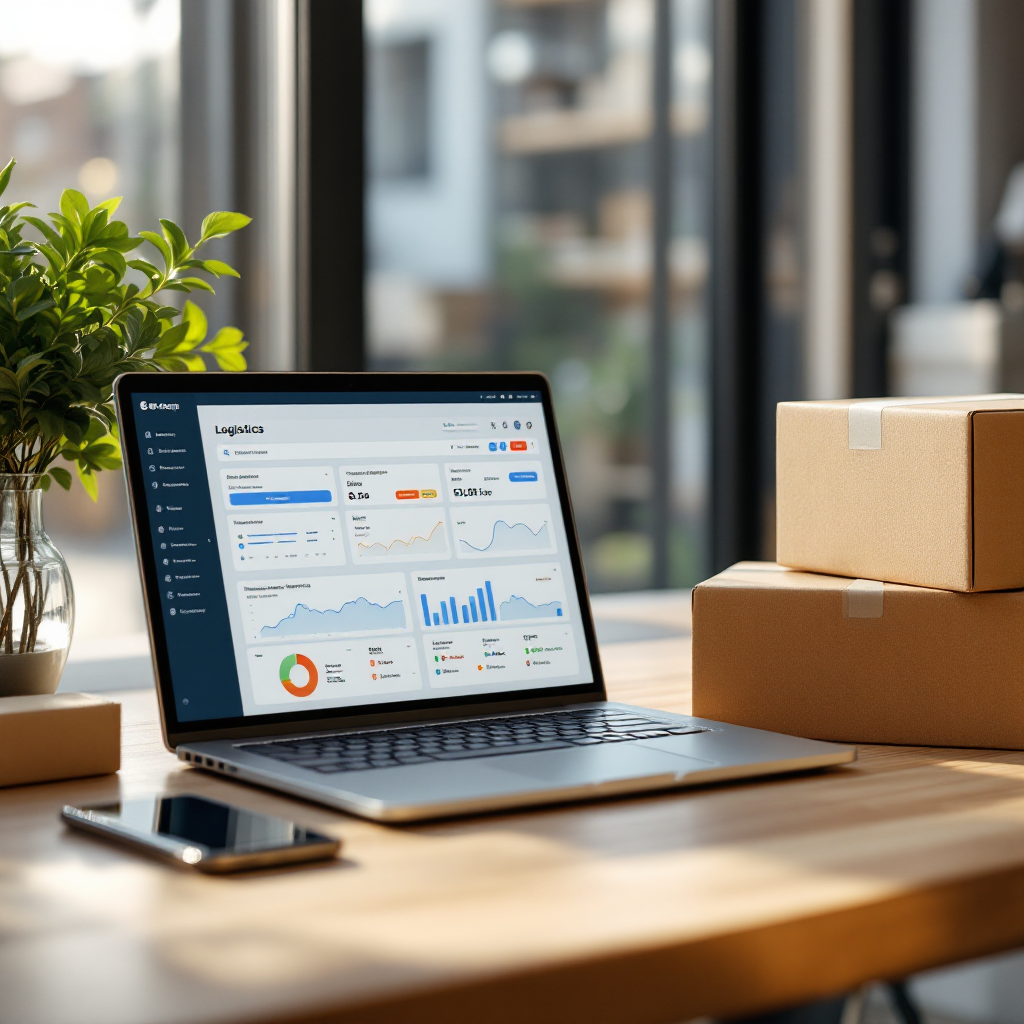
Finally, AI email agents provide consistent, auditable messaging that benefits customer success. They can handle repetitive email flows and reduce human error. As Dr. Marie Dupont notes, integrating AI-powered assistants creates a seamless communication ecosystem that supports complex supply chain demands and agility.
How AI automation helps logistics companies reduce response time, boost productivity and improve customer satisfaction
AI automation can significantly cut response time and boost productivity. For example, studies indicate average email response time falls by up to 40%. As a result, customer-facing teams reply faster and customers get quicker confirmations. In parallel, error rates drop by about 15% when automation parses and generates replies with data from the source systems (MTaPS Program). Consequently, this leads to better and measurable customer satisfaction.
Moreover, automation helps logistics teams shift focus on high-value work. Instead of performing manual lookups and copy-paste, staff handle exceptions and commercial discussions. This change improves productivity because AI handles repetitive tasks like ETA updates and invoice queries. In practice, common use cases include automated ETA updates, invoice queries, customs document requests and routine claims handling. Each case follows a template to ensure accuracy and speed. Teams that adopt these patterns often see productivity gains and faster quote-to-book cycles.
A clear ROI appears in reduced labour costs. Research suggests that by automating routine communication, companies can cut administrative labour costs by about 20% (ScienceDirect). Also, firms scale to handle roughly 50% more email volume without adding headcount. For logistics professionals, the combination of faster replies, fewer errors and scalable operations makes AI a sound investment. If you want to explore specific templates and rules, check our resource on logistics email drafting AI.
Finally, measure gains with metrics. Track response time, emails automated percentage and first-contact resolution. Use those numbers to show productivity improvements and to reinforce the case for wider rollout. When teams see time spent on email drop, they gain time to focus on building relationships and closing deals. That leads to better customer outcomes and stronger commercial performance.
Drowning in emails?
Here’s your way out
Save hours every day as AI Agents label and draft emails directly in Outlook or Gmail, giving your team more time to focus on high-value work.
Integrating an AI agent with your email platform and TMS to automate real‑time workflow for shipment and freight updates
Integration is critical when you integrate an AI agent with your email platform and TMS. First, identify integration points: the email platform, TMS, tracking APIs, CRM and vendor portals. Each connection ensures the AI agent pulls accurate data to craft replies. For example, an incoming enquiry can trigger a flow where the AI agent reads context, pulls live shipment status via an API, and then sends a templated update or escalates to a human. This reduces manual lookups and speeds confirmations.
Next, design the real-time flow. The AI reads the email thread and references email memory. Then it queries the TMS or tracking API for the latest position. If the shipment shows a delay, the AI drafts a delay notice with recommended actions and a clear confirmation of next steps. The agent can also update the TMS or CRM to log the interaction. This single source of truth prevents duplicate work and helps teams to focus on critical exceptions.
Integration also requires attention to security and governance. Ensure connectors only expose the required data. Use role-based access and audit logs to track what the AI reads and writes. For ERP-specific setups, consider ERP email automation approaches that embed context from orders and inventory into replies. Our documentation on ERP email automation for logistics explains how to connect systems without heavy engineering.
Finally, test end-to-end. Run scenarios that cover simple ETA updates, customs queries and complex freight exceptions. Monitor the automation rules for false positives and retrain models as needed. With a solid integration, teams see measurable improvements in on-time performance reporting and less time spent switching between systems. The result is a more resilient workflow and fewer manual errors in freight and shipment communications.
Best practices, template use and smart email strategies: use AI email, provide a free template library and train agents to automate email management
Start small with a few high-volume templates. First, pick common messages: booking confirmations, proof of delivery, and delay notices. Then create structured email templates that include shipment ID, ETA and carrier. Use clear subject lines and fallback escalation rules. For pilots, offer a free template pack so teams can test the speed and quality of AI-generated replies. As teams iterate, refine templates and rules to keep tone and accuracy consistent.
Next, train the AI models on real email history and operational data. This improves context awareness and reduces the need for edits. Use templates and rules to handle repetitive tasks like ETA notifications and invoice follow-ups so human agents can focus on exceptions. Also, define tone controls for customer support and commercial-facing messages. For shared inboxes, configure per-mailbox guardrails so every reply cites the correct source and preserves email memory for consistent threads.

Measure template success by tracking first-contact resolution and the reduction in manual edits. Use practical tips to refine templates and rules. For instance, run A/B tests to compare subject lines and call-to-action phrasing. Also, include escalation triggers that route complex claims to a human reviewer. These automation rules keep the customer experience safe while the AI handles routine replies. For more detailed examples, explore our automated logistics correspondence page for ready templates and use cases here.
Finally, encourage teams to view AI as an assistant, not a replacement. When AI handles repetitive flows, teams can focus on building relationships and closing deals. That combination leads to better customer success and improved operational outcomes. Use analytics and dashboard reporting to identify templates that need updates and to log edge cases for ongoing training.
Drowning in emails?
Here’s your way out
Save hours every day as AI Agents label and draft emails directly in Outlook or Gmail, giving your team more time to focus on high-value work.
Security, scale and ROI: why logistics business leaders choose the right tools so agents automate at scale without leaking data
Security, scale and ROI guide vendor selection. First, address data risks. Protect PII and commercial terms with encryption and access controls. Vendors should provide SOC/ISO compliance and clear audit trails. Also, follow GDPR and regional privacy rules. Systems must offer redaction and per-mailbox guardrails so sensitive content never leaves approved boundaries.
Second, design for scale. Companies using AI solutions often prioritise vendors with ready connectors to freight providers and clear SLAs for uptime and accuracy. The right tools should integrate with your tech stack and provide an API for custom connectors. When agents automate high volumes, you need robust monitoring and a dashboard that shows errors and throughput. For logistics leaders, ROI comes from reduced labour costs and higher throughput. Studies show administrative labour savings around 15–20% when AI handles routine communication (ScienceDirect). In practice, many teams manage 50% more emails without more staff.
Third, quantify outcomes. Track cut handling time, time spent on email and CSAT. Use a dashboard to show the metric improvements and to support budget requests. Ensure SLAs include accuracy guarantees and uptime. Also, compare solutions that offer deep connectors and auditability so you can automate while maintaining governance. For practical vendor comparisons, our guide to the best tools for logistics communication outlines questions to ask potential partners.
Finally, combine security with usability. No-code controls let business users configure tone, templates and escalation paths without IT tickets. This approach speeds pilots and keeps IT focused on data connections. When you choose the right tools, automation helps scale operations without increasing risk.
Measure success and continuous improvement: metrics for inbox workflow, customer satisfaction, sales team handovers and generative AI use cases
Measure success with a clear set of KPIs. Core indicators include average response time, emails automated percentage, first-contact resolution and error rate. Also track escalations to sales team and CSAT. Use analytics to spot misclassifications and to log edge cases. Then retrain AI models and update templates. This continuous loop keeps performance high and reduces manual errors.
Next, implement monitoring on workflow and inbox behavior. A live dashboard should surface misrouted threads, repeated followup requests and time spent on email. Track trends so teams can prioritize templates that need improvement. For more advanced use, consider generative AI to draft complex replies such as claims or customs queries. Always keep a human approval layer for those drafts to preserve accuracy and compliance.
Also, measure how email management supports commercial outcomes. Track lead times from quote to book and monitor how many threads convert to revenue. Use email analytics to show how agents automate routine correspondence and free up staff to focus on high-value tasks. Practical tips include logging the time saved per message—many teams report moving from ~4.5 minutes to ~1.5 minutes, roughly a 1.5 minutes per message improvement—and then converting that time into capacity for sales or problem resolution.
Finally, close the feedback loop. Regularly review templates and refine templates and rules based on real data. Use a single source of truth to link email threads to the TMS and CRM. With steady improvement, teams reduce manual touchpoints and scale automated logistics correspondence while keeping control over accuracy and governance. For examples of how agents automate at scale, see our resource on how to scale logistics operations with AI agents.
FAQ
What is an AI email assistant for logistics?
An AI email assistant for logistics is software that reads, classifies and drafts email replies for logistics communications. It connects to systems like TMS, ERP and tracking APIs to ground every reply in operational data and reduce manual work.
How much can AI reduce response time?
Results vary, but studies report response time reductions in the 30–40% range when AI automates triage and replies (Infosys BPM). Faster replies improve customer experience and operational throughput.
Can AI agents integrate with my TMS and email platform?
Yes. Most vendors provide connectors or APIs to integrate with TMS, email platforms and tracking services. Proper integration enables real-time status lookups and automated replies without manual lookups.
Is data safe when using AI for emails?
Security depends on the vendor. Look for encryption, role-based access, audit logs and SOC/ISO compliance. Also confirm GDPR and regional privacy safeguards before connecting sensitive systems.
What templates should we start with?
Begin with high-volume, low-risk templates: booking confirmations, POD, ETA updates and delay notices. Pilot with a free template pack to test tone and accuracy, then scale and refine templates based on feedback.
How do we measure ROI for an AI email project?
Measure cut handling time, emails automated percentage and first-contact resolution. Then translate time saved into labour cost reductions and increased capacity for sales and problem resolution to calculate ROI.
Can generative AI draft complex logistics replies?
Yes, generative AI can draft complex replies like customs explanations and claims. However, include a human approval layer and grounding in source systems to avoid errors and maintain compliance.
How do we prevent the AI from introducing errors?
Use templates, grounding in ERP/TMS data and human review for edge cases. Monitor misclassifications and retrain ai models to improve accuracy over time.
Will AI replace logistics teams?
No. AI is designed to handle repetitive tasks so teams can focus on higher-value work and relationship building. It helps logistics professionals be more productive and responsive.
Where can I learn more about implementing AI for logistics email?
Start with vendor guides and case studies. For hands-on resources, explore our pages about automated logistics correspondence, ERP email automation and AI-assisted drafting to see templates, integration tips and pilot checklists automated logistics correspondence, ERP email automation for logistics and logistics email drafting AI.
Drowning in emails?
Here’s your way out
Save hours every day as AI Agents label and draft emails directly in Outlook or Gmail, giving your team more time to focus on high-value work.