


How an assistant and virtual assistant handles email for construction companies
An assistant built for email takes messy inboxes and makes them predictable, and it does so with clear routines and rules. First, it performs routine email triage, and then it prioritises messages by sender, project, and urgency. It drafts standard replies for common queries, and it schedules appointments, and it flags critical items for immediate attention. These tasks reduce time spent on low-value work and let teams focus on site decisions and field coordination. For example, AI and assistants can cut email handling time by around 30% and improve response speed by about 30–40% when they are tuned to business rules and context (HubSpot). That stat shows why adopting a focused assistant matters to teams that juggle dozens of stakeholders each day.
The assistant acts like a shared memory for long email threads, and it remembers prior decisions, and it attaches the right documents when requested. It auto-sorts incoming messages by project code and contract, and it tags by priority so the project manager and site leads see only what matters first. Quick wins include auto-routing supplier invoices and approvals to accounts, and creating a separate folder for permit and compliance messages. This reduces lost context in shared inboxes, and it reduces back-and-forth that delays work on site.
When you integrate an assistant with your project management stack, it can push structured notes and notifications into schedules and task lists, and it can update status without manual entry. virtualworkforce.ai automates the entire lifecycle of operational email, and it grounds replies in ERP or SharePoint data so responses stay accurate and traceable. Teams typically reduce handling time from roughly 4.5 minutes to about 1.5 minutes per email with this approach, and they get more consistent replies that lower rework and disputes.
To start, create rules for auto-sorting by project or contract, and then add tagging by priority and by document type. Next, set a small library of templates for common notices, and train the assistant to route invoices and approvals to the right contact. This approach gives fast wins, and it helps a growing construction business tighten communication without adding full-time admin staff.
Use a construction virtual assistant and construction assistant to manage RFIs, change order and inbox
A construction virtual assistant can take requests for information, change order emails, and other routine messages and convert them into trackable work. The assistant logs each request, attaches submitted documents, and updates the project register. It then chases approvals automatically, and it records every version so audit trails stay intact. This saves time for the project manager and frees site teams to focus on delivery rather than paperwork.
Start by defining a simple RFI and change order flow. When an email arrives, the assistant extracts the intent, the related contract or drawing, and any proposed deadline, and it creates a ticket in the tracking register. Then it routes the ticket to the right approver, and it sends a clear followup sequence to stakeholders if no response arrives. Finally, on approval or rejection, the assistant updates the document history and notifies the requester. This small workflow removes the friction that causes missed items and slow approvals, and it helps avoid last-minute scope disputes.
Studies show that automated sorting and prioritisation reduce the risk of overlooking critical communications by about 25%, which is meaningful when many approvals hinge on fast answers (HubSpot). For teams that handle hundreds of messages a day, that reduction cuts risks and keeps schedules on track. A skilled virtual construction assistant also standardises email content so responses carry contract references and required attachments, and so reviewers can act faster.
Practical setup steps include creating email rules tied to project codes, and enabling the assistant to parse attachments and populate metadata. Then run a short onboarding period to refine routing rules, and measure closed items and approval cycle time. You can also link the helper to accounting and document systems so invoices or change order forms route directly to finance. For a scalable example on automating email drafting and routing, see our notes on automated logistics correspondence (automated logistics correspondence).

Drowning in emails?
Here’s your way out
Save hours every day as AI Agents label and draft emails directly in Outlook or Gmail, giving your team more time to focus on high-value work.
Why an ai email assistant and ai-powered tools improve inbox management and client communication for construction firms
AI-powered assistants add language and pattern recognition to inbox work, and they raise speed and consistency. They draft natural language replies, and they suggest short, precise options for responses. They also extract deadlines and obligations from contracts, and they flag emotionally charged messages that need careful handling. These capabilities reduce ambiguity and protect relationships with clients and subcontractors.
Specific AI features include suggested replies, automated followups, sentiment and priority detection, and deadline extraction. These features help teams move decisions forward faster, and they cut the number of outstanding items that block progress. Research on AI in customer relationship management emphasises alignment: “Aligning data collection and communication tools with specific business goals is essential for maximizing the benefits of AI in construction management” (ScienceDirect). That guidance is useful when you select tools and set success measures.
Measurable gains include faster response times, fewer scheduling delays, and clearer client communication. One study reports AI-driven response times can improve by roughly 40% when tools automate routine replies and escalate only complex issues (ScienceDirect). Another practical benefit is reduced errors in replies because ai email assistant solutions ground messages in system data, and they avoid ad-hoc guesses about status or inventory. Integration matters; when the assistant writes a response it can also auto-populate the project management record so meetings, tasks, and logs stay current. For teams that want to scale without extra hires, consider reading how to scale logistics operations with AI agents for similar patterns and integrations (how to scale operations with AI agents).
Finally, AI reduces cognitive load for staff and improves the client experience. Excellent customer service keeps clients even after mistakes occur; in fact, 78% of customers will continue working with a company after a mistake if the service was excellent (HelpScout). Construction firms that combine AI and clear escalation rules see faster closure of inquiries, and they protect project timelines.
Outsource admin: hire a virtual assistant, construction va and virtual assistant for construction companies to meet staffing needs and remote staffing
When workload spikes or when you want to cut admin costs, outsource admin work to skilled virtual staff. Options range from freelance VAs to specialised construction virtual assistant services, and from off-shore remote staffing to hybrid models that mix local oversight with remote execution. Each option has trade-offs in control, cost-effectiveness, and onboarding speed.
Decide when to hire a virtual assistant for construction: peak projects, persistent inbox backlog, or to replace a full-time admin role with a flexible option. Outsourcing typically reduces admin cost per task, and it gives access to trained virtual workers without the overhead of a new FTE. For example, general virtual assistants can handle scheduling and basic email triage, and expert virtual construction assistants can manage permits, tender correspondence, and links to accounting. If you want to compare models, our guide on scaling logistics operations without hiring covers similar staffing choices (scale operations without hiring).
Practical hiring steps include writing a clear job spec that lists tasks like requests for information tracking, inbox management, invoice routing, and data entry. Offer a short trial period, and track metrics such as average response time, closed requests, and accuracy. Use monitored access and a controlled onboarding process so the new remote worker learns systems and tone quickly. You can also choose construction virtual assistant packages that include trained virtual staff who know construction admin and common document types. For tools that speed email drafting and routing in operational teams see our post on email drafting AI for logistics, which applies similar methods to construction ops (email drafting AI).
Outsourcing frees field staff from admin, and it lets project managers reclaim time to direct works and manage risk. It is cost-effective, and it provides immediate scalability during busy phases.
Drowning in emails?
Here’s your way out
Save hours every day as AI Agents label and draft emails directly in Outlook or Gmail, giving your team more time to focus on high-value work.
Assistants for construction companies: template, followup and data entry to reduce delays for general contractor and specialty contractors
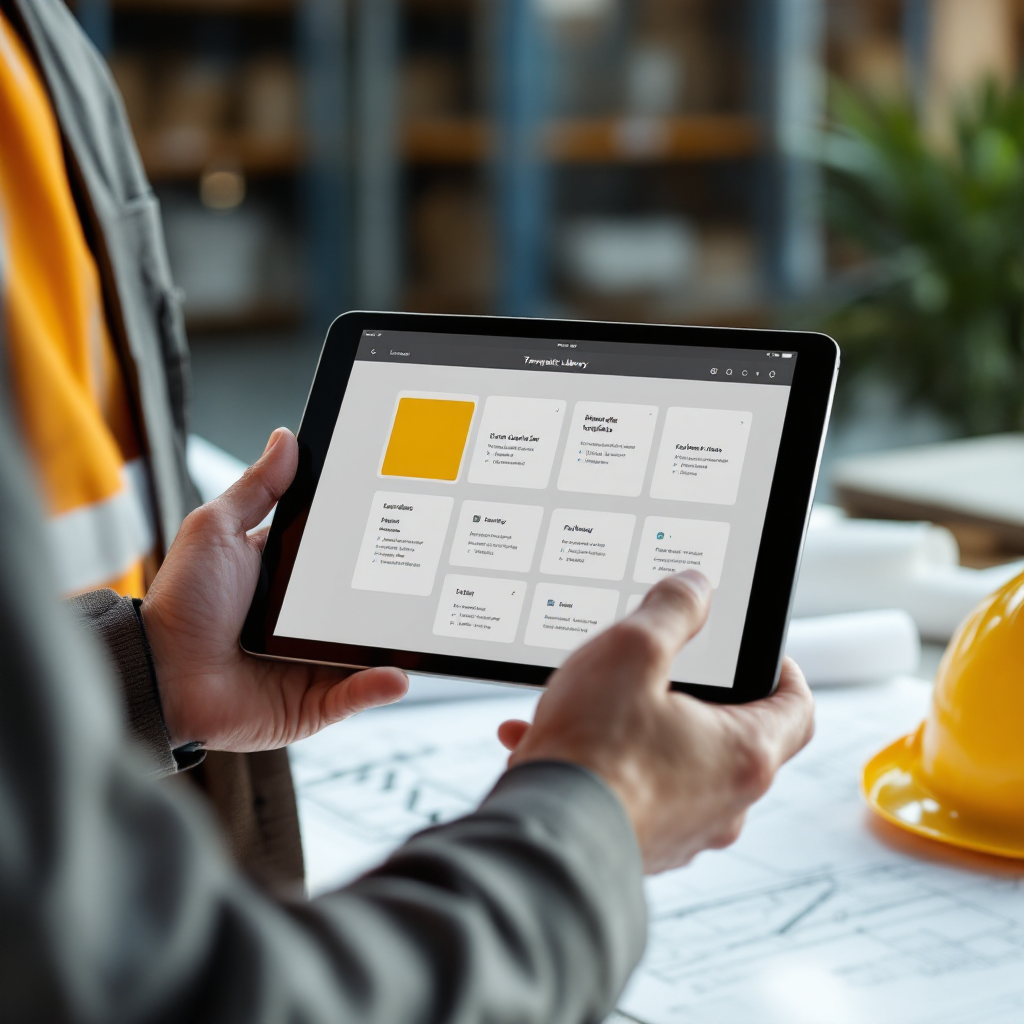
Templates, automated followup sequences, and accurate data entry are core ways assistants for construction companies reduce delays. Create a small library of templates for common notices such as site instructions, invoice reminders, and access permit requests. Use concise fields that auto-populate contract numbers, and then let the assistant send followup messages according to pre-defined cadence. This reduces late replies and keeps everyone aligned on next steps.
Templates speed replies, and followup automation makes sure nothing slips through. For example, a template for change order requests should include the change summary, impact on cost, and proposed deadline. The assistant then sends reminders at day 3 and day 7, and it escalates if no response arrives. These short sequences accelerate approvals, and they shrink the window where work stalls waiting for signatures.
Data entry is another area where assistants add measurable value. An assistant extracts structured data from emails and attachments, and it writes that data into registers, accounting systems, or PM tools. This keeps records audit-ready, and it lowers the chance of human error that causes disputes later. Reusable assets such as template libraries and canned followup sequences also help specialty contractors and the general contractor get consistent replies and fewer document disputes. For teams wanting to automate email-to-system flows, our resource on ERP email automation for logistics gives practical patterns that work for construction admin too (ERP email automation).
Finally, ensure templates are customizable by project and by stakeholder. Train the assistant on tone and required clauses during onboarding. This keeps messages professional, and it preserves relationships with clients, subcontractors, and suppliers.
Virtual construction assistant, virtual assistant for construction and digital marketing — integration, security and measuring ROI for staff
Integration and security matter when you deploy virtual construction assistant solutions, and they determine long-term ROI. Ensure assistants and AI tools use encrypted mail transport and role-based access, and that they meet any project confidentiality rules. IT should connect data sources and define governance, and business teams should set rules for tone, routing, and escalation. virtualworkforce.ai follows that pattern: IT connects ERP, TMS, WMS, or SharePoint, and business teams control rules without prompt engineering. This yields fast setup and full control.
Digital marketing and CRM systems also benefit from email automation. Use the assistant to feed qualified leads and client inquiries into your CRM, and then let marketing use a newsletter or targeted digital marketing campaigns to nurture opportunities. Linking email workflows to CRM ensures consistent messaging and tracks conversion of project leads into contracts. For examples of how automation links operations to customer outreach, see our guide on automating logistics emails with Google Workspace and virtualworkforce.ai (automate emails with Google Workspace).
Measure ROI with a few clear KPIs: hours saved per week, reduction in overdue requests, faster approval cycles, and cost per closed ticket. Track redeployment of staff to higher-value work, and then calculate savings against staffing costs. Many teams find the fastest wins come from moving repetitive administrative tasks out of expensive on-site staff and into a trained virtual assistant or AI agent. For a logistics-focused ROI case study that translates to construction ops, review our ROI analysis (virtualworkforce.ai ROI).
Security, integration, and clear KPIs make it safe to reduce admin headcount and to redeploy staff to supervision, quality, and site safety. That shift supports a growing business and reduces the workload that distracts teams from delivering projects on time and on budget.
FAQ
What does an email assistant do for a construction project?
An email assistant automates triage, drafting, and routing of messages, and it reduces manual lookups. It extracts project data, attaches documents, and updates registers so teams have current information without extra admin work.
How quickly can an assistant reduce inbox workload?
Many teams report significant gains within weeks, and typical time savings are around 30% on email handling when rules and templates are in place (HubSpot). Results depend on integration depth and onboarding quality.
Are AI email assistants secure for confidential project data?
Yes, when they use encrypted mail, role-based access, and controlled data connectors. IT should define governance and limit escalations so sensitive records remain protected.
Can a virtual assistant for construction handle RFIs and change orders?
Yes. A virtual assistant logs requests for information, tracks change order progress, updates version history, and follows up until close. This reduces missed items and shortens approval cycles.
Should I hire a virtual assistant or use AI tools first?
Both approaches can pair well. You can hire a virtual assistant to handle nuanced communications and use AI to automate repetitive messages. A hybrid model often gives the best control and cost-effectiveness.
What KPIs should I track after onboarding an assistant?
Track hours saved, reduction in overdue items, response time, and cost per closed ticket. Also measure accuracy of data entry and the number of escalations to on-site staff.
How do templates and followup sequences help contractors?
Templates standardise content and ensure all required information is present, and followup sequences automate reminders so approvals and invoices do not stall work. Together they reduce disputes and speed decisions.
Can virtual assistants integrate with project management tools?
Yes. Most assistants can push updates into project management systems so tasks, logs, and schedules stay current. Integration removes duplicate work and keeps records audit-ready.
Is outsourcing admin support cost-effective?
Often it is, because outsourcing converts fixed payroll into flexible capacity, and it gives access to trained virtual talent. Outsourcing is particularly useful during peak phases or to replace a full-time admin role.
How do I start with a virtual construction assistant?
Begin with a concise job spec that lists inbox management, ticket logging, template use, and data entry. Run a short onboarding period, measure response time and closed items, and refine rules based on results.
Drowning in emails?
Here’s your way out
Save hours every day as AI Agents label and draft emails directly in Outlook or Gmail, giving your team more time to focus on high-value work.