


How ai email assistant can boost productivity and save time
Distribution companies rely on rapid responses to orders, supplier queries, and delivery updates. An AI email assistant enables these teams to save time by reducing manual email triage. Studies indicate automation can cut email handling time by up to 40%, which may amount to several hours saved every week. This dramatically improves productivity as every team member can redirect efforts towards resolving exceptions and managing high-priority shipments.
Open-rate lifts of 15–20% and click-through rate improvements of up to 25% have been noted when companies implement AI to handle and optimise their email content. Such measurable gains benefit customer service departments that must deliver timely updates to stakeholders. Use cases include automatic responses to order status requests, follow-up emails when shipments are delayed, and prioritisation rules for urgent matters like customs clearance issues. For distribution companies, integrating these capabilities directly into Outlook or Gmail is essential for seamless operations.
Systems like virtualworkforce.ai provide email replies grounded in ERP, WMS, and email history. This ensures messages have accurate, contextual information without requiring employees to copy and paste from multiple platforms. With thread-aware context, even the entire email thread can be processed for better accuracy. Teams testing an AI assistant through a free trial can quickly evaluate whether incoming emails are sorted and handled more efficiently before committing to a paid plan. By enabling personalised email templates, AI can help your sales team maintain professionalism while also maintaining speed.

Why ai-powered email and automation clear your inbox and streamline workflow
A cluttered inbox steals focus from distribution teams and delays important actions. AI-powered email automation helps reduce this noise. Smart sorting and filtering allow urgent delivery exceptions and supplier updates to surface instantly, letting managers make quicker decisions. Automation features, such as template-based replies and scheduling tools, further enhance consistency in email communication.
The improvements go beyond time savings. By optimising send times and subject lines, AI can increase deliverability to above 90%, ensuring crucial updates reach customers and suppliers in their primary inbox. When combined with virtual assistants that work with Gmail and Outlook, AI tools make inbox management far more strategic. For example, setting rules to auto-flag payment irregularities or shipment delays ensures critical issues never get lost among less urgent correspondence.
Tracking KPIs such as mean response time, percentage of messages auto-handled, and inbox zero frequency can demonstrate measurable productivity enhancements. With systems like automated logistics email solutions, AI capabilities assist in clearing your inbox while aligning workflows across ERP and other logistics systems. This way, distribution companies gain operational transparency and avoid manual bottlenecks in their email workflows.
Drowning in emails?
Here’s your way out
Save hours every day as AI Agents label and draft emails directly in Outlook or Gmail, giving your team more time to focus on high-value work.
Integration: how sync with crm works with gmail and Outlook to deliver real-time updates
Integration between an AI assistant, CRM, and email client is critical for keeping order records automatically updated. When a Gmail account or Outlook mailbox syncs with Salesforce, Pipedrive, or HubSpot, each email interaction is logged with the correct customer record in real time. This removes the need for manual data entry and ensures the sales team sees relevant customer history before responding.
For distribution business operations, such integration supports fast responses. For example, if an incoming email about a shipment delay arrives, the ERP record can display it immediately, allowing the right team member to address the issue. Permissions, audit trails, and data mapping rules are vital security features to configure before enabling sync.
Leveraging ERP-connected email automation platforms built for distributors ensures deeper data fusion. Virtualworkforce.ai links email communication directly to order data, enabling follow-up emails with accurate ETAs to be sent without additional searches. Real-time integration also allows AI to help surface trends in email threads, giving teams greater context on customer preferences and common service issues.
Use generative ai and ai automation to draft template replies, preserve email history and send email with ai
Generative AI introduces advanced features for email drafting that distribution companies can leverage to improve both speed and accuracy. Smart drafting tools automatically propose replies based on previous email history, maintaining tone consistency across email threads. Sentiment analysis within the AI model adapts wording to match customer expectations, resulting in better emails and stronger trust.
AI automation makes these processes scalable. For repetitive queries, email templates can be auto-filled with data pulled from ERP or CRM systems, so each new email is accurate and personalised. It is important to review automatically generated drafts for complex orders to ensure accuracy before sending any email with AI assistance. Systems like virtualworkforce.ai, tuned for logistics contexts, allow templates to remain editable so the human touch is preserved.
Maintaining a complete email history is valuable for service and support teams. The AI can search past correspondence using AI search functionality, ensuring that follow-up emails reference prior conversations accurately. Distribution companies using this approach achieve consistency even in modern email environments with shared inbox features and multiple email accounts. For sensitive content, data controls and residency settings should be in place to secure archived threads.
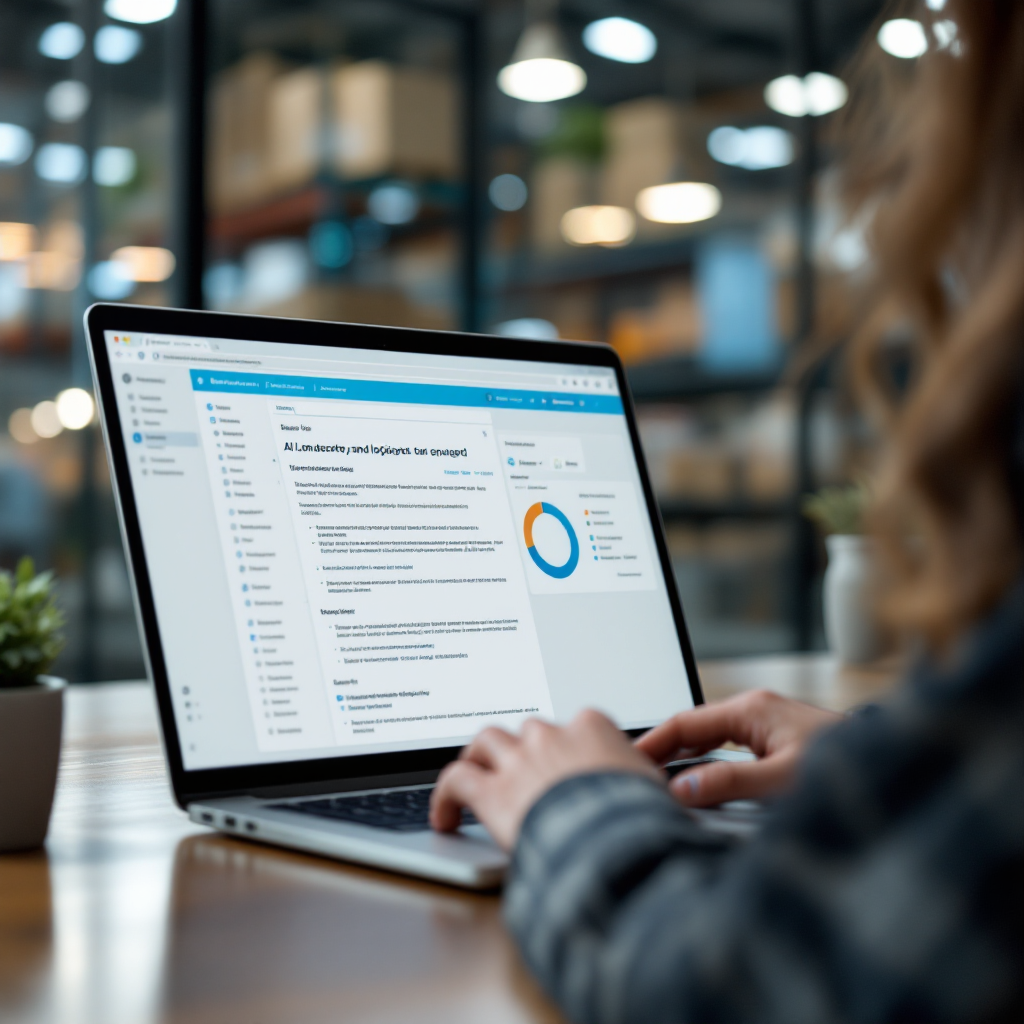
Drowning in emails?
Here’s your way out
Save hours every day as AI Agents label and draft emails directly in Outlook or Gmail, giving your team more time to focus on high-value work.
choosing the right ai: pick the best ai email assistant and best ai email options with ai-powered features for your marketing strategy 2025
Choosing the right AI can help distribution companies maximise ROI from email automation and integration. In 2025, selecting the best AI email assistant for your needs requires assessing accuracy, speed, and AI-powered features. Vendors should demonstrate seamless integration with CRM systems and Outlook or Gmail clients, along with robust template support and reporting capabilities.
The evaluation process should include reviewing security features, checking for role-based access controls, and verifying audit logs. Look for clear ROI metrics such as average time saved per email, lift in engagement rates, and improved deliverability. Running a short pilot with representative inbox volumes and tracking productivity gains, response time improvements, and error rates will help you make an informed decision.
Solutions like logistics-focused AI platforms often offer both free plan and paid plan options, allowing teams to test before committing. This approach ensures you only invest in features and functionality that align with your operational workflows and marketing strategy. Choosing the best option ensures you gain AI capabilities built for distributors, backed by service and support teams that understand your distribution business.
How to use ai and use an ai to automate email management, keep your inbox tidy and start a free trial
Adopting an AI assistant for email management starts with mapping workflows. Identify the steps from receiving a new email to resolution, and spot areas where automation features can reduce manual intervention. Select pilot users from the sales team or operations department, then connect your CRM and Gmail account or Outlook mailbox to the AI. Enable templates, smart sorting, and scheduling automation to keep your inbox organised.
Best practices include training the AI model on your historical email content, using escalation rules for exceptions, and keeping human oversight for critical orders. These steps will help you save time while maintaining control. Distribution companies using AI agents for logistics can measure KPIs such as percentage of auto-handled emails, mean response time, and reduction in inbox clutter before scaling usage.
A free trial lets you test integration, productivity gains, and how well the AI aligns with your existing email marketing and operational workflows. By configuring key features to help your team work more effectively, and by combining data and AI from multiple data sources, AI can help you automate even complex email handling tasks. This supports an efficient workflow that keeps your inbox tidy and boosts productivity across your distribution business.
FAQ
What is an AI email assistant?
An AI email assistant is a virtual assistant that uses AI to help with email handling tasks such as sorting, drafting, and sending messages. It integrates with email clients like Gmail and Outlook to improve productivity.
How can AI improve email management?
AI can help by automating routine processes, optimising send times, and generating personalised email replies. These improve response rates and reduce the time required to manage your inbox.
Which AI-powered features matter most for distribution companies?
Key features include integration with CRM systems, real-time syncing, automated email templates, and sentiment-aware drafting. These capabilities align closely with the workflow needs of supply chain operations.
Can I keep my email history with AI tools?
Yes, most AI tools can preserve and search your email history. This allows the AI to reference prior email threads and ensure consistent communication.
Is generative AI safe to use for sensitive business emails?
Generative AI can be safe when paired with strong security features such as data residency controls, role-based access, and audit logs. Human oversight is also recommended for critical messages.
Does AI work with popular email platforms?
Yes, many AI assistants work with Gmail and Outlook, syncing with CRM tools to keep customer records updated instantly. This removes manual work and improves order accuracy.
Can AI help your team work better across departments?
AI assists by providing relevant customer context to the sales team, automating notifications for logistics teams, and keeping all stakeholders informed through accurate email communication.
Are free plans available for AI email assistants?
Some vendors offer a free plan or free trial so you can evaluate performance before committing to a paid plan. This helps ensure the AI fits your workflows.
How do you choose the best AI email assistant?
Choosing the right AI involves checking integration options, feature sets, security, ROI metrics, and support quality. Pilots with real inbox volumes help validate effectiveness.
What metrics should I track to measure AI productivity?
Track mean response time, percentage of auto-handled emails, inbox zero frequency, and improvements in customer engagement. These KPIs help assess ROI from AI email management.
Drowning in emails?
Here’s your way out
Save hours every day as AI Agents label and draft emails directly in Outlook or Gmail, giving your team more time to focus on high-value work.