


ai assistant: Why an ai email assistant matters for elearning
Online learning and digital learning teams face an inbox storm every day. AI can automate routine messages like enrolment confirmations, progress reminders and feedback requests so staff can focus on content and learner support. An AI email assistant for elearning companies automates routine messages (enrolment, reminders, feedback) and frees staff for higher-value work. This approach helps reduce manual triage, and it reduces errors in operational replies. As a result, teams save time and improve consistency.
Quick facts help make the case. Around 77% of organisations use virtual assistants or similar AI solutions to boost efficiency. Also, roughly 30% of online learners cite delayed communication as their main frustration. Finally, some e-learning platforms report about a 20% rise in completion rates after implementing AI-driven communications. These numbers show why automation matters.
Outcomes to expect are clear. Faster response times appear within weeks. Steadier engagement follows when learners get timely nudges. Administrative costs drop when repetitive email tasks are automated. A well‑configured AI assistant also maintains thread-aware email history to preserve context across long learner conversations. This matters for audits and quality assurance.
Leaders should see this as more than a tooling change. For senior managers the value is straightforward: free operations staff from low-value work, improve learner retention, and cut per-email handling time. For example, teams that that apply AI email assistants can reduce handling time significantly and reallocate effort to learning design and instructor support. Therefore, adopting a targeted AI-powered approach creates a measurable uplift in both efficiency and learner outcomes.
email assistants ai-powered: What to automate in inbox and workflow
Deciding what to automate in the inbox and wider workflow starts with mapping common email types. Typical candidates include onboarding messages, progress nudges, assessment reminders, billing notices and partner comms. You can also automate status updates triggered by LMS events. For instance, a course completion event can kick off certificate emails. The scope should match business rules and compliance needs. Use automation where accuracy matters and escalate complex cases.
Workflow examples clarify the process. First, set trigger rules from your LMS or CRM so an AI-powered rule sends a welcome and orientation pack. Next, let the system send progress nudges if a learner misses two consecutive modules. Then, route billing queries to finance and escalate ambiguous support requests to humans. Maintain email history to ensure auditability and to feed future personalisation. This kind of thread-aware inbox management reduces repeated context searches.
Tools and integrations make automation practical. Popular choices include Gmail/Google AI features, Microsoft Copilot for Outlook, and LMS or CRM connectors that push event data into an AI tool. You can also integrate with ERP and document stores so replies reference accurate operational data. virtualworkforce.ai, for example, builds AI agents that ground replies in ERP, TMS and SharePoint to draft accurate answers inside Outlook or Gmail, which helps with complex operational emails and reduces risk.
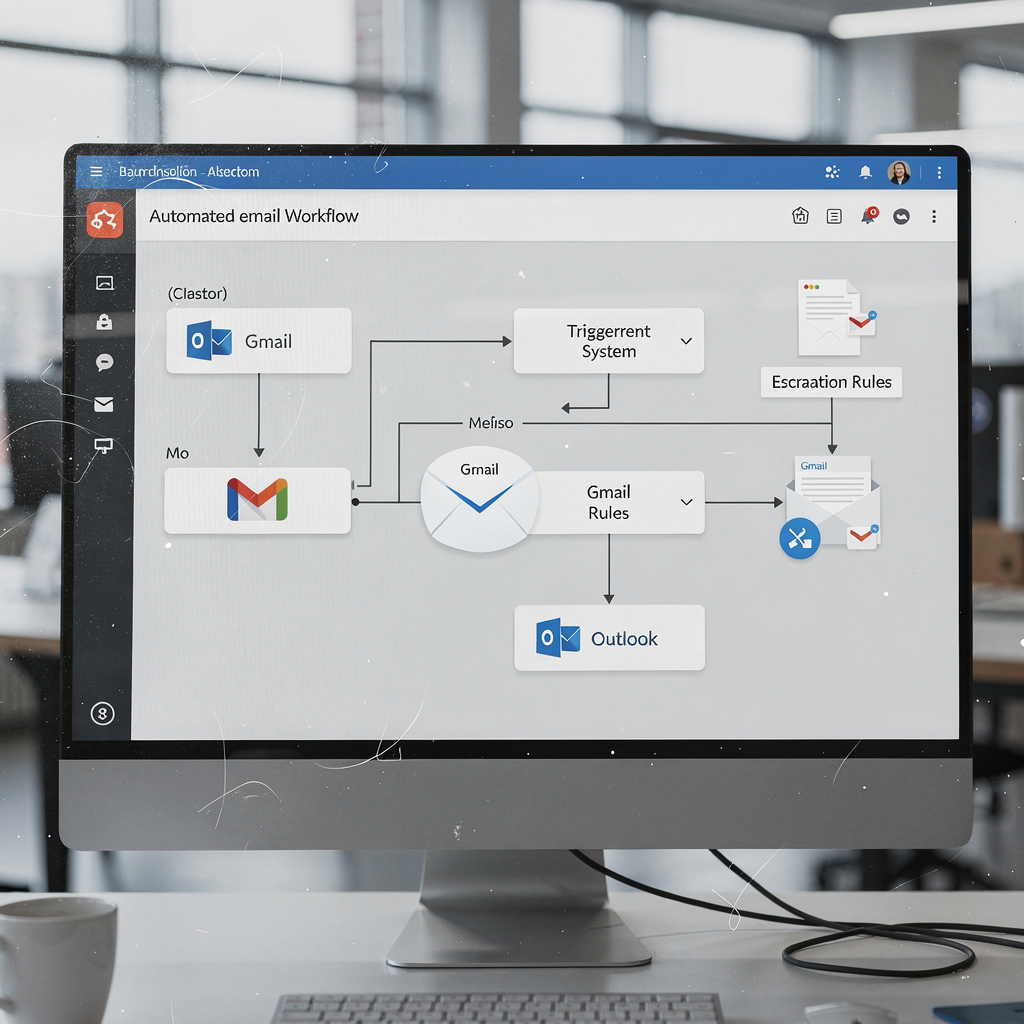
Practical checklist to get started: define automation rules, set safety nets that detect uncertain replies, create escalation paths to human staff, and enforce retention policies for email history. Also, test routing and labels in a pilot. Finally, document who owns each automation and how it interacts with your LMS. These steps help you integrate AI without breaking existing processes.
Drowning in emails?
Here’s your way out
Save hours every day as AI Agents label and draft emails directly in Outlook or Gmail, giving your team more time to focus on high-value work.
personalize personalized learning: Use ai to tailor email replies and email history
Personalize messaging to match learners’ progress and profile. Use cohort segmentation, progress-based messaging and adaptive content recommendations so emails feel relevant. You can dynamically change subject lines and preview text to increase open rates. When emails mirror a learner’s stage and needs, engagement rises. Personalization also supports personalized learning and can improve completion metrics.
Email history is a critical asset. Use past interactions to guide tone, timing and content while respecting retention policies and privacy rules. Thread-aware models read earlier email threads to avoid repetition and to preserve context. That helps when a learner asks follow-up questions or when admissions teams handle long conversations. Store structured metadata so the AI agent can surface past promises, deadlines and attachments when drafting replies.
Measurable gains are achievable and predictable. When messages match learner needs, open and click rates typically climb. Platforms have seen up to a 20% improvement in completion after tailored automation was introduced. Likewise, smooth, timely emails can reduce churn. For compliance, log consent and date-stamped agreements so audits remain straightforward.
Quick templates accelerate deployment. Use a progress nudge that references current module and next steps. For missed deadlines, send a supportive reminder with a short action link. For certification, congratulate and include a verified certificate link. These templates reduce manual drafting and can be generated by an AI email writer, then approved by an instructor. Overall, personalized email communication strengthens learning design and supports learners at scale.
productivity simplify: Choosing the best ai email assistant and best ai email features for teams
Choosing the right solution requires a clear checklist. Look for accuracy, LMS/CRM integration, robust templates, analytics and strong data governance. The best ai email assistant will balance speed and quality. Also consider cost, support and the ease of connecting to operational systems. A no-code setup accelerates rollout and reduces the bit of a learning curve for teams.
Comparison criteria help you shortlist. Evaluate speed of draft generation, factual grounding to ERPs or LMS records, the quality of personalization and vendor support. Compare a candidate against the best ai and the best ai email offerings on the market. Ask vendors for a free trial or an offer a free pilot so you can measure impact on real email tasks. Use a pilot to check whether the solution automates core email types and whether it creates structured data for reporting.
Features that boost productivity include canned personalised replies, scheduling, bulk sends with individualisation and an analytics dashboard that highlights open rates and response time. Built-in AI for tone control and customizable ai prompts matters for institutional voice. Also check for integrations that let the AI fetch learning content and update learner records. virtualworkforce.ai’s approach, for instance, drafts replies grounded in operational data and routes or resolves emails automatically, which reduces manual lookups and increases consistency.
Selection roadmap: run a pilot, measure engagement KPIs, and scale incrementally. Track response time, open/click rates and the reduction in manual email tasks. If a solution fails to meet accuracy thresholds, adjust rules or escalate more quickly to humans. With careful selection, teams will simplify inbox workflows and improve overall productivity.
Drowning in emails?
Here’s your way out
Save hours every day as AI Agents label and draft emails directly in Outlook or Gmail, giving your team more time to focus on high-value work.
ai chatbots ai-driven authoring tool: How to use an ai with authoring tool and ai writing
Pairing an authoring tool with AI unlocks efficient content reuse and timely follow-ups. Use an authoring tool to create core lessons, then use AI writing to generate summaries, course reminders and email follow-ups. The authoring tool stays the source of truth for learning objectives and content, while the AI generates draft emails aligned to those goals. Humans should approve messages to ensure learning objectives remain intact.
Integration scenarios include AI chatbots that answer FAQs and authoring tools that feed course highlights into emails. An AI chatbot can handle routine support like password resets or syllabus questions, while the authoring tool provides referenced content snippets for the AI to include in emails. This chain — authoring tool → LMS → AI email assistant → learner inbox — creates a reliable content flow and reduces manual drafting.
Using AI writing well requires guardrails. Use templates, style guides and validation steps to avoid hallucinations and tone drift. Verify facts against course authoring files and learning materials. Manage bias by reviewing a sample of drafts before broad rollout. Set rules so the AI escalates uncertain queries to humans. These mitigations protect quality and learner trust.

Example tech stack: course authoring platform, LMS, an AI tool that creates drafts, and an AI email assistant that sends or routes messages. Include an email client that supports threading to keep context. Also integrate analytics to measure the impact on engagement and learning outcomes. Use small pilots to test generative ai outputs, then scale once you hit quality and KPI targets.
ai email assistants in 2025: Implement, measure and keep the human touch
Look ahead with a realistic roadmap. Start with a pilot of 4–8 weeks that trains models on anonymised data. Then roll out to a subset of cohorts, monitor results and iterate. Track KPIs such as response time, open/click rates, learner satisfaction and completion rate. Aim for detectable uplifts; some platforms show around a 20% bump in completion after AI communications. Also monitor reduction in manual emails and average handling time.
Compliance and ethics must be core. Respect privacy, consent and data retention rules, especially in the EU under GDPR. Document who can access learner records and how AI decisions are logged. Keep a governance checklist to decide when to automate versus when to escalate to a human. For example, refund requests, academic integrity issues and mental health messages should route to trained staff.
Practical governance: create escalation triggers, define acceptable confidence thresholds, and require human approval for sensitive cases. Also include audit trails so reviewers can trace how a reply was composed and what data sources it used. virtualworkforce.ai’s model shows how end-to-end automation can still provide full control: IT connects data sources and business teams set tone, rules and escalation paths.
Final guidance for long-term use: automate predictable email types, and keep humans for nuance. Use analytics to refine templates and prompts. Integrate AI features into your email client and LMS to streamline email scheduling and improve inbox management. With the right balance, AI supports operations while preserving the human touch that learners value.
FAQ
What is an AI email assistant for elearning?
An AI email assistant is a software agent that automates the lifecycle of learner emails. It drafts, routes and sometimes resolves messages using data from an LMS, CRM or ERP, which helps teams save time and reduce errors.
Which emails should I automate first?
Start with high-volume, predictable emails such as onboarding, progress nudges, assessment reminders and billing notices. These are low-risk and yield quick gains in response time and consistency.
Can AI personalize messages for each learner?
Yes. AI can personalize subject lines, content and timing based on progress and cohort data. This increases open and click rates and supports personalized learning by matching emails to learning needs.
How do I measure the success of an ai email assistant?
Track response time, open/click rates, learner satisfaction and course completion. Also measure reductions in manual email tasks and average handling time to quantify productivity gains.
Are there privacy risks with automating learner emails?
There are privacy considerations, especially under EU/GDPR rules. Always use anonymised training data where possible, document consent and enforce retention policies for email history and personal data.
What integrations matter most?
LMS and CRM connectors are essential so the AI references accurate learner records. Integrations with ERP, document stores and popular email clients like Gmail or Outlook also improve factual grounding.
Do AI chatbots replace instructors?
No. AI chatbots handle routine questions and triage, but instructors remain essential for pedagogical decisions and complex learner support. Human oversight reduces risk and maintains quality.
How do I avoid hallucinations in AI-generated emails?
Use source grounding, templates and style guides. Require human approval for sensitive cases and validate facts against course authoring and LMS data to prevent incorrect statements.
What is a reasonable pilot timeline?
Run a 4–8 week pilot that connects key data sources and tests automation on a subset of email types. Use pilot results to refine rules and measure initial KPIs before scaling.
How can virtualworkforce.ai help my elearning operations?
virtualworkforce.ai automates the full email lifecycle for operations teams, grounding replies in ERP and shared documents and reducing manual lookups and handling time. That helps teams focus on learning design and learner support while maintaining traceability and accuracy.
Drowning in emails?
Here’s your way out
Save hours every day as AI Agents label and draft emails directly in Outlook or Gmail, giving your team more time to focus on high-value work.