


How ai-powered tools help hr teams streamline the inbox and hr email workflows
HR teams face a constant flood of routine messages. AI-powered solutions step in to triage, reply, and organise those messages so HR staff can focus on higher-value work. First, these tools reduce repetitive email work—things like onboarding checklists, policy queries, benefits explanations and follow-ups—so HR professionals spend less time on manual drafting and more time on complex cases. Case studies show AI can cut manual handling time by roughly 30–40%, and speed up response rates, which helps reduce the queue of employees waiting for answers. For example, a study summarising automation in HR highlights improved operational efficiency after AI-assisted email management reported by AIHR.
Use cases are straightforward. An AI assistant can send auto-replies to common queries, produce a prioritised inbox view, and summarise long email threads using email history to preserve context. These features let HR staff see which messages need human judgement, which can be fully resolved automatically, and which require followup. Practical quick picks include Gmail generative features combined with Gmelius for Gmail/Outlook automation and Superhuman for fast triage. If you want to see how an ops-focused platform automates email drafting and routing across systems, check an example from our logistics work automated logistics correspondence.
Start small and expand. Begin with low-risk message types such as policy FAQs and benefits info, then extend to more complex threads once confidence grows. Track response time, reduction in manual emails and employee satisfaction to justify the next phase.
Security and governance matter, so choose enterprise-grade tools that support SSO, encryption, and audit logs. When implemented correctly, AI helps HR teams streamline the inbox and improves consistency, freeing HR staff from repetitive triage and giving your team time to focus on strategic initiatives.
Use ai assistant and virtual hr assistant for faster onboarding and employee onboarding
Onboarding is one area where AI assistant and virtual HR assistant tools show clear ROI. New employees expect timely, personalised messages, and delayed communication can harm early engagement. An AI workflow can send welcome emails, share welcome packs, schedule training invites and followup with reminders automatically. That reduces manual load, ensures consistent tone across messages, and helps new hires complete critical tasks faster. Automating onboarding emails increases new-hire engagement and can improve early retention, which matters given the cost of turnover. IBM notes that AI assistants “help new hires navigate complex information seamlessly, reducing confusion and improving retention rates” IBM.
Tools such as Paradox (Olivia) and Leena AI provide conversational follow-ups and fast clarification for questions about benefits or next steps. Many HRIS and ATS systems include sequence builders that trigger messages based on events like a start date or training completion. To deploy, map the onboarding journey and define triggers for each message. Create templates, test them for clarity, and include a human review step for any message that carries a legal or compliance element. Measure open rates, completion of onboarding tasks and time-to-first-productive-day to quantify gains.
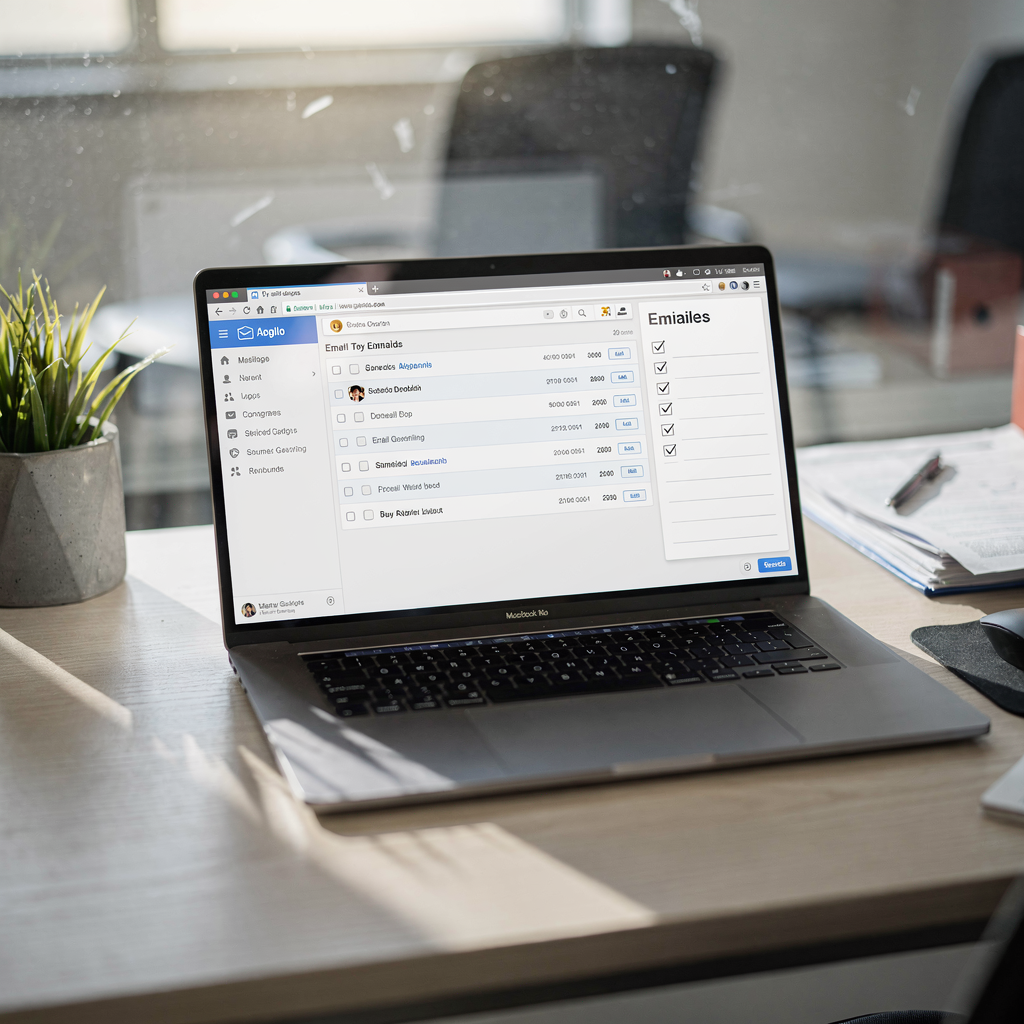
Practical tips include using dynamic fields in templates to personalise messages and ensuring the assistant integrates with your HRIS so events update automatically. Keep one person responsible for process ownership during rollout, and run a short pilot to collect feedback from hiring managers and recent new hires. This helps you refine tone, frequency and the balance between automated messages and human touch. With the right setup, automated email sequences make employee onboarding predictable, measurable and more welcoming.
Drowning in emails?
Here’s your way out
Save hours every day as AI Agents label and draft emails directly in Outlook or Gmail, giving your team more time to focus on high-value work.
Choose the best ai and ai tools that integrate with google workspace and your email builder
Selection matters. When you evaluate options, prioritise data residency and privacy, integration with Google Workspace, customisable templates and audit logs that preserve email history. A tool that can connect to Gmail, Calendar and Drive reduces friction and lets you automate across the full onboarding or policy acknowledgement lifecycle. Google Workspace generative AI features are useful for drafting, while third-party platforms add routing, escalation and enterprise controls. For hands-on guides that show how to automate emails with Google Workspace and AI in an ops setting, see this walkthrough automate logistics emails with Google Workspace and virtualworkforce.ai.
Good AI tools to evaluate include native Google Workspace features, Gmelius, Grammarly Business for AI writing assistance, and HR-focused assistants like Leena and Paradox. Test free tiers to draft templates and run small pilots before moving to paid plans; free trials let teams compare speed and quality without heavy investment. When you move to purchase, confirm support for SSO, revocable scopes for mailbox access, encryption at rest and in transit, and clear policies about whether your hr data trains vendor AI models. Enterprise buyers should ask for enterprise-grade security and audit trails to meet compliance requirements.
Select a platform that supports no-code configuration so HR professionals can own tone, routing logic and escalation rules rather than depend on engineering. Make sure the email builder produces structured data that can feed into performance management and employee development records. Finally, include a checklist: does the tool integrate with your HRIS, support admin controls, provide clear logging, and offer the right balance of AI drafting plus human review? That approach helps you choose the best AI solution for your team.
Apply automation to hr tasks and hr operations to help hr teams and boost productivity
Automation unlocks time for HR staff to focus on meaningful work. Which tasks should you automate first? Start with interview scheduling, follow-ups, policy acknowledgements, reminder sequences and routine queries. Combine an email assistant with workflow tools like native Gmail rules, Zapier or Make and connect them to your HRIS so events trigger the right messages. This stack reduces repetitive tasks, and lets HR professionals handle escalations and sensitive HR issues thoughtfully.
Set a measurable pilot. Run a 6–8 week pilot where you track KPIs such as time-to-response, number of manual emails reduced and hours saved. Report the savings using a simple ROI logic: hours saved times average hourly cost equals labour saving. You can redirect those hours toward employee development or performance management activities. For example, our platform helps teams reduce handling time significantly by automating the full email lifecycle, which shows how targeted automation can save time and get better outcomes across the organization how to scale logistics operations with AI agents.
Implementation steps include mapping the workflow, defining business rules, and creating escalation paths for edge cases. Keep human review for sensitive hr messages, and document every automated step so auditors can trace decisions. As automation expands, create a dashboard that shows response time, policy acknowledgement rates and employee satisfaction. That way, you can iterate fast and keep improving the experience for every employee while ensuring compliance and traceability.
Drowning in emails?
Here’s your way out
Save hours every day as AI Agents label and draft emails directly in Outlook or Gmail, giving your team more time to focus on high-value work.
Governance, best practices and hr support for secure ai email and ai writing in human resources
Governance is essential when introducing AI into HR communications. Require vendor assurances on data use, retention, and whether model training uses your content. Ask for enterprise-grade security, encryption and audit logs, and insist on admin controls, SSO and revocable access to email accounts. Map personal data in emails and follow GDPR or other applicable laws when handling employee communications. For security-minded teams in operations, platforms that ground replies in source systems reduce error and increase traceability.
Adopt best practices: require human review for sensitive hr content, run a template approval workflow, and log AI-generated drafts in email history. Train HR staff on what the assistant handles routine messages for and what must go to a human. Clear guidance should define allowed and forbidden content, escalation routes for edge cases, and expectations for response quality. This change management reduces risk and helps adoption succeed. See implementation examples for ops-focused email automation and governance virtual assistant logistics.
Culture matters as well. Use AI to augment empathy, not replace it, so company culture and individual support remain strong. Provide HR support channels where employees can request human contact, and measure employee satisfaction to ensure the balance is working. With the right governance and training, ai-powered hr systems can handle routine work securely while HR staff focus on the sensitive, human-centred tasks that define good human resources.

Measure employee engagement, hr email outcomes and why hr teams stay with the right tools
Measure what matters. Track open and click rates, acknowledgement rates for hr policies, time-to-response, the reduction in repetitive tickets, and employee satisfaction. These metrics create a clear ROI story: hours saved multiplied by hourly cost shows direct savings, and higher engagement links to retention. Over half of organisations already use AI to improve engagement and satisfaction, which supports investment decisions 52% of organisations use AI. Also, Gallup reports that use of AI at work has nearly doubled recently, showing growing acceptance among employees Gallup.
Run A/B tests on subject lines and templates created by AI writing tools and keep an audit trail in email history to learn from what works. Define exit criteria for tools: failure to meet security standards, lack of measurable productivity gains, or poor adoption among HR staff. If those appear, pause and reassess. For ongoing improvement, schedule quarterly reviews of KPIs and collect user feedback from hr professionals and new hires. That helps you refine triggers and templates.
Finally, remember the human element. AI systems should deliver accurate responses instantly for routine requests, so HR staff can focus on meaningful interactions that shape company culture. When the technology performs, hr teams stay because they can do more of the work they value. Take the first step with a small pilot, measure outcomes, and then scale with confidence—this approach will help HR departments adopt AI responsibly and effectively.
FAQ
What is an AI assistant for HR?
An AI assistant is software that automates routine email tasks and other HR workflows, such as sending policy acknowledgements or onboarding reminders. It helps HR professionals by drafting messages, triaging inboxes and routing complex cases to the right person.
How do AI tools speed up onboarding?
AI tools send personalised, timely messages and reminders, reducing the time new employees spend waiting for information. They also automate scheduling and followup, which increases completion rates for onboarding tasks.
Are AI email systems secure enough for HR data?
Yes, if you select vendors with enterprise-grade security, SSO, encryption and clear policies on data retention and model training. Always require audit logs and contractual assurances about how your HR data is used.
Which tasks should HR automate first?
Begin with low-risk, high-volume tasks like interview scheduling, benefits FAQs, welcome emails and policy acknowledgements. These save time quickly and reduce the load of employees waiting for answers.
Can AI integrate with Google Workspace?
Many solutions integrate directly with Google Workspace to send drafts from Gmail, create calendar events and store documents in Drive. Integration reduces manual steps and keeps data in connected systems.
How do we measure success of AI in HR?
Track open rates, policy acknowledgement rates, time-to-response, reduction in repetitive tickets and employee satisfaction. Convert hours saved into cost savings to demonstrate ROI.
Will AI replace HR staff?
No. AI handles routine email and automates processes, which frees HR staff to focus on strategic and human-centred work. The goal is to augment capacity, not replace empathy and judgement.
What governance is needed for AI in HR?
Implement template approval, human review for sensitive messages, data mapping for compliance, and vendor contracts that clarify data use. Provide training so HR staff know when to rely on AI and when to escalate.
How quickly can we pilot an AI email program?
A focused 6–8 week pilot can show meaningful results: reduced manual emails, faster responses and quantified hours saved. Start with a single use case, measure KPIs, then expand.
Where can I learn more about automating email for operations and HR?
Explore case studies and implementation guides for ops-focused email automation, which often apply to HR processes as well. For examples of end-to-end email automation and routing in operations, review our automated logistics correspondence resources automated logistics correspondence and scaling guides how to scale logistics operations without hiring.
Drowning in emails?
Here’s your way out
Save hours every day as AI Agents label and draft emails directly in Outlook or Gmail, giving your team more time to focus on high-value work.