


How ai and ai tools transform inbox and email management for legal professionals
AI has reshaped how legal professionals handle email, and this shift matters. First, AI automates routine triage and then it speeds up response times. Second, it offers automated drafting, smart prioritisation, thread summarisation and action‑item extraction. Third, it reduces the manual burden so lawyers can focus on substantive legal work. For example, automated drafting produces a fast draft that a partner edits and sends. As a result, response times improve and billable hours grow.
Core capabilities matter. Automated drafting creates an initial draft that captures intent and facts, and then suggests tone adjustments. Smart prioritisation assigns high priority to court notices and urgent client emails. Thread summarisation condenses long conversations into facts, deadlines and a short action list. Action‑item extraction converts items into tasks that populate a practice management to‑do list. These features together streamline inbox flow and reduce time spent on email management by about 30% according to a 2025 technology report Technology and the Future Practice of Law 2025 Report.
A quick example shows value. An associate receives a 15‑message client thread. AI reads past emails, then it summarises the key facts and lists three next steps. The partner reviews the summary and the draft reply. The result: the partner saves time and the client gets a clear answer. This approach turns chaotic inboxes into predictable workflows. In practice, law firms adopt AI email assistants and see faster response rates and fewer missed actions; many mid‑to‑large firms report measurable gains within months The Impact of Artificial Intelligence on Law Firms’ Business Models.
Design notes for legal teams: include short screenshot mock‑ups that show a draft reply, a summary card and priority flags. Also ensure the chosen solution integrates with your document management and calendar. For teams that need an operational example, our approach at virtualworkforce.ai automates the full email lifecycle, and that same pattern applies to legal inboxes where intent, facts and urgency must be exact and auditable.

How legal team workflow can streamline, integrate with case systems and workspace
Legal teams can streamline intake and then link email to matters so work stays organised. A clear end‑to‑end flow looks like this: email arrives, AI tags it to a relevant matter, the system creates a task in practice management, and a human reviews before action. This pipeline reduces duplicate work, and it improves team performance and operational efficiency. By design, automated tagging keeps context attached to a legal matter so the next reader sees the relevant case and prior correspondence.
Integrations matter. When an email is linked to a relevant case in your workspace, attachments flow to the document management system and calendar invites populate with deadlines. Systems that integrate with Microsoft 365 or Gmail or Outlook make this seamless. Firms that integrate AI into case systems report measurable productivity gains within months, and that benefit scales when the AI connects to your document management and management systems (Harvard CLP). For teams that manage complex operational data, examples from operational automation show how deep grounding reduces errors; see an operational case study on ERP email automation for a model of data grounding ERP email automation for logistics.
Practical steps help. First map current inbox workflows and then identify where emails should create tasks or link to documents. Next pilot with a single practice area, such as litigation or contracts, and measure time saved. Also test how the AI tags a legal matter and then routes messages to the right owner. A low‑risk path is to run agents in read‑only mode for a short period so lawyers can confirm mappings. Finally, pick providers that support a document management system and that let you configure rules without coding.
Our platform approach shows how end‑to‑end automation works in practice. virtualworkforce.ai connects to operational data so AI drafts replies that are grounded in systems. For legal teams seeking similar control, begin with a pilot, map workflows and then extend integrations so email is no longer a silo but part of a unified workspace. For further technical examples on automating email workflows with Google, see our free trial and integration guide automate emails with Google Workspace.
Drowning in emails?
Here’s your way out
Save hours every day as AI Agents label and draft emails directly in Outlook or Gmail, giving your team more time to focus on high-value work.
Draft: using automation and best ai to speed drafting, reduce errors and support litigation work
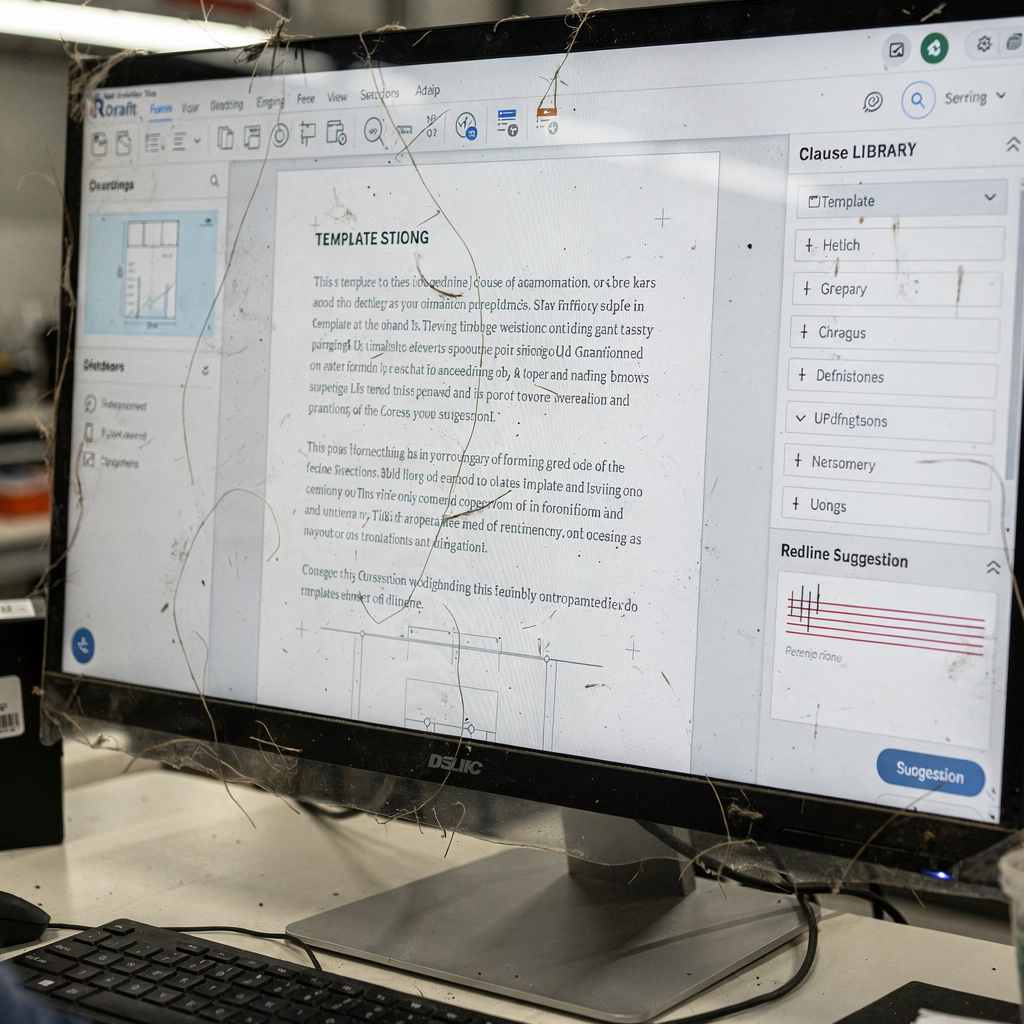
AI and automation speed the drafting process while preserving quality. Automated drafting tools provide templates, clause libraries and tone adjustments so lawyers get a solid first draft fast. For litigation teams, that first draft often contains the correct framing, a proposed next step and relevant dates. Then a lawyer edits, verifies facts and files the final document. This pattern cuts the initial drafting time considerably and improves time to client response.
Use cases include routine emails, discovery correspondence and initial pleadings. A smart draft generator can pull factual data from a linked legal document, and then it suggests a redline or a refined draft. Draft tools benefit from a knowledge base of firm‑approved clauses and past work product so language stays consistent. When teams combine AI drafting with human review, error rates fall and the team produces better outcomes for clients.
Here is a short checklist for where to allow automation and where to require lawyer sign‑off. Allow automation for routine replies, confirmations, calendaring and status updates. Also allow template-based drafting for standardized filings that include dates and client identifiers, provided a lawyer reviews the final step. Require lawyer sign‑off for pleadings, settlement offers, complex legal advice and any content that creates privilege. In addition, include contract review prompts when AI suggests changes, and flag items for manual redline review.
Evidence supports the approach. Firms using AI drafting report faster client responses and reduced drafting time; studies show improved efficiency and reallocated billable time AI Legal Writing: How Lawyers Can Work Faster Without Sacrificing Quality. Use best ai and train models on firm examples. Also maintain a clause library and then update it after each matter so drafts improve over time. For teams that need operationally grounded drafting, virtualworkforce.ai demonstrates how AI agents can draft replies grounded in ERP or document sources and then escalate only when needed.
Legal-specific compliance and why legal teams using thomson reuters‑grade controls matters
Legal practice demands strong controls. Client confidentiality, data residency and audit trails are non‑negotiable. Legal teams must pick AI that supports model governance and that creates an auditable record of decisions and edits. Firms should require encryption at rest and in transit, firm‑level access controls, and clear logging so every action on an email or a legal document is traceable. These features allow compliance teams to review activity and to defend choices if challenged.
Vendors that integrate with established platforms such as Thomson Reuters and that provide enterprise controls reduce risk. The Task Force on Artificial Intelligence (AI) and the Law highlights the need for controls embedded in the workflow and the value of governance models that protect client data Task Force on AI and the Law. A secure integration to a document management system or to a document management platform ensures that documents and email content remain within the permitted systems. For in‑house legal teams, this is crucial when handling privileged material.
Risk mitigation steps are straightforward. First, run a data protection and ethics review before deploying any ai legal assistant or ai email tool. Second, limit model access to approved data sets and require human review for privileged advice. Third, use vendor features that allow you to control data residency and to restrict training on sensitive client content. Also include a process for model updates and for monitoring hallucinations, since legal models can generate inaccurate claims; Stanford benchmarking shows models can hallucinate and thus need oversight AI on Trial: Legal Models Hallucinate.
Finally, combine technical controls with policy. Require sign‑off rules for high‑risk message types. Train staff on when to use AI and when to escalate. For legal departments and in‑house teams, this hybrid approach safeguards privilege and keeps email assistants useful without exposing clients to data risk. Vendors that offer thomson reuters‑grade integrations and enterprise encryption give teams confidence during procurement.
Drowning in emails?
Here’s your way out
Save hours every day as AI Agents label and draft emails directly in Outlook or Gmail, giving your team more time to focus on high-value work.
From legal email triage to client service: prioritise the inbox, summarise threads and prevent missed deadlines for law firms
Prioritisation converts busy inboxes into manageable queues, and that improves client service. AI scores urgency, flags deadlines and then surfaces items that need immediate attention. High‑priority court notices get bumped to the top. Follow‑up reminders convert email action items into calendar prompts, and automated calendar integration reduces the risk of missed deadlines. Teams report about a 25% reduction in missed deadlines related to email workflows after adopting AI assistants (Technology and the Future Practice of Law 2025 Report).
UX design matters when building priority rules. Train models on firm examples so priority aligns with practice realities. For example, classify messages from opposing counsel and from courts as high‑priority. Also teach the model to recognise client emails that require immediate attention and to surface them for partners. This training reduces the risk of missed deadlines, and it improves client communication and response times.
Operationally, use urgency scoring together with follow‑up automation. When AI flags an item, it can create a follow‑up task, add a calendar cue, and then notify the assigned lawyer. For shared inboxes, thread‑aware memory ensures context persists across long conversations so no action is lost. This is especially useful for litigation matter threads where discovery items and deadlines appear over months. A simple rule set can escalate high‑priority items automatically, while routine questions get templated replies.
Client impact is tangible. Faster, more reliable responses increase trust and lead to exceptional client service. For law firms and in‑house teams, the combination of smart triage and task creation means fewer firefights and more predictable delivery. Teams looking to realise these benefits should train models on internal examples and then pilot the priority rules to confirm they reflect real practice. Also use tools that integrate email and calendar so action items become scheduled events and stay visible.
Adoption, measurement and procurement: legal team pilots, free trial options and how to choose the best ai for your firm
Procurement should start small, and then scale. Run a pilot in a single practice area and measure clear KPIs: email handling time, missed deadlines, billable hours regained and user adoption rate. Require a free trial or sandbox so your team can test realistic inbox loads and so you can confirm integrations with Microsoft 365, Gmail or Outlook and with your document management system. A short pilot reduces risk and then it provides real data for a wider roll‑out.
When evaluating vendors, prefer legal‑specific providers or those with clear auditability. Look for on‑prem or controlled cloud options if your firm needs data residency. Also assess how the AI will integrate with your workspace and whether it connects to management systems and to your knowledge base. For teams that need examples of ROI and of operational automation, review case studies that show reduced handling time and improved response speed virtualworkforce.ai ROI example.
Buyers should insist on measurable outcomes. Run baseline measurements for current email handling time and then compare after the pilot. Also track error rate and team satisfaction. Include a vendor checklist for governance features: encryption, audit trails, role‑based access and model training controls. Require a contract clause that prohibits vendor use of your privileged content for model training unless explicitly authorised.
Finally, procurement needs a people plan. Provide training so lawyers understand where automation helps and where human review is mandatory. Emphasise that AI assists lawyers; it does not replace legal judgment. For further operational guidance on scaling without large hires, see a model that explains how to scale operations with AI agents how to scale operations without hiring. Teams that combine governance, training and a measured pilot pick solutions that deliver better outcomes and that protect client privilege.
FAQ
What is an AI email assistant for legal firms?
An AI email assistant is software that uses AI to triage, draft and route messages for legal teams. It automates routine tasks while keeping humans in control of legal advice and privileged communications.
How does AI improve email management for law firms?
AI improves email management by prioritising urgent messages, summarising long threads and creating draft replies. As a result, lawyers spend less time on routine tasks and more time on substantive legal work.
Are AI email assistants secure enough for client emails?
Security depends on vendor controls such as encryption, access logs and data residency options. Firms should require audit trails and run a data protection review before deployment.
Can AI draft pleadings or final legal documents?
AI can create initial drafts and suggest language, but lawyers must review and finalise pleadings. Never publish AI drafts without lawyer sign‑off to preserve work product and privilege.
How quickly do law firms see benefits after adopting AI?
Many firms report measurable productivity gains within months, and some studies cite up to a 30% reduction in time spent on email tasks (2025 report). Pilots often show rapid improvements in handling time and response rates.
What KPIs should legal teams track during a pilot?
Track email handling time, missed deadlines, billable hours regained and user adoption. Also measure error rates and client satisfaction to capture qualitative benefits.
How do AI tools handle confidential or privileged content?
Vendors should provide model governance, role‑based access and options to block training on privileged data. Firms must include contractual protections to stop unauthorised model use of client content.
Can AI integrate with my firm’s case management and document systems?
Yes, many solutions integrate with document management systems and calendars to link emails to matters and to create tasks. Confirm integration support during procurement and test in the pilot.
What types of emails are best for automation?
Routine tasks, confirmations, status updates and scheduling emails are ideal for automation. Complex legal advice and settlement negotiations should remain under lawyer control.
How do I choose the best AI for our legal team?
Run a small pilot, require a free trial, and measure the KPIs that matter to your firm. Prefer vendors with legal‑focused controls, clear auditability and strong integration options. Assess training, governance and how the tool supports exceptional client service.
Drowning in emails?
Here’s your way out
Save hours every day as AI Agents label and draft emails directly in Outlook or Gmail, giving your team more time to focus on high-value work.