


AI email management made simple: how an ai email assistant can automate your inbox
AI can take the heavy lifting out of everyday email for maintenance teams. First, an AI email assistant reads incoming emails and classifies intent. Then it extracts key fields such as asset ID, location, reported symptom and contact details. Next it tags urgency, suggests a short draft reply and can create a work order automatically. This flow reduces manual triage and lowers the chance of missed maintenance request. Also, teams get faster acknowledgement and clearer ownership.
AI-powered inbox management can also match messages to equipment history and spare parts lists. For example, an AI agent can tag an email about repeated bearing noise, look up the bearing part number, and surface the last repair note. This grounded context helps the technician respond correctly. For research on predictive maintenance that reduces unexpected failures, see how Siemens applies AI to predict problems and cut costs here. Also, predictive patterns in equipment email and logs are well documented in industry writing here.
Key facts matter when you prioritise an investment. AI adoption across industries is growing fast. One estimate shows AI expanding at about a 36.6% CAGR from 2023 to 2030 (source). Therefore, early pilots can create measurable advantage. For maintenance teams, the concrete promise is fewer missed requests, faster acknowledgement, and far less manual entry. In practice, an incoming email is parsed, data is normalised, an entry is created in your system, and an acknowledgement is sent within minutes. This reduces admin time per message dramatically. virtualworkforce.ai automates this full lifecycle, so operations teams save time and gain consistency. Finally, to see how AI ties to data governance and accuracy, read this industry perspective here.
From email to work order: a workflow that routes and drafts using an ai assistant and an email management tool
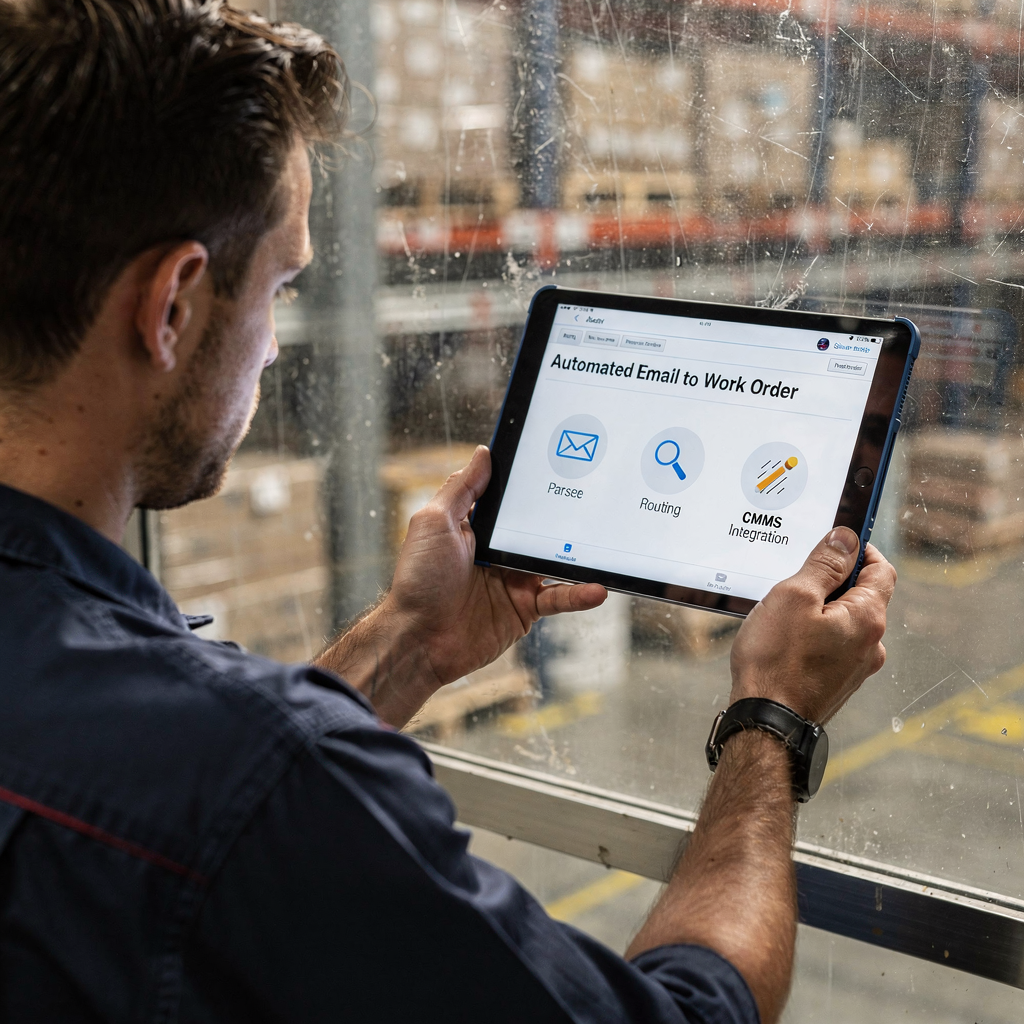
Begin with a clear stepwise workflow. First, the AI agent parses the incoming email to extract asset tags, location, and urgency. Then it maps that data to the equipment record in the CMMS. Next, it sets priority using SLA rules and assigns a technician. After that, the AI will draft a reply, and push the structured data into the maintenance record. This chain reduces double handling and keeps all teams aligned. For an example of automation that creates and routes service requests, see FlowPath and similar Conduit-style automation examples here. Also, vendors show how shared inbox patterns connect to workflow systems; tools such as Gmelius or Superhuman give different approaches to team email and drafting.
Routing rules should be simple and testable. Route by location, asset type, SLA, or technician skill. Use sender validation to avoid spam and false positives. Also use an approval gate for high-cost jobs. If an email matches a safety or contract job, route it to a human reviewer before any purchase order is created. A reliable asset master is essential; without it the AI will guess and errors will rise. For teams using Gmail or Outlook, integrations can be set up so the AI drafts inside the familiar interface. See how to automate logistics emails with Google Workspace and virtualworkforce.ai here.
An example flow is simple. An incoming email reports a leak. The AI parses the text, finds the asset tag, checks the last 12 months of history, marks the priority as high, creates a work order entry and drafts an acknowledgement to the sender. The technician receives the task and the message thread is attached. Also, the system logs every action for audit. To avoid errors, maintain a validation step and run a short pilot in parallel with live traffic. This helps tune parsing rules and routing. Finally, integrating with your CMMS API keeps records synchronized and audit trails intact.
Drowning in emails?
Here’s your way out
Save hours every day as AI Agents label and draft emails directly in Outlook or Gmail, giving your team more time to focus on high-value work.
Choosing the best ai email assistants and top ai email assistants for maintenance teams
Pick tools by capability, not hype. First, check NLP accuracy for short, terse maintenance emails. Second, confirm CMMS and CRM integration depth. Third, test routing and audit trail features. Also, check security and compliance. For enterprise work, enterprise-grade security and SOC 2 reports are non-negotiable. For GDPR compliance and data privacy, ensure your vendor documents controls. virtualworkforce.ai focuses on grounded answers inside operational systems and keeps a full thread-aware memory, which reduces context loss in shared inboxes.
Evaluate best ai email assistants on a short list. For speed of drafting and single-user productivity, products like Superhuman are known for quick draft suggestions. For team inbox workflows, tools such as Gmelius or Missive support shared ownership. For maintenance-specific automation that converts email to tasks, specialist platforms offer built-in CMMS connectors and audit logs. You can also use a lightweight email management tool with a CMMS connector, or choose a single platform that natively converts email to actionable tasks. For a logistics-focused take on drafting, see email drafting solutions for logistics teams here.
Run a pilot to compare options. Set a 2–4 week parallel test on a sample inbox. Measure classification accuracy, time to acknowledge, and time saved per message. Use a small set of real incoming emails. Also, include sentry checks for false positives and unexpected routing. If you want to test generative AI drafting alongside structured routing, use a controlled free trial and restrict outbound messages while reviewing drafts. Finally, remember to measure measurable roi with clear KPIs and realistic targets.
Integration and software tool choices: email management software, management tool and software tool that match maintenance use cases
Integration matters more than slick copy. First, confirm your CMMS API access. Second, confirm asset master availability with consistent asset IDs. Third, require SAML/OAuth authentication and webhook support. Also, ensure the email parser can handle long threads and attachments. A robust integration checklist reduces surprises during rollout. For practical guidance on tools that support logistics correspondence automation, read this related guide here.
Choose either a best-of-breed email management software paired with a connector, or a single platform that does both. Pairing a lightweight inbox AI with a CMMS connector keeps systems modular. Conversely, a single platform that natively converts email into tasks can reduce integration overhead. Required data includes asset IDs, location lists, technician skills, SLAs and historical logs for predictive features. Also, consider including a small catalogue of approved spare parts to speed triage.
Risk controls are essential. Start with rate limiting on automated actions. Then add manual approval gates for jobs above an agreed cost. Also log every automated decision for audits and training. For compliance, demand SOC 2 evidence and a clear stance on GDPR and data privacy. Make sure the vendor supports a browser extension or native Gmail/outlook integration for ease of use. Finally, verify your chosen software tool offers role-based access and can export logs for long-term retention.
Drowning in emails?
Here’s your way out
Save hours every day as AI Agents label and draft emails directly in Outlook or Gmail, giving your team more time to focus on high-value work.
Measure productivity: email productivity, productivity gains and KPIs to track after you automate
Measure what matters. Track time to acknowledge, time to assign, and time to resolve. Also measure percent of auto-created work orders, classification accuracy and downtime reduced. Baseline current averages first. Then set realistic targets, such as 30–50% faster acknowledgements and a drop in admin hours. For predictive maintenance returns, Siemens reports meaningful reductions in unexpected failures and operational costs when AI predicts issues here.
Core email productivity KPIs should include average handling time per incoming email, number of duplicate maintenance request avoided, and percentage of threads that required human escalation. For measurable roi, include downtime savings, lower admin headcount and faster mean time to repair. virtualworkforce.ai customers often report reduced handling time from around 4.5 minutes per message to about 1.5 minutes. This drives clear operational savings and better technician utilisation. Also, track classification accuracy and auto-reply quality as part of regular reviews.
Set reporting cadence. Run daily dashboards for urgent items. Run weekly reviews for routing accuracy. Then run monthly ROI assessments with finance. Use simple targets in early stages. For example, aim for 40% reduction in time to acknowledge within 90 days. Also track manual override rate so you can tighten rules without harming service. Finally, combine these reports with predictive signals from historical logs and generative AI models to spot trends before they become failures (example).

Practical rollout: templates, writing tools, routing rules and a step-by-step plan
Begin with a short launch plan. First, map requirements and list the data you need. Second, select a pilot inbox and pick representative incoming emails. Third, configure parsing and routing rules. Fourth, integrate with the CMMS and test API flows. Fifth, run tests and tune models. Sixth, train staff and scale the solution. This phased approach keeps risk low and delivers value quickly. For teams focused on logistics and operations, see how virtualworkforce.ai scales email automation without added hires guide.
Prepare sample artefacts in advance. Create email templates for automated acknowledgement and status updates. Create a routing rule table that maps locations to teams and a short error‑handling SOP for misrouted requests. Use writing tools to draft consistent replies, but enforce review for safety or contract work. Also, use a writing assistant and a copilot for standard replies, while restricting automated sends during initial weeks. For a practical comparison with single‑user speed tools, see best Superhuman alternatives and why teams choose different patterns here.
Define final checks before scaling. Set an accuracy target such as classification ≥ 90% before full switch. Also set manual override rate under a practical threshold. Complete a security review including SOC 2 evidence and GDPR data privacy checks. Run a short free trial if offered, and measure results on real incoming emails. Finally, involve frontline technicians early and iterate on tone, templates and routing. This keeps the system helpful and trusted, and improves team productivity without surprises.
FAQ
What does an AI email assistant do for maintenance teams?
An AI assistant reads incoming emails, extracts structured data, and suggests or sends replies. It also links messages to equipment records and can create a work order or task in the CMMS.
How do I start a pilot for AI email automation?
Pick one shared inbox with representative incoming emails. Run the AI alongside current processes for 2–4 weeks. Measure classification accuracy and time saved, then adjust rules and scale.
Which KPIs matter most after automation?
Track time to acknowledge, time to assign, time to resolve and percent of auto-created tasks. Also measure classification accuracy and downtime reduction for measurable ROI.
Can AI draft replies inside Gmail or Outlook?
Yes. Many options support Gmail or Outlook integration so drafts appear inside the familiar interface. This keeps ease of use high for agents and technicians.
What integrations should I require?
Require CMMS API access, asset master data, SAML/OAuth authentication and webhook support. These ensure data sync, secure access and reliable routing.
How do you prevent false positives and spam automation?
Use sender validation, confidence thresholds and manual approval gates for high-cost jobs. Also log and review low-confidence matches regularly.
Is data privacy a concern with AI in email?
Yes. Check vendor SOC 2 reports and GDPR controls. Ensure the provider documents data privacy and has clear retention and access policies.
What measurable ROI can I expect?
Targets vary, but many teams aim for 30–50% faster acknowledgements and a drop in admin time per message. Predictive scenarios can also reduce downtime, as seen in industry cases.
Which tools work well for team inbox workflows?
Shared inbox tools like Gmelius and specialist platforms offer team collaboration features. Choose based on integration depth with your CMMS and audit needs.
Can AI help with long email threads and historical context?
Yes. Thread-aware AI retains conversation memory and pulls context from past emails and maintenance logs. This reduces rework and speeds decision making.
Drowning in emails?
Here’s your way out
Save hours every day as AI Agents label and draft emails directly in Outlook or Gmail, giving your team more time to focus on high-value work.