


AI in maritime logistics: how AI email assistants streamline inbox management
First, an AI email assistant reads incoming messages and sorts them. Next, it will tag and priority-route each message based on sender, subject, and content. Also, the assistant extracts key fields such as booking refs, ETAs, and BL numbers so staff avoid manual data entry. Then, the tool will place extracted fields into the right columns in a management system for quick reference. Therefore, response chains shorten and human error drops. In one study researchers wrote, “Email is an extremely widespread form of communication used today on ships,” which explains why an email-first approach makes sense “Email is an extremely widespread form of communication used today on ships”. Also, case studies report up to a 3x ROI from AI assistants in logistics, which makes the investment compelling for many operators 3x ROI from AI assistants in logistics. Next, automated extraction reduces manual data entry and cuts error rates when processing bills of lading and crew notices. Then, an AI-powered assistant can confirm a booking or send a crew notice automatically, which lowers repetitive tasks for staff. In practice, the assistant will mark urgent emails, tag follow-ups, and push alerts to the right team. For teams using a shared inbox or shared email setup, this creates a single source of truth and clearer ownership for each email thread. Also, shipping offices see shorter response times and less duplicated effort when an ai system handles first-pass filing and tagging. Finally, the combination of email management and targeted extraction makes the inbox a source of structured, actionable records rather than scattered messages. Companies exploring this approach can read implementation details and examples on how to automate logistics email drafting and responses with an ai assistant for logistics logistics email drafting AI.
Automation and workflow automation: reduce workload for logistics teams with email automation
First, automation reduces repetitive tasks such as acknowledgements, status replies, and document requests. Also, teams can automate routine confirmations and standard replies with email templates. Then, when repetitive tasks are removed, workload on the frontline falls. Therefore, a single team member can focus on exceptions rather than routine messages. Next, pilots in broader logistics contexts reported a roughly 20% reduction in delivery delays when AI monitored routes and triggered rescheduling automatically 20% reduction in delivery delays in logistics pilots. Also, AI systems lower handling time per email by preparing context-aware drafts and reducing manual copy-paste between systems. The practical steps to start are simple. First, map current workflows and note high-volume email threads. Second, define escalation paths and automation rules. Third, pilot on a single mailbox, measure improvements, then expand. In a pilot, teams often see fewer open threads and faster case resolution because routine cases close automatically. Also, email automation for logistics cuts the number of manual entries and speeds up document routing. Finally, you can tie an AI assistant to your existing management system and let it apply business rules without heavy IT work. virtualworkforce.ai provides no-code ai agents that draft replies, ground answers in ERP/TMS/TOS/WMS, and let teams control behavior without prompt engineering. For practical how-to guides and examples of automated logistics correspondence, review the deployment notes and templates available at a logistics automation resource automated logistics correspondence. In short, workflow automation and targeted automation reduce the repetitive load and let logistics teams handle exceptions faster and with fewer errors.

Drowning in emails?
Here’s your way out
Save hours every day as AI Agents label and draft emails directly in Outlook or Gmail, giving your team more time to focus on high-value work.
Use cases and freight: real-time notifications, document extraction and fleet management
First, concrete use cases show where AI produces value fast. Also, an AI assistant can send real-time ETA notifications to customers and ports when tracking updates change. Then, the assistant can extract customs paperwork and route it to the right compliance officer. Next, for freight teams the assistant reduces manual data entry when bills of lading or booking confirmations arrive. Therefore, downstream systems such as a WMS receive normalized fields rather than raw text. Also, the assistant supports fleet management by parsing vessel characteristics and feeding them into voyage management system records. In practice, linking email extraction to live IoT feeds and vessel tracking creates a data-driven notification flow that triggers reschedules or alerts rapidly. For crew communications, the system can draft crew notices and forward confirmations automatically while keeping an audit trail. Also, exception handling improves because the assistant flags critical information, suggests a course of action, and hands off complex cases to humans. One vendor case study shows how an ai-enabled virtual assistant reduced delays and raised on-time performance by watching congestion and advising rescheduling ai-enabled VA reduced delivery delays by 20%. For freight teams that want to explore use cases and tools, a guide on AI in freight logistics communication collects practical examples and vendor approaches AI in freight logistics communication. Finally, an assistant that ingests emails and feeds a central dashboard lets planners see the full picture and act faster. In many deployments, this lowers handling time per email while improving accuracy and compliance across the maritime industry.
Integrations: connect WMS, dashboard and other AI tools to transform your logistics email
First, integrations make parsed email data actionable. Also, key integrations include WMS, TMS, vessel tracking, port systems, and analytics dashboards. Then, APIs and webhooks let the AI email platform populate records and trigger downstream processes. Next, a connector will push extracted booking refs and shipment data into the ERP while logging the original email in the email memory. Therefore, teams get an audit trail and a single source of truth for every correspondence. Also, Sedna and similar collaborative platforms offer industry-tuned inbox organisation and sector model tuning for shared workflows examples of collaborative inbox integration. In addition, no-code ai options mean business users set rules and templates without engineering tickets. The integration of ai with on-prem systems, third-party APIs, and cloud dashboards creates a system that can delegate routine replies, update a WMS, and send an alert when exceptions occur. Also, this setup lets you connect vessel characteristics, tracking updates, and customs events into the same thread view. Teams can configure automation rules so that a change in ETA triggers a confirmation and a notification to customers. Finally, a well-connected email platform reduces manual data entry and improves consistency across email accounts. For teams seeking vendor comparisons, consider vendor pages that discuss erp and email memory fusion and the benefits of a data-driven inbox ERP and email memory. In short, practical APIs, an SQL-accessible data layer, and a dashboard combine to transform your logistics email into a reliable operations source.
Drowning in emails?
Here’s your way out
Save hours every day as AI Agents label and draft emails directly in Outlook or Gmail, giving your team more time to focus on high-value work.
Inbox management and shared inboxes: how maritime teams and logistics teams collaborate using an AI-powered email tool
First, shared inboxes create a single place for ship and shore staff to coordinate. Also, assigning threads to a named person gives clear ownership and reduces duplicate replies. Then, an ai-powered email assistant suggests the best owner and offers draft replies grounded in historical exchanges. Next, threaded context and email templates keep answers consistent across multiple email accounts. Therefore, handovers become faster and compliance improves because every action is logged. Also, this reduces workload for on-call staff and makes it easier to audit maritime communication. In practice, configure roles, set routing rules, and combine AI suggestions with human review for high-risk messages. Additionally, shared inboxes preserve critical information from long email threads and provide a single source of truth for maritime teams and logistics professionals. For practical tips on shared workflows and how to scale without hiring more staff, see guidance on how to scale logistics operations with AI agents scale logistics operations with AI agents. Finally, the best setups allow team members to accept or edit drafts before sending. This gives control, keeps tone consistent, and helps reduce manual work. The result is better email handling, faster confirmations, and improved customer service for maritime companies and logistics company back offices alike.
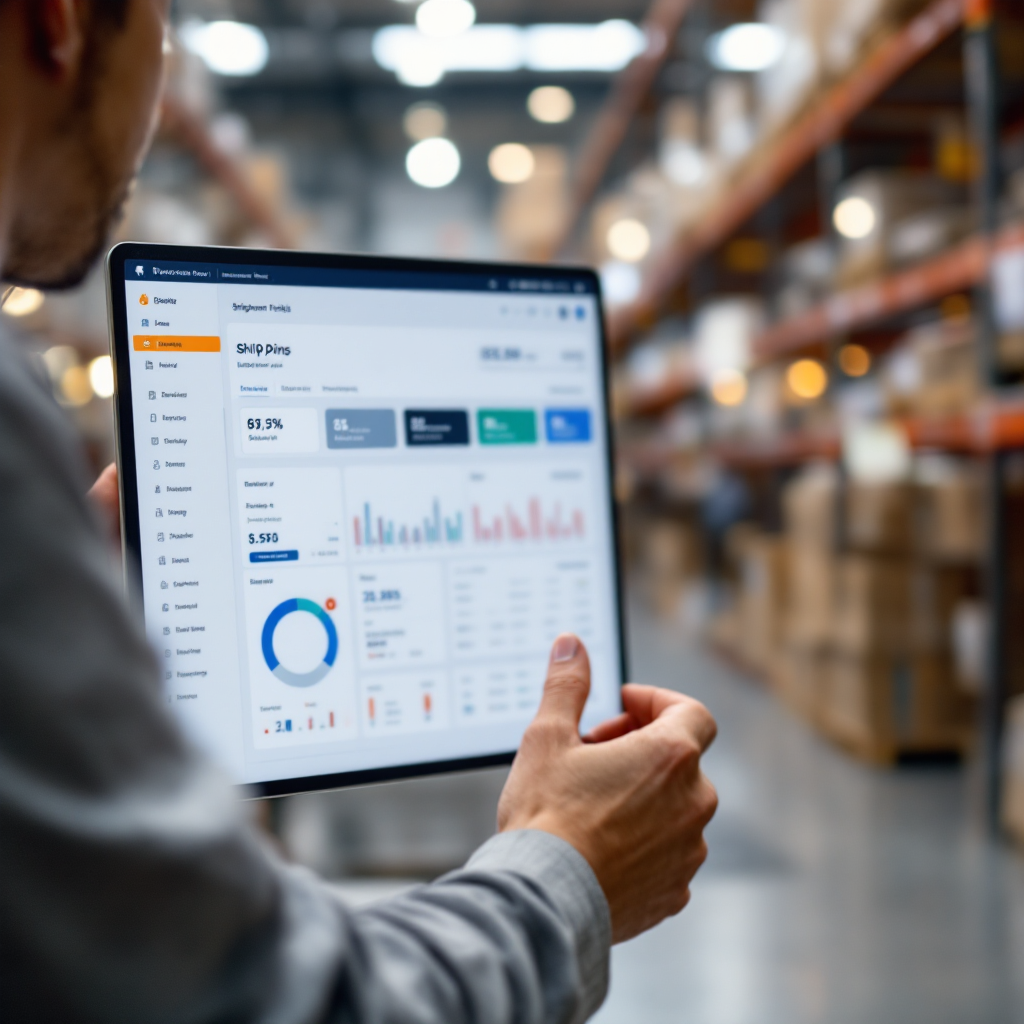
Adoption, ROI and getting started: pilot, free trial and measured gains from AI assistants in the maritime industry
First, run a short pilot on a high-volume mailbox to measure gains. Also, choose a shared inbox with many customer inquiries and tracking updates. Then, define KPIs like handling time per email, percentage automated, and number of manual data entry actions avoided. Next, measure response times and how often the system prevented a missed confirmation. Also, many logistics pilots report strong ROI; leading case studies show roughly a 3x return through cost savings and automation improvements 3x ROI case studies. In addition, a free trial can prove efficiency before large rollout. virtualworkforce.ai publishes results where teams cut handling time from ~4.5 minutes to ~1.5 minutes per email after deployment. Therefore, track staffing hours saved, error reduction, and impact on delivery delays. Next, plan IT tasks: approve connectors, set access controls, and confirm integration with ERP/TMS/WMS. Then, give business users control of tone, templates, and escalation paths via a no-code ai interface. Also, keep an audit trail and role-based access to meet regulatory needs. Finally, after a successful pilot, expand to other inboxes and connect more systems such as the voyage management system and the management system for cargo manifests. If you want templates and a step-by-step rollout, review a how-to guide on automating logistics emails with Google Workspace and virtualworkforce.ai automate logistics emails with Google Workspace. In short, start small, measure precisely, and expand once the numbers prove value.
FAQ
What is an AI maritime email assistant?
An AI maritime email assistant is software that reads and acts on inbound messages for shipping operations. It extracts key fields, drafts replies, and routes messages to the right team member.
How quickly can teams see ROI?
Many pilots report measurable ROI within weeks for high-volume mailboxes. For example, logistics case studies have shown up to a 3x ROI from cost savings and automation improvements 3x ROI study.
Can the assistant reduce delivery delays?
Yes. Some pilots in logistics reported about a 20% reduction in delivery delays by monitoring congestion and triggering reschedules 20% reduction example. Real-time alerts and automated rescheduling help prevent late shipments.
Does this require heavy IT work to integrate?
No-code ai options let business users configure behavior without deep engineering. However, IT still approves connectors and ensures secure access to ERP and WMS systems for safe data handling.
Is there a free trial available?
Many providers offer a free trial or short pilot so teams can measure time saved and error reduction. Running a free trial on a busy inbox is a low-risk way to prove value.
How does the assistant handle sensitive crew notices?
Assistants can be configured with role-based access, redaction, and audit logs to keep sensitive maritime communication secure. Human review can be required for high-risk or regulated messages.
Can the assistant connect to WMS and TMS?
Yes. APIs and webhooks let parsed email fields populate a WMS or TMS, which makes emails actionable data for planners and operations staff. Integrations enable a data-driven workflow.
What about shared inboxes and handovers?
Shared inboxes with AI suggestions reduce duplication and clarify ownership. The assistant can assign threads, keep a single source of truth, and log every action for easy handover.
Which metrics should we track in a pilot?
Track handling time per email, percentage of emails automated, number of manual data entry actions avoided, and impact on shipment or delivery KPIs. Those numbers show direct operational impact.
Where can I find examples and implementation guides?
Practical guides and vendor comparisons are available that cover automated correspondence, email drafting, and how to scale logistics operations without hiring. See resources on automated logistics correspondence and AI in freight communication for further reading automated logistics correspondence.
Drowning in emails?
Here’s your way out
Save hours every day as AI Agents label and draft emails directly in Outlook or Gmail, giving your team more time to focus on high-value work.