


AI assistant: why mining firms need an ai email assistant for inbox and email management
First, mining firms face heavy email volumes every day. Next, those emails reach many stakeholders across sites and offices. Also, teams must track permits, supplier invoices, safety reports, and regulator filings. Consequently, an AI email assistant can triage messages fast. For example, case reports cite teams spending around 30% less time on email after deployment, which frees operational staff to focus on field work Data Analytics Applied to the Mining Industry. Therefore, mining companies gain measurable benefits. Specifically, companies report up to 20% gains in productivity and up to 15% reductions in costs from broader AI adoption industry research. However, savings depend on chosen use cases and governance.
First, define the problem. Mining inboxes hold long email chains, multi-party threads, and unstructured attachments. Next, determine target users. Operations leads, safety officers, procurement teams, and site managers benefit most. Also, an ai assistant can label intent, route messages, and draft replies. virtualworkforce.ai builds AI agents that automate the full lifecycle of operational email, and this reduces time per message significantly. In practice, teams see faster incident escalation, fewer missed regulatory deadlines, and better supplier coordination across sites. For example, claims about broad AI uptake in the sector show over 60% of U.S. firms using AI in operations AI turbocharges US hunt for minerals, fossil fuels – POLITICO Pro.
Next, quantify expected gains. Track response SLAs, followup completion rates, and time to closure. Also, measure reduced manual handling and fewer misrouted emails. Finally, choose a pilot that targets the highest impact processes. For practical templates and logistics-focused examples, teams can review a related guide on virtual assistant logistics to see how similar inbox automation applies to field operations virtual assistant logistics. Thus, a focused pilot creates quick wins and builds trust across teams.
Workflow automation: automate followup with ai-driven email automation to streamline operations
First, list common workflows to automate. For mining operations these include followup reminders, permit approvals, vendor confirmations, and maintenance scheduling. Next, pair rule-based triage with summarisation to surface actionable items. Also, the assistant can draft replies and suggested SLAs. For example, automatic followup drafts reduce repetitive drafting and help standardise tone and content. Specifically, teams can set escalation windows and let the virtual assistant place reminders when no reply arrives. This helps reduce missed deadlines and payment delays.
Next, use patterns that combine rules and AI. First, a rule-based filter sorts inbound emails by process, urgency, and site. Then, a natural language summariser extracts the task and key dates. Also, add a short approval path so managers can approve pending permit language in one click. For deeper authoring, integrate a natural language authoring model for drafts. virtualworkforce.ai handles intent classification, routing, and generates drafts replies grounded in ERP or other systems. This reduces time spent on manual lookups and improves consistency. For implementation examples that focus on logistics and drafting, see the guide to logistics email drafting with AI logistics email drafting with AI.
Then, track the right metrics. Measure response SLA, followup completion rate, time-to-closure, and reduction in manual touchpoints. Also, track the number of automated followups sent and the percentage that resolved without human edits. Use these KPIs to refine rules and templates. Finally, collect feedback from users weekly during the pilot. This supports adoption, and it helps the assistant learn expected tone and defect patterns. As a result, automation improves and teams gain confidence in change.
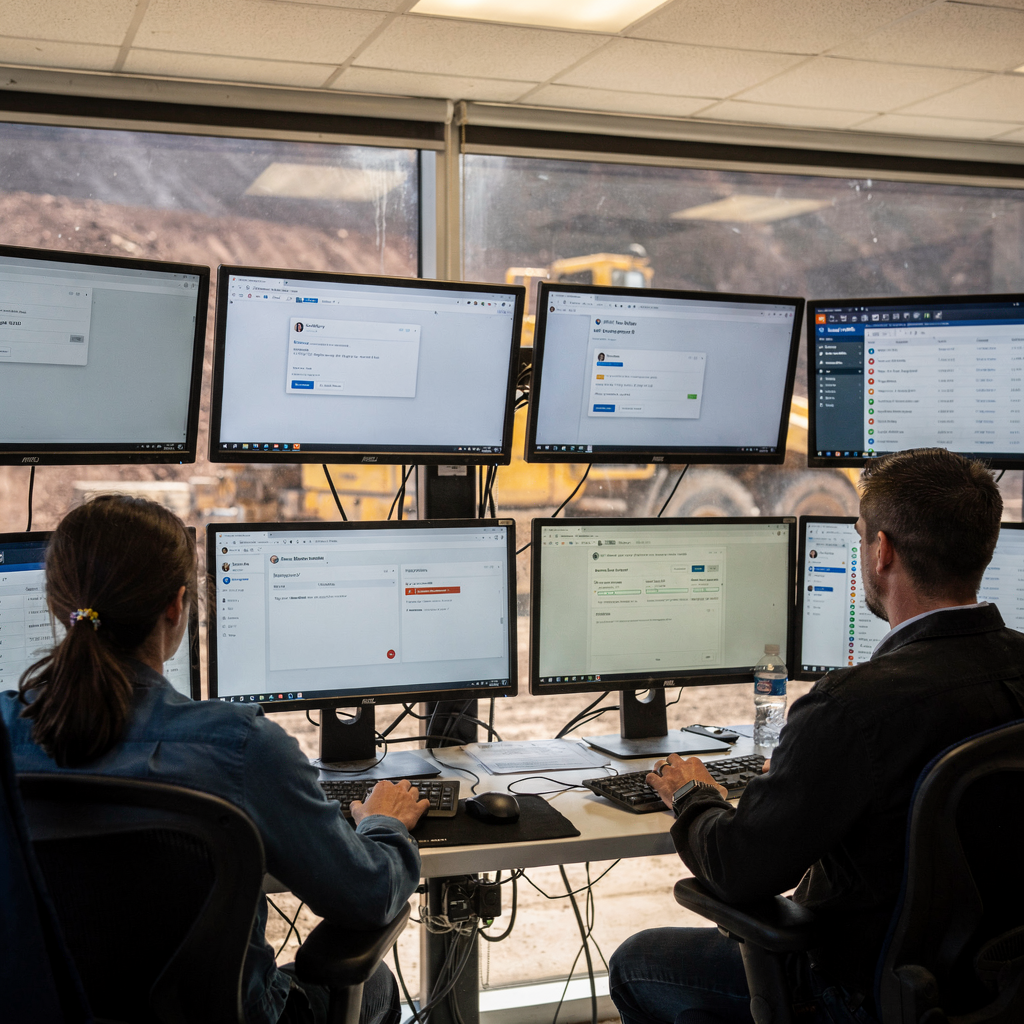
Drowning in emails?
Here’s your way out
Save hours every day as AI Agents label and draft emails directly in Outlook or Gmail, giving your team more time to focus on high-value work.
Integration: link the ai agent with ERP, Google Workspace, Microsoft Copilot and Gemini for unified data flow
First, integrations matter. Connect to ERP for work orders and inventory. Also, link Google Workspace for calendar events and Drive attachments. Next, add Microsoft Copilot or Gemini for authoring and enterprise search. For example, ensure two-way sync so emails can update ERP records for PO status and maintenance logs. This way an AI agent creates or updates tickets autonomously and pushes updates to project dashboards. To learn more about how email can update operational systems in logistics contexts, explore ERP email automation for logistics ERP email automation for logistics.
Next, design API patterns for reliable flow. First, secure API integrations must grant least privilege access. Then, use idempotent endpoints so retries do not duplicate records. Also, maintain an audit trail so actions are traceable. Use ai models for summarisation and intent, while the integration layer maps the result to ERP fields. For authoring, combine microsoft copilot with internal models, and use gemini for search when appropriate. Also, mention openai where external LLM inference is part of the stack, and ensure logging and redaction for compliance. This approach reduces manual data entry and helps teams find information faster.
Finally, practical outcomes are clear. For instance, automated emails can create or update tickets, attach task lists, and surface them on site dashboards. Also, sync updates let field teams see PO changes and inventory counts in near real time. As a result, communication processes tighten and the inbox becomes a source of truth for operations. Use robust api connections and expect to iterate mappings during the pilot phase.
See how Google Workspace ties into email automationData security: secure inboxes, protect ERP/customer support data and activate AI safely
First, treat data security as a top operational requirement. Therefore, deploy enterprise grade controls across mailboxes and systems. Also, enable encryption in transit and at rest. Next, use tenant isolation and role-based access so only authorized users and agents can see sensitive threads. For audit purposes, preserve records and implement an audit trail for actions taken by the assistant. Use vendor certifications like ISO 27001 and SOC2 as part of vendor selection criteria. In addition, consider automatic redaction of personal identifiers before sending data to external models.
Next, address privacy and data and legal compliance. For mining firms operating across jurisdictions, map requirements such as gdpr and local recordkeeping laws. Also, include retention policies and secure exports for regulators. Use controls to protect sensitive fields and mask confidential lines in outbound drafts. For risk management is critical when enabling AI on regulatory communications. Therefore, start with a narrow pilot, log every decision, and require manual checks for high-risk replies.
Then, apply technical mitigations. First, encrypt mailboxes and enforce multi-factor authentication. Next, limit agent access to only the mailboxes required and use fine-grained permissions for ERP updates. Also, apply Concentric-style filters or equivalent to block PII before model calls. Finally, run a security audit prior to wide rollout and include compliance teams in design. For operational teams wanting a checklist of integration and security readiness, review the virtualworkforce.ai ROI and deployment guidance for logistics pilots deployment and ROI guidance.
Drowning in emails?
Here’s your way out
Save hours every day as AI Agents label and draft emails directly in Outlook or Gmail, giving your team more time to focus on high-value work.
Use case: ai agent in the field — customer support, compliance alerts and actionable summaries
First, imagine a mine site receiving an equipment error email at night. Next, an ai agent reads the message and summarises the fault into an actionable ticket. Also, it finds the past interactions and relevant manuals, then attaches the extract to the ticket. The result is a concise, actionable brief for the on-site crew. This reduces time to diagnosis and gets specialist teams mobilised sooner. For customer support and supplier dispute handling, the agent drafts clear responses that include invoice and PO references. This improves supplier relations and payment accuracy.
Next, use cases scale across shifts. For example, automatic briefings simplify shift handovers by providing short summaries and task lists. Also, compliance alerts can be sent when regulator communication looks overdue. The assistant can draft filings and present them for review. Importantly, keep a human-in-the-loop for regulatory or contractual correspondence. This ensures manual checks before high-risk outbound messages are sent. The assistant remains context-aware and uses past interactions to preserve tone and facts.
Then, ensure conversational and intelligent responses for routine queries. For instance, field staff can query the assistant to find information about a maintenance SOP or spare part availability. The agent intelligently pulls the file from Drive or SharePoint, and it surfaces the relevant excerpt. This saves hours of searching and reduces manual data entry on field forms. Also, the assistant can escalate issues that need a manager sign-off. The result is faster resolution and stronger operational control.
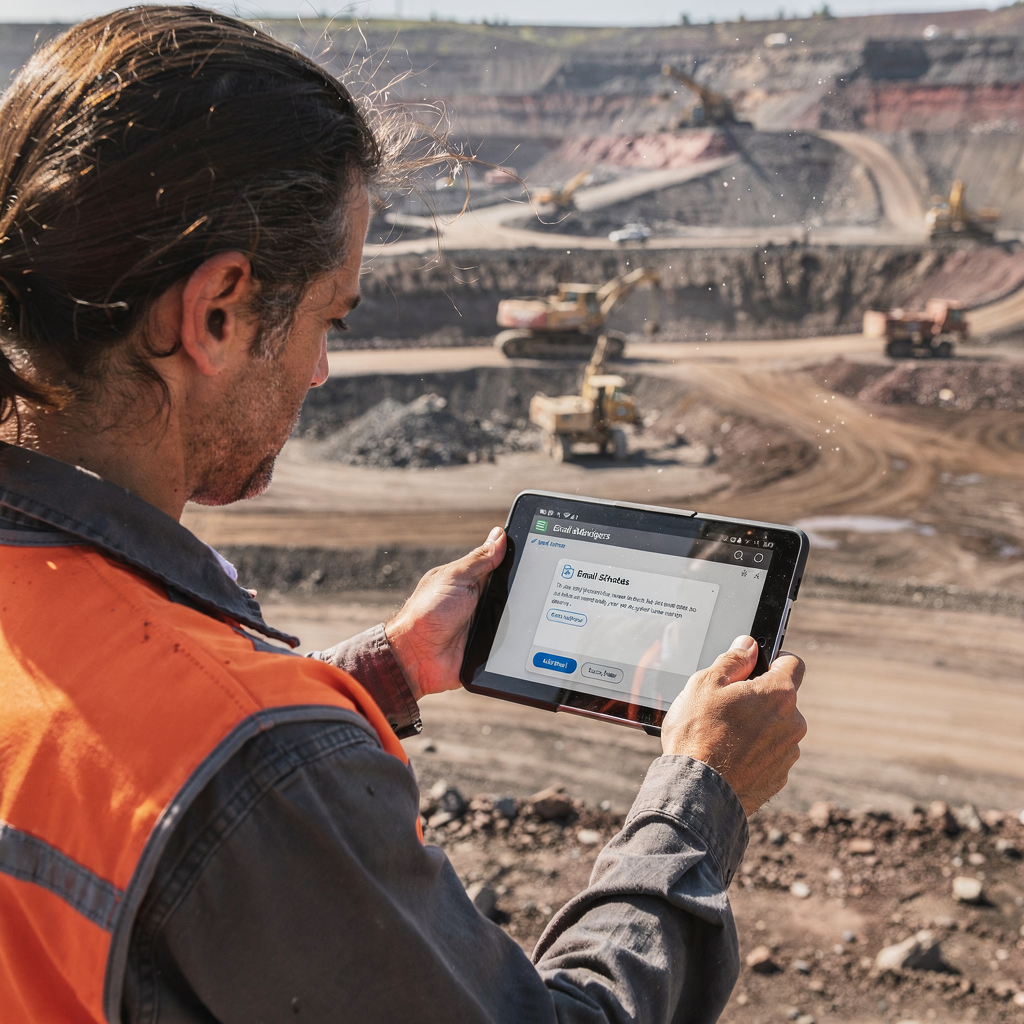
Deploy & measure: activate AI, streamline adoption and prove ROI on email automation
First, pick a high-impact pilot. Consider safety or procurement workflows with clear metrics. Next, integrate the assistant with inbox and erp and define guardrails. Also, set up review workflows so staff can edit drafts before sending. Then, run an 8–12 week trial and gather baseline KPIs. Track hours saved, reduced inbox backlog, incident response times, and compliance documentation completion rates. Use those results to forecast payback. In many focused pilots, teams see payback within 3–12 months.
Next, adopt change management steps. First, train users on templates and management features. Then, collect weekly feedback and tune models. Also, keep a visible audit trail for all automated actions. This builds trust and supports governance. For project management, define clear escalation paths and ownership so the assistant escalates only when needed. virtualworkforce.ai offers zero-code setup so business teams can adapt rules without prompt engineering.
Finally, measure ROI precisely. Capture reduced time spent on daily email tasks, decreased manual touchpoints, and fewer compliance breaches. Also, quantify reductions in data entry and repetitive approvals. As a result, leaders can justify broader rollouts and further ai automation. In the next phase, extend agents to more communication channels and let the assistant autonomously create structured data that updates records and feeds dashboards. To explore logistics-specific scaling strategies and case studies, review guidance on how to scale logistics operations without hiring how to scale logistics operations without hiring.
FAQ
What is an AI email assistant for mining companies?
An AI email assistant is an automated virtual assistant that helps manage emails, route messages, and draft replies. It reduces repetitive work and brings structure to unstructured email workflows, which is useful for teams across operations, procurement, and safety.
How does an ai agent improve incident escalation?
The agent classifies urgency and routes messages to the right responder. Then, it attaches context and past interactions to speed up decisions and action. This reduces the time between detection and response.
Can an assistant integrate with our ERP and update records?
Yes. Proper API integrations let the assistant create or update work orders and PO records. Two-way sync ensures inbox actions reflect in the ERP and vice versa.
How do you protect confidential email content?
Use enterprise-grade encryption, tenant isolation, and role-based access controls. Also, deploy redaction and data filters before model calls to preserve confidentiality.
Do these systems support regulatory filings and compliance documentation?
Yes. The assistant can draft filings from email threads and attach audit trails. However, high-risk outputs should pass a manual review gate before submission.
What metrics should we track during a pilot?
Track response SLA, time-to-closure, hours saved, and followup completion rates. Also, log audit entries and measure reductions in manual touchpoints.
Will staff accept an AI assistant?
Adoption depends on training, clear governance, and early wins. Start with a narrow pilot, gather feedback, and show measurable time savings to build trust.
How does the assistant handle vendor invoices and payments?
The assistant can extract invoice details, match them to POs, and draft payment confirmations. It reduces manual data entry and helps avoid payment delays.
Can the assistant work offline or on-site with poor connectivity?
The assistant relies on cloud services for full capabilities, but it can queue actions and sync when connectivity returns. On-site workflows should plan for intermittent networks.
How quickly can we prove ROI?
A focused 8–12 week pilot with clear KPIs typically shows results in 3–12 months. Track hours saved, backlog reduction, and fewer compliance deadline breaches to quantify value.
Drowning in emails?
Here’s your way out
Save hours every day as AI Agents label and draft emails directly in Outlook or Gmail, giving your team more time to focus on high-value work.