


AI email assistant: automate shipping confirmation and email template use for parcel delivery
AI makes shipment messaging consistent and fast. An AI email assistant can automate shipping confirmation, out-for-delivery updates, delay alerts, and proof-of-delivery notes. Teams set rules so the assistant sends the right notification, with key fields filled automatically. Standard email template fields include tracking number, ETA, carrier, parcel size, a link to tracking, and contact options. Personalized messages increase engagement: a study shows personalized emails can raise open rates by up to 29% and click-through rates by 41% Personalisation (In)effectiveness in email marketing. Customers value proactive updates; about 68% say proactive email updates matter for overall satisfaction C2X Parcels Consumer Research 2021.
Operational KPIs for this chapter should include open rate, CTR, reduction in enquiries, and SLA adherence for sent notifications. You can track time-to-send, bounce rate, and percentage of messages that include correct tracking links. For parcel teams that use virtualworkforce.ai, the focus is on reducing manual steps in email drafting and ensuring thread-aware responses inside shared inboxes. Our platform routes messages, populates template fields and attaches the right parcel metadata to each correspondence.
To implement quickly, choose a small set of high-impact triggers: dispatch, confirmation, out-for-delivery, failed attempt, and delivered. Then test subject line variants and bodies. A/B tests help improve open rates. Keep language short and actionable. Use clear calls to action and a single link to tracking. Finally, monitor results and refine templates monthly. If you want more implementation details, see our guide on how to improve logistics customer service with AI for examples and steps how to improve logistics customer service with AI.
ai-powered workflow: real-time inbox, extract data from emails and link events into CRM
A real-time system listens to incoming emails and reacts instantly. It uses webhooks, IMAP listeners, or API connectors to create event streams and push them into a workflow engine. The pipeline extracts tracking numbers, addresses and customer IDs using a mix of NLP and rules. The system then validates those fields against carrier APIs. This real-time link prevents manual lookups and speeds up response time. For evidence, companies that added AI-driven routing and automation reported a 25% reduction in delivery-status enquiries and up to a 30% drop in email workload an empirical study of AI-driven e-commerce.
Extracted items map into CRM records so agents see parcel status and email history together. The flow reduces manual data entry and preserves an audit trail for disputes. In practice, a message arrives, the system extracts fields, then creates or updates a CRM ticket and attaches the original message. Teams get one-click actions for refunds, reroutes or escalation. Monitor extraction accuracy and latency. Aim for sub-second to low-second latency on most events. Track the percentage of automated triage versus manual intervention. If you need a tool that drafts accurate replies inside Outlook or Gmail and grounds them in ERP or TMS, learn about logistics email drafting with AI logistics email drafting AI.

Reliability metrics include extraction accuracy, which you should benchmark and improve via periodic sample reviews. Set escalation thresholds where a human reviewer takes over. That reduces costly mistakes and avoids promises the system cannot meet. This chapter connects real-time inbox handling to CRM, TMS and carrier APIs so teams respond quickly and with correct data.
Drowning in emails?
Here’s your way out
Save hours every day as AI Agents label and draft emails directly in Outlook or Gmail, giving your team more time to focus on high-value work.
Automate email workflows: ai automation, ai agent and generative ai to streamline delivery communications
AI agents take over repetitive email tasks and free staff to focus on exceptions. An ai agent classifies intent, picks an email template, personalizes copy, and sends the message. Generative AI helps to generate subject lines and body copy that match brand tone. Typical flow: event triggers → template selection → personalize → send → log in CRM → follow-up if bounce or no-read. You can build rules that prevent the assistant from promising ETAs unless backed by carrier data, and you can route uncertain cases to a human reviewer.
Industry data supports efficiency gains. After deploying AI-powered routing and drafting firms report fewer customer inquiries and faster replies. For example, research documents a clear lift in workload reduction and a fall in status-related questions AI-driven e-commerce. To keep control, add guardrails and escalation paths without removing human oversight. Use role-based access and audit to log decisions. This preserves traceability and reduces human error.
Safety design includes a human-in-the-loop for edge cases, and model confidence thresholds that block risky responses. Track model performance and perform periodic audits. For teams that need full lifecycle automation — from classification to final reply — our virtualworkforce.ai solution routes, drafts and creates structured data from every email, which helps teams scale logistics operations with AI agents scale logistics operations with AI agents. Apply A/B tests to subject lines and content. Then measure open rates, CTR and the reduction in manual work. This chapter shows how ai automation and generative AI combine to streamline communications, save time, and help staff focus on higher-value work.
use case and best ai email assistant for logistics companies: reduce enquiries and improve customer satisfaction
Concrete use cases include same-day urban parcel flows, failed delivery handling, cross-border customs delays, and B2B pallet notifications. Each use case includes triggers, templates and escalation routes. A single win is often a drop in customer inquiries and faster resolution. Research shows trust in courier services predicts satisfaction; clear emails help build that trust and mediate service quality and loyalty Trust in Courier Services and Its Antecedents. That supports the value of structured, timely messaging.
When choosing the best ai email assistant, evaluate extraction accuracy, CRM integrations, real-time inbox handling, multilingual support, GDPR and security controls, template editor and analytics. The best tools for logistics communication combine deep operational grounding with thread-aware email memory. Compare vendors on sample email output and look for systems that attach audit trails to every action. For practical comparisons and tool lists, consider our resource on best tools for logistics communication best tools for logistics communication.
Expected measurable outcomes include better customer satisfaction, fewer inbound tickets, faster resolution times, and improved CSAT scores. For example, customers report that proactive status emails are critical; this relates to overall customer satisfaction and repeat business. To deploy, pilot one use case, measure impact, and expand. Keep human reviewers for tricky scenarios, and document decision rules so teams can scale logistics operations with AI without risking accuracy over time.
Drowning in emails?
Here’s your way out
Save hours every day as AI Agents label and draft emails directly in Outlook or Gmail, giving your team more time to focus on high-value work.
Integration and email history: generate events, automate email and tie to global shipping and CRM systems
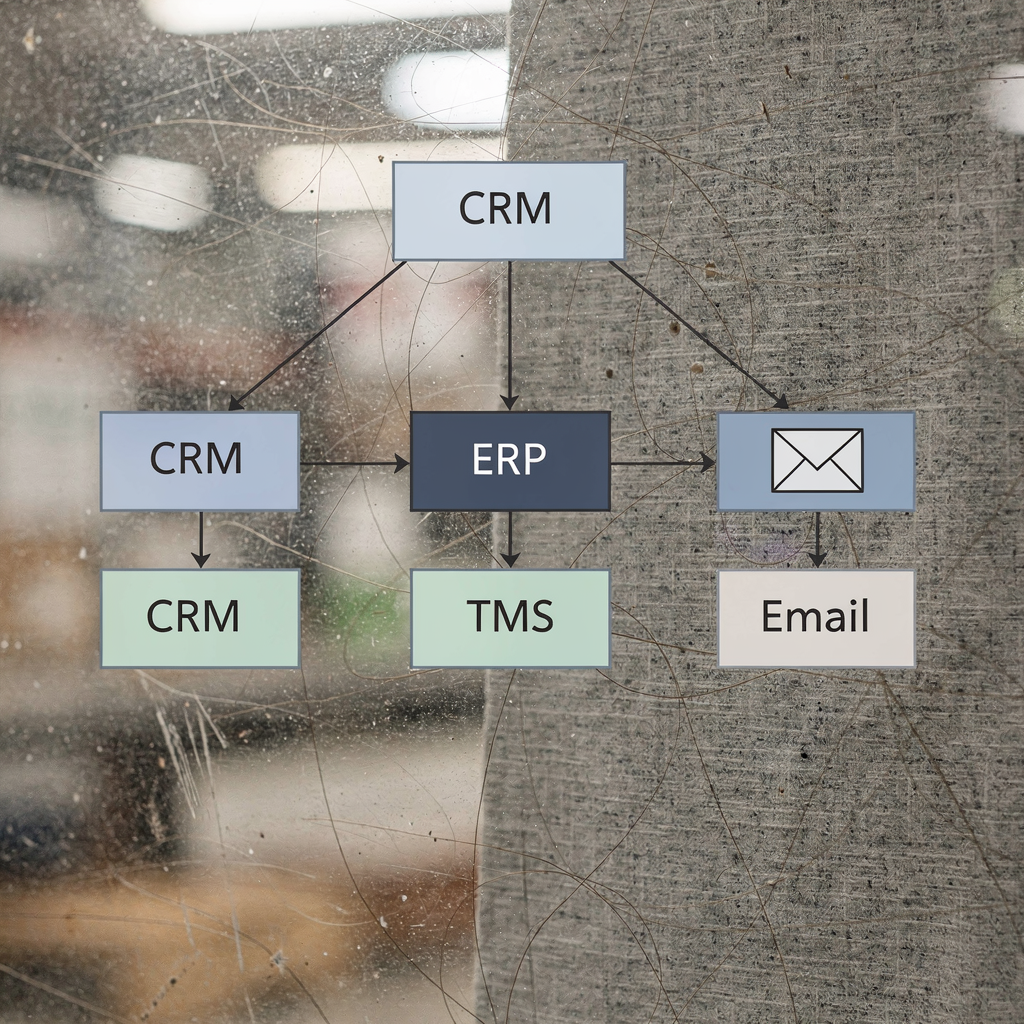
Integrations use push webhooks, pull polling, or direct API-to-API connections to link TMS, OMS, ERP and CRM. Map a consistent event taxonomy so carriers, warehouse systems and customer portals speak the same language. Preserve email history and attach every outbound and inbound message to the parcel record for audits and dispute resolution. That creates a searchable audit trail and helps customer support respond with context.
Handle global shipping details such as time zones, carrier-specific events, and customs notices. Generate locale-appropriate templates and translations. Data considerations include sync frequency, retry logic, idempotency, and storage retention for compliance. Use apis to confirm tracking numbers and to push status updates, and log each action to prevent repeated work. This makes it easier to trace the original email when a claim arises.
Design for resilience. Use retry, backoff, and dead-letter queues for failed messages. Keep the integration layer lightweight and observable. For ERP-focused teams, an ERP email automation connector streamlines status updates and PO acknowledgements. Preserve email memory for long conversations so agents see the original email, previous replies and the full email thread. Role-based access and audit give managers the ability to review actions. These practices cut handling time and reduce manual data entry while ensuring traceability and compliance.
Free template, deployment roadmap and email automation best practices for ai email agents and assistants in 2025
Free template packs should include subject line variants, short body templates for delivery confirmation and a concise proof-of-delivery receipt. Offer an escalation notice and a simple sample email for failed delivery. A free template helps teams start quickly. If you prefer a ready pack we can provide a free template with variables for tracking, ETA, and contact options.
Use this deployment roadmap: MVP → pilot → scale. Start by defining datasets and mapping event triggers. Build parsers and test extraction on historical emails. Integrate with CRM and TMS, then run A/B tests to refine subject lines and bodies. Monitor KPIs such as open rate, CTR, reduction in customer inquiries, and cut handling time. Tune models and rules after the pilot.
Best practices include testing edge cases, keeping a human reviewer for low-confidence cases, logging decisions for auditing, monitoring model drift and measuring impact on customer satisfaction. Focus on high-value improvements first. Let staff focus on exceptions and free up staff to focus on complex customer needs. Track reduction in manual tasks and the reduction in manual errors. Forward view: assistants in 2025 will combine explainable ai, tighter CRM/TMS integration and stronger audit trails. If you want tools that automate the full email lifecycle and create structured data from emails, see our platform page for how we automate logistics emails with Google Workspace and virtualworkforce.ai automate logistics emails with Google Workspace.
FAQ
What is an AI email assistant and how does it help parcel teams?
An AI email assistant is a system that classifies, drafts and sends email messages automatically. It helps parcel teams by reducing repetitive tasks, improving response speed, and attaching relevant parcel data to each message so agents can act faster.
Can AI reduce customer inquiries about parcel status?
Yes. Studies show AI-driven notifications and routing can reduce delivery-status inquiries by around 25% and lower email workload by up to 30% source. Fewer inquiries free agents to handle exceptions.
How does real-time inbox handling work?
Real-time inbox handling uses webhooks, IMAP listeners or APIs to detect incoming emails and create events immediately. The system extracts key data and updates CRM records so the right response can be issued without delay.
Are personalized emails effective for delivery updates?
Yes. Research finds personalized emails can increase open rates by up to 29% and CTR by 41% study. Personalization builds trust and improves customer satisfaction.
How do you prevent the assistant from making wrong promises?
Implement guardrails and confidence thresholds so the assistant only sends ETA promises when validated by carrier data. Route low-confidence cases to a human reviewer for confirmation.
What integrations are essential for an email assistant?
Key integrations include CRM, TMS, ERP and carrier APIs. They ensure data consistency and allow the assistant to validate tracking and status updates quickly.
Can AI handle cross-border customs notifications?
Yes, with the right integration to customs systems and templates for locale-specific messaging. The assistant can generate notifications about duties, documents required, and expected delays.
How do you measure success after deployment?
Use KPIs like open rate, CTR, reduction in customer inquiries, handling time and CSAT. Monitor audit trails to ensure responses remain accurate and compliant.
Is it possible to keep human oversight?
Absolutely. Best deployments keep a human-in-the-loop for exceptions and have escalation paths for uncertain cases. That balance reduces human error while keeping control.
Where can I learn more about practical implementations?
Explore detailed guides and tool comparisons to choose the right solution. For practical guidance on drafting logistics emails and integrating with operational systems, see our pages on virtual assistants for logistics and automated logistics correspondence virtual assistant logistics and automated logistics correspondence.
Drowning in emails?
Here’s your way out
Save hours every day as AI Agents label and draft emails directly in Outlook or Gmail, giving your team more time to focus on high-value work.