


started with AI — Why print companies and printers should start with AI and automation
Print companies that started with ai in simple email tasks see fast benefits. First, AI reduces time spent on manual tasks. Second, it speeds order communications and cuts errors. For example, companies that implement automated email workflows report an increase in operational efficiency of roughly 20–30% and faster customer response times (Managed Print Services Statistics 2026). Also, email marketing remains one of the most cost-effective channels for marketing for printers, with high ROI figures reported by industry studies (Statista: Email marketing worldwide). Therefore, starting with AI makes financial sense and operational sense.
Below are quick wins that help print operations immediately. First, automate order confirmations. Second, send proof reminders and delivery status updates. Third, route customer queries to the right team using intent detection. These steps reduce manual tasks and improve customer satisfaction. For example, office teams handle over 120 emails per employee per day; automation limits triage time and avoids lost context (Workplace Email Statistics 2025). Also, virtualworkforce.ai built AI agents that automate the full email lifecycle for ops teams, cutting email handling time from about 4.5 minutes to 1.5 minutes per email. That outcome reduces delays on the production floor and lowers rework.
Practical checklist for a quick start:
- Automate confirmations and receipts for every order.
- Send automated proof reminders tied to job status.
- Use template replies for common queries to save time.
- Integrate email intents with your MIS or ERP for accuracy.
Also, remember data security and consent. Next, pilot one workflow on a single product line such as brochures or digital printing, measure results, then scale. Finally, keep the process iterative. First deploy, then measure, and then optimize. These steps help print business leaders transform manual email work into a reliable, auditable workflow. As a result, teams spend less time on repetitive tasks and more time on high-value work.
AI tools and automation: Practical tools for print shop workflow and throughput
AI tools for a print shop focus on email assistants, CRM integration and scheduling bots. First, choose tools that integrate with MIS, RIP and ERP systems. Next, link your CRM so customer data flows into every email. For instance, solutions that ground replies in ERP and WMS data reduce lookup time and errors. Also, virtualworkforce.ai connects operational data and automates replies so teams avoid manual triage. Therefore, you get consistent responses and faster throughput.
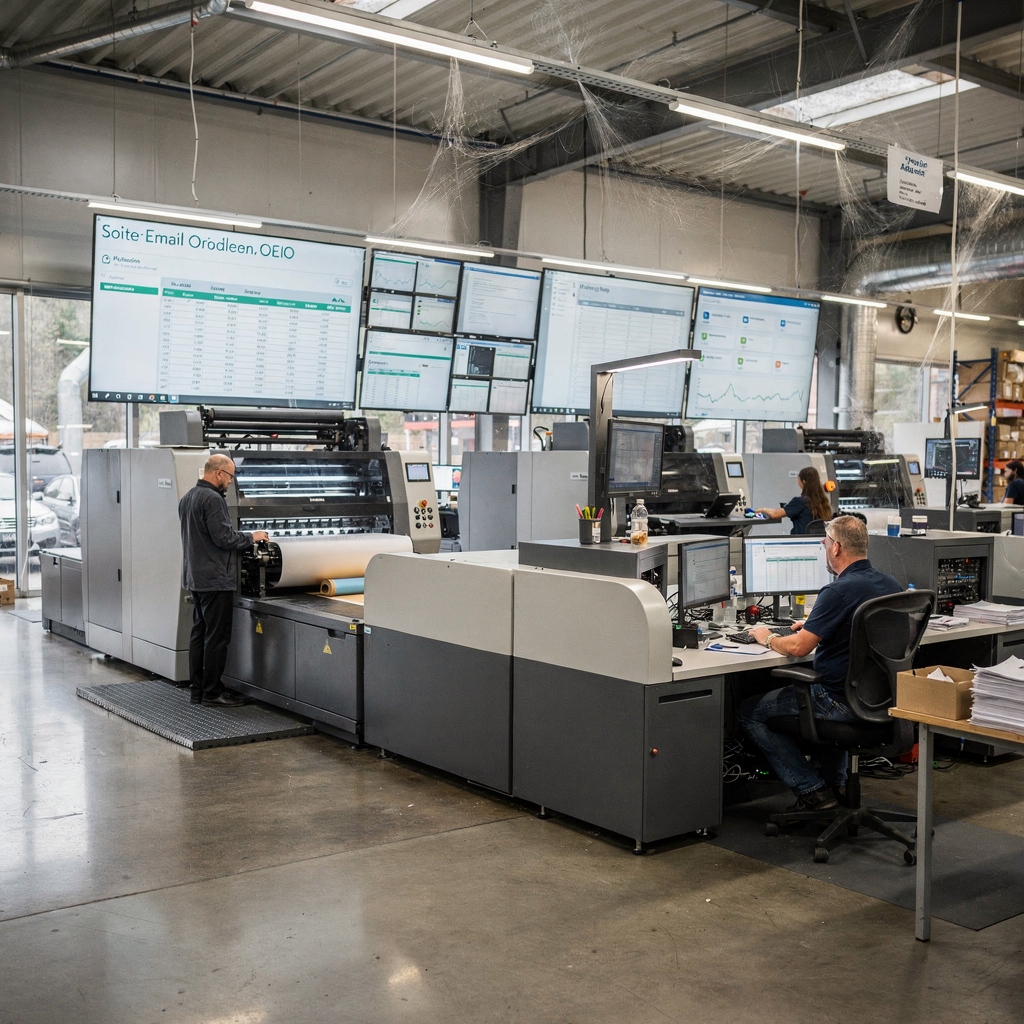
Key practical tools and what they do:
- Email assistants: classify intent, draft replies and route emails.
- CRM integrations: centralise customer data and order history.
- Scheduling bots: book proofs, slots and delivery windows automatically.
- Simple ML job routing: route jobs by size, finish and deadline to optimise throughput.
Integration checklist for MIS/RIP/ERP:
- API access to ERP for order and shipping data.
- Webhooks from MIS for status updates.
- Secure OAuth or SSO for identity and governance.
Also, evaluate selection criteria before you buy. Consider data security, ease of templates, and ability to scale. Next, ensure the tool supports ai-powered automation and thread-aware memory for shared inboxes. In addition, test tools like email assistants with a pilot that handles high-volume status updates. For example, automating proof reminders and shipping notices can cut rework and reduce downtime on the production floor. Moreover, you should view metrics such as order turnaround, throughput and reduction in manual lookups. Finally, connect to ERP email automation resources for technical guidance (ERP email automation for logistics). This helps when adapting enterprise-grade connectors to a print environment.
Drowning in emails?
Here’s your way out
Save hours every day as AI Agents label and draft emails directly in Outlook or Gmail, giving your team more time to focus on high-value work.
email marketing and direct mail: Automate marketing for printers to boost conversion
Email marketing and direct mail work best when they run together. First, automated email sequences prime a customer before a direct mail drop. Then, an automated follow up captures responses. Studies show personalised email campaigns yield higher open and click rates, which lifts conversion (Email newsletter statistics). Also, combining channels offers measurable benefits. For instance, integrated campaigns often produce higher response rates than single-channel efforts. Therefore, use automated direct mail campaigns alongside email to boost conversion.
Campaign timeline and automated sequence example:
- Week 0: Pre-mail email with personalised offer and sample images.
- Week 1: Direct mail brochure or variable data printing postcard lands.
- Week 2: Reminder email with time-limited discount, A/B tested subject lines.
- Week 3: Follow-up email asking for feedback and offering re-order incentives.
Checklist for marketing automation and direct mail automation:
- Use customer data to personalise offers based on past orders.
- Automate segmentation via CRM and trigger emails at optimal times.
- Track responses with UTM links and integrate campaign analytics.
- Test direct mail formats such as brochure and postcard to measure benefits of direct mail.
Also, maintain compliance for consent and data handling. Next, use variable data printing to tailor messages and personalise creative. In addition, measure conversion and ROI from each channel. For reference, email offers a large ROI across industries and helps marketing for printers grow their customer base (Forbes Advisor on email ROI). Finally, plan A/B tests for subject lines, creative and timing. Tools like CRM-triggered sequences and ai-powered marketing can automate these tests. For practical help, see templates and campaign examples for automated sequences that marketing teams can deploy quickly (Automated logistics correspondence). Use those ideas as a starting point for printing services.
help printing companies: AI assistants, customer data and workflows that help print and transform operations
AI assistants can automate routine queries and free customer service teams for complex work. Also, they classify emails by intent, attach order context and draft grounded replies. For example, an AI agent can check ERP, TMS or WMS and return an accurate status in seconds. This reduces manual lookups and raises customer satisfaction. In fact, clear status updates lower follow-ups and speed response times.

Steps to use AI assistants in print operations:
- Map common email types: proofs, quotes, delivery, invoices.
- Connect customer data sources securely to feed the assistant.
- Set escalation rules for exceptions and complex jobs.
- Define tone and templates for consistent replies.
Data hygiene and consent checklist:
- Verify customer consent for marketing and notifications.
- Clean email lists and remove duplicates before automation.
- Encrypt PII and control access via roles and audit logs.
Also, AI can segment customers by behaviour and value. Then, you can automate re-order reminders for high-value accounts. In addition, tools deliver analytics and data-driven insights so teams can optimise production schedules and improve quality control. For instance, using machine learning algorithms to predict bottlenecks improves throughput and reduces rework. Moreover, consider generative AI only for draft copy. Always ground replies in operational data to avoid errors. Virtualworkforce.ai shows how thread-aware agents preserve context across long conversations, which helps printing services manage thousands of print orders accurately. Finally, a short pilot that automates order-status emails will demonstrate measurable gains. Use that pilot to expand into billing, returns and cross-sell sequences. This approach lets print companies transform manual email into an auditable workflow and reshape customer support.
Drowning in emails?
Here’s your way out
Save hours every day as AI Agents label and draft emails directly in Outlook or Gmail, giving your team more time to focus on high-value work.
real-world template and marketing materials: Case studies for commercial printers and the print industry
This chapter gives reproducible templates and short case studies that commercial printers can deploy quickly. First, a case study: a mid-size commercial printer automated pre-press notifications and customer replies. As a result, they reduced errors, lowered rework by 18% and lifted on-time delivery. Also, their marketing campaigns saw higher response thanks to personalised emails tied to direct mail. For benchmarking, see integrated campaign metrics and best practices noted in industry reports (Email marketing statistics 2026).
One-step deployable email template examples:
- Order confirmation: “Order X received. Expected proof by [date]. Reply STOP to pause.” Use ERP data to populate fields.
- Proof reminder: “Your proof is ready. Review before [date]. Click to approve or request change.”
- Delivery notice: “Shipment dispatched via [carrier]. Track here: [link].”
Direct mail creative template idea:
- Brochure front: clear headline, sample images of print products, QR to landing page.
- Back: personalised offer and CTA with a tracked code.
A/B test ideas:
- Test subject line short vs descriptive for open-rate lift.
- Test brochure vs postcard for response among small business customers.
- Test call-to-action placement for higher conversion.
Metric examples to track:
- Open rate and click-through for email.
- Direct mail response and conversion rates.
- Order turnaround and rework rate on print production.
Also, capture measurable results by linking campaign UTM tags to CRM. Then, review analytics weekly to decide next steps. In addition, use templates as a baseline and iterate. For practical templates and reproducible campaign cadences, adapt materials to your digital printing lines and high-volume runs. Finally, test one template per product family for quick feedback. These real-world steps help commercial printers improve conversion and customer satisfaction with limited effort.
ai could help print shops: Roadmap to implement automation tools, measure ROI and get started
This roadmap covers six months and gives three pilot projects to start. First three pilots to run in months 0–3:
- Email assistant for order updates and proof reminders.
- Automated cross-sell email series after delivery to boost repeat business.
- Integrated direct mail follow up linking brochure drop to an email funnel.
Six-month phased plan:
- Month 1: Map workflows and select tools like ai-powered automation and CRM connectors.
- Month 2: Implement pilot for order-status emails and integrate ERP. See design tips on integrating email drafting with logistics AI approaches (Virtual assistant logistics examples).
- Month 3: Measure KPIs and adjust templates.
- Month 4: Extend to marketing automation and direct mail automation.
- Month 5: Add ML routing for job scheduling and predictive maintenance to reduce downtime.
- Month 6: Roll out across product lines and train teams.
KPIs to track and how to measure:
- Response rate and response times for emails.
- Order turnaround and throughput on the production floor.
- Rework percentage and quality control incidents.
- Marketing campaigns conversion and ROI for direct mail plus email.
Also, forecast ROI conservatively. For example, email automation often increases open rates and click rates when personalised, which improves conversion and revenue (Email newsletter stats). In addition, track staff time saved. Virtualworkforce.ai customers report cutting email handling time significantly, which translates into savings and higher capacity. Next, governance matters. Define access rules, audit logs and escalation paths. Then, run staff training and document playbooks. Also, use decision matrices to prioritise pilots based on expected impact and ease of implementation. Finally, iterate fast. Test, measure and then scale to reshape print operations. This roadmap helps teams make informed decisions and see measurable gains quickly.
FAQ
How can AI help my print business with email communication?
AI can classify incoming emails, draft replies, and route messages to the right teams. It also pulls order data from ERP or MIS to provide accurate, timely responses that reduce manual tasks.
What quick wins should a printer aim for when starting with AI?
Start with automated order confirmations, proof reminders and shipping notifications. These workflows cut response times and reduce rework while delivering measurable improvements in throughput.
Will automation tools integrate with my existing MIS or RIP?
Most modern tools use APIs or webhooks to integrate with MIS, RIP and ERP systems. For guidance on connector patterns and examples, see ERP email automation use cases ERP email automation guidance.
Can AI improve my marketing for printers and direct mail performance?
Yes. AI-powered segmentation and personalised emails increase open and click rates, and pairing email with direct mail often lifts conversion. Use tracked sequences to measure ROI precisely.
What data hygiene steps are essential before automating emails?
Ensure consent, clean your email lists, remove duplicates and encrypt personal data. Also, define role-based access and maintain audit logs to protect customer data.
Are there measurable benchmarks I should expect after automation?
Benchmarks vary, but companies often see operational efficiency gains in the 20–30% range for automated workflows (Managed Print Services Statistics 2026). Email ROI and conversion improvements depend on campaign design.
How do I test direct mail combined with email?
Run a pre-mail email to warm recipients, then send the direct mail drop, followed by a post-mail email. Track UTM links and codes to measure the benefits of direct mail versus email-only campaigns.
Can AI predict issues on the production floor?
Yes. Machine learning algorithms can predict maintenance needs, spot bottlenecks and forecast downtime. Use analytics to make real-time adjustments and reduce unplanned interruptions.
What are common pitfalls when automating printer customer support?
Common pitfalls include poor data integration, weak escalation rules and automated replies that lack grounding in operational data. Avoid these by ensuring tools connect to ERP and by defining clear escalation paths.
How should I measure the ROI of an email assistant pilot?
Track time saved per email, reduction in manual tasks, decreases in rework and changes in customer satisfaction. Combine these with campaign conversion and revenue uplift to calculate a conservative ROI. For reference, see logging and correspondence automation methods automated correspondence examples.
Drowning in emails?
Here’s your way out
Save hours every day as AI Agents label and draft emails directly in Outlook or Gmail, giving your team more time to focus on high-value work.