


Why ai is changing raw material trading and inbox workflow
First, AI reshapes how teams handle high-volume messages. Email remains the primary channel for orders and negotiations in commodity trading. Next, AI sorts, prioritises and extracts key fields such as quantities, prices, and delivery dates. Therefore teams spend less time on repetitive email tasks and more time on sourcing decisions. Studies show AI can cut email processing time by up to 50% and reduce supply chain delays by 20–30% when it surfaces risks early IBM. Also, vendors report a 40% boost in operational efficiency when communication tools automate routine steps ScienceDirect. Thus, traders gain a measurable edge.
AI helps improve data accuracy. For example, automatic extraction of commodity codes cuts transcription errors. As a result, order confirmations grow more reliable. Meanwhile, an AI-powered inbox can prioritise urgent notes from a strategic supplier. Then, teams respond faster and reduce missed confirmations. In practice, you can train classifiers on historical order and quote emails to auto-tag by urgency, commodity and counterparty. That approach supports a single source of truth and provides audit records for compliance.
Implementation should start small. First, label a few thousand messages to train models. Next, configure business rules so an AI agent only sends auto-replies under approved conditions. Also, connect ERP and SharePoint to give the assistant grounded data. For hands-on guidance, check how to scale logistics operations with AI agents in targeted deployments how to scale logistics operations with AI agents. Finally, track KPIs such as mean time to first response and percent of emails auto-triaged. These kpis reveal value quickly. Overall, AI helps teams optimize the inbox and the broader workflow while cutting raw material procurement friction.
How an email assistant and ai agent automate order emails and followup
First, an email assistant automates confirmations and followups. It composes replies, attaches documents, and sends timed reminders. Then, the AI agent monitors threads and triggers a followup when a supplier or buyer does not respond. As a result, missed replies and late confirmations drop significantly. In real deployments, companies report a 25–40% reduction in communication errors when they use AI-driven templates and rules Trading with intelligence.
Also, design clear escalation paths. The assistant must hand off to a human for high-value exceptions. Therefore you should build templates that require sign‑off when values exceed thresholds. Next, implement short review windows for costly orders. This reduces risk while still allowing the system to automate routine cases. For example, virtualworkforce.ai configures no-code business rules so ops teams control tone, escalation and what data the assistant cites. The platform integrates email memory with ERP/TMS data to produce context-aware replies and to free up resources from mundane tasks.
Followup logic needs rules and measured thresholds. First, set rules for when the assistant should send a polite nudge. Then, set escalation rules if the item remains open. Also, log every action to create assistant records for audit. This audit trail simplifies compliance checks and dispute resolution. Moreover, combining machine learning with human review for critical cases keeps control where it matters. Finally, measure followup success rate and number of escalations per week. Use those metrics to tune the assistant and to validate that AI minimizes routine bottlenecks while protecting the business from errors.

Drowning in emails?
Here’s your way out
Save hours every day as AI Agents label and draft emails directly in Outlook or Gmail, giving your team more time to focus on high-value work.
Integrating ai email assistant with crm and real-time analytics
First, integration matters. Linking the email assistant to CRM and ERP lets extracted email fields update orders and inventory in real-time. Next, map email fields such as quantity, incoterms, and dates to CRM objects. That mapping enables automated record creation and a single source of truth for counterparty history. Consequently, teams gain better supplier performance visibility and stronger risk management.
Also, use middleware or webhooks for fast sync. For example, connect the assistant to your ERP, TMS and WMS so the reply is grounded in live data. virtualworkforce.ai offers deep connectors across those systems to reduce copy-paste work and improve response time. For a practical implementation pattern, see the ERP email automation for logistics guide ERP email automation for logistics. The guide explains how to map fields, manage permissions, and keep the email thread consistent with back-end records.
The integration unlocks data-driven decision making. Real-time analytics appear in a dashboard that highlights at‑risk shipments and abnormal price moves. Then, teams can use predictive analytics to forecast demand and to trigger replenishment emails at defined thresholds. Also, CRM centralises contact history and supports automated reminders for recurring tasks. This reduces manual updates and improves supplier relationships.
Implementation tip: start by syncing a single commodity lane. Then, validate the mapping and timing. Also, ensure role-based access and audit logs for compliance. Finally, measure the percent of emails auto-synced to CRM and the time lag to record creation. Those metrics show whether the integration meets performance targets and whether AI integration actually reduces manual hours and improves operational efficiency.
practical use cases where ai-powered template emails streamline raw material sourcing
First, standard templates speed common exchanges. Typical use cases include RFQ replies, capacity confirmations, price alerts, shipment updates and compliance document requests. Then, an AI-powered email composes messages using modular blocks. For example, a template may include a header, order details, logistics block and a compliance block. This modular approach lets an assistant assemble correct email content for different scenarios and specific materials.
Also, train templates on approved language and tone. That keeps responses consistent. Next, store reusable email templates so users can pick and send with minimal edits. For RFQs, include product codes, expected volumes and desired delivery windows. For confirmations, include agreed price, incoterms and payment terms. This approach reduces back-and-forth, lowers errors, and helps secure the best terms from a pool of suppliers.
Implementation tip: create a small library of validated templates and set rules for when the assistant may send automatically. Then, require human review for high-value contracts. Using email templates improves supplier experience and shortens cycle time. Also, measure template reuse rate and average time saved per email. Those KPIs show the assistant’s impact on raw material sourcing and procurement workflows.
Finally, combine templates with analytics and a dashboard. That gives teams a snapshot of pending confirmations, open RFQs, and documents missing from materials from suppliers. In practice, an AI-powered email assistant helps teams manage sourcing challenges, streamline the sourcing process, and improve supplier communications while maintaining audit trails for compliance.
Drowning in emails?
Here’s your way out
Save hours every day as AI Agents label and draft emails directly in Outlook or Gmail, giving your team more time to focus on high-value work.
How automation and ai-driven email management uses ai to track inventory in real-time
First, link email triggers to inventory levels and forecasting. When inventory nears a safety threshold, the assistant can prepare and send a reorder request automatically. Next, predictive analytics to forecast consumption can prompt reorder emails ahead of actual low stock. As a result, teams reduce stockouts and maintain production continuity. For context, some systems that combine inventory and messaging cut downtime by scheduling replenishments ahead of demand.
Also, ensure the assistant validates orders for high-value items. A brief review window for costly commodities prevents mistakes. Then, the assistant updates the inventory management record and logs activity for audit. virtualworkforce.ai’s no-code connectors let teams tie email memory to WMS and ERP systems to keep records aligned. Also, you can configure the assistant to attach compliance documents and to confirm packaging or special handling requirements for sensitive materials.
Implementation tip: establish clear reorder rules. For example, set triggers based on safety stock, lead time variance, and forecasted demand. Next, simulate auto-reorders in a test environment. Then, monitor metrics such as stockout incidents, days of inventory saved, and percent of replenishments initiated automatically. These KPIs show whether automation reduces raw material costs and whether the assistant delivers actionable notifications.
Finally, combine the email dashboard with analytics and alerts. That creates a single view for procurement and logistics. Also, include natural language processing so the assistant reads incoming supplier notes and updates records. This setup streamlines communications and helps teams respond faster to changing material needs, rising material costs and supplier delays.
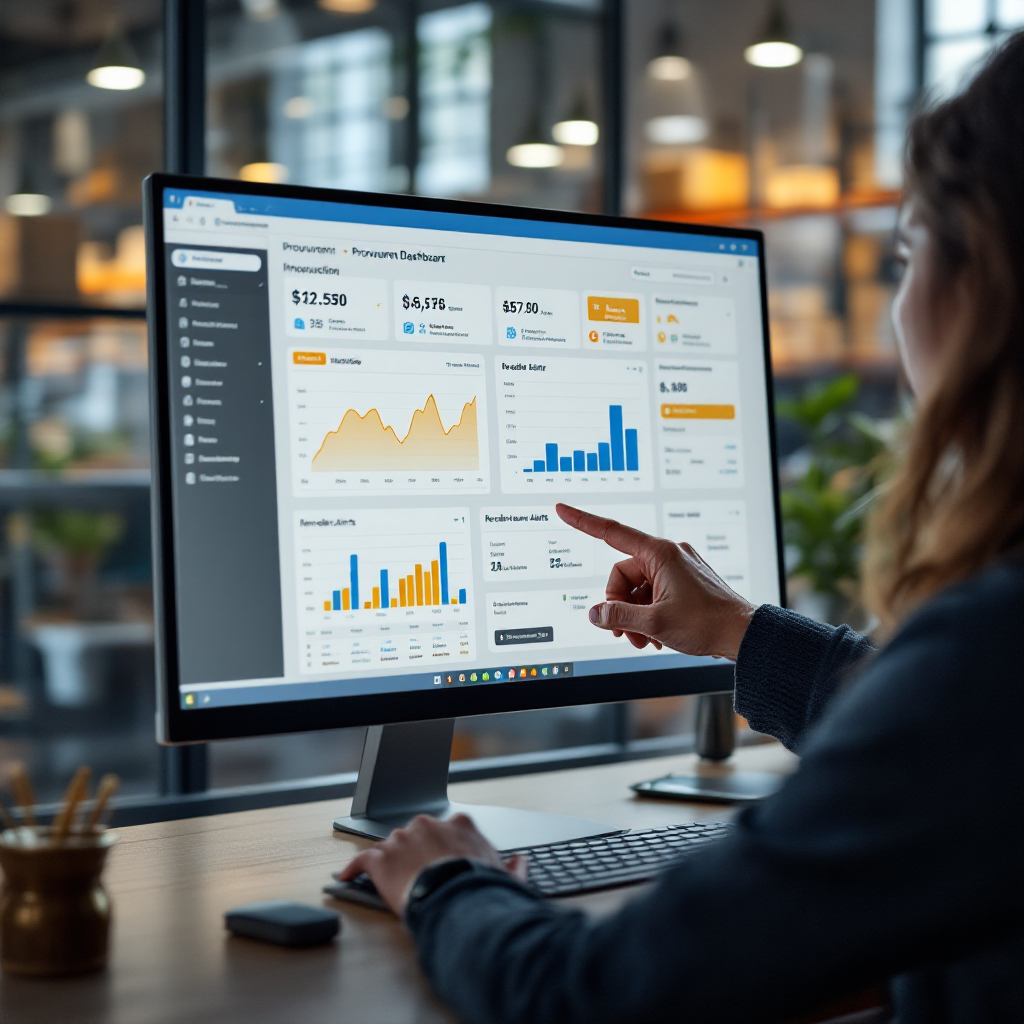
Measuring ROI from ai assistant and ai-powered email analytics for crm followup
First, baseline your current costs. Measure average handling time per email, cost per order, and frequency of manual updates. Next, run a controlled three-month pilot on a single commodity lane. Then, enable automation gradually and compare outcomes. Vendors often report cutting handling time from about 4.5 minutes to 1.5 minutes per email, which frees up staff for higher-value tasks. That improvement translates directly into lower order processing cost per tonne and fewer late deliveries UNCTAD.
Also, track operational efficiency and error rates. Use metrics such as percent reduction in manual email hours and revenue preserved from avoided price slippage. Then, analyse analytics from the assistant to see patterns in supplier response behaviour and common failure points. Use those insights to refine email templates and to improve sourcing processes.
Implementation tip: include audits in the pilot. Log every automated action so you can review decisions and ensure compliance with procurement rules. Also, document human review for critical orders and maintain assistant records for traceability. For more on automating logistics correspondence and maintaining governance, see the automated logistics correspondence resource automated logistics correspondence. Finally, assess broader business impact on b2b sales cycles, supplier satisfaction, and risk management.
Overall, AI-driven email management reduces repetitive email tasks and improves response time. In time, teams gain valuable insights from data-driven dashboards and machine learning models. As a result, companies can better forecast demand, optimize procurement, and improve operational efficiency, while ensuring an audit trail and better supplier collaboration.
FAQ
What is an AI email assistant for raw materials trading?
An AI email assistant automates repetitive email tasks, such as confirmations and followups. It uses machine learning and natural language processing to extract key details and to draft replies that reference ERP or CRM data.
How does an AI agent reduce response time?
AI agents prioritise urgent messages and auto-compose replies using approved templates. As a result, mean time to first response falls and teams can focus on exceptions instead of routine exchanges.
Can an AI email assistant integrate with my CRM and ERP?
Yes. Most solutions include connectors or webhooks to update CRM records and to sync order information in real-time. For practical guidance on linking email to ERP systems, consult ERP email automation for logistics documentation.
Are automated followups safe for high-value orders?
They are safe if you set approval thresholds and a short human review window for critical orders. That configuration ensures automation acts on low-risk items and human experts handle major decisions.
What use cases work best for templates?
Templates excel for RFQ replies, confirmations, shipment updates and compliance requests. Modular email templates let an assistant compose tailored messages quickly and consistently.
How do I measure ROI from an AI email assistant?
Run a pilot, measure baseline metrics, and compare. Track handling time, cost per order, percent reduction in manual email hours, and avoided price slippage to quantify benefits.
Can the assistant trigger reorders based on inventory levels?
Yes. When linked to inventory management and forecasts, the assistant can prepare reorder emails when thresholds are met. Teams often add validation steps for high-value commodities.
Will the assistant keep an audit trail?
Good systems log every action and keep assistant records for compliance checks. That auditability supports procurement audits and dispute resolution.
How does AI help with supplier relationship management?
AI offers consistent tone through templates and timely followups, which improves reliability and trust. Also, analytics highlight top-performing suppliers and common delays to guide sourcing decisions.
Do I need machine learning expertise to deploy an AI email assistant?
Not always. No-code platforms let ops teams configure rules, templates and connectors without heavy ML work. However, data labeling and initial tuning help the assistant perform well and deliver valuable insights.
Drowning in emails?
Here’s your way out
Save hours every day as AI Agents label and draft emails directly in Outlook or Gmail, giving your team more time to focus on high-value work.