


Why an appraiser should adopt an email assistant now
First, AI tools are near-universal in real estate; recent surveys report around 97% firm-level engagement with AI tools, and appraisers who wait risk falling behind. For example, industry reporting shows that many professionals already use AI to manage client messages and summary reports, and adoption is accelerating AI in Real Estate: 16 Game-Changing Applications – Appinventiv. Second, an email assistant cuts routine email load so an appraiser can focus on valuation work and higher-value tasks. A leading analyst framed it this way: “AI tools are not just about automation; they enable appraisers to deliver richer, data-driven insights to clients faster than ever before” AI in Real Estate Appraising: Embracing the Future Together.
Adopting an assistant now also produces measurable gains. Studies indicate AI-driven communication can cut administrative time by roughly 30–40% and improve client satisfaction when market analysis is shared faster Appraiser-Approved AI-Powered Market Analyses + My AI Tech Stack. The value is concrete. An appraiser who spends fewer hours on data entry and status emails can complete more appraisal assignments each month. That increases revenue and reduces operational costs. And because email traffic often contains critical property notes, automating replies and routing preserves clear documentation for compliance.
For a real estate appraiser, the core value is straightforward. Free time returns to analytic tasks like comparable research and deeper market analysis. Also, an email assistant helps ensure consistent tone and professional appraisal communication across clients and lenders. Appraisers report faster response times and fewer missed appointments when AI handles triage and scheduling. In short, you can keep clients and handle more orders without proportionally expanding staff or outsourcing. If you want data-led productivity and better client management, the time to test an email assistant is now.

How an appraisal business can streamline workflows with a virtual assistant
First, define what streamline means for your appraisal business. It means fewer manual handoffs, faster scheduling, and clear routing so the right person handles each message. A virtual assistant can automate appointment scheduling, timed follow-ups, auto-drafted replies, and status updates. For example, the assistant can read an incoming email, pull the property identifier, check calendar availability, and propose inspection slots. That reduces back-and-forth and shortens turnaround.
Next, view the system as connected parts. The assistant links CRM records, calendar tools, and appraisal software so data moves without repeated data entry. When an inquiry arrives about a pending appraisal report, the assistant can attach the latest draft, summarize outstanding items, and set an escalation to the appraiser if a revision is needed. This reduces rework and keeps audit trails intact.
Before automation, a common workflow looked like this: email arrives, staff triage, lookup in CRM, manual scheduling, and a separate confirmation email. After adding a virtual assistant the flow tightens: intent detection, data lookup, auto-confirmation, and update to the CRM. The result: fewer missed inspections and clearer timelines for clients and lenders. One boutique firm cut missed appointments by tracking threads with a thread-aware assistant tied to CRM.
Case example: a mid-size appraisal practice used an AI-powered assistant to handle requests for comparable research and report status. The assistant pulled MLS data, attached comps, and sent a status note. The firm reduced administrative work and shortened report turnaround. For more on automating operational email flows in related industries, see a logistics-focused use case that shows similar efficiency gains automated logistics correspondence. If you want to streamline your appraisal workflows, map use cases, then pilot a virtual assistant for the highest-volume email types.
Drowning in emails?
Here’s your way out
Save hours every day as AI Agents label and draft emails directly in Outlook or Gmail, giving your team more time to focus on high-value work.
What a property appraiser and real estate appraiser gain from an appraiser assistant for appraisal report handling
First, list the features that speed report preparation. An appraiser assistant can populate property facts, attach comparable sales, prepare standard text blocks, and deliver appraisal report notifications. It can fetch public records and MLS data to verify square footage, lot size, and ownership history. The assistant also enforces templates so headers, transmittals, and certifications follow your quality standards and USAPG guidelines. This supports consistent professional appraisal delivery.
Second, quality control improves. Templates plus AI checks reduce common errors and increase consistency across appraisal reports. For instance, an assistant can flag mismatched square footage or inconsistent comparable selection and request revision before the appraiser signs off. That lowers the chance of compliance exceptions and strengthens appraisal defense during reviews or lender inquiries. Appraisal professionals see fewer revision rounds and clearer documentation when this step is automated.
Client impact is measurable. Market analyses shared by email with clear visuals and commentary raise client satisfaction by around 15–20% when delivered faster and more clearly Appraiser-Approved AI-Powered Market Analyses + My AI Tech Stack. A sample email might read: “Attached is the preliminary appraisal report and three comparable sales. Please confirm access for the inspection and reply if you need additional photos.” That short message saves time and sets expectations.
Concretely, report preparation time can fall. One firm reported that drafting the narrative and compiling tables dropped by nearly 30% after integrating an assistant that auto-populates comparable research. As a result, staff can focus on valuation logic and onsite inspection decisions. If you are a property appraiser who wants accurate appraisals with less administrative overhead, an appraisal assistant is a practical tool to consider.
How to hire a virtual assistant or integrate an AI assistant to grow your appraisal business
First, weigh two routes: hire a human virtual assistant or deploy an AI email assistant. Hiring a human VA works well for complex judgement calls and tasks that require human touch. However, human outsourcing can be costly and needs ongoing training. An AI assistant scales faster, handles high-volume triage, and integrates directly with systems. Companies like ours, virtualworkforce.ai, focus on end-to-end email automation for ops teams and reduce handling time significantly by grounding replies in operational data.
Second, follow an integration checklist. Ensure CRM link, calendar sync, and data fields for property identifiers are in place. Add templating rules and escalation paths. Make sure your appraisal software can accept structured data pushed back from the assistant. Also test connections with AMCs and lender portals where needed. For a similar integration playbook in logistics, see how email drafting and ERP sync are handled at scale ERP email automation for logistics.
Third, practical hiring tips. If you choose to hire, screen for experience with residential appraisals, familiarity with public records, and comfort with report preparation tools. If you deploy AI, pilot with a narrow set of email types, then expand. Either path should include clear SOPs for appraisers and a documented escalation rule for appraisal exceptions. One simple ROI example: if saved hours let you complete two extra orders per month, your appraisal business can grow revenue without adding full-time staff. For more on scaling operations without hiring, review practical guidance on scaling logistics operations with AI agents as an analogue how to scale logistics operations with AI agents.
Drowning in emails?
Here’s your way out
Save hours every day as AI Agents label and draft emails directly in Outlook or Gmail, giving your team more time to focus on high-value work.
Measuring impact: reduce operational costs and speed report preparation for accurate appraisal
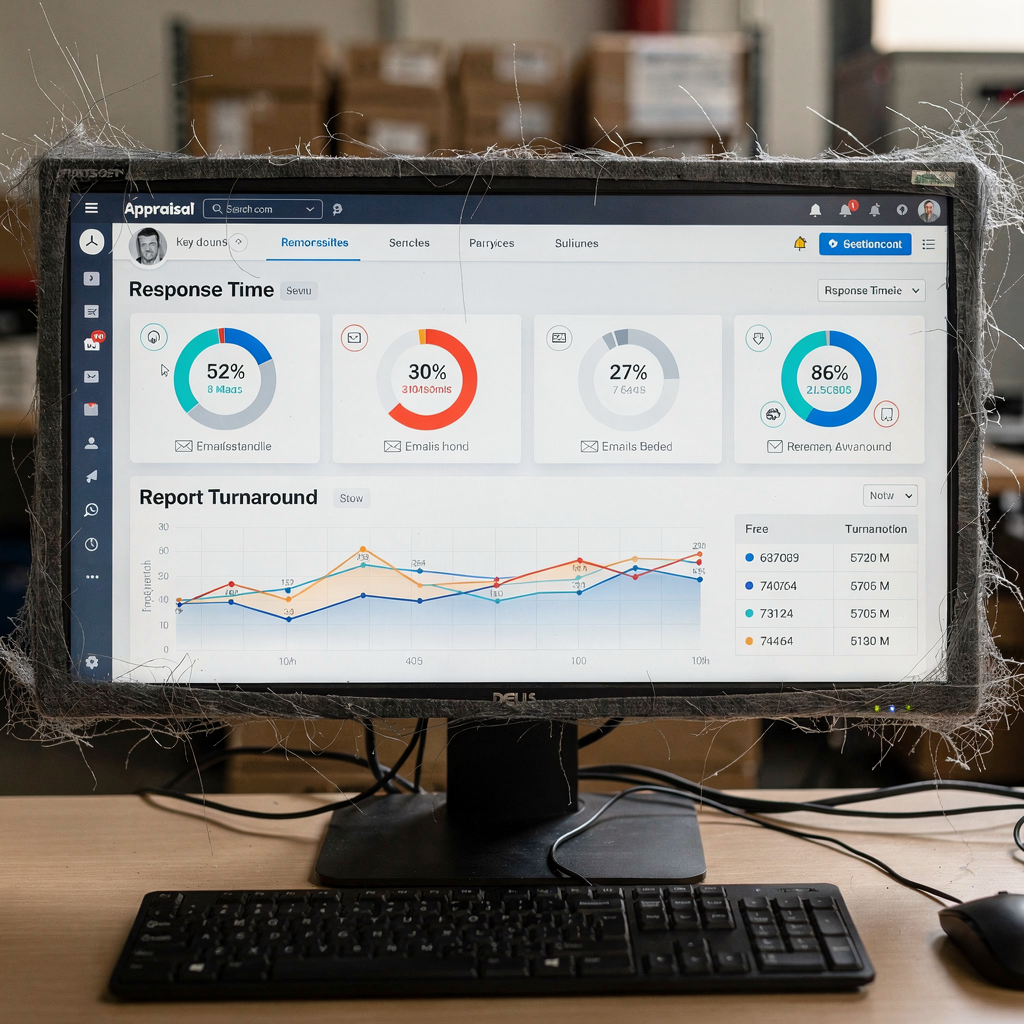
First, pick the right metrics. Track admin hours saved, response times, report turnaround, client satisfaction, and compliance incidents. Use timestamped email logs to measure before and after. Industry figures give context: AI tools reduced administrative workload by roughly 30–40% in some real estate studies The Use of Machine Learning in Real Estate Research – MDPI. Also consider market sizing evidence to justify investment: AI in real estate and related markets saw broad growth and attention in recent reports.
Second, calculate cost savings with a worked example. Suppose an appraiser spends 15 hours weekly on administrative work. A 35% reduction saves about 5.25 hours. At $50 per hour fully loaded, that equals $262.50 saved weekly, or around $1,050 per month. If an AI subscription is $400 per month, break-even occurs quickly. This lowers operational costs per report and increases capacity so you can complete more orders without proportional hiring.
Third, monitor quality and compliance. Ensure the assistant creates clear documentation and audit trails for appraisal decisions. Track incidents requiring revision or compliance escalation. Use those figures to evaluate whether report turnaround and accurate data delivery improved. Measure client satisfaction through surveys after market analysis delivery. Over time, lower operational costs and faster report turnaround translate into business growth and a stronger professional appraisal reputation.
Implementation checklist for the appraiser: data flows, CRM integration and compliance
First, map email use cases. Identify the highest-volume message types: inspection scheduling, status requests, comparable requests, and lender queries. Choose templates for each, and set escalation rules. Test those templates with real queries, and audit the results. This ensures the assistant handles routine tasks while preserving the appraiser’s control for valuation decisions.
Second, plan data flows and integrations. Connect CRM to enable client lookup and thread-aware memory. Sync the calendar for real-time availability. Provide the assistant access to appraisal software and public records so it can pull accurate property facts and comparable research. Include fields for square footage and property types so automated drafts attach appropriate comps. Define who the assistant can escalate to, and how to mark an email as requiring human review.
Third, address compliance and security. Ensure vendors meet regulatory standards and compliance standards applicable to appraisal practice and USAPG guidelines. Keep an audit trail for all automatic actions to support valuation defense and lender requirements. Run vendor due diligence on data handling and encryption. Then pilot with a subset of clients. Measure admin hours saved, report turnaround times, and client satisfaction over three months. Scale when KPIs look strong.
Finally, a pilot plan: month one maps processes and connects CRM, month two pilots with selective clients and measures response times, and month three expands coverage and tracks report preparation improvements and operational costs. Track a three-month KPI set: hours saved, response time reduction, report turnaround improvement, client satisfaction, and compliance incidents. By following this checklist, appraisers can grow faster, complete more orders, and maintain clear documentation for professional appraisal defence.
FAQ
What is an email assistant for appraisers?
An email assistant is a software or AI-driven tool that automates the handling of inbound and outbound email for appraisal teams. It triages messages, drafts replies, schedules inspections, and integrates with CRM and appraisal software to reduce administrative work and improve response times.
How does an assistant reduce administrative tasks?
An assistant automates repetitive tasks like scheduling, status updates, and data entry, and it pulls accurate data from linked systems. As a result, appraisers and staff spend less time on low-value administrative work and more time on valuation and inspection activities.
Can a virtual assistant handle lender requirements?
Yes. When configured, an assistant can attach required documents, follow lender templates, and log clear documentation to satisfy lender requirements. It also preserves audit trails that support compliance and reviewer questions from clients and lenders.
Should I hire a virtual assistant or deploy an AI assistant?
Both routes have merits. Hiring a human virtual assistant works well for judgement-heavy tasks, while an AI assistant scales rapidly for high-volume email types. Many firms combine both to balance human nuance with AI speed.
How do I measure ROI for an email assistant?
Track metrics such as admin hours saved, report turnaround, response times, and client satisfaction. Use those figures to calculate saved labor costs versus subscription or outsourcing fees to determine break-even and long-term ROI.
Is data privacy a concern with email automation?
Yes. Always vet vendors for secure handling of client and property data, and require encryption and access controls. Maintain audit logs to demonstrate who accessed property information and why.
Will automation affect appraisal quality?
Automation targets routine tasks and quality controls rather than valuation judgement. By reducing data entry errors and enforcing templates, an assistant can improve consistency and reduce revision rates, strengthening the professional appraisal output.
Can solo appraisers benefit from an assistant?
Absolutely. Solo appraisers can use an assistant to handle scheduling, status emails, and comparable requests so they can focus on inspections and valuation. This helps solo practitioners grow your appraisal business without hiring full-time staff.
How do assistants integrate with MLS and public records?
Assistants can be configured to pull MLS data and public records via API or linked systems so drafts include accurate property facts and comparable research. This reduces manual lookup and speeds report preparation.
What are good first steps to implement an assistant?
Map your top email use cases, choose templates, connect CRM and calendar, run a controlled pilot, and measure KPIs for three months. Then scale as the assistant proves consistent and compliant with appraisal standards.
Drowning in emails?
Here’s your way out
Save hours every day as AI Agents label and draft emails directly in Outlook or Gmail, giving your team more time to focus on high-value work.