


AI email assistant overview for REITs and property manager teams
REITs and property manager teams process a high volume of emails every day. An ai email assistant is software that reads incoming messages, assesses intent and drafts replies. It also automates routine steps: auto-drafting distribution notices, inbox triage, investor and tenant messaging, and scheduled reporting. In practice, the assistant is software that reads operational context from ERPs and tenancy records, then drafts compliant responses ready for human review.
Adoption is rapid. Over 65% of real estate firms had integrated AI-driven communication tools by 2025 (source). As a result, platforms report 30–40% faster responses to investor enquiries and a roughly 15% increase in on-time payments for quarterly distributions (source). These figures show the practical ROI when time on repetitive email and compliance risk are reduced.
Functionally, the ai assistant delivers three core benefits. First, it handles volume: routing messages, tagging priority threads and resolving simple requests. Second, it improves accuracy: drafts are grounded in data so regulatory text and payout figures match the record. Third, it saves handling time significantly, so property teams can focus on higher-value tasks.
For property managers, a quick example clarifies value. An auto-drafted quarterly distribution email that normally takes 30 minutes to assemble can be built in a few minutes with reconciled numbers and an audit tag. That reduces errors and ensures an audit trail for compliance with reporting standards such as IFRS (source). To be clear, AI drafts and human approval combine to keep disclosures correct.
virtualworkforce.ai specialises in this workflow for ops teams, so the assistant to manage emails connects directly to ERP, SharePoint and operational data. If you want to see a demo or download a checklist for getting started with an ai email assistant for property, request a demo or grab the starter checklist today.
Inbox, inbox zero and automate workflow so agents to focus on selling
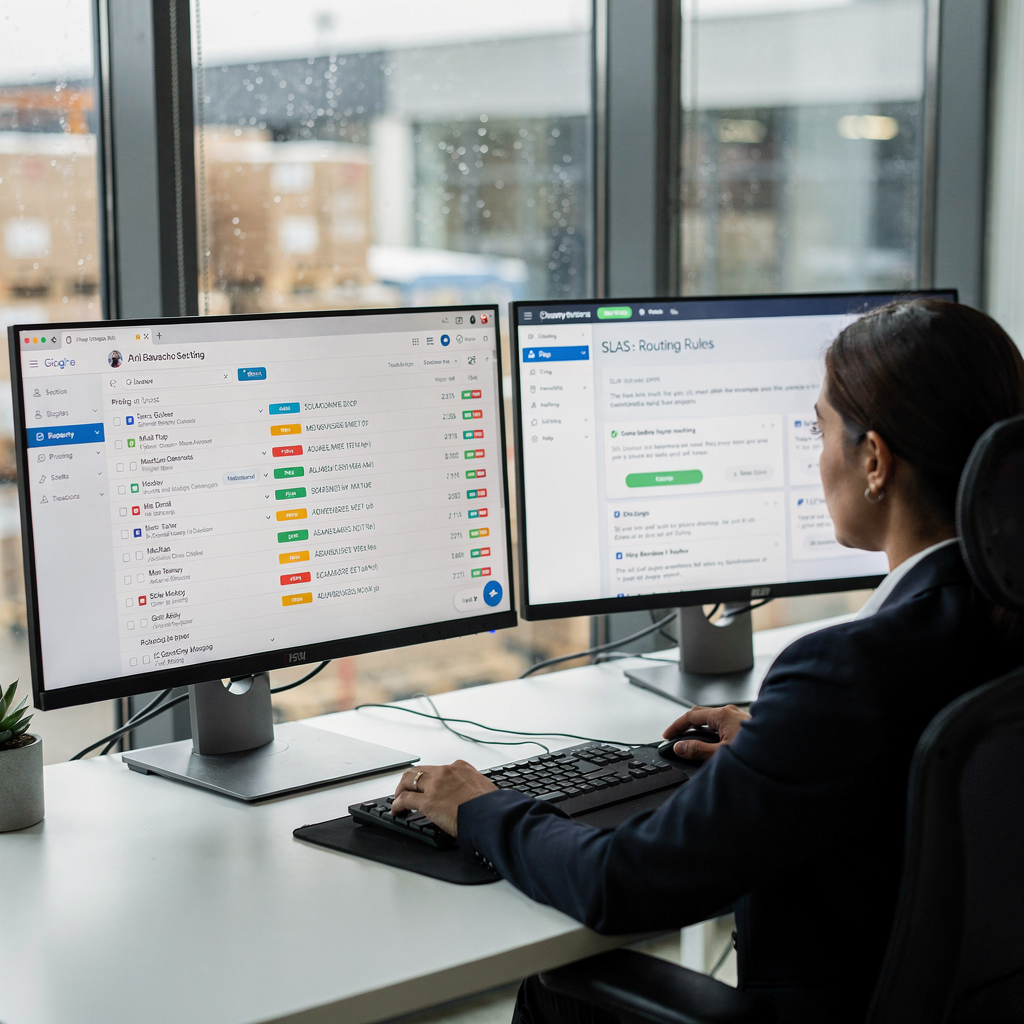
Clearing the inbox is a common priority for property teams. A structured approach makes inbox zero achievable. First, priority tagging sends investor complaints, payout queries and high-value leads straight to the right person. Second, auto-routing and canned replies reduce time triaging. Third, SLA triggers and escalation rules ensure no investor or tenant inquiry falls through the cracks.
Key features include priority tagging, auto-routing to teams, canned replies for maintenance and investor queries, SLA triggers and escalation rules. This lineup helps agents to focus on selling and managing relationships rather than sorting mail. The toolkit also supports a human assistant handover for complex cases. For operations that face large shared inboxes, the assistant ai handles routine triage and flags only the threads that need review.
Expected efficiency gains are measurable. Firms see 30–40% improvements in response time and fewer missed investor enquiries (source). For an asset manager who spends five hours per week on email triage, the time saved can be two to three hours weekly. That reduction in time on admin frees staff to work on closings and property visits.
Practical implementation ties to existing tools. Connect the inbox to the crm and shared task lists so roles and handovers are explicit. Then configure escalation paths and add audit trails for regulatory checks. The flow below shows a simple triage schematic:
1. New email arrives; AI classifies intent and urgency. 2. Priority tags applied; auto-route to investor relations, leasing or repairs. 3. If resolution is simple, automated reply sent. 4. If data required, draft created and sent for approval. 5. SLA timer triggers escalation if no response in set window.
This approach reduces fall through the cracks errors and supports inbox zero for property teams. It also preserves a clear audit trail for compliance and handovers. For more on automated drafting and logistics-style email flows you can compare approaches in our guide to automated logistics correspondence and AI drafting for operations (operational examples).
Drowning in emails?
Here’s your way out
Save hours every day as AI Agents label and draft emails directly in Outlook or Gmail, giving your team more time to focus on high-value work.
AI email, email marketing, email campaigns and template playbook to generate more leads and followup
Use AI to power email marketing and structured outreach. That includes building email campaigns, personal templates and drip sequences to nurture investor prospects and tenant leads. AI makes template management faster. You can create reusable templates for investor updates, tenant viewing confirmations and followup after showings. Then run A/B tests on subject lines to improve open rates.
Start with a small playbook. Create three to five templates for common flows: investor update, viewing confirmation, lease offer. Use email sequences for nurture: a short drip after a viewing, a followup reminder, and a final check-in. Automation reduces manual steps and ensures consistent tone, yet drafts remain editable so the message can match your brand and match your tone.
Examples of subject lines that lift engagement: “Your quarterly distribution details enclosed”, “Confirming your property viewing”, “Quick follow-up on your investor enquiry”. For a followup cadence, try: Day 0 (confirmation), Day 2 (reminder), Day 7 (value note), Day 21 (final nudge). This email drip converts more leads because speed and relevance improve. Tools that combine CRM with marketing automation and AI drafting can increase conversions and lower cost per lead. Use crm segmentation to target investor cohorts and tailor marketing campaigns by asset class.
Reusable template rules speed operations. For example, insert dynamic tokens for distribution amounts and payment dates so email content remains accurate. Use natural language processing to personalise salutations and one-line summaries. Then track opens and clicks with integrated analytics to refine subject lines. If you want to generate more leads, test personalised newsletter content and targeted email campaigns. Our team has examples of industry templates and an all-in-one real estate playbook for campaign setup, plus examples that show how to connect the email assistant into your CRM and campaign engine (see implementation notes).
CRM, integration and property management software: centralise inbound and analytics for property teams
A single view matters. Centralising inbound messages into your crm and property management software makes that possible. Integration syncs contacts, tenancy records and email threads so every stakeholder sees the same history. That single view reduces duplication and helps with compliance and investor reporting.
Integration checklist: sync contacts and tenancy records; capture email threads and attachments; map distribution schedules; log campaign performance; add secure authentication and audit trails. Also ensure API links to Gmail or Office 365 and your PMS so messages become structured data in the crm. That lets teams report on response time, open rates and campaign conversions against business KPIs like occupancy and retention.
Analytics should track core metrics: response time and SLA adherence, open and click rates, campaign conversions, tenant satisfaction and investor engagement. These dashboards link directly to capital raise cycles and retention targets. For teams that need deeper provenance, audit trails and retention policies are essential for financial reporting and regulatory review (source).
Tech notes: most integrations use standard APIs. Connect the inbox to your crm and backfill thread history. Then map custom fields like payout dates and tenancy IDs. Security best practice is to limit access, log actions and require multi-factor authentication. When you connect the email assistant, ensure IT defines scope and governance so the assistant only reads permitted sources.
If you want a practical next step, download an integration readiness checklist and run a short pilot. Our recommendation is a small pilot with a single asset class and a linked crm to measure baseline metrics in weeks. For further reading on scaling operations without hiring and realistic ROI examples, see our guide on how to scale logistics operations without hiring (read more).

Drowning in emails?
Here’s your way out
Save hours every day as AI Agents label and draft emails directly in Outlook or Gmail, giving your team more time to focus on high-value work.
scaling, real estate virtual workflows and support for real estate professionals, real estate agent and realtor operations
Scaling from a single-site manager to a portfolio or REIT requires workflow standardisation. Use multi-asset templates, centralised campaign schedules and delegation rules. Then add multilingual replies and regional compliance handling. A central content library and version control ensure consistent investor messaging across assets and regions.
Focus areas for scaling include multi-asset templates, campaign calendars, delegated approval flows and role-based access. Virtual assistants and role-based automation let teams handle rising volume without proportionate headcount increases. For example, one REIT scaled investor communications across 50+ assets and avoided hiring extra admin staff while keeping response quality high.
Governance matters at scale. Implement approval flows for investor-facing emails, version control on templates and a clear escalation matrix for regulatory queries. Security at scale requires granular permissions and audit logs. Teams should also set rules for when a human assistant must sign-off on sensitive statements.
Operational checklists help. Include template approvals, campaign schedules, language kits and compliance tags. Also define delegation rules and fallback owners for periods of absence. With these controls, real estate virtual workflows allow real estate professionals and real estate agents to focus on closing deals and relationship building instead of repetitive replies.
Scaling also supports realtor and agent operations. Automated showings confirmations and standardised replies for property listings reduce toc and improve follow-up after viewings. The result: teams close more deals while keeping investor relationships over time. For guidance on how AI helps scale operations without extra hires, explore our case studies on how to scale logistics operations with AI agents (case studies).
Frequently asked questions (FAQ) on real estate email, tenant viewing, compliance and next steps
This section answers frequently asked questions and provides quick resources to speed adoption. The FAQs address common queries from property teams, compliance officers and customer support leads. Use the rollout checklist, pilot KPI template and vendor selection guide to plan a short pilot.
Will AI alter regulatory disclosures?
AI drafts messages but does not replace compliance review. Human approval and audit trails remain essential so disclosures meet regulatory standards (source). The workflow should require sign-off on investor-facing statements.
How are tenant viewings confirmed?
Viewing confirmations can be automated with templates that include dynamic tokens for address, time and agent details. Automated reminders and followup increase attendance for showings and reduce no-shows.
Can this integrate with our CRM/PMS?
Yes. Typical integration uses APIs to sync contacts, tenancy records and email threads. Integration timelines vary, but a small pilot with core fields usually takes 4–8 weeks.
What security and data-retention controls exist?
Secure integrations use encryption, access logs and retention policies aligned to your governance rules. Audit trails capture who changed templates or approved investor messages.
What ROI and timelines can we expect?
Plan a pilot of 4–8 weeks, with measurable gains often seen in the first full quarter after rollout. Benchmarks include 30–40% faster response time and a 15% lift in on-time payout communications (source).
How does AI handle complex investor enquiries?
AI flags complex queries for escalation and bundles context for the responder. This reduces handling time and means subject-matter experts only see relevant threads.
Will automation harm tenant relationships?
No. When automation matches tone and timing, tenants get faster, consistent replies. Templates and match-your-tone settings ensure messages feel personal.
What resources should we prepare for a pilot?
Provide a sample inbox, tenancy records, CRM access and a small template set. Define KPIs such as response time, open rates and task reduction in a pilot KPI template.
How do we choose a vendor?
Look for vendors that offer end-to-end email lifecycle automation, deep data grounding and easy integration with your crm and property management software. Trial a free trial where possible and measure handling time and accuracy.
What next steps do you recommend?
Start with a targeted pilot on one asset class, measure baseline metrics and then expand. For operational examples and implementation notes, read research on sentiment-driven investor messaging (source) and compare practical integrations with logistics-case approaches (integration examples). Sign up for a pilot and request a rollout checklist to begin.
FAQ
What is an AI email assistant and how does it help REITs?
An AI email assistant automates classification, drafting and routing of emails. It helps REITs by reducing time on repetitive email and improving response speed and consistency.
Can the system draft investor distributions accurately?
Yes. When connected to ERP and tenancy records, it drafts distribution notices that match financial records. Human review is still part of the control loop.
How will this affect a real estate agent’s daily work?
Agents get fewer administrative interruptions and can focus on showings and negotiations. The system handles confirmations, reminders and basic enquiries.
Does the solution work with Gmail and Office 365?
Most deployments support Gmail and Office 365 via standard APIs. Integration maps messages into the crm and keeps thread context intact.
How are templates managed at scale?
Templates live in a central library with version control and approval flows. That prevents inconsistent messaging and ensures compliance across assets.
What reporting and analytics are available?
Dashboards show response time, open rates, campaign performance and tenant satisfaction. These analytics tie back to KPIs like occupancy and investor retention.
How do we handle multilingual enquiries?
Configure multilingual templates and use automatic language detection. Escalate to specialised teams when legal or regional compliance is required.
What measures protect sensitive investor data?
Use encryption, access controls and detailed audit trails. Data access is governed by IT policies and role-based permissions.
How long does a pilot take and what should it measure?
A pilot typically runs 4–8 weeks and should measure response time, reduction in time on admin and message accuracy. Use those metrics to evaluate ROI.
Where can I see examples and sign up?
Request a demo or start a free trial to test templates and integrations. See implementation guides and case studies to plan your rollout and pilot sign-up.
Drowning in emails?
Here’s your way out
Save hours every day as AI Agents label and draft emails directly in Outlook or Gmail, giving your team more time to focus on high-value work.