


ai email assistant to automate reservation confirmations and reservation confirmation
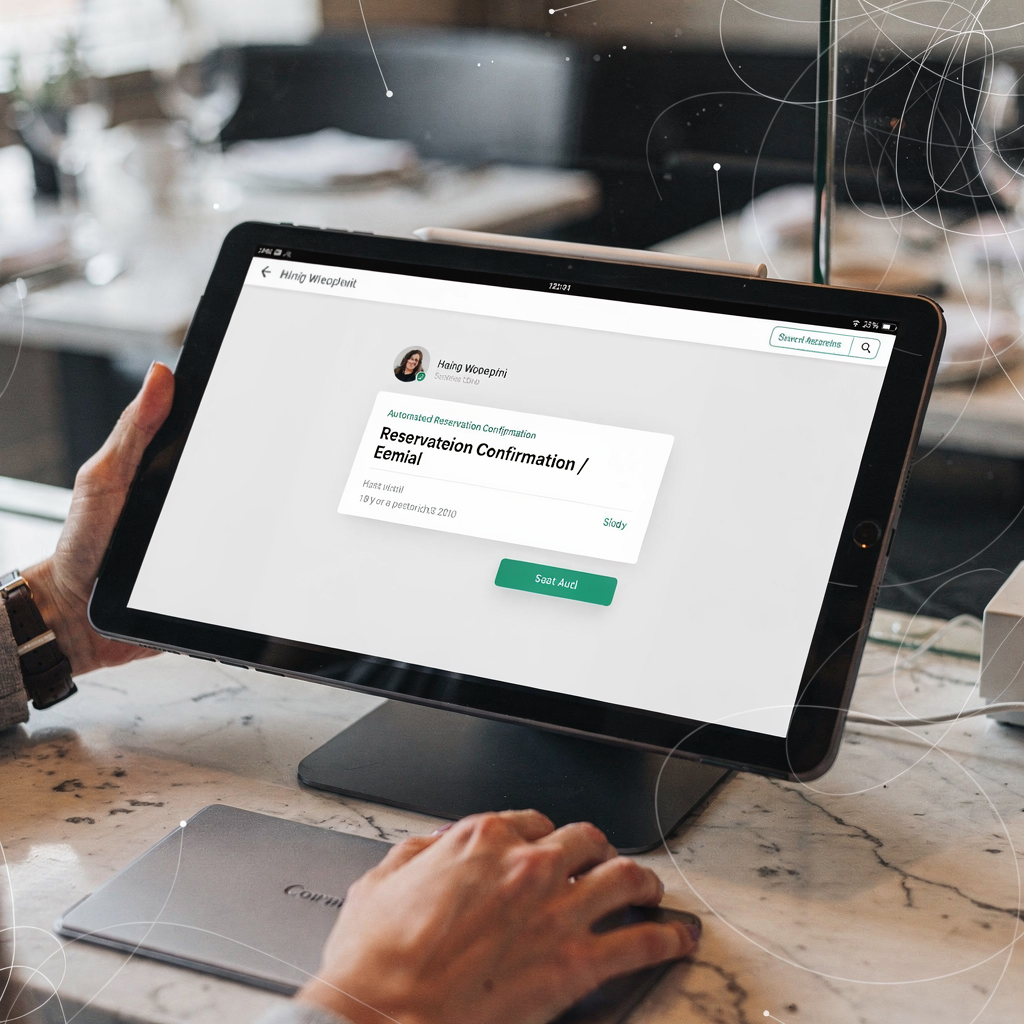
First, an AI email assistant can immediately confirm a reservation. It reads incoming messages fast. Then it matches intent and sends a reservation confirmation that includes time, date and table notes. For restaurants that need to automate reservation confirmations, this reduces manual reply delays and cuts errors. Studies report 50–70% faster response times and fewer booking errors; for example, research shows automation can halve reply time in hospitality settings (source). Also, fast confirmations lower no-shows and improve guest satisfaction.
Next, an AI agent can auto-reply or flag messages for staff. It classifies intent, then routes complex inquiries. For routine confirmation flows the assistant answers without human oversight. Yet the system can escalate when needed. Virtualworkforce.ai uses thread-aware AI agents that label emails by intent, urgency and customer. This approach reduces time per email from ~4.5 to ~1.5 minutes, helping restaurant operators free up staff for in-person service. In short, the assistant for restaurants completes the full email lifecycle and prevents shared inbox loss of context.
For practical use, provide templates for common scenarios. A standard confirmation template lists reservation details, cancellation policy and arrival instructions. A change/cancellation flow prompts quick rebooking options and updates the table status in the reservation system. A dietary-request acknowledgement confirms the note and asks clarifying questions when needed. These messages help answer menu questions and reduce misunderstandings.
Quick wins include autoresponders for peak hours and pre-visit email reminders. Autoresponders state expected reply times and offer self-service links. Email reminders cut no-shows and improve the dining experience. Also, integrate with platforms such as OpenTable (opentable) and calendar tools to sync table availability and avoid double bookings. For more on scaling operations without adding headcount, read this guide on how to scale logistics operations without hiring from virtualworkforce.ai (scale guide). Finally, keep options for human handover to maintain trust and to improve service quality.
ai-powered automation to improve guest experiences and customer engagement
First, AI-powered emails can personalise messages at scale. They use guest data and guest preferences to tailor offers. In this way, personalised guest communication lifts repeat visits; industry analytics show roughly a 20% rise in repeat rates when communications are tailored (study). Secondly, personalised content drives engagement. Targeted offers, loyalty nudges and segmented messaging increase open and click rates. For restaurant email marketing, this matters. Also, follow-up feedback requests after dining gather guest feedback for continuous improvement.
Then, AI helps segment guests by behaviour. For example, a guest who orders vegetarian dishes can receive dietary offers and special menus. Likewise, a frequent diner might get priority booking or a loyalty incentive. This targeted approach improves customer engagement and builds customer loyalty. In addition, CSAT and repeat-booking rate become measurable KPIs. Track open and click rates to confirm impact.
Moreover, an ai agent drafts context-aware follow-ups. It checks past emails, loyalty status and recent visits. Then it creates an ai-powered email that suggests next steps, such as a special tasting menu or a timed pre-order. These automated prompts nudge guests toward rebooking. They can also include timely email reminders to reduce no-shows.
Operationally, an ai platform must connect to CRM and POS to pull guest history. That integration allows the assistant to reference past dining preferences, which improves personalization and the dining experience. For teams that want an end-to-end solution that drafts and routes messages, virtualworkforce.ai shows how to automate logistics emails with Google Workspace and virtualworkforce.ai (integration tutorial). Finally, test subject lines and offers. Then iterate based on open and conversion rates to sustain efficiency and customer satisfaction.
Drowning in emails?
Here’s your way out
Save hours every day as AI Agents label and draft emails directly in Outlook or Gmail, giving your team more time to focus on high-value work.
integration and workflow: integrate with restaurant systems, booking engines and restaurant systems
First, map the workflow from inquiry to confirmation. A guest sends an inquiry about availability. The AI parses intent, checks table availability and confirms the booking. Next, it pushes the reservation into the reservation system and updates POS or CRM records. This end-to-end integration prevents double bookings and keeps guest data consistent. It also helps restaurant owners maintain accurate records for loyalty and later personalization.
Then, link the AI to booking engines and calendars. Use APIs and webhooks for real‑time updates. Platforms such as OpenTable and other booking tools support API access, so AI can check table availability quickly. In practice, integrate with POS, CRM and calendar tools. This ensures that a confirmed booking updates all downstream systems. To understand how AI reduces email handling and improves ROI in operational contexts, see the virtualworkforce.ai ROI case study for logistics teams (ROI case study). The case study highlights measurable time savings and accuracy improvements that apply to restaurant operations as well.
For practical steps, map data flows like this: reservation → AI agent → confirmation → POS/guest profile. Then test each integration in a staging environment. Also, set rules to prevent duplicate bookings and inconsistencies. Implement locks or token checks when the AI queries table availability, so the system preserves table availability and prevents race conditions. Additionally, set clear escalation paths and audit logs to track changes.
Risks include duplicate bookings, stale guest data and API failures. Therefore, include safeguards such as cross-checks, retries and real-time validation. Train staff to monitor a dashboard and to correct anomalies. If you want technical tips for connecting AI to email drafting and operational systems, explore virtualworkforce.ai’s guide on virtual assistant logistics to see how agents connect to ERP and inbox sources (technical guide). Finally, document integration points, test thoroughly and keep a fallback manual process to maintain service during outages.
Use case and roi: measure savings, reduce response time and build customer loyalty with ai assistant and automation
First, identify common use cases. An AI assistant handles FAQ, confirms bookings, upsells pre-order options and manages waitlists. It also drafts messages to answer menu questions and to request dietary clarifications. For peak periods, the assistant automates routine replies so staff can focus on floor service. This improves customer experience and can free up staff for high-value tasks.
Then measure the ROI. Baseline metrics include average time per reply, staff hours spent on emails and no-show rates. Pilot the assistant for a few weeks. Track reductions in response time and changes in conversion from email to booking. For example, operations studies show AI-driven communication tools can reduce reply times by up to 50%, and increase repeat customers by about 20% (research). Use those figures to model payback period and scale assumptions.
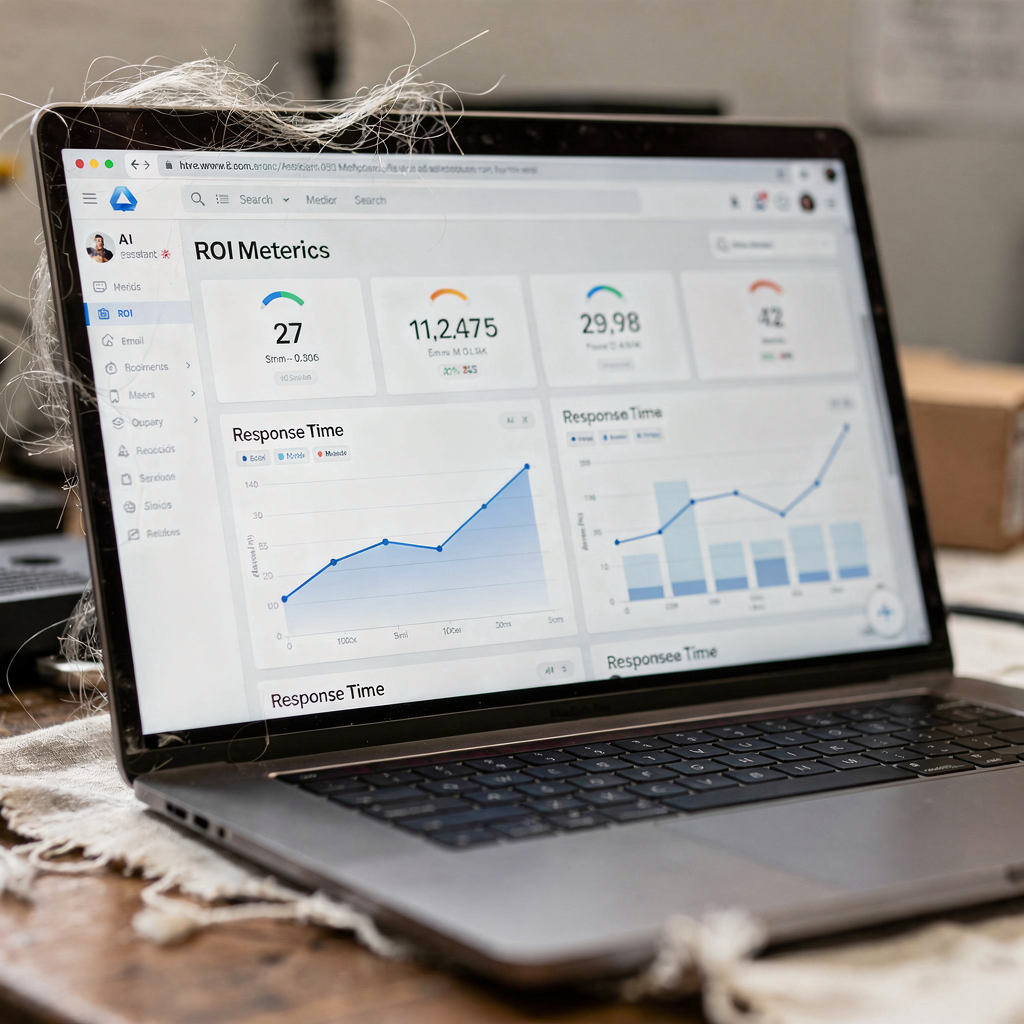
Next, calculate labour savings. If automated ticketing cuts handling time substantially, multiply time saved by hourly labour cost. Then add revenue uplift from increased bookings or reduced no-shows. Also include softer benefits such as improved guest satisfaction and consistency. For reporting, create dashboards that show response time, conversion from email to booking and revenue attribution. These reports give restaurant operators visibility into service quality and ROI.
Finally, pick tools that link to your systems. An ai platform that grounds replies in POS, ERP or reservation history reduces errors. Virtualworkforce.ai automates the full email lifecycle, drafts grounded replies and creates structured data from emails. This approach produces traceable outcomes and faster payback. To read about how AI affects hospitality marketing and guest behavior, consult the restaurant analytics review for evidence on personalization and repeat behaviour (analytics). Overall, a clear pilot with measurable KPIs produces a defensible ROI for restaurant business leaders.
Drowning in emails?
Here’s your way out
Save hours every day as AI Agents label and draft emails directly in Outlook or Gmail, giving your team more time to focus on high-value work.
best practices and frequently asked questions for existing restaurant teams using chatbot, ai agent and ai host
First, follow best practices to protect guest trust. Always offer human handover. Keep tone local and simple. Test templates frequently. Also, limit automation for sensitive cases such as large private events or allergy notes. These steps help enhance guest satisfaction and avoid mistakes. The team should set clear escalation rules for the ai host and for manual overrides.
Second, set up roles and responsibilities. Assign staff to monitor the assistant, edit templates and train the ai agent. Train one person to own the escalation path and another to refine tone and content. In addition, create a review cadence for templates and flows. That practice helps maintain brand voice and improves customer interactions.
Third, answer common operational questions proactively. Include a clear “Can guests still talk to staff?” option in every email. Clarify how guest data is stored and how privacy rules apply. For GDPR and consumer-data compliance, document opt-ins for restaurant email marketing. Also, keep audit logs and access controls to secure guest preferences and data.
Fourth, manage content and accuracy. Use grounded AI that references POS, CRM and reservation history to reduce wrong replies. For dietary needs, require a confirmation step. For messages where the assistant answers complex questions, add a human review. These controls reduce risk and improve service quality.
Finally, maintain training and feedback loops. Use guest feedback and customer support tickets to refine intents. Test the ai chatbot and the ai host in low-risk scenarios first. For teams that want to scale similar workflows beyond email, virtualworkforce.ai provides examples of automated logistics correspondence and how to scale operations with AI agents (automation examples) and (scale with AI agents). These resources show how to control accuracy while improving speed.
conversational options: integrate email automation with voice assistant, voice ai, chatbot and capture customer feedback and customer support
First, think omnichannel. Combine email automation with a chatbot on your website and a voice assistant for phone bookings. This creates a unified guest profile and reduces repeated questions. For example, a guest who starts an inquiry by voice AI should see the same context in follow-up emails. Sync intents across channels so responses remain consistent and personalized. This approach helps enhance guest and drives a smoother customer experience.
Second, match channels to use cases. Use voice assistant technology for quick phone bookings and confirmations. Use email for detailed confirmations and for sending attachments such as menus or policies. Use a chatbot for on-site FAQ and real-time table availability checks. This mapping clarifies when to escalate to human staff and when the ai chatbot can resolve the request without human intervention.
Third, centralize analytics. Share customer feedback and conversational logs across channels. Then use that data to improve templates and escalation rules. A single ai platform that stores guest communication history enables better personalization and fewer repeated questions. Also, tie conversational metrics into CSAT and customer engagement KPIs to measure impact.
Finally, prototype quickly. Run a two-week pilot that pairs email automation with a chatbot, then measure response time, conversion into booking and guest feedback. Iterate on templates and escalation triggers. If you need help building the pilot or integrating systems, look to platforms and services that specialize in email drafting and operational grounding. The right combination of email reminders, voice AI and chatbot for restaurants will streamline bookings, improve service quality and increase customer loyalty.
FAQ
What is an AI email assistant and how does it help restaurants?
An AI email assistant automates the lifecycle of guest emails from intent detection to drafted replies. It helps restaurants by reducing response time, decreasing manual triage and improving consistency in customer interactions.
Can guests still speak to a human when the AI handles emails?
Yes. Best practices require a clear human handover option in every flow. That keeps trust high and ensures complex requests get human attention.
How is guest data stored and protected?
Guest data should be stored in secured CRM or POS systems with access controls and audit logs. Restaurants must follow applicable GDPR and consumer-data rules and require opt-ins for marketing.
What happens if the AI gives a wrong reply?
Teams should set escalation rules and review logs to correct errors. Monitor a dashboard, and train the ai agent with real examples to reduce future mistakes.
How are dietary requests handled by the assistant?
The assistant acknowledges dietary needs and asks clarifying questions when needed. If the case is sensitive, it escalates to staff to confirm kitchen procedures.
Will using AI reduce my staff workload?
Yes. Automating routine emails and email drafting frees staff to focus on in-person service. This can reduce handling time per email and free up staff for higher-value tasks.
What integrations are necessary for a smooth workflow?
Integrate the assistant with reservation platforms, POS, CRM and calendar systems via APIs and webhooks. This prevents duplicate bookings and keeps guest profiles consistent across channels.
How do I measure ROI from an AI email assistant?
Track baseline metrics like reply time, staff hours spent on emails and no-show rates. Run a pilot, then measure reductions in time per reply, lift in conversion from email to booking and revenue attribution.
Can I combine email automation with voice AI or chatbot channels?
Yes. Combining channels creates a single guest profile and improves resolution speed. Sync intents and analytics across email, chatbot and voice assistant technology for consistent responses.
Where can I learn more about implementing AI for operational emails?
Explore vendor guides and case studies that show end-to-end email automation and integration patterns. For practical examples of grounded email automation and ROI in operational contexts, see virtualworkforce.ai resources on virtual assistant logistics and ROI case studies.
Drowning in emails?
Here’s your way out
Save hours every day as AI Agents label and draft emails directly in Outlook or Gmail, giving your team more time to focus on high-value work.