


AI email assistant: how an AI email assistant boosts restaurant email marketing and customer loyalty
First, this chapter explains how an AI email assistant improves restaurant email marketing and customer loyalty. It covers personalization, segmentation and automated follow-ups. Also, it shows practical templates and metrics to track. The goal is clearer guest communication and more repeat visits. For example, a well-tuned email campaign can raise open rates and clicks. Recent data shows about 77% of marketers saw rising email engagement when campaigns were optimised. Next, only roughly 12% send weekly emails, which means regular automated contact is a quick win.
AI personalizes offers by reading guest data and past orders. It matches dietary preferences and past orders to suggest menu items. Then it crafts subject lines and body copy that test well. This reduces manual work. The system can also manage email addresses and guest data so lists stay fresh. Use an ai-powered email tool that segments by visit frequency, past orders and average check size. That drives repeat visits. For restaurants using loyalty programs, personalized offers increase lifetime value.
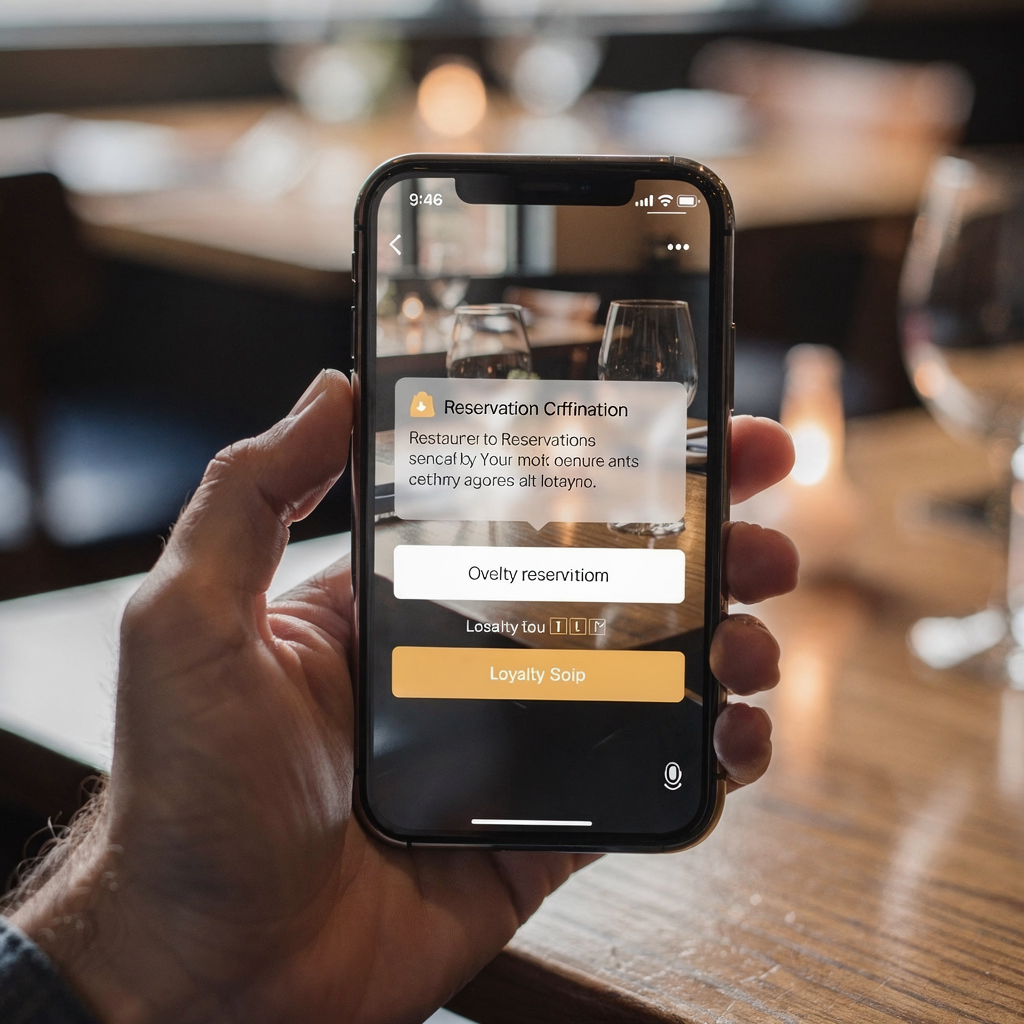
Use these pre-built templates: reservation confirmations, post-visit thank you emails and campaigns for lapsed diners. Also include conditional messages for special events or seasonal menu changes. Track open rates, CTR and bookings attributed to email. Track average order value and average check size tied to each campaign. If you want to automate routine emails with Google Workspace, see how to integrate email workflows with your systems. This reduces time for staff on repetitive replies.
Practical takeaways are simple. First, start with reservation confirmations and a quick post-visit survey. Second, test different subject lines and measure opens. Third, roll out personalized offers for birthdays and anniversaries. Finally, measure bookings attributed to email and use that to forecast ROI. An ai assistant helps you scale these tasks without adding headcount.
Integrate and integration with your existing restaurant stack and email marketing tools seamlessly
This chapter explains how to integrate AI into your existing restaurant stack and email marketing tools. First, map your systems. Include the POS and reservation system. Then list your CRM, email platform and online ordering provider. Modern solutions use APIs and middleware like Zapier or Make to connect sources. For concrete examples, see how AI is used in restaurant systems with broader AI in hospitality reporting AI in Restaurants. Integration lets the assistant read real-time table availability. It can also update guest profiles with past orders and dietary preferences.
Next, a checklist helps. Confirm connectors for OpenTable, Resy or your reservation system. Confirm your POS or POS system fields sync with guest profiles. Sync past orders, check sizes and loyalty program IDs. Also sync reservation confirmations and the confirmation number into the CRM. If your team needs deeper automation, a platform like virtualworkforce.ai shows how end-to-end email automation reduces manual triage. For ops teams that handle many emails, you can learn more about automated email handling in operations from our guide to automated logistics correspondence.
Testing matters. Run end-to-end flows that start with a booking and end with a post-visit follow-up. Test updates to guest data after dine-in or order online events. Verify that email marketing tools receive accurate email addresses and status flags. Also test mobile formatting because most customers read on phones. Finally, document access and governance so IT can control who can view and edit guest profiles. With careful planning you integrate tools without disrupting service. The result is a seamless flow of guest data and centralized reporting across one platform.

Drowning in emails?
Here’s your way out
Save hours every day as AI Agents label and draft emails directly in Outlook or Gmail, giving your team more time to focus on high-value work.
Automation for booking, ai phone and voice assistant handling
This chapter covers automation for booking confirmations, reminders and phone handling with AI. First, create an automation flow that captures a booking, sends a confirmation and follows up with a reminder. Use A/B testing on reminder timing to reduce no-shows. AI can also automate replies to simple guest queries. A well-configured ai phone or voice assistant captures reservations 24/7. It can take basic details, confirm a table and update the reservation system in real time.
An AI-based flow looks like this: booking capture → reservation confirmations → a day-before reminder → follow-up survey. Each step can include optional SMS or email and conditional messages for dietary preferences. When the AI cannot resolve a request, it escalates to staff with context. This keeps escalation fast and accurate. The voice assistant can handle simultaneous calls and pass complex requests to human hosts. As a result your team never misses urgent bookings and can handle peak times with fewer errors.
Practical rules reduce friction. First, route requests for private events or large parties to staff immediately. Second, let the AI confirm standard requests and only escalate exceptions. Third, link confirmations to the POS system so check sizes and expected spend update reservations. This helps forecasting for shift planning. For restaurants using multi-unit setups or restaurant chains, automation keeps messaging consistent and helps staff focus on service rather than triage.
Use analytics to measure performance. Track booking conversion, reminder open rates and no-show reduction. Also calculate the time saved by replacing manual call-taking with an automated flow. If you need operational accuracy, consider an ai solution that ties email and phone threads to orders and inventory. That produces better guest communication and more time for staff to care for diners.
voice ai and voice assistant: using voice channels to capture bookings and mobile-first customers
This chapter explains how voice AI and voice assistant channels capture bookings and serve mobile-first diners. Voice channels close the gap between discovery and the booking process. Studies show a rising share of searches use voice and AI, which affects how diners find restaurants. For evidence that voice and AI searches are growing, see research on restaurant website discovery and voice search trends Restaurant Websites in 2026. As customers shift to voice, restaurants must adapt touchpoints across channels.
Start by choosing a voice ai platform that syncs with your reservation system. The platform should read table availability, take the number of guests and add dietary preferences to the guest profile. Then send an immediate reservation confirmation by email or SMS. This ensures guests can quickly make a reservation and receive proof. Next, capture opt-ins for future messages so email and sms lists grow organically. Linking voice bookings to email lists helps you expand campaigns for event promotions, exclusive offers and seasonal menu launches.
Script examples improve outcomes. For instance, a voice assistant prompt can say: “Would you like to leave a phone number or an email to confirm your booking?” Keep phrasing short and clear. Also, route requests for private events to a human event coordinator. When voice AI handles standard bookings, staff handle higher-value tasks. For restaurants go live on voice channels by piloting during low-traffic hours and measuring booking capture and visitor feedback.
Finally, optimize messages for mobile-first users. Use concise confirmations with clear actions to add the reservation to calendars. Track visit frequency and booking process conversion. Measure average order value and average check size for guests who booked via voice versus other channels. Over time, you will see where voice brings the most value and how it helps fill tables and drive repeat visits.
Drowning in emails?
Here’s your way out
Save hours every day as AI Agents label and draft emails directly in Outlook or Gmail, giving your team more time to focus on high-value work.
Hospitality-focused personalisation: customer loyalty, privacy and measurable ROI
This chapter shows how hospitality teams use personalized guest data to build loyalty while staying compliant. Personalization drives customer loyalty and repeat business. Use guest data such as past orders, visit frequency and dietary preferences to tailor messages. For example, send birthday offers, loyalty rewards and tailored menus that cater to guest tastes. Personalized offers that reference past orders and new menu items feel more relevant. That keeps your brand top of mind.
Privacy matters. Follow GDPR and local rules when collecting email addresses and phone numbers. Get clear consent before you send marketing messages. Use secure storage and strict access controls for guest profiles. Also document the lifecycle of data and how you sync it between your POS and CRM. For teams that want robust governance for operational emails, explore methods to reduce errors in email workflows with AI agents that ground replies in operational data. See our resources about how to improve logistics customer service with AI for ideas you can adapt to restaurant operations improve guest-facing workflows.
Measure ROI in concrete terms. Track repeat visits, average check size and average order value for targeted segments. Forecast how many additional bookings you need to cover the cost of an AI solution. Use A/B testing to find the most effective subject lines and offers. Also include centralized reporting so marketing and operations share one view of performance across touchpoints. When you personalize within governance, you cater to customer needs and protect their data simultaneously. That balance strengthens customer experience and supports long-term customer loyalty.
frequently asked questions: costs, setup time, security and best practices
This section answers frequently asked questions about AI email assistants for restaurants. It covers setup time, costs, security and best practices. Use the quick pilot checklist at the end to move from concept to test fast. First, typical setup time varies. Small pilots can run in 30–60 days. Larger, multi-unit rollouts may take longer. Second, pricing models include per-seat licenses, volume-based plans and outcome-based fees. Third, integration complexity depends on your POS system and reservation platform.
Security and privacy are central. Use role-based access and data encryption. Ensure consent flows are active before sending marketing messages. For GDPR compliance, keep audit logs and easy unsubscribe paths. Also test escalation rules so complex or high-risk guest requests go to staff. When you automate replies, monitor quality regularly to keep tone authentic and on-brand.
Best practices include starting with one use case and one integration. For example, automate reservation confirmations and a single follow-up. Measure open rates, CTR and bookings attributed to the test. Then expand to loyalty program offers and campaign segmentation. Use pre-built templates for thank you emails and reservation confirmations. Keep messages concise and mobile-friendly. If you need more technical guidance on email lifecycle automation for operations, our team documents operational email automation patterns and benefits in several guides, including resources on automated logistics correspondence automated correspondence.
Quick pilot checklist: select one use case, integrate one system, run a 30–60 day test and measure results. Recommended KPIs include bookings attributed, repeat visits, open rates and average check size. If the pilot proves ROI, schedule a demo to expand into more channels and scale across single locations or multi-unit restaurants. If you want tactical help with email drafting and lifecycle automation in operational teams, see our guide to automated logistics correspondence and our practical tips for scaling operations without hiring in the back-office context scale operations without hiring. These resources show how to free time for staff while keeping guest communication accurate and fast.
FAQ
What is an AI email assistant and how does it help restaurants?
An AI email assistant uses AI to draft, route and manage email workflows. It helps restaurants by automating reservation confirmations, post-visit messages and targeted promotions. This reduces manual triage and frees time for staff to focus on service.
How long does it take to set up an AI email assistant?
Setup time depends on scope. A small pilot can be live in 30–60 days. Full rollouts for multi-unit restaurants take longer because integrations and governance rules require coordination.
What are typical costs and pricing models?
Costs vary. Providers charge per user, per volume or via outcome-based fees. Compare total cost to projected gains in bookings, repeat visits and saved staff time.
Will an AI email assistant keep guest data secure?
Yes, if you choose a solution with encryption, role-based access and audit logs. Always verify GDPR and local compliance when collecting consent and storing email addresses or phone numbers.
Can the system handle reservation confirmations and reminders?
Yes. Most systems automate reservation confirmations, reminders and follow-ups. They can also send SMS or email reminders to reduce no-shows.
Do AI assistants replace human staff?
No. They automate repetitive tasks and escalate complex cases to humans. This improves efficiency and customer experience while keeping human oversight.
How do I measure ROI for an AI email assistant?
Track bookings attributed to email, repeat visits, average check size and open rates. Compare these gains to the platform cost and saved staff time to calculate ROI.
Can voice AI capture bookings and sync with email lists?
Yes. A voice AI platform can capture bookings and add contacts to email lists with consent. This helps grow your audience across channels and supports omnichannel campaigns.
What integrations are essential for restaurants?
Integrate your reservation system, POS system, CRM and email marketing tools. Also connect online ordering and loyalty program data if available. Start with one integration and expand.
What are the best first steps for a pilot?
Select a single use case, such as reservation confirmations. Integrate one system, run a 30–60 day test and measure open rates, bookings and repeat visits. Then iterate based on results.
Drowning in emails?
Here’s your way out
Save hours every day as AI Agents label and draft emails directly in Outlook or Gmail, giving your team more time to focus on high-value work.