


AI: why an AI email assistant is critical for retail distribution centres
High-volume transactional and exception emails in distribution centres make an AI email assistant essential: studies show automated handling can improve efficiency by ~40% and cut email handling time by 30–50%.Evaluating AI-Generated Emails reports the efficiency figure, while industry summaries show time reductions in the 30–50% range350+ Generative AI Statistics. In warehouse and distribution operations, the volume and variety of email types create daily bottlenecks. For example, teams routinely handle order confirmations, shipment updates, supplier queries and exception alerts. Those common email types generate repetitive triage work that delays action, increases labour cost and raises the chance of errors.
Therefore, an AI email assistant that can tag intent, route messages and draft accurate replies directly impacts business outcomes. First, faster response time reduces escalation and improves on-time deliveries. Second, lower labour cost follows from automating repetitive tasks. Third, customer satisfaction improves when replies are consistent and timely. Moreover, AI systems can surface patterns in incoming email that identify recurring supplier or carrier problems, which helps operations teams intervene earlier. For distribution centres that handle thousands of daily messages, the benefits compound quickly: reduced cycle times, fewer disputes and clearer ownership for each message.
Practically, deploying an AI assistant shifts staff focus. Instead of spending time on manual data lookup and email drafting, teams can triage true exceptions and work on higher-value coordination. This change both saves money and lifts morale. As an example, virtualworkforce.ai helps operations reduce handling time from about 4.5 minutes to roughly 1.5 minutes per email by automating the full lifecycle of operational email. That outcome drives faster resolution and lower labour cost while keeping accuracy high.
Finally, the distribution environment favors solutions that integrate with ERP, WMS and TMS data. When an AI assistant links to those systems, replies are grounded in real operational facts. As a result, teams gain trust in automated replies and the organisation gains measurable efficiency gains.
Assistant and automation: how AI-powered assistants automate inbox and workflow
AI-powered assistants automate entire email threads, draft responses from templates, and trigger downstream workflows so teams spend less time in the inbox and more on exceptions. To automate an inbox effectively, the system must manage thread context, detect intent and decide whether to resolve automatically or escalate. For example, a delayed shipment email can follow a precise path: the incoming email is labeled, the AI queries the WMS and carrier API, the AI drafts a shipment-delay notice using a configured template and then triggers a logistics alert in the task queue. The result is streamlined handling that keeps teams informed and customers updated without manual email drafting.
Thread management here matters. An AI that tracks the entire email thread preserves context and avoids repetitive questions. This thread-aware memory prevents lost context across shared inboxes and long-running exceptions. Additionally, real-time suggestions inside the email client give agents quick, accurate drafts they can edit before sending. Those shortcuts reduce keystrokes and speed response time.
Integration is critical. A practical deployment will connect the email platform to ERP, TMS, WMS and document stores so the assistant can ground replies in operational data. When properly set up, the assistant labels messages, fills templates with exact order or shipment details, and pushes structured data back to the CRM or ticketing system. That approach removes manual data entry and preserves a clear audit trail. For teams wanting more detail on automated logistics correspondence, see the guide to automated logistics correspondence available on our site.
Finally, automation must include governance. Business teams should control tone, routing rules and escalation logic without coding. A no-code rules builder lets staff tune templates and workflows so automation aligns with policy. In practice, this reduces routine inbox work and keeps human attention focused on exceptions.

Drowning in emails?
Here’s your way out
Save hours every day as AI Agents label and draft emails directly in Outlook or Gmail, giving your team more time to focus on high-value work.
CRM, sales team and productivity: integrate AI email assistants to preserve email history and boost sales
When integrated with CRM, an AI email assistant preserves email history, logs interactions, surfaces upsell signals and can raise sales productivity (reported engagement gains ~25%). Integration ensures that every customer or account interaction is captured without manual time-consuming logging. The assistant automatically syncs email metadata and message summaries to CRM records, so the sales team sees a complete account timeline. That preserved email history removes guesswork and helps reps pick up threads faster. Sales teams can use AI suggestions to draft personalized outreach that references past orders or service issues, increasing relevance and conversion.
Lead scoring from email content becomes practical when the assistant extracts intent and sentiment. For example, an email that mentions recurring damage or late arrivals can be flagged as a risk for churn. Conversely, language indicating interest in new SKUs can surface upsell opportunities. These signals feed sales workflows and create suggested follow-ups that reps can send with one click. As reported in distribution-focused AI research, generative AI copilot systems help maintain current customer relationships and identify new prospects through context-aware responsesRevolutionizing sales in distribution.
EchoStar Hughes’ experience on Azure underlines scale: AI can support dozens of automated communication apps, including email tools that audit sales calls and draft replies, which shows how enterprise-grade integrations perform in complex environmentsAI-powered success—with more than 1,000 stories. In operations-focused deployments like virtualworkforce.ai, the assistant not only drafts replies but also attaches the correct operational evidence to CRM logs, preserving decision context for audits and future outreach.
Therefore, integrating an AI assistant into CRM workflows boosts productivity and helps sales teams focus on closing deals rather than reconstructing conversations. For more on email drafting for logistics teams and how to scale without hiring, review our logistics email drafting and scaling guides for practical steps and templates.
Choosing the right ai: criteria for best ai email assistant and best ai email tools in 2025
Choosing the right AI requires checking security, integration breadth, natural language quality, real-time performance and vendor roadmap—key traits of the best ai email assistant in 2025. Start with security and governance: the system must meet GDPR and enterprise security expectations, provide audit logs, and allow IT to control data access. Next, check connectors. The ideal solution will integrate with major email platforms, CRMs and operational systems so it can read order data, WMS notes and shipment manifests. Also, evaluate the natural language quality of the ai model and its ability to handle domain-specific phrasing. The assistant should generate clear, accurate replies that align with corporate tone and legal language when needed.
Performance matters. Real-time suggestions that appear in the email client reduce handling time. Latency or flaky connectors erode user trust. Compare generative AI approaches to rule-based automation: generative AI can draft nuanced replies and spot upsell signals, while rules provide deterministic routing for compliance-critical items. Ideally, choose a hybrid that uses generative capabilities for language and rules for governance. Beware vendor lock-in. Choose vendors with open APIs, clear SLAs and an exportable audit trail so you can migrate if needed.
Also assess operational tooling: a template and workflow builder, monitoring dashboards, and offline auditability are essential. Look for vendors that support zero-code configuration so business teams can author templates and escalation flows without prompt engineering. Finally, review vendor case studies and roadmap. For a list of best ai tools for logistics companies and focused comparisons, see our roundup of best ai tools and the guide to best tools for logistics communication. Those resources help teams choose the best AI email and the right deployment pattern.
Drowning in emails?
Here’s your way out
Save hours every day as AI Agents label and draft emails directly in Outlook or Gmail, giving your team more time to focus on high-value work.
Email management and compliance: preserve email history, ethics and ai automation
Robust email management must preserve email history, provide auditable AI decisions and follow “ethics by design” to meet compliance and customer-trust needs. Preserve email history by storing versioned drafts and structured metadata alongside the original messages. That approach keeps an immutable trail showing who authored or approved a reply and which data sources the assistant used. Audit logs should capture model outputs, decision rules and any user edits so compliance teams can trace the reasoning behind each automated response.
Consent and disclosure matter. Automated replies should follow clear policies about customer consent and indicate when a virtual assistant generated or assisted with the response if regulation or customer preference requires disclosure. For EU deployments, GDPR concerns require careful data minimization, subject access handling and retention schedules. Advanced AI techniques can assist; for example, automated redaction of sensitive fields before export helps meet privacy rules. Operational teams must also set retention policies and consent flows so customer preferences persist across systems.
Ethics by design means aligning the assistant with company values and compliance obligations from the start. That includes rule-based guards for certain topics and human-in-the-loop approval for sensitive replies. The system should also allow offline review and audits of the ai-powered assistant’s decisions. For companies focused on logistics email and customs documentation, ethical automation reduces risk while preserving speed. Finally, use metrics and sampling to monitor model drift and to ensure that automated replies continue to meet quality and legal standards.
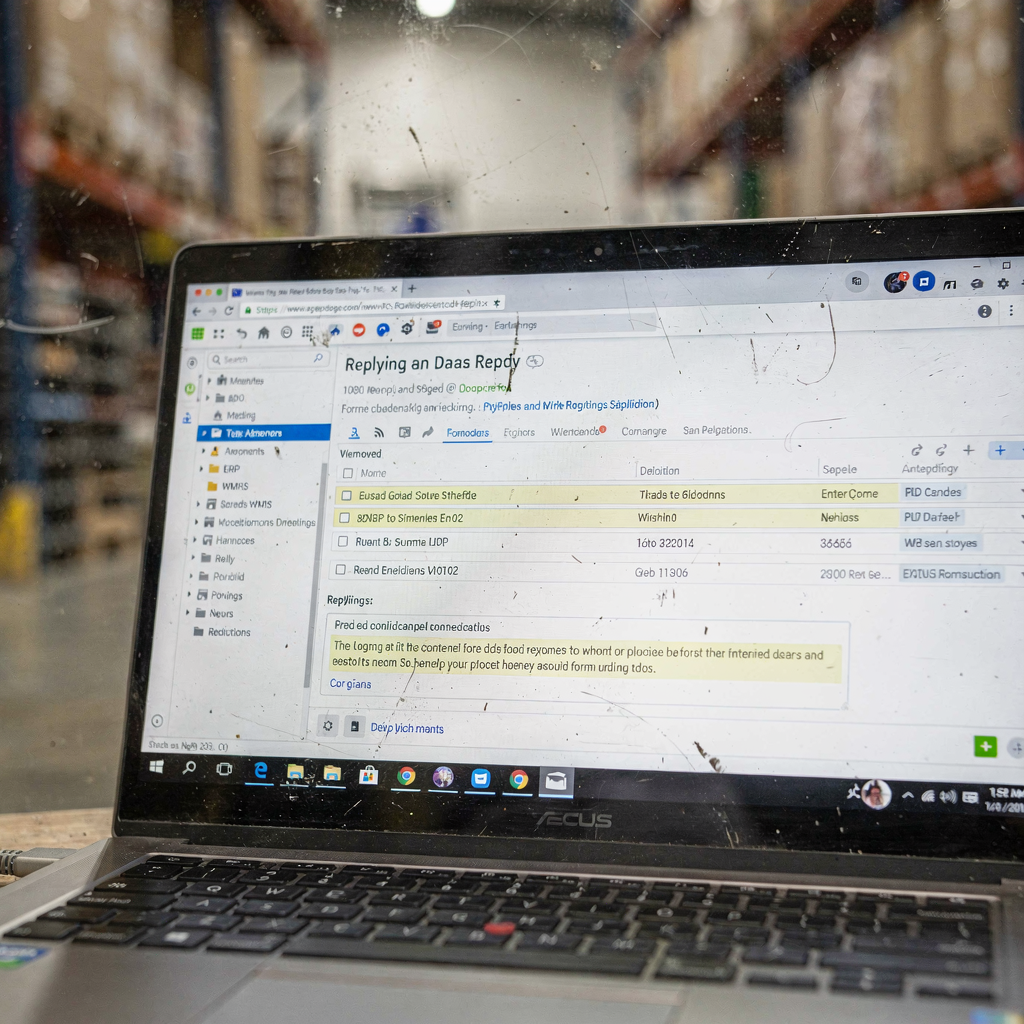
Measure and scale: save time, templates, email writing and future-proof AI-powered workflows
Measure productivity gains (hours saved, response time, resolution rate), scale with reusable templates and monitor model performance so AI-powered email workflows continue to save time and improve outcomes. Start with a pilot that tracks KPIs such as time per email, first-response time, customer satisfaction and escalation rate. Use those baselines to quantify improvements. For example, many teams see reductions in email handling and better consistency after introducing templates and thread-aware automation. Track quality by sampling automated replies and measuring error rates.
Templates and reuse drive scale. Standardized email templates reduce variation and speed email writing. Create template libraries for common situations such as shipment delays, customs holds and order confirmations. Combine templates with conditional logic so the system populates fields from ERP, TMS or WMS and adapts tone or content based on recipient type. That approach makes it easy to scale across regions and languages.
Monitor the ai model and integrations. Track model performance metrics and connector uptime, and set alerts for drift or failures. Maintain an operational playbook that describes pilot steps, training of templates, governance reviews and a cadence for monitoring. As generative AI evolves, consider adding virtual assistant features like voice summaries or chat interfaces and feeding real-time context from WMS/ERP into the assistant for richer replies. Finally, measure ROI with a clear formula for hours saved and error reduction; our virtualworkforce.ai ROI studies show practical examples of scaling with minimal hire increases. These steps help teams future-proof email workflows and focus on high-value work while reducing manual email and manual data entry across operations.
FAQ
What is an AI email assistant and how does it differ from traditional automation?
An AI email assistant uses AI to understand, draft and route messages based on intent and context. Traditional automation often relies on fixed rules and templates; an AI assistant adds natural language understanding and can adapt replies while preserving governance.
How quickly can a distribution centre see benefits from deploying an AI email assistant?
Many teams report measurable benefits within weeks of a focused pilot, especially when templates and connectors are pre-configured. Results depend on integration complexity and the volume of routine emails automated.
Can the assistant preserve email history for audits and compliance?
Yes. Modern solutions store versioned drafts, metadata and audit logs so teams can preserve email history and trace automated decisions. That capability supports compliance and post-incident analysis.
Will an AI assistant replace my customer support agents?
No. The assistant automates routine, data-dependent messages so human agents can focus on exceptions and relationship work. It helps the team scale without proportional headcount growth and improves response time.
How does integration with CRM and ERP improve outcomes?
Integration lets the assistant pull authoritative data for replies and push structured interaction records to CRM. That reduces manual data entry and helps sales teams see the full account context for follow-up.
Are there privacy or GDPR concerns with automated email replies?
Yes. Deployments must follow data minimization, consent and retention policies. Systems should include redaction, audit trails and controls to ensure personal data is handled lawfully.
What KPIs should I track to measure success?
Track time per email, first-response time, escalation rate, customer satisfaction and error rate. Tie those metrics to labour cost and SLA performance to quantify ROI.
How do I choose the best ai email assistant for my operations?
Look for security, broad integration, template and workflow builders, auditability and vendor support. Also evaluate natural language quality and real-time performance when choosing the best ai email tool.
Can the assistant handle multilingual or region-specific communications?
Yes. Many AI systems support multiple languages and configurable tone settings. Templates and regional rules ensure legal and cultural compliance.
Where can I learn more about automating logistics emails and scaling operations?
Explore resources like our guide to automated logistics correspondence, email drafting for logistics teams and how to scale logistics operations without hiring for step-by-step advice and case studies. You can also review comparative guides to best ai tools for logistics companies to choose the right solution.
Drowning in emails?
Here’s your way out
Save hours every day as AI Agents label and draft emails directly in Outlook or Gmail, giving your team more time to focus on high-value work.