


assistant: what an ai email assistant does for customer support and inbox management
An assistant for technical teams takes on repetitive work so humans can focus on complex issues. First, an AI email assistant performs email triage: it reads subject lines and the body, it classifies intent, and it flags urgent cases. Then the assistant can auto-acknowledge the sender, attach the right knowledge base article, and create an email draft for a quick human review. Next, the assistant routes or escalates to the correct team member and logs the action into the ticketing system. This flow reduces manual routing and speeds replies across shared inboxes and multiple email accounts.
Evidence shows generative AI raises throughput in realistic tasks. For example, a user study reports up to a 66% productivity increase when employees use AI tools for workplace tasks (NN/g). Also, a large organisation reported fewer IT desk calls after broad AI adoption, which matches how an assistant reduces repetitive email load (Bank of America). An assistant uses an AI model to match phrases in an email thread to known resolutions. Consequently, the assistant suggests a template or a personalised answer grounded in prior correspondence and operational data.
In practice, the flow looks like this: auto-acknowledge → classify → suggest KB article → create email draft → assign to agent. This process shortens response time and improves consistency for a customer support team. For teams using shared inbox tools, the assistant integrates with Gmail or Outlook and with CRM or ERP systems to enrich replies. For a deeper example of automated drafting that uses logistics data and email history, see our guide on automated logistics correspondence (automated logistics correspondence). Finally, the assistant records decisions and provides an audit trail so teams keep control while they scale.
best ai email assistant and best ai email for teams: top 10 ai tools for team email and email management
Choosing the right assistant means scoring candidates against accuracy, integrations, shared inbox support, SLA tracking and security. First, test intent detection accuracy and how well the assistant links to ticketing or CRM. Second, confirm the tool supports shared inbox workflows and can honour SLAs. Third, validate security features like audit logs and data residency. A practical selection method focuses on fit-for-purpose metrics rather than a universal winner. This post lists illustrative top ai tools for teams so you can compare quickly.
Our compact ranked list of tools (illustrative) includes Gmelius, Front AI, Hiver, Superhuman, Mixmax, Reply.io and Missive. These vendors split roughly into two camps: tools optimised for team email and shared inboxes, and tools meant for individual productivity or sales engagement. For example, Front AI and Hiver specialise in shared inbox workflows and collaboration, while Superhuman and Mixmax lean toward personal email speed and calendar integration. Use this distinction when you map tool type to your process.
When evaluating each option, check whether the product supports Gmail/Google Workspace or Microsoft 365, and whether it offers multi-channel inbox management. Also measure how a tool handles entire email threads and long email threads, and whether it offers an ai feature for context-aware drafting. If you need a vendor comparison focused on Superhuman alternatives, see our analysis of Superhuman versus enterprise assistants (Superhuman vs virtualworkforce.ai). Finally, remember that ‘best ai email’ differs by team: support teams need shared routing and traceability; sales teams need sequencing and tracking. This shortlist and the selection criteria form a reliable starting point for pilot testing the top ai email assistants.

Drowning in emails?
Here’s your way out
Save hours every day as AI Agents label and draft emails directly in Outlook or Gmail, giving your team more time to focus on high-value work.
email automation, email replies and email writing: how an ai agent handles email and simplifies email support
An ai agent speeds email handling by automating predictable steps. First, the agent applies rules to triage and tag messages. Then it composes personalised templates based on ticket history, knowledge bases and customer context. The agent can propose an email draft for agent approval, or it can send a validated auto-response for low-risk enquiries. This mix of auto, draft-suggest and human-only automation reduces repetitive work while preserving quality.
Typical automation tasks include canned replies, personalised templates, scheduled follow-ups and follow-up email nudges. An ai agent also uses context from the entire email and from linked systems to ensure accuracy. For instance, a logistics assistant can ground a reply in ERP data, shipment status and attached documents, so the email message cites exact order numbers. Our product pages show how AI drafts are created inside Gmail or Outlook and linked back to operational systems; see the logistics email drafting example (logistics email drafting AI).
Track metrics like average reply time, first reply resolution, automated ticket rate and CSAT. Microsoft reports that AI-powered virtual assistants reduce data handling by 60%, which speeds processing and lowers handling effort (Microsoft). Risk controls are essential: deploy human-in-the-loop checks, maintain audit trails, and lock templates until they pass review. Also include approval workflows for email drafts so agents can tweak tone and add missing facts. Overall, an ai agent turns slow manual steps into fast, traceable actions that improve both speed and accuracy.
email management features and inbox management within email: must-have features for an email agent
Your assistant must include a feature checklist that matches operational goals. First, shared assignment and tagging let teams claim ownership of threads. Second, SLA tracking and escalation rules enforce response windows. Third, shared templates and internal notes maintain consistent messaging. Also ensure route rules can map intents to teams and that searchable reply history preserves context across multiple email accounts. These capabilities underpin reliable inbox management.
Security and compliance must not be an afterthought. The assistant should support encryption, role-based access, audit logs and data residency controls. Integrations matter too: confirm native connectors for CRM, helpdesk and knowledge base systems, and verify single sign-on with identity providers. Teams that need deep grounding into ERP, WMS or TMS should prefer tools that read structured operational data and produce structured outputs back into systems. For an enterprise example that automates email with Google Workspace, see our guide on integrating Google Workspace with end-to-end automation (automate logistics emails with Google Workspace).
Map features to outcomes: SLA tracking → faster resolution; shared templates → consistent tone; searchable history → faster onboarding. Also verify support for standard email clients and traditional email clients so agents can work inside familiar interfaces. A final checklist should include email triage capabilities, route rules for complex cases, and the ability to create structured data from original email content for downstream systems. These items make an email agent a dependable part of day-to-day operations.
Drowning in emails?
Here’s your way out
Save hours every day as AI Agents label and draft emails directly in Outlook or Gmail, giving your team more time to focus on high-value work.
ai support, simple ai and email customer experience: measuring impact and common pitfalls
Measure impact in time and retention. A study of customer behaviour shows that after one bad experience 80% of consumers may switch providers (customer-switch stat). Therefore, speed and accuracy matter for customer support. Use ROI metrics such as hours saved, tickets automated, backlog reduction and CSAT or NPS improvement. For example, teams report large time savings when assistants reduce repetitive tasks. A McKinsey report notes, “Employees equipped with AI tools are not only more productive but also more engaged, as AI handles mundane tasks allowing humans to focus on problem-solving and innovation” (McKinsey).
Pitfalls appear when teams over-trust drafts or fail to train models on domain data. Tone mismatch, incorrect facts and inadequate escalation paths can harm the email customer experience. To mitigate these issues, run a supervised rollout with AB testing of templates and clear escalation rules. Also schedule regular retraining on new transcripts and KB updates so the ai model stays current. Use guardrails like approval queues and confidence thresholds to limit mistakes.
Simple ai deployments work well for canned replies and follow-ups, while advanced ai is better for context-aware drafting and multi-system lookups. For teams handling high email volume and complex operational data, a deeper integration with ERP and workflows provides the right balance between automation and control. Finally, for a logistics-focused perspective on scaling without hiring, read our guide on how to scale logistics operations with AI agents (how to scale logistics operations with AI agents).
use an ai: roll-out plan to implement and scale an assistant for team email and email support
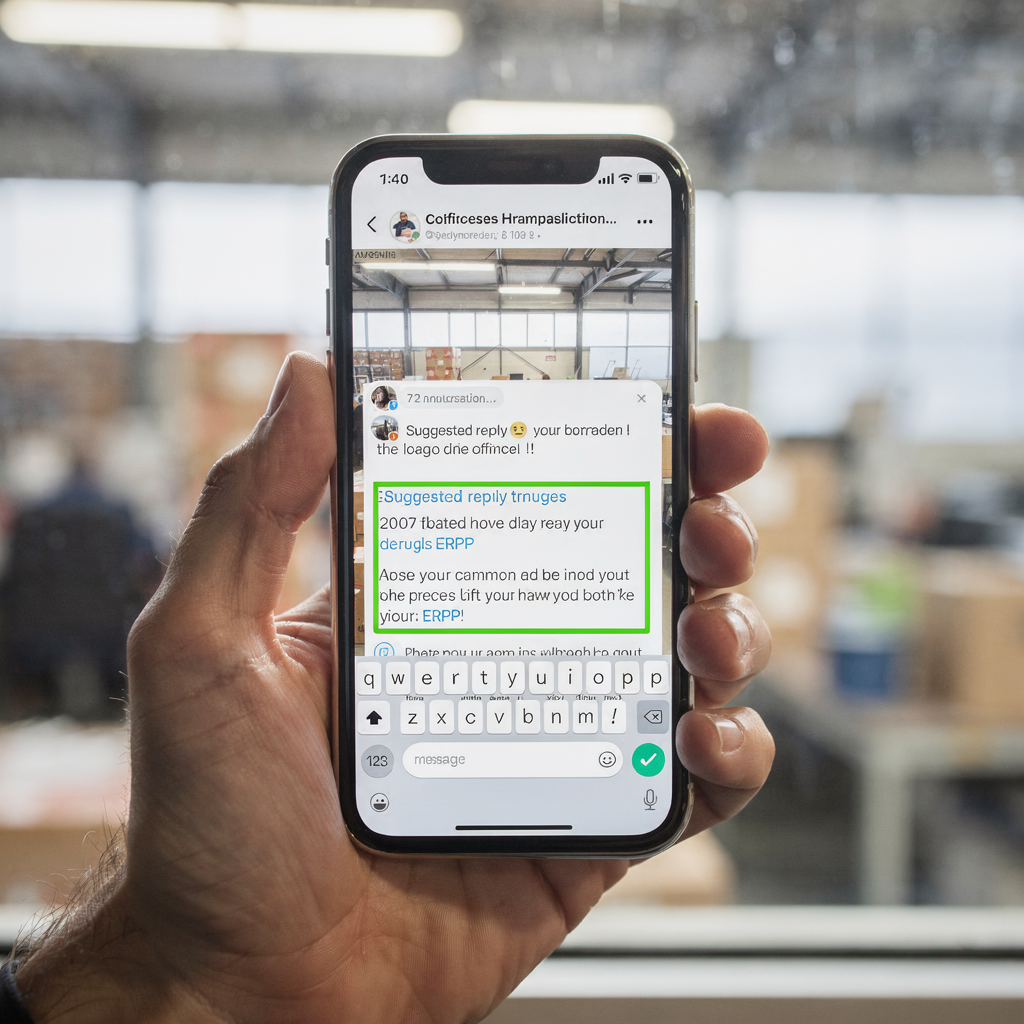
Start with a phased pilot to control risk and measure value. First, choose a small team and a defined workload such as order queries or password resets. Second, prepare historical threads and the knowledge base so the assistant can learn patterns. Third, set guardrails: human-in-the-loop, approved templates and escalation flows. Next, collect metrics on reply time, automation rate and CSAT, then iterate on prompts and rules.
Operational steps include identifying repetitive cases to automate, importing past threads for training, mapping route rules to teams, and appointing content owners. Set governance roles for prompt and template ownership, privacy review and performance monitoring. Decide where to automate fully and where to offer drafts. For instance, automate low-risk confirmations, suggest drafts for technical troubleshooting, and keep manual responses for novel or legal queries.
Use a simple decision matrix: low-risk, high-volume → auto; medium-risk → draft-suggest; high-risk or complex email → human-only. Also align integrations early: ticketing, CRM, ERP and Microsoft 365 connectors shorten time-to-value. Finally, plan a scale phase after the pilot: widen coverage, add more email addresses, and integrate the assistant with additional systems. If you want a logistics-specific ROI view, see our breakdown of virtualworkforce.ai ROI for logistics teams (virtualworkforce.ai ROI logistics). Use this roadmap to deploy with confidence and keep control as usage grows.
FAQ
What is an AI email assistant and how does it help customer support?
An AI email assistant reads incoming messages, classifies intent and either routes or drafts replies. It helps customer support teams by reducing repetitive work and speeding up response times while keeping a traceable audit trail.
Can an assistant fully automate replies?
Some low-risk enquiries can be fully automated, such as confirmations or status updates. However, most teams start with draft-suggest workflows and expand automation once confidence and controls improve.
How do I measure the impact of an email agent?
Track metrics like average reply time, automation rate, backlog reduction and CSAT changes. Also calculate hours a week on email saved to estimate ROI.
Are AI email assistants safe for regulated industries?
Yes, when they include encryption, data residency controls and audit logs. Governance and role-based access ensure compliance in regulated environments.
Which features should I prioritise when choosing a tool?
Prioritise intent detection accuracy, shared inbox support, SLA tracking and CRM or ERP integrations. Those features map directly to faster resolution and consistent messaging.
How long does it take to deploy a pilot?
A small pilot can start in weeks when you prepare KB articles and past threads. Zero-code setups and clear guardrails speed the process while keeping IT in control.
What are common pitfalls during rollout?
Common pitfalls include over-trusting drafts, failing to train on domain data and not defining escalation paths. Mitigate these by using human-in-the-loop reviews and regular retraining.
Can an assistant handle long email threads?
Yes, thread-aware assistants track context across long email chains and use history to craft accurate replies. This reduces repeated questions and improves resolution times.
Do assistants integrate with Microsoft 365 and Gmail?
Most modern assistants integrate with Microsoft 365 and Gmail, and some support traditional email clients too. Check connectors and workspace compatibility before selecting a tool.
How do I choose the right level of automation?
Use a decision matrix: auto for low-risk high-volume tasks, draft-suggest for medium risk, and human-only for complex or sensitive cases. This approach balances speed with safety.
Drowning in emails?
Here’s your way out
Save hours every day as AI Agents label and draft emails directly in Outlook or Gmail, giving your team more time to focus on high-value work.